Git Guides & Git Tutorials
Design mistakes I made in my open-source project git-sim in 2022
How to use this page
- sliderDrag it to move the graph from before the command to after it.
- ▶ / ❚❚Play or pause the command, start to finish, on a loop.
- Before · AfterJump straight to either end.
- ← → · spaceStep through a multi-step command; space toggles Before / After.
- APlay or pause from the keyboard (the page opens playing). Any manual input takes over.
- hoverA commit shows its message, author, date and parents, with its history highlighted.
- clickCopies the commit sha.
- ctrl + wheelZoom around the cursor (pinch on a trackpad). Double-click resets the view.
- EscStop playback, reset the view, close this menu.
- shareThe Share button copies a link to this graph, copies it as an image, downloads PNG/SVG/page, or posts it. #before, #after or #step=N in the link pins the state.
The Animated Git Cheat SheetFree · Customize it · Download it · Print it
made with git-sim
Table of Contents
- The idea
- The launch
- Design mistakes
- Not defaulting to web-first outputs
- Install friction
- Performance
- Summary
- Next steps
The idea
One fine day in the summer of 2022 (before ChatGPT even launched 🤯), I stumbled upon a bubble-sort algorithm animation made with Manim, a Python library created by Grant Sanderson of 3Blue1Brown for drawing and animating mathy things. I loved the simplicity of the visualization and the effectiveness with which it conveyed the underlying concepts.
Being quite far down the rabbit hole of Git and version control (as I still am), this planted the seed of an idea in my brain:
Could I use GitPython to read data from a local Git repository and visually depict something useful with Manim?
For the next few months I chewed on it mentally every now and then, until October 18, 2022, when I made my initial commit on a little Python project called git-sim. The idea behind git-sim was simple: Visually simulate any Git command directly in your own repo, with a single terminal command.
The primary benefit would be offering these visual Git simulations in the context of the user's very own environment, based on their specific Git repo data and structure, and not some sample scenario on Stack Overflow (anyone remember that website?) that would surely differ from the user's scenario in myriad ways.
The launch
I worked on git-sim for a few months and distinctly remember the thought "I better release this thing now before I put any more work into something that nobody is going to care about". This prompted me to release git-sim as an open-source project on January 22, 2023.
As it turned out, people did care about it.
Now, more than three years later in 2026, git-sim is approaching 100,000 downloads.
Design mistakes
Little did I know at the time, I had made three design decisions that I believe significantly hampered the usability, effectiveness, and reach of the project:
- Not defaulting to web-first outputs
- Install friction
- Performance
I'd like to unpack those a little bit here to help prevent other developers from making the same mistakes, or at least to help them catch those mistakes earlier than I did so they can be addressed.
Not defaulting to web-first outputs
When designing git-sim, I underestimated how powerful web-first assets can be. By default, users ran git-sim commands from the terminal, producing JPG/PNG images and MP4 videos that opened in a local photo or video player. These output formats were essentially dead ends for the user. The most obvious next option the user had was to close the simulated image or video and move on.
As a result, I changed git-sim's default behavior to generate a web-native SVG which can be animated by bundled JavaScript and CSS.
A web-first simulation output allows a richer, interactive experience in the browser, integration with developer tools like IDEs that can render web-based content, and easy options for sharing or posting the generated simulations. This allows developers to invoke git-sim and render the Git visualizations within tools that are already a part of their workflows, such as VS Code and Jupyter notebooks, as opposed to being limited to the terminal.
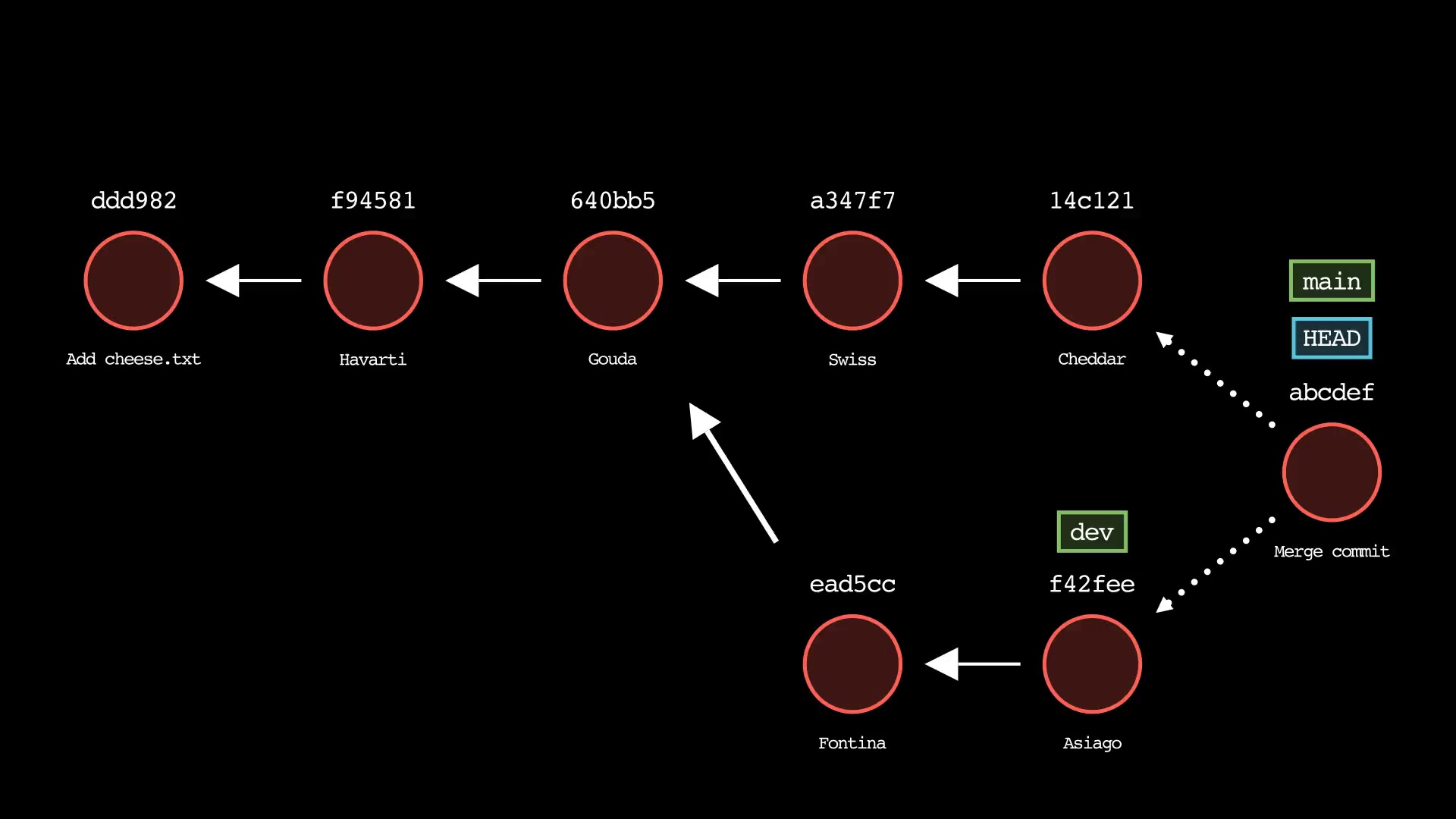
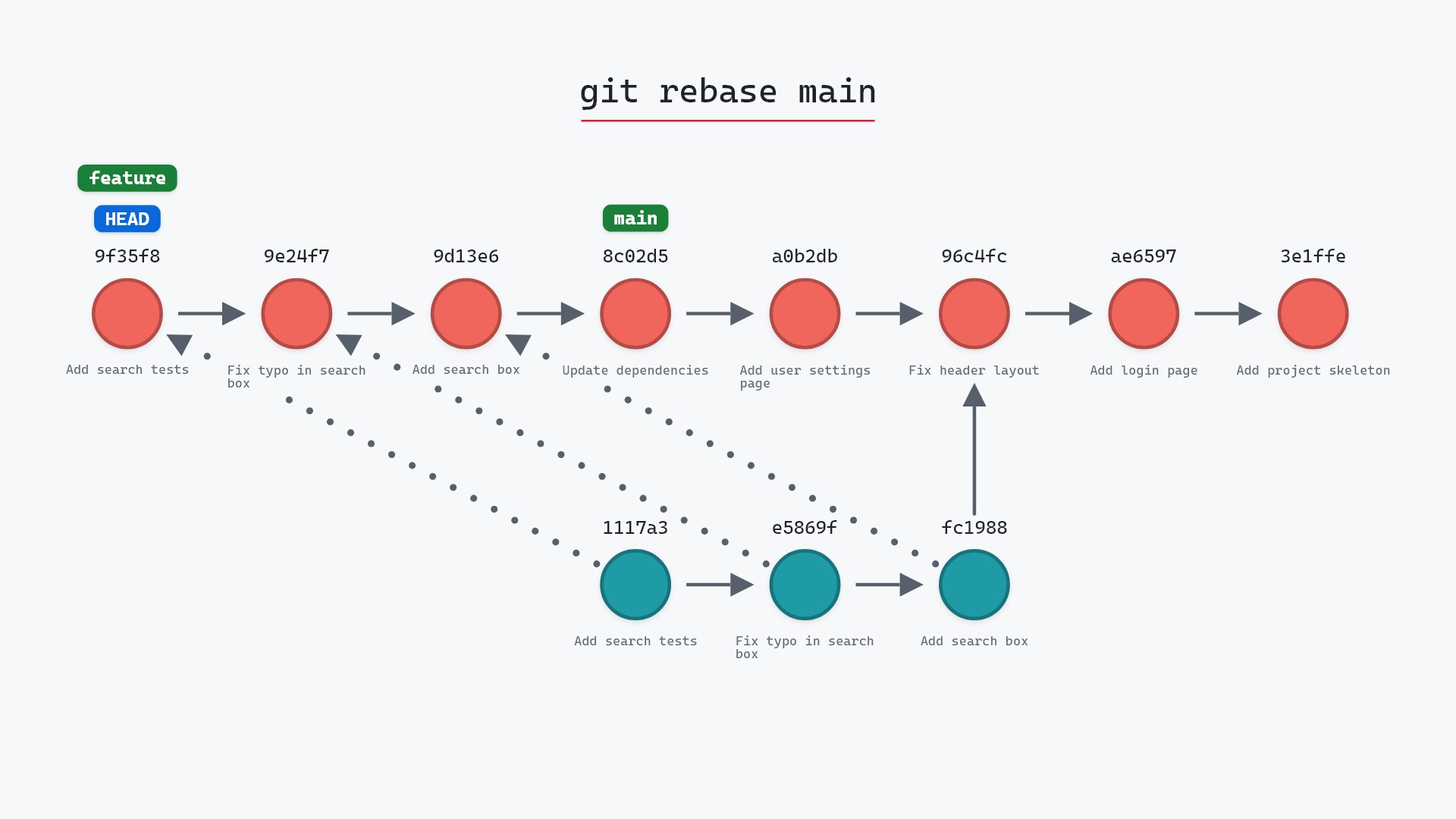
Here is an example of a web-native SVG showing the git pull command simulated by git-sim against a real Git repo:
And here is an entire Git workflow (real sequence of Git commands), captured in git-sim's live mode against a real Git repo:
As mentioned, since these visualizations are web-native, they can just as easily be generated directly in VS Code with the git-sim VS Code extension:
code --install-extension initialcommit.git-sim
or inline in Jupyter notebooks as follows:
%load_ext git_sim.jupyter     # adds the %gitsim magic
%gitsim pull                  # simulates git pull command with git-sim
%gitsim reset --hard HEAD~2   # simulates git reset --hard command with git-sim
(Note: git-sim must be installed with pip install git-sim for the VS Code and Jupyter integrations to work).
Install friction
At the time, choosing Manim as the rendering engine for git-sim seemed like a good idea:
- It can render presentation-quality images and video (JPG/PNG/MP4 being the primary output formats for git-sim simulations at the time).
- It has an easy-to-learn Python API that I used to design and program the Git simulations.
What could go wrong?
Well, one thing I didn't take into account strongly enough was Manim's install friction. Not only does it require a second set of installation steps in addition to pip install git-sim, but Manim pulls in a heavy stack of dependencies along with it.
In fact, a large share of the GitHub issues I received post-launch were related to git-sim installation issues, not functionality. In my 3-month dev update I wrote that the installation bugs "were mainly environment specific bugs that I simply didn't have the bandwidth to prepare for."
Additionally, I never released packaged binaries for git-sim, partly because it seemed too daunting to figure out how to bundle git-sim with Manim's dependencies into a single package, and to do that for three operating systems (or more if you include various Linux flavors).
This multi-part install surely prevented many less technical users (and even some less-motivated technical ones) from getting git-sim running in the first place, and I significantly underestimated its impact at the time by justifying it to myself with the misguided thought:
"This is a tool for developers, they can handle one extra little install step!"
I addressed this by rethinking what git-sim actually needs Manim for, which is the animated MP4 video option specified by --animate. As mentioned above, git-sim now generates a web-first SVG by default which doesn't require Manim at all. This allowed me to remove Manim as a first-class dependency of git-sim, and make it an optional dependency instead.
The result is that the vast majority of users can install git-sim with the single command pip install git-sim, and those who want top-quality video formats can run pip install "git-sim[extras]" followed by the additional Manim installation steps.
I still haven't created release binaries, but this should now be in reach due to git-sim's simplified dependency tree.
Performance
Not to keep ragging on Manim, but the way it draws every frame in Python and then encodes the video with FFmpeg can be quite slow, especially when the rendered scene has lots of elements or animations, even if the objects being rendered are relatively simple shapes, lines, and arrows.
git-sim needs to be flexible and scalable in terms of the number of elements it can draw, since a user might want to simulate Git commands on a large, branching repo with a complex structure.
Increasing the number of branches drawn and/or commit depth also scales the animations associated with those objects, to the point where even a powerful machine could take over a minute to generate videos on a complex repo.
Regardless, I justified this to myself with the thought:
"Well as long as the quality of the output is great, so what if it takes a little longer to generate?!"
Considering that an overarching design goal of git-sim was to fit in seamlessly with a developer's workflow, pausing for a minute for a simulation to load kind of undermines that.
Luckily, this issue was also mitigated by replacing Manim with custom SVG generation as the default git-sim renderer. Since Manim is out of the default render loop, performance jumps significantly and most git-sim simulations now generate in under a second. The reason is that only the SVG data across different animation steps needs to be processed by git-sim, and the actual animations are performed in real-time in the browser by JavaScript or CSS.
Summary
In this article, I discussed three decisions I made designing git-sim in 2022 that turned out to be mistakes, and how I fixed them.
My biggest takeaway is that I underestimated how important it is to choose the right tools for a project, and just because a tool can help you build something quickly and make it look good doesn't mean it is the right long-term tool for the job.
In hindsight, for this particular use case, I should have recognized Manim's value in generating an early MVP for git-sim, and iterated on the rendering options much sooner. This would have made git-sim much more useful and user-friendly to the vast majority of my users from the get-go.
Note: Manim is the reason git-sim exists in the first place. It's still available for users who want presentation-quality MP4 output, and I don't regret using it as a starting point.
Next steps
To try git-sim in your own repos, check out the Get started section on GitHub.
Thanks for reading and happy coding!
Get git-sim updates and Git tips by email.