Git commands
What git clean -f removes, and the one flag that makes it safe
git clean: deleting the files Git has never heard of
How to use this page
- slider / ▶Drag the slider, or press play, to watch the command happen. Before and After jump to either end.
- ← → · spaceStep through a multi-step command; space toggles Before / After.
- APlay or pause the loop (the page opens playing). Any manual input takes over.
- hoverA commit shows its message, author, date and parents, with its history highlighted.
- clickCopies the commit sha.
- ctrl + wheelZoom around the cursor (pinch on a trackpad). Double-click resets the view.
- EscStop playback, reset the view, close this menu.
- shareThe Share button copies a link to this graph, copies it as an image, downloads PNG/SVG/page, or posts it. #before, #after or #step=N in the link pins the state.
git-sim visually simulates any Git command in your own repos - from your terminal, IDE, or AI.
Table of Contents
- Introduction
- What is git clean?
- Watch it happen
- Before and after
- Look first
- Is it safe?
- Useful forms
- How to undo it
- Try it on your repository
- Common questions
- Summary
- Next steps
- Related commands
Introduction
A repository collects debris: build output, editor backups, a script you wrote to test something. git clean removes files that Git isn't tracking. It's the only Git command that deletes things Git has never stored, which is why it demands a -f before it will do anything and why the preview flag matters more here than anywhere else.
In this article, we'll:
- Watch
git clean -fremove an untracked file - Confirm that tracked files, modified or not, are left alone
- Cover the dry run, and the flags that reach directories and ignored files
What is git clean?
git clean deletes untracked files from your working directory. Untracked means not in the staging area and not in HEAD: files Git has never been told about. Because there is no copy anywhere in .git, the deletion is permanent, and Git refuses to run without -f (or the clean.requireForce setting turned off).
By default it skips directories and skips files matched by .gitignore.
Watch it happen
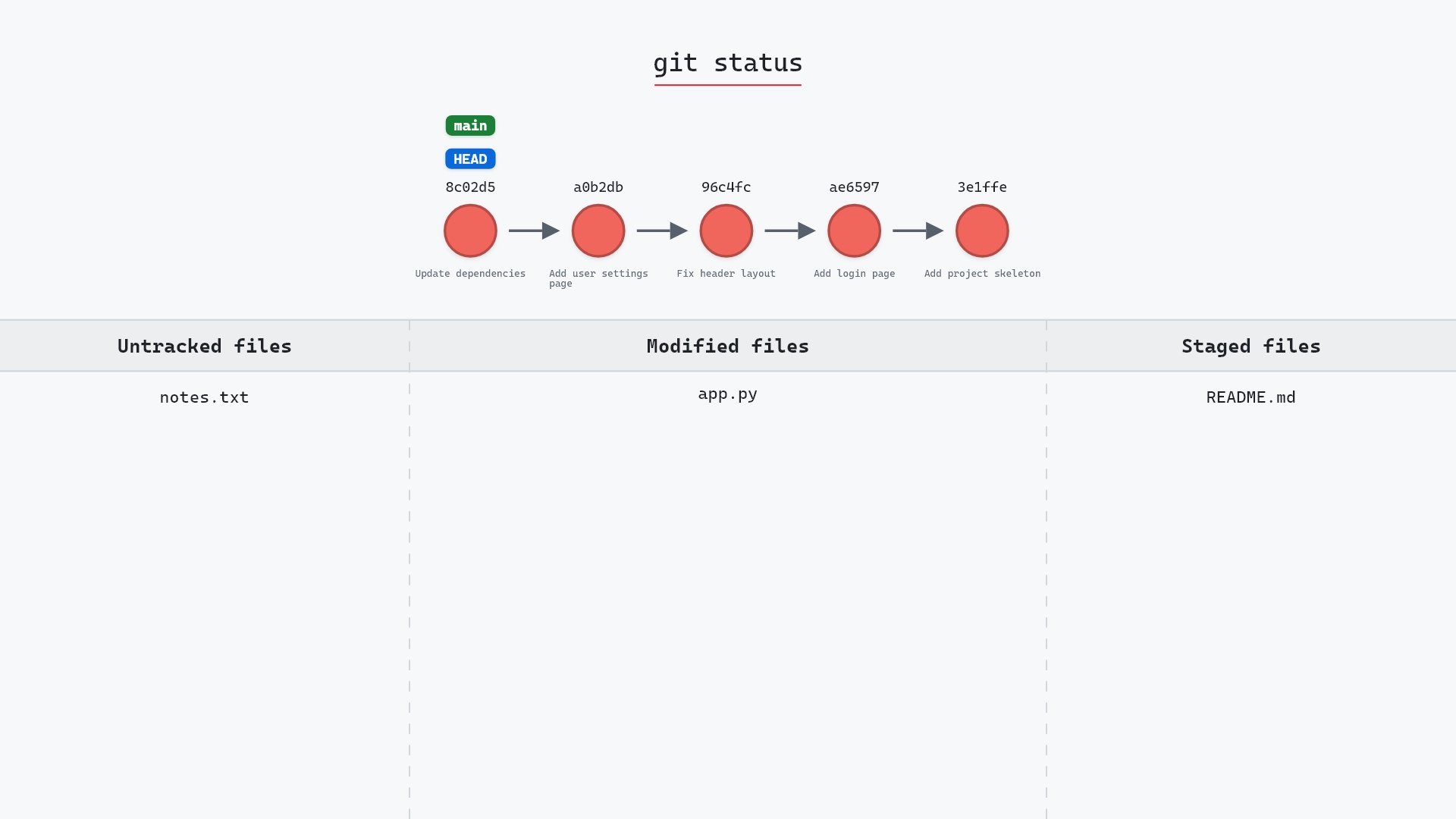
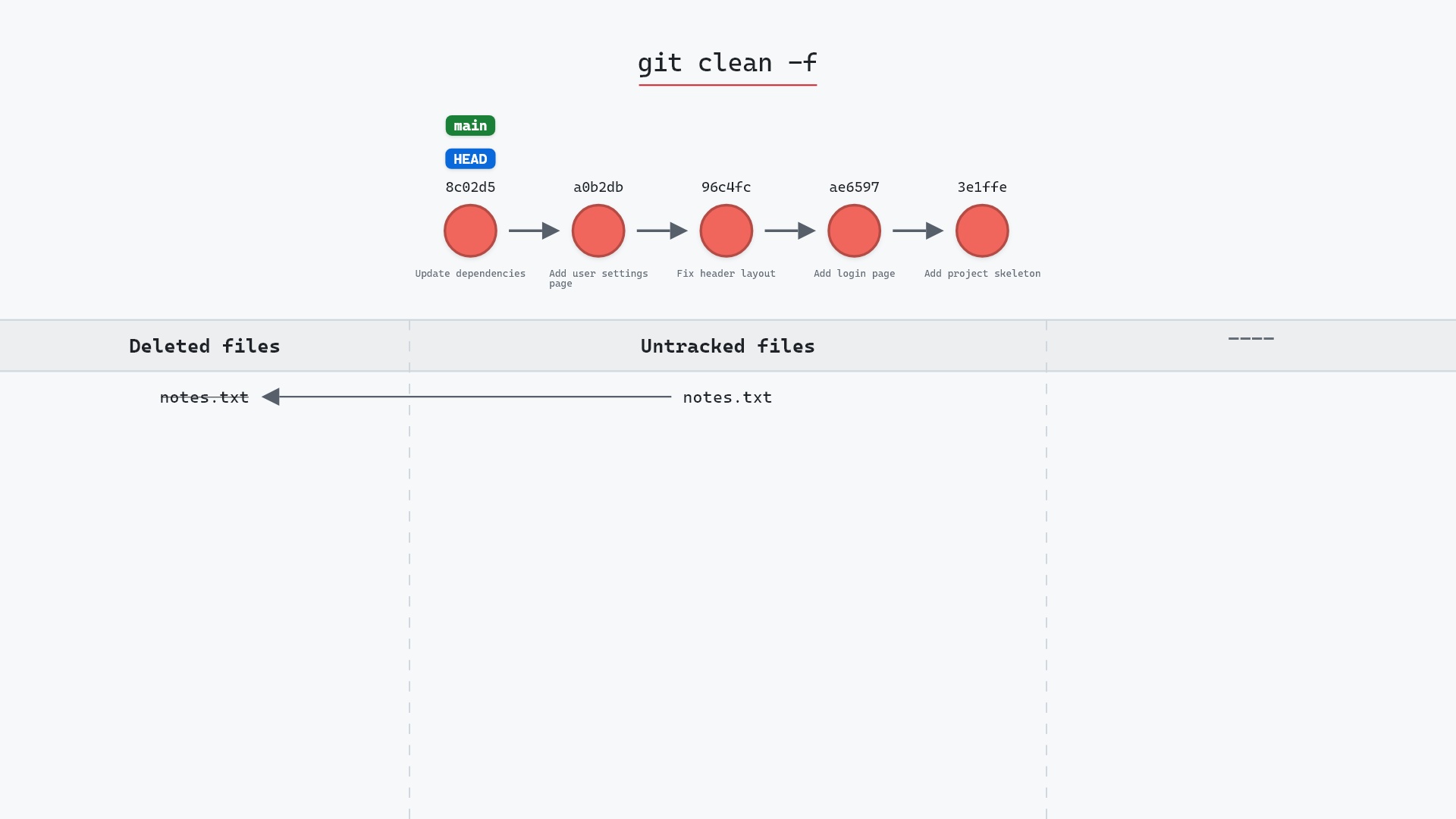
Our sample repo has an untracked file next to tracked changes. Here's git clean -f:
- Before:
README.md(staged) andapp.py(modified) are tracked.notes.txtis untracked. - Git deletes
notes.txtfrom the working tree. It's gone from disk. README.mdandapp.pyare untouched. They're tracked, socleandoesn't consider them, and no commit or branch changes.
Before and after
git status --short before:
M  README.md
 M app.py
?? notes.txt
and after:
M  README.md
 M app.py
Git names each file as it deletes it:
The raw git output, if you want to read along in text
git log --oneline --graph --all
before
* 1117a34 (feature) Add search tests
* e5869f0 Fix typo in search box
* fc19889 Add search box
| * 8c02d5b (HEAD -> main) Update dependencies
| * a0b2db3 Add user settings page
|/
* 96c4fc2 Fix header layout
* ae65976 Add login page
* 3e1ffe4 Add project skeleton
* 4114b2c Initial commit
after
* 1117a34 (feature) Add search tests
* e5869f0 Fix typo in search box
* fc19889 Add search box
| * 8c02d5b (HEAD -> main) Update dependencies
| * a0b2db3 Add user settings page
|/
* 96c4fc2 Fix header layout
* ae65976 Add login page
* 3e1ffe4 Add project skeleton
* 4114b2c Initial commit
what git printed
Removing notes.txtLook first
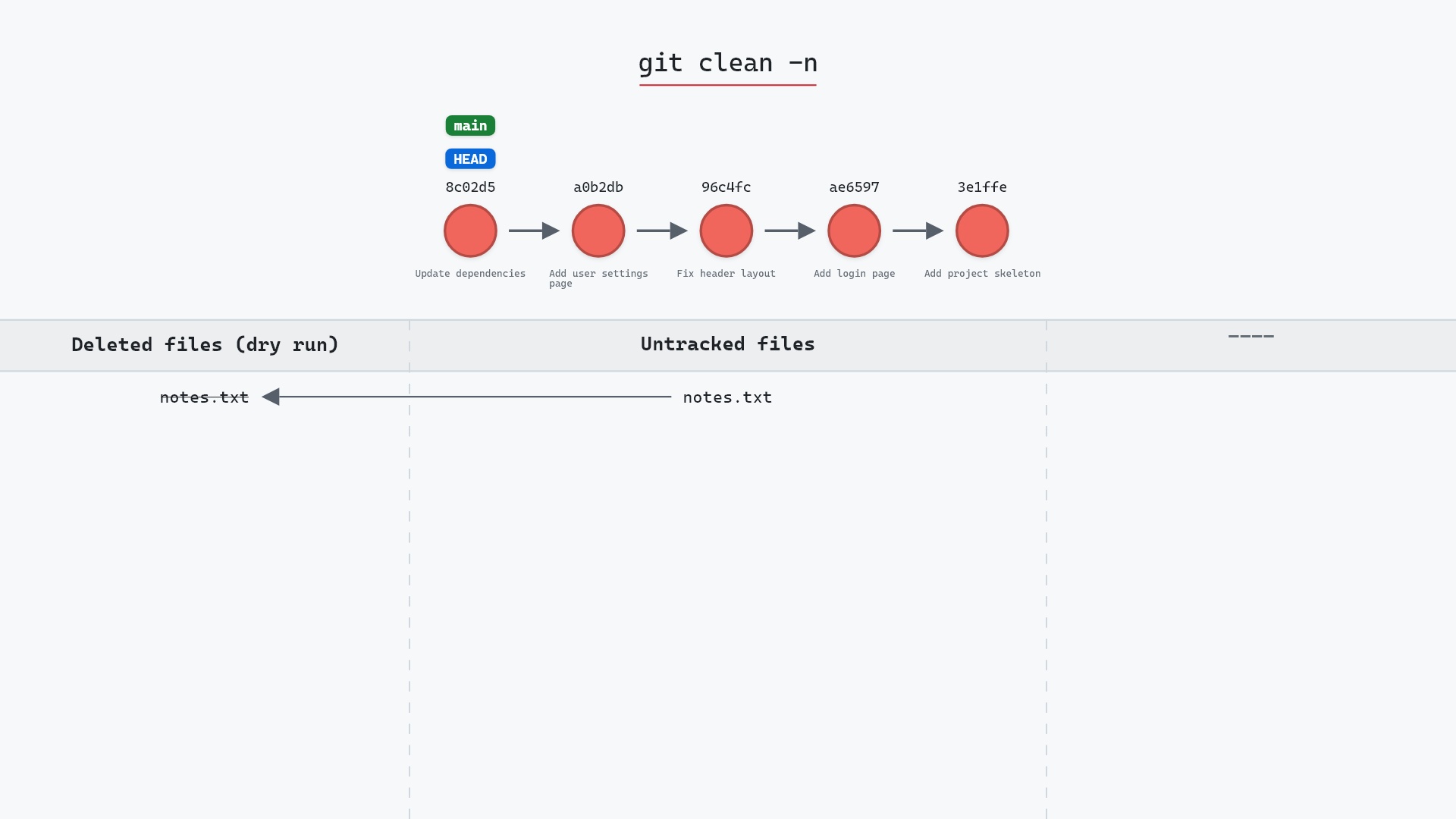
git clean -n
prints "Would remove notes.txt" and deletes nothing. Given that there's no undo, running -n before -f should be a reflex. -i is the interactive version, which asks per file.
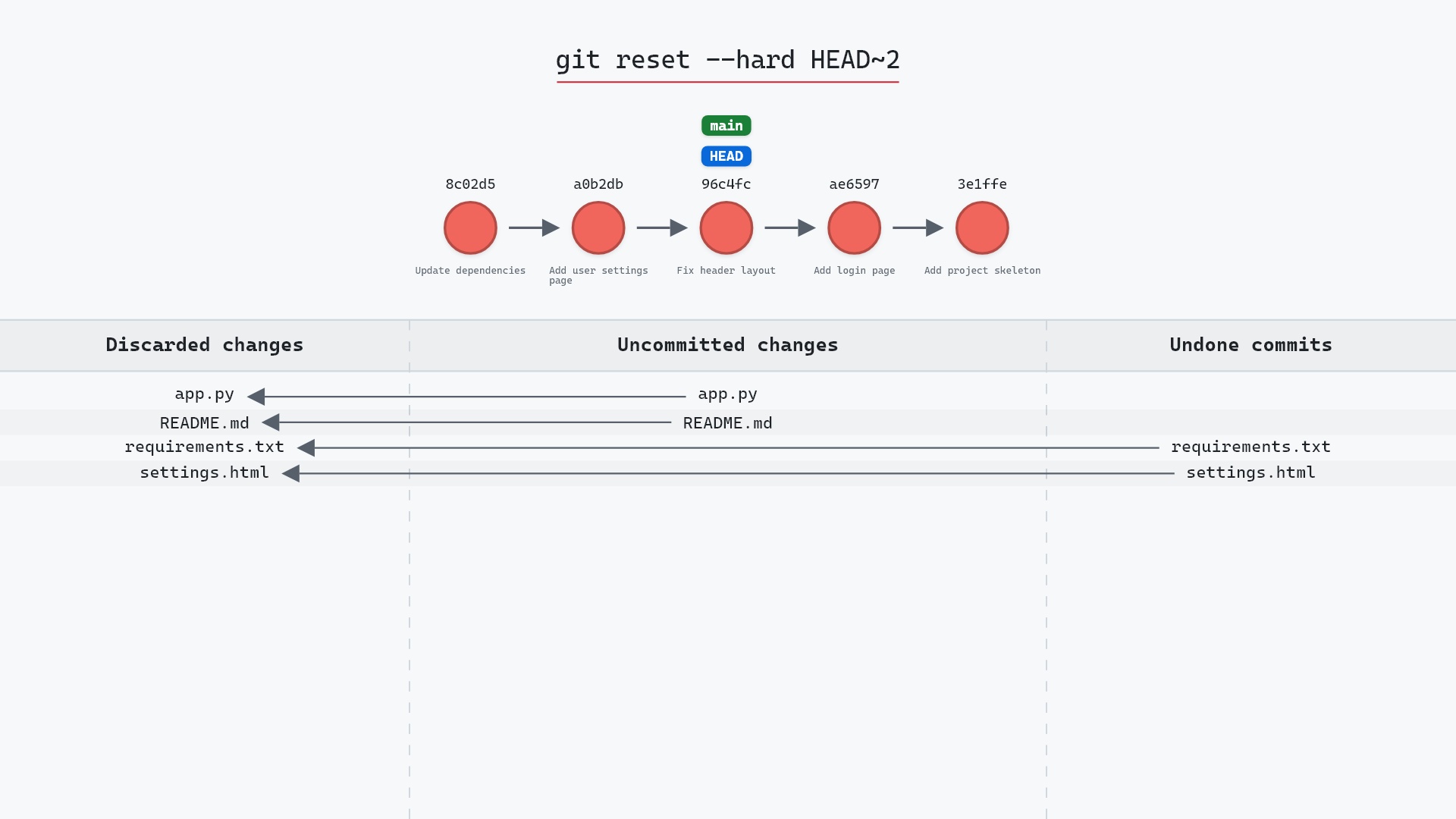
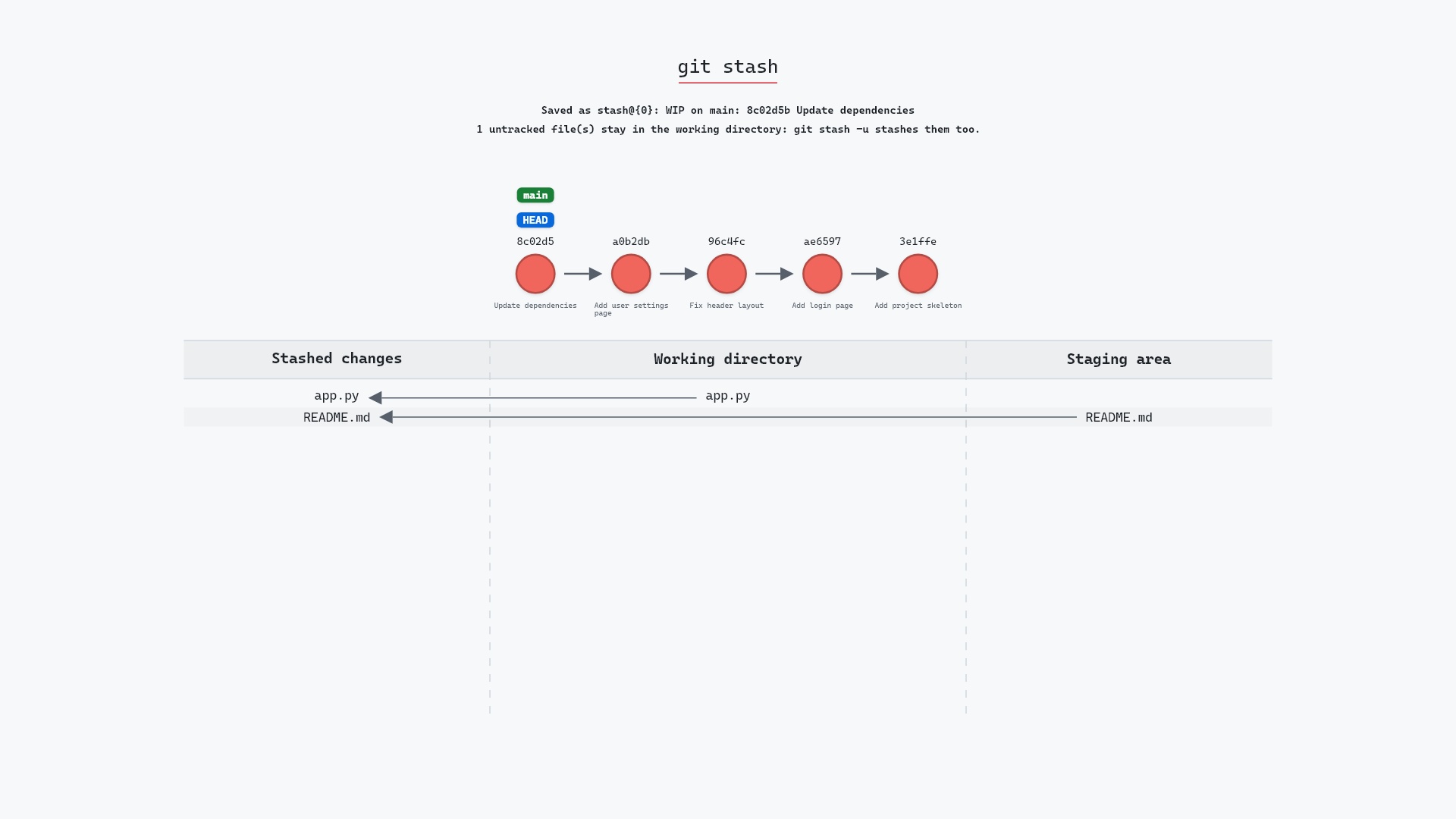
git reset --hard followed by git clean -fd, run together to "get back to a clean checkout". The first throws away every uncommitted edit to tracked files, the second every untracked file. Between them, nothing you hadn't committed survives. I've typed that pair on purpose, but never without git status first.
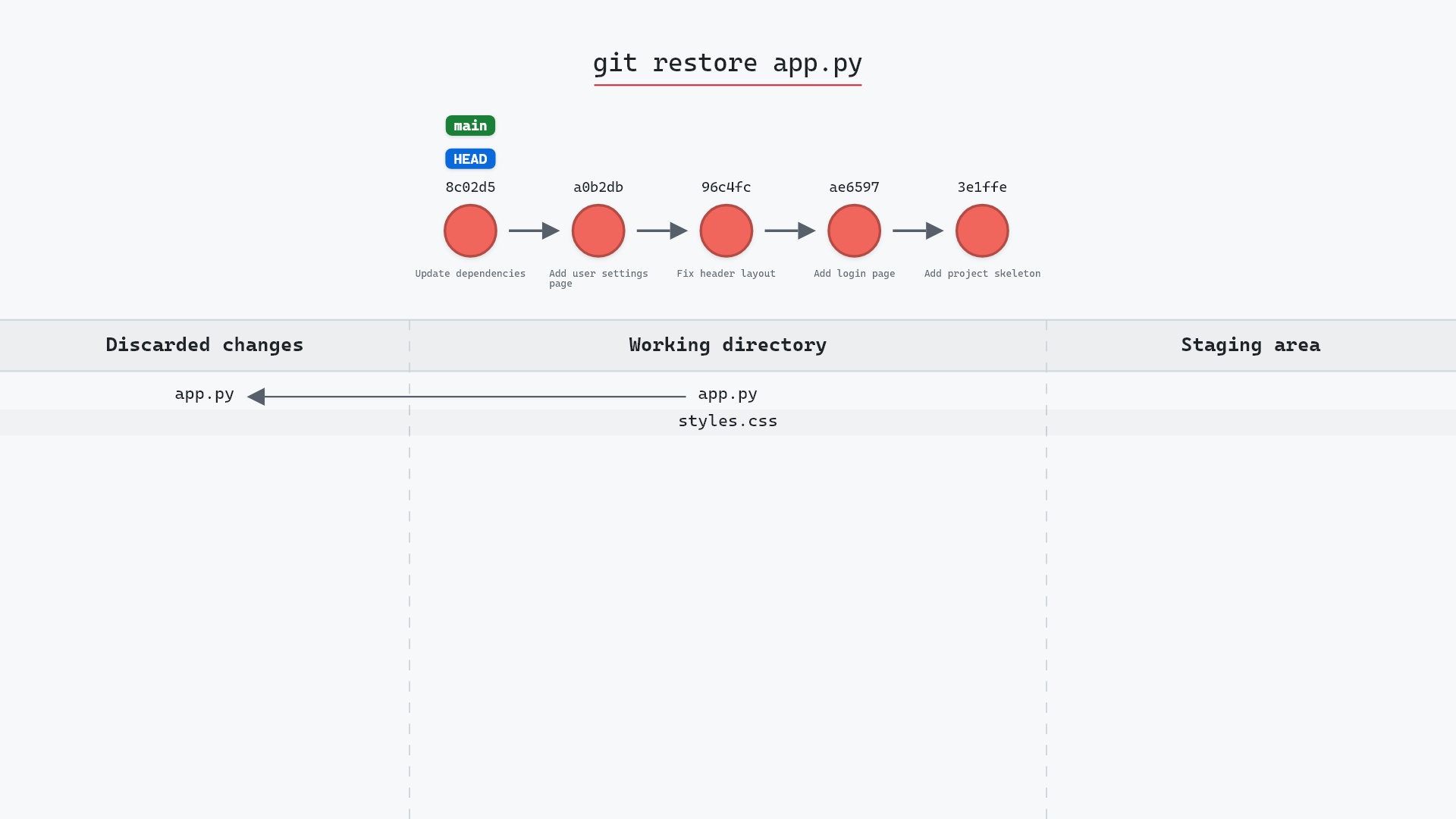
Here is the first half of that pair on the same repo, for comparison:
Is it safe?
Destructive git-sim pre-flight
Permanently deletes 1 untracked path(s).
What you would lose
- notes.txt (untracked — NOT recoverable)
- Untracked files are not in git's object store; deletion is permanent.
The pre-flight report says it plainly: untracked files aren't in Git's object store, so once deleted they're gone. This is a different kind of risk from reset --hard, where the commits at least survive in the reflog.
Useful forms
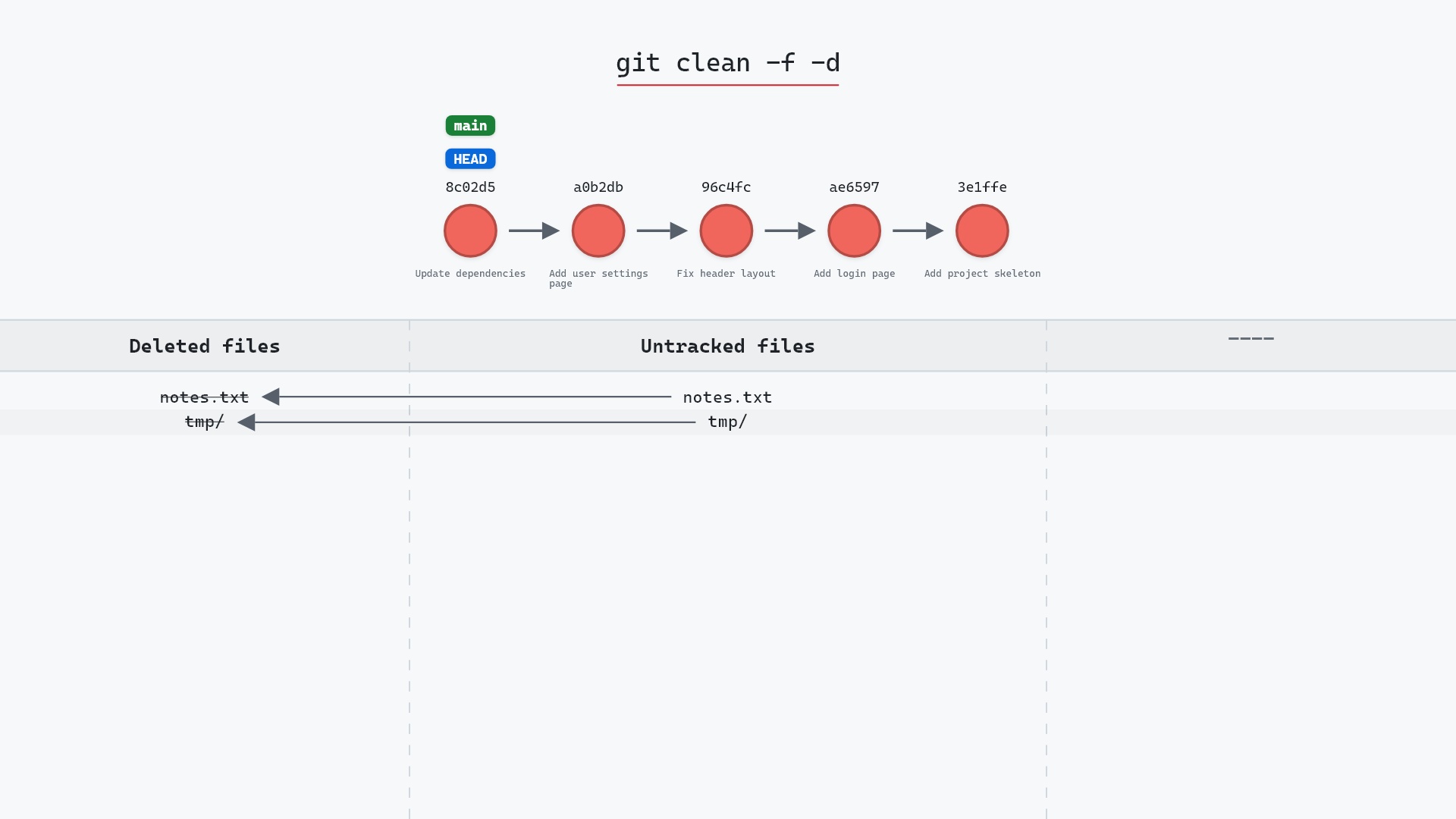
git clean -npreviews.git clean -fdeletes untracked files.git clean -fdalso deletes untracked directories.git clean -fxalso deletes ignored files, such as build output.git clean -fXdeletes only ignored files, keeping other untracked ones. The git clean documentation has the full list, including-efor extra exclude patterns.
How to undo it
You can't, in Git. Deleted untracked files were never in the repository. If the file was open in an editor, the editor may still have it.
Try it on your repository
pip install git-sim
git-sim clean -f
git-sim lists every file the command would delete and marks them as not recoverable, which is the same information as -n with the tracked files drawn alongside for context.
Common questions
What does git clean do?
It deletes untracked files from the working directory. With -d it also deletes untracked directories, and with -x ignored files.
Why does git clean require -f?
Because the files it deletes have no copy in Git and cannot be recovered. The clean.requireForce setting, on by default, insists you confirm with -f.
How do I preview what git clean will delete?
git clean -n (or --dry-run) lists the files without deleting them.
Can I recover files deleted by git clean?
Not through Git. Check your editor's local history or a backup.
Summary
In this article, we watched git clean -f delete an untracked file while leaving tracked changes alone, and covered why the deletion is permanent and why the dry run should come first.
Next steps
Run git clean -n first, every time. git restore is the equivalent discard for tracked files.
Related commands
- git rm, removes tracked files instead
- git add, the other thing to do with an untracked file
- git restore, discards edits to tracked files
- git reset --hard, often run alongside clean
- git status, shows what's untracked
- git stash -u, to keep untracked files instead