Git commands
Why git switch exists when git checkout already did the job
git switch: change branches, nothing else
How to use this page
- slider / ▶Drag the slider, or press play, to watch the command happen. Before and After jump to either end.
- ← → · spaceStep through a multi-step command; space toggles Before / After.
- APlay or pause the loop (the page opens playing). Any manual input takes over.
- hoverA commit shows its message, author, date and parents, with its history highlighted.
- clickCopies the commit sha.
- ctrl + wheelZoom around the cursor (pinch on a trackpad). Double-click resets the view.
- EscStop playback, reset the view, close this menu.
- shareThe Share button copies a link to this graph, copies it as an image, downloads PNG/SVG/page, or posts it. #before, #after or #step=N in the link pins the state.
git-sim visually simulates any Git command in your own repos - from your terminal, IDE, or AI.
Table of Contents
- Introduction
- What is git switch?
- Watch it happen
- Before and after
- What switch refuses to do
- Is it safe?
- Useful forms
- How to undo it
- Try it on your repository
- Common questions
- Summary
- Next steps
- Related commands
Introduction
For fourteen years the way to change branches in Git was git checkout, a command that also restored files, created branches and detached HEAD. In 2019, Git 2.23 added git switch for branches and git restore for files. Neither does anything checkout couldn't. The point was to give each job a command that can't accidentally do the other one.
In this article, we'll:
- Watch
git switch featuremoveHEADon a small repository - See what changes on disk and what doesn't
- Cover what
switchrefuses to do, and the cases where you still needcheckout
What is git switch?
git switch <branch> points HEAD at the named branch and updates your working directory and staging area to match that branch's tip commit. It works only with branches. Give it a file name or a bare commit hash and it refuses, which is the entire difference from checkout.
Watch it happen
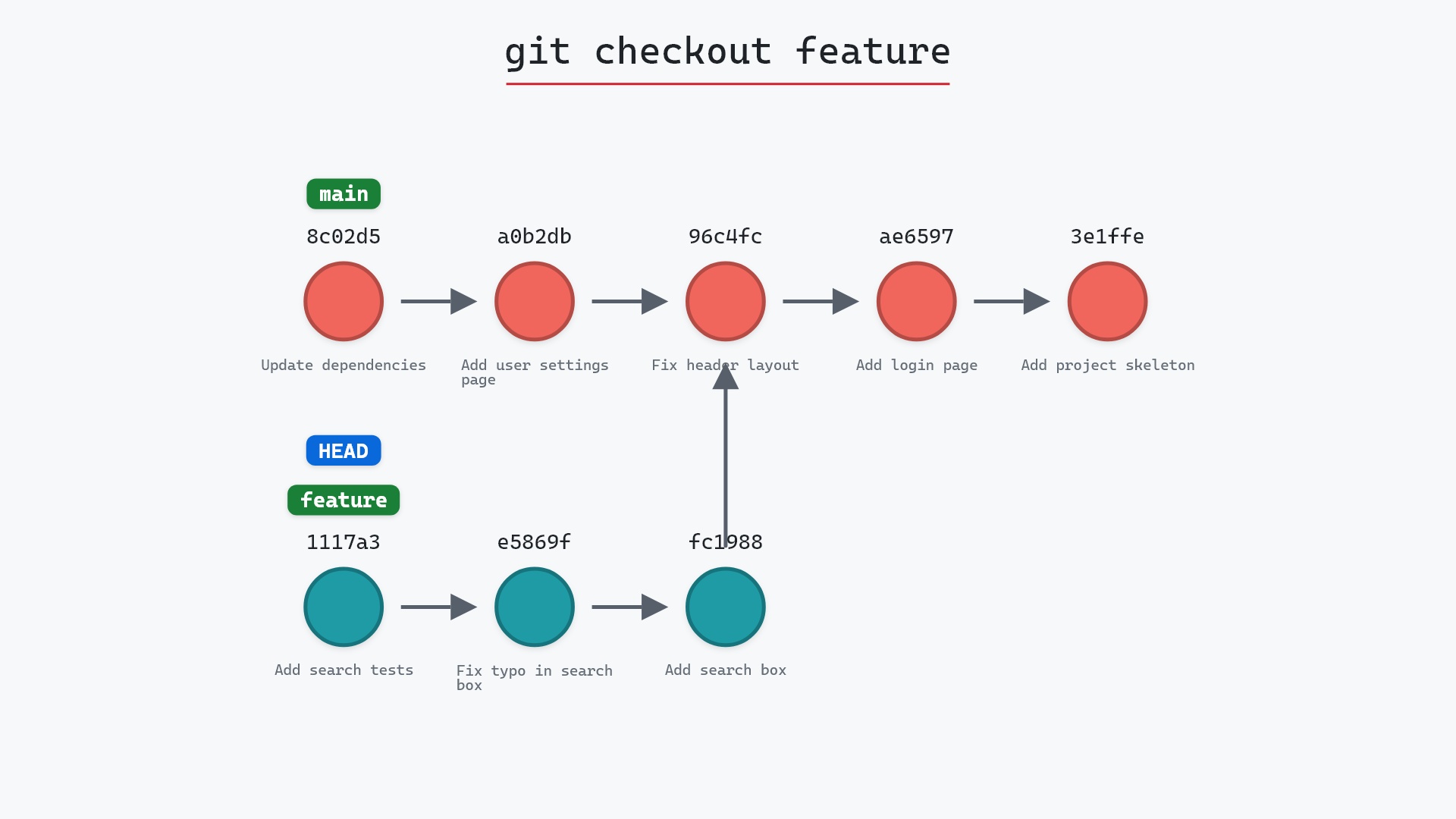
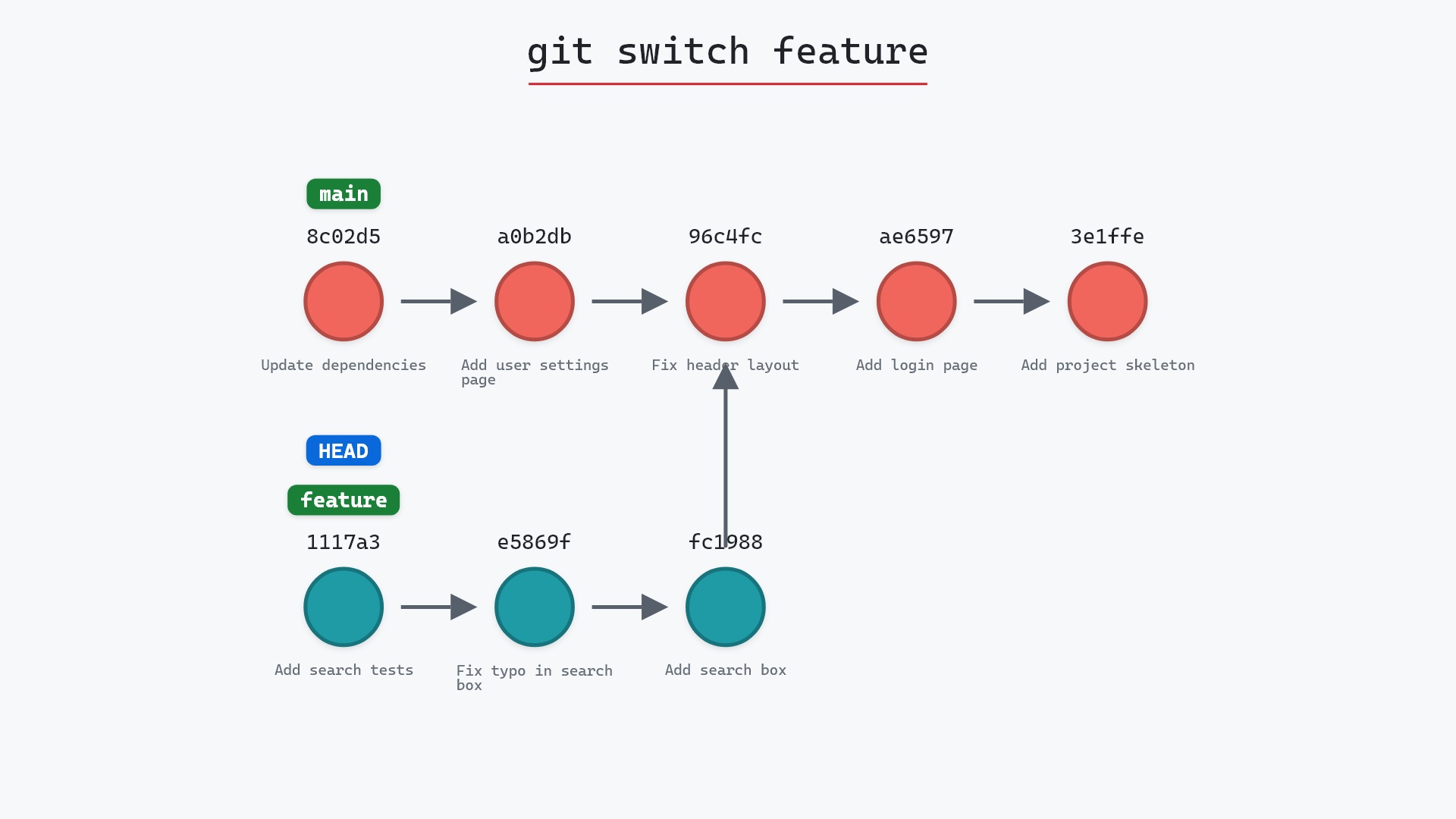
Our sample repo has main checked out. Here's git switch feature:
- Before:
HEADis attached tomainat8c02d5b, andfeaturepoints at1117a34. - Git attaches
HEADtofeature, so it now points at1117a34. mainandfeaturedon't move, and no commits are created or removed. Switching only changes which branchHEADis attached to.
Before and after
Between the graphs, HEAD has changed branches and nothing else. On disk, search.html and test_search.py appeared, because the feature branch has them and main doesn't. git status now reports feature.
The raw git output, if you want to read along in text
git log --oneline --graph --all
before
* 1117a34 (feature) Add search tests
* e5869f0 Fix typo in search box
* fc19889 Add search box
| * 8c02d5b (HEAD -> main) Update dependencies
| * a0b2db3 Add user settings page
|/
* 96c4fc2 Fix header layout
* ae65976 Add login page
* 3e1ffe4 Add project skeleton
* 4114b2c Initial commit
after
* 1117a34 (HEAD -> feature) Add search tests
* e5869f0 Fix typo in search box
* fc19889 Add search box
| * 8c02d5b (main) Update dependencies
| * a0b2db3 Add user settings page
|/
* 96c4fc2 Fix header layout
* ae65976 Add login page
* 3e1ffe4 Add project skeleton
* 4114b2c Initial commit
what git printed
Switched to branch 'feature'What switch refuses to do
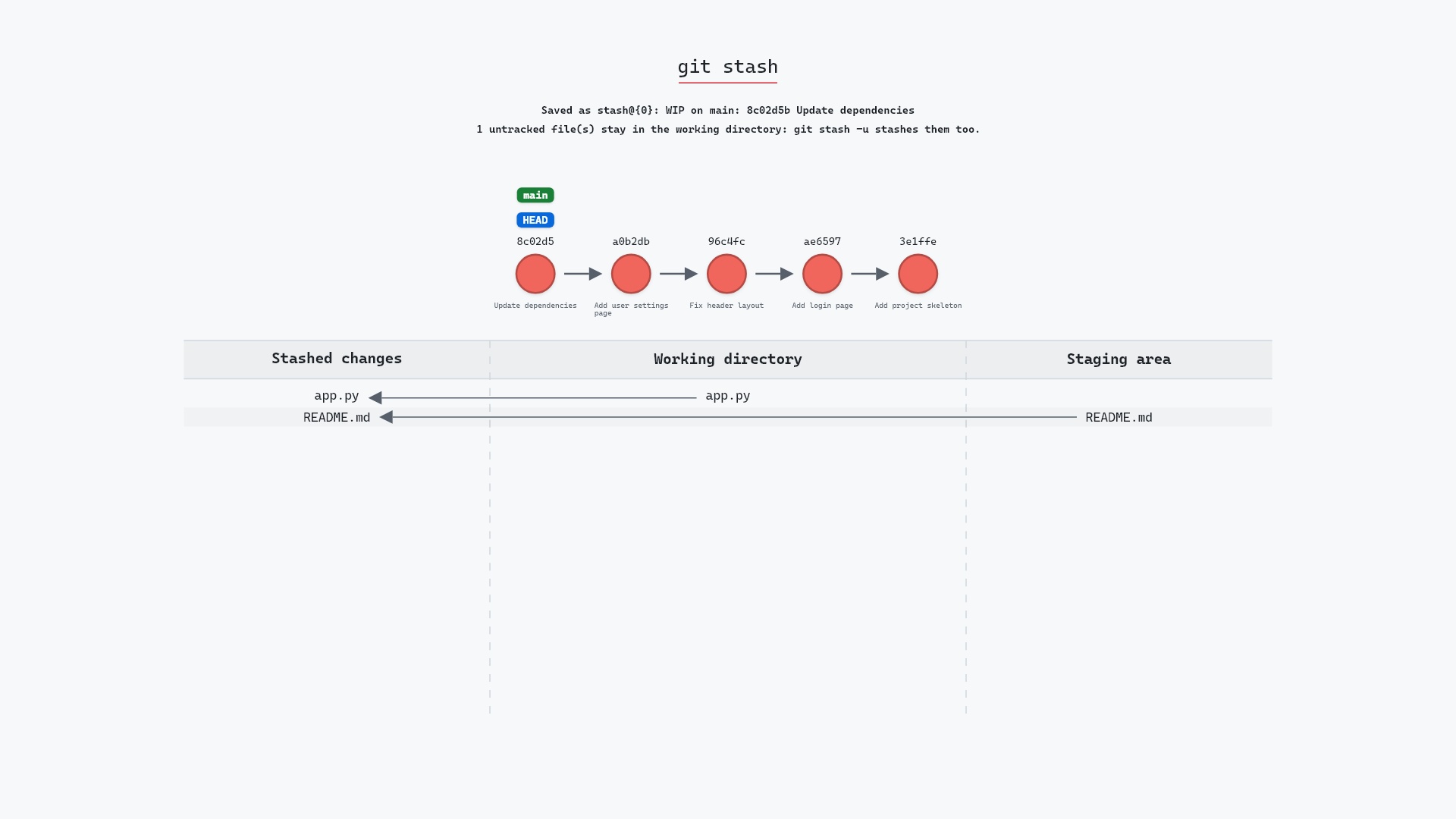
Like checkout, switch stops if you have uncommitted changes to a file that differs between the branches, with "Your local changes would be overwritten". Commit, stash, or git restore <file> to get past it.
Unlike checkout, switch also refuses a bare commit hash unless you add --detach, so you can't end up with a detached HEAD by accident. And it has no file mode at all, so there's no way to type a branch switch and discard a file's edits instead.
switch and restore landed. Two new commands for things Git already did felt like more to learn, not less. Teaching Git to people since then changed my mind. "switch for branches, restore for files" is a sentence a beginner can hold onto, and "checkout, but it depends what you pass it" is not.
Is it safe?
Safe git-sim pre-flight
Switches to 'feature'.
With a clean working directory, switching is safe in both directions. switch was designed so that the dangerous form of checkout (discarding a file's edits) isn't reachable from it.
Useful forms
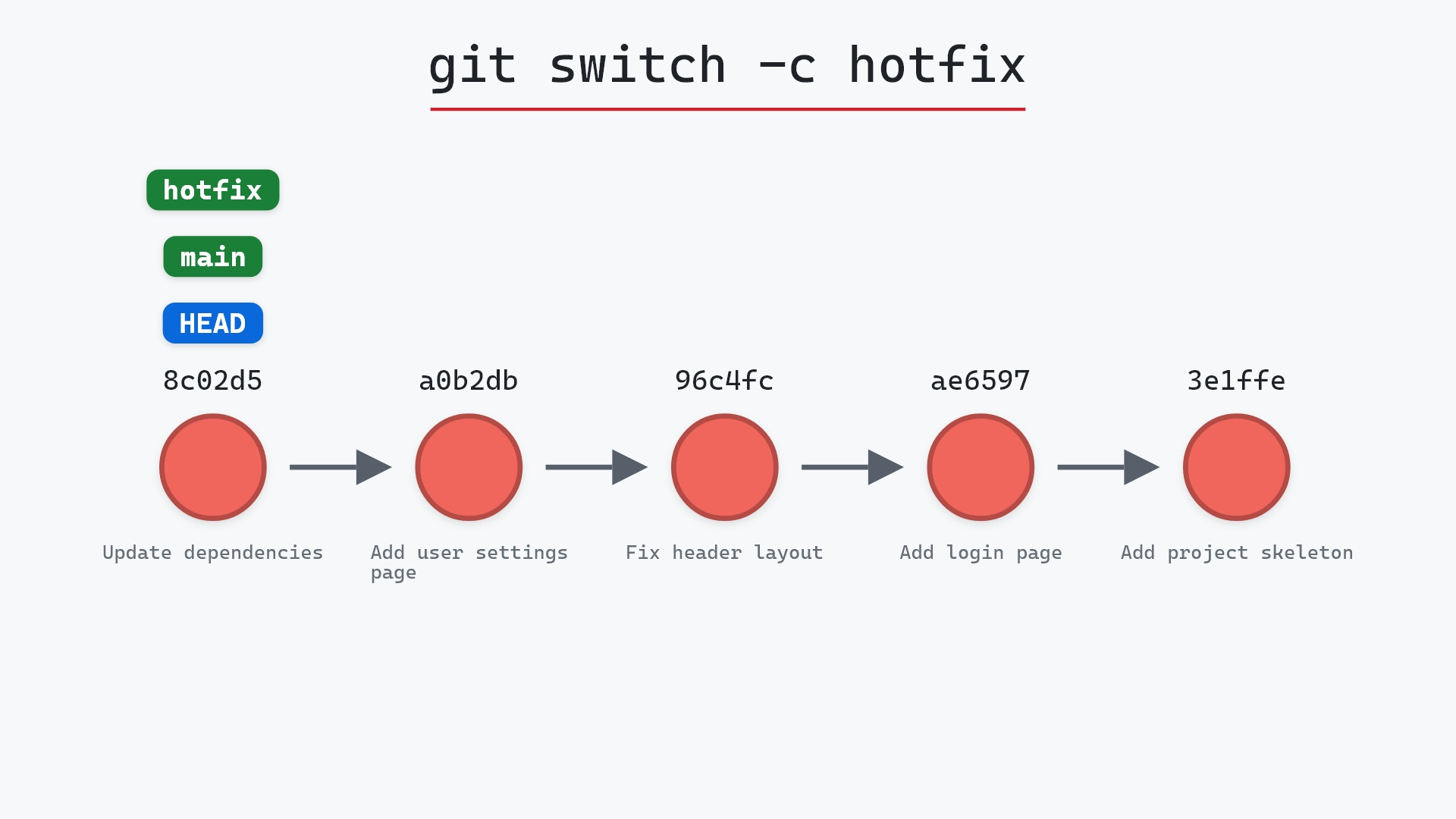
git switch -c <name>creates a branch and switches to it. Its own page.git switch -goes back to the previous branch.git switch --detach <commit>movesHEADonto a commit without a branch, on purpose.git switch -m <branch>merges your uncommitted changes across, as a three-way merge, instead of refusing (the git switch documentation covers this and every other flag).
How to undo it
git switch main
or git switch - to go back to wherever you were.
Try it on your repository
pip install git-sim
git-sim switch feature
git-sim shows where HEAD would land and lists any uncommitted changes that would block the switch.
Common questions
What is the difference between git switch and git checkout?
switch only changes branches. checkout changes branches, restores files, and can detach HEAD. Git added switch (and restore) in version 2.23 so each of those jobs has its own command.
Should I use git switch or git checkout?
For changing branches, switch. It does the same thing with fewer ways to go wrong. checkout still works and isn't going away.
Can git switch create a new branch?
Yes: git switch -c <name>.
Why does git switch say my local changes would be overwritten?
You have an uncommitted edit to a file that differs between the two branches. Commit it, stash it, or discard it with git restore <file>, then switch.
Summary
In this article, we watched git switch move HEAD from main to feature, saw the files on disk update while the branches stayed put, and covered why Git added a branch-only command alongside checkout.
Next steps
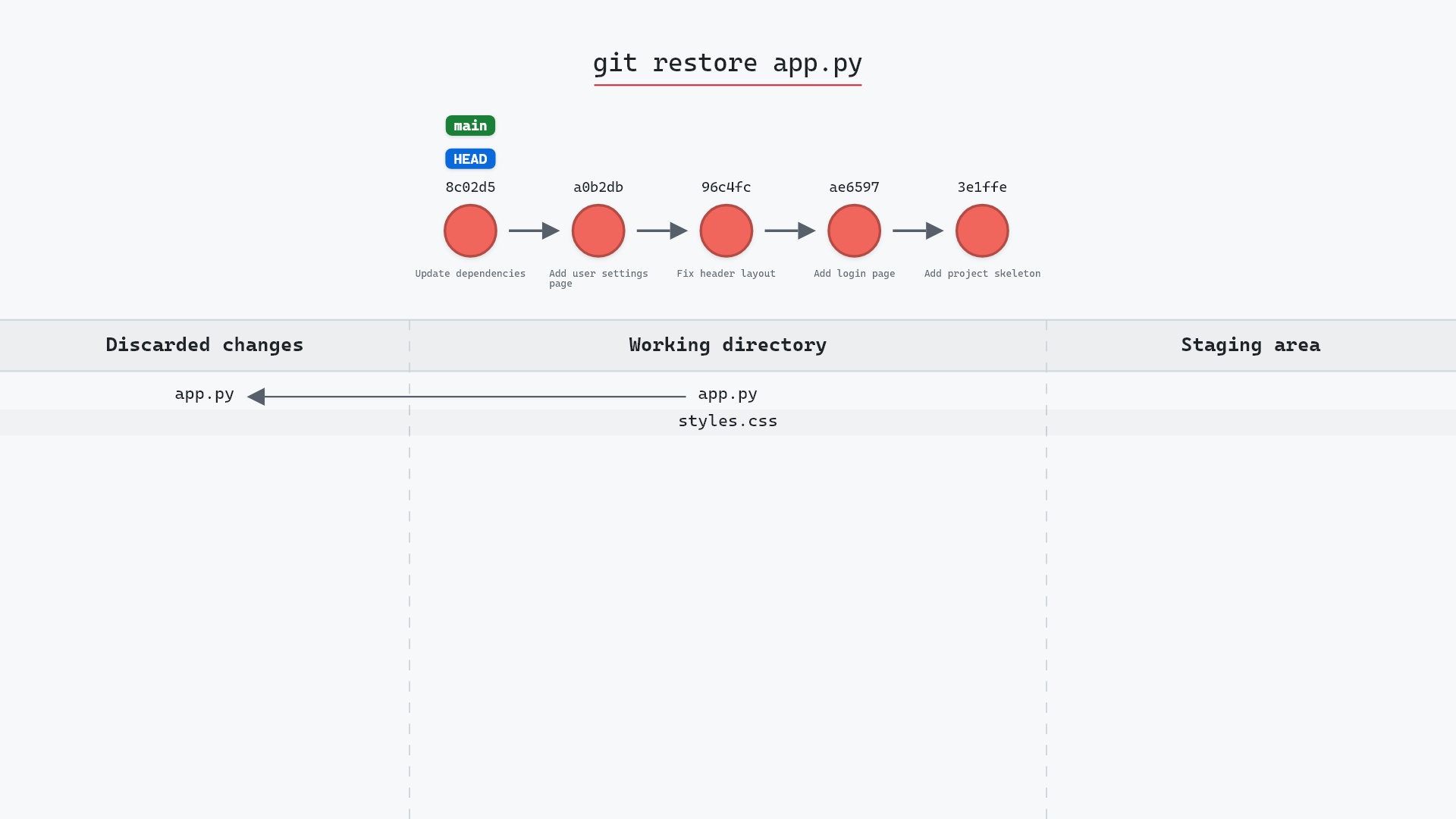
git switch -c creates the branch you're switching to. git restore is the other half of the checkout split.
Related commands
- git checkout, the command switch was split from
- git switch -c, to create and switch
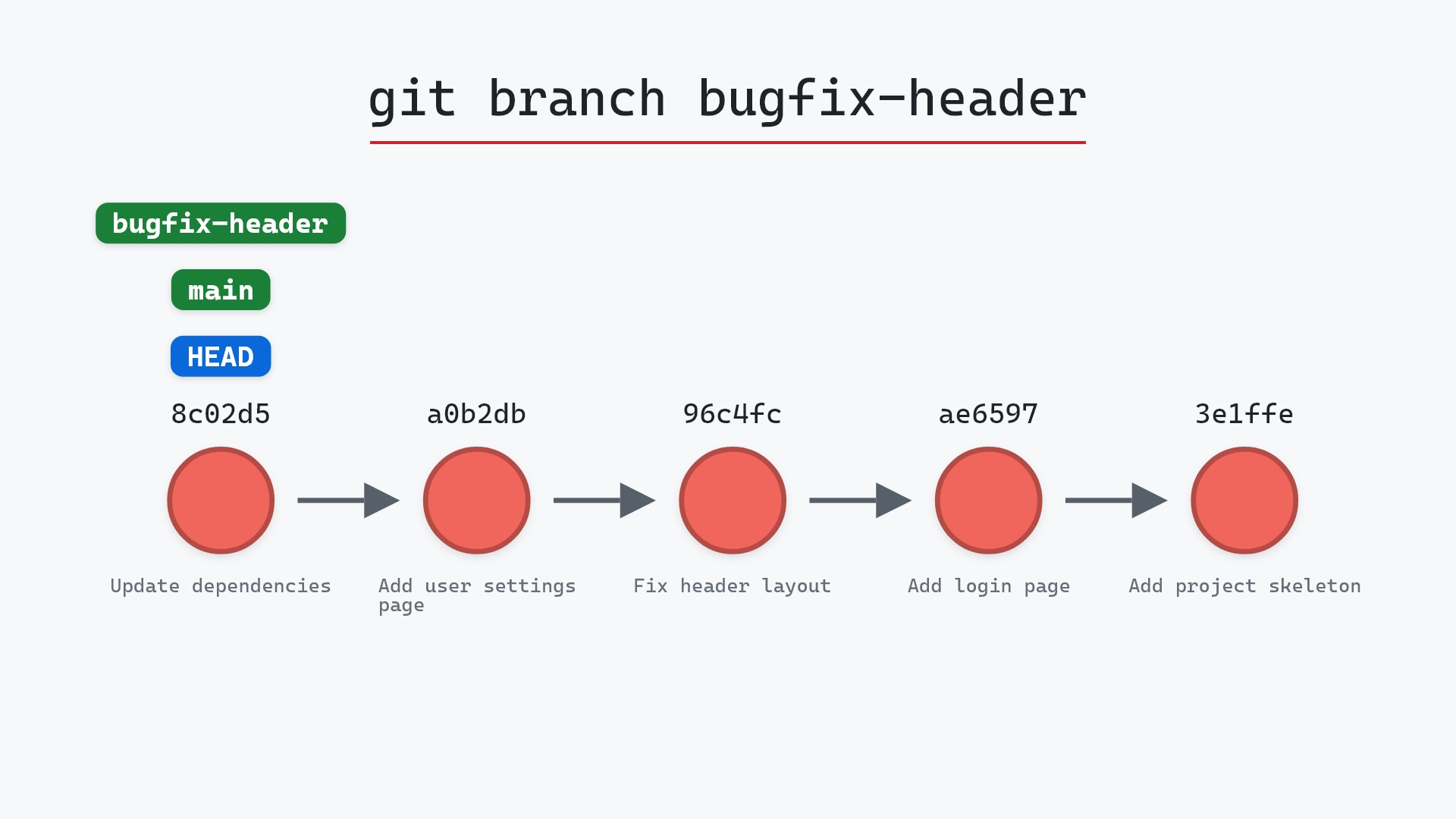
- git branch, what a branch is
- git stash, when changes block the switch
- git restore, the file half of the split
- git log, to see where each branch is