Git commands
Why a Git branch is just a 41-byte file
git branch: a name pointing at a commit
How to use this page
- slider / ▶Drag the slider, or press play, to watch the command happen. Before and After jump to either end.
- ← → · spaceStep through a multi-step command; space toggles Before / After.
- APlay or pause the loop (the page opens playing). Any manual input takes over.
- hoverA commit shows its message, author, date and parents, with its history highlighted.
- clickCopies the commit sha.
- ctrl + wheelZoom around the cursor (pinch on a trackpad). Double-click resets the view.
- EscStop playback, reset the view, close this menu.
- shareThe Share button copies a link to this graph, copies it as an image, downloads PNG/SVG/page, or posts it. #before, #after or #step=N in the link pins the state.
git-sim visually simulates any Git command in your own repos - from your terminal, IDE, or AI.
Table of Contents
- Introduction
- What is a Git branch?
- Watch it happen
- Before and after
- Why branches are cheap
- Is it safe?
- Useful forms
- How to undo it
- Try it on your repository
- Common questions
- Summary
- Next steps
- Related commands
Introduction
Branches are the feature people praise Git for, and also the one that confuses newcomers most, because in other systems a branch was a copy of the project. In Git it isn't a copy of anything. Once you've seen what git branch actually writes to disk, a lot of other commands, checkout, merge, reset, rebase, turn out to be different ways of moving that one small thing around.
In this article, we'll:
- Watch
git branchcreate a new branch on a small repository - Look at the file Git writes and what it contains
- Cover listing, renaming and deleting branches
What is a Git branch?
A branch is a ref: a file under .git/refs/heads/ named after the branch, containing the 40-character hash of one commit plus a newline. That's the 41 bytes in the title. When you commit on a branch, Git writes the new commit's hash into that file. When you switch branches, HEAD is pointed at a different one of these files.
git branch <name> creates that file, pointing at the commit HEAD is on. It does not switch to the new branch.
Watch it happen
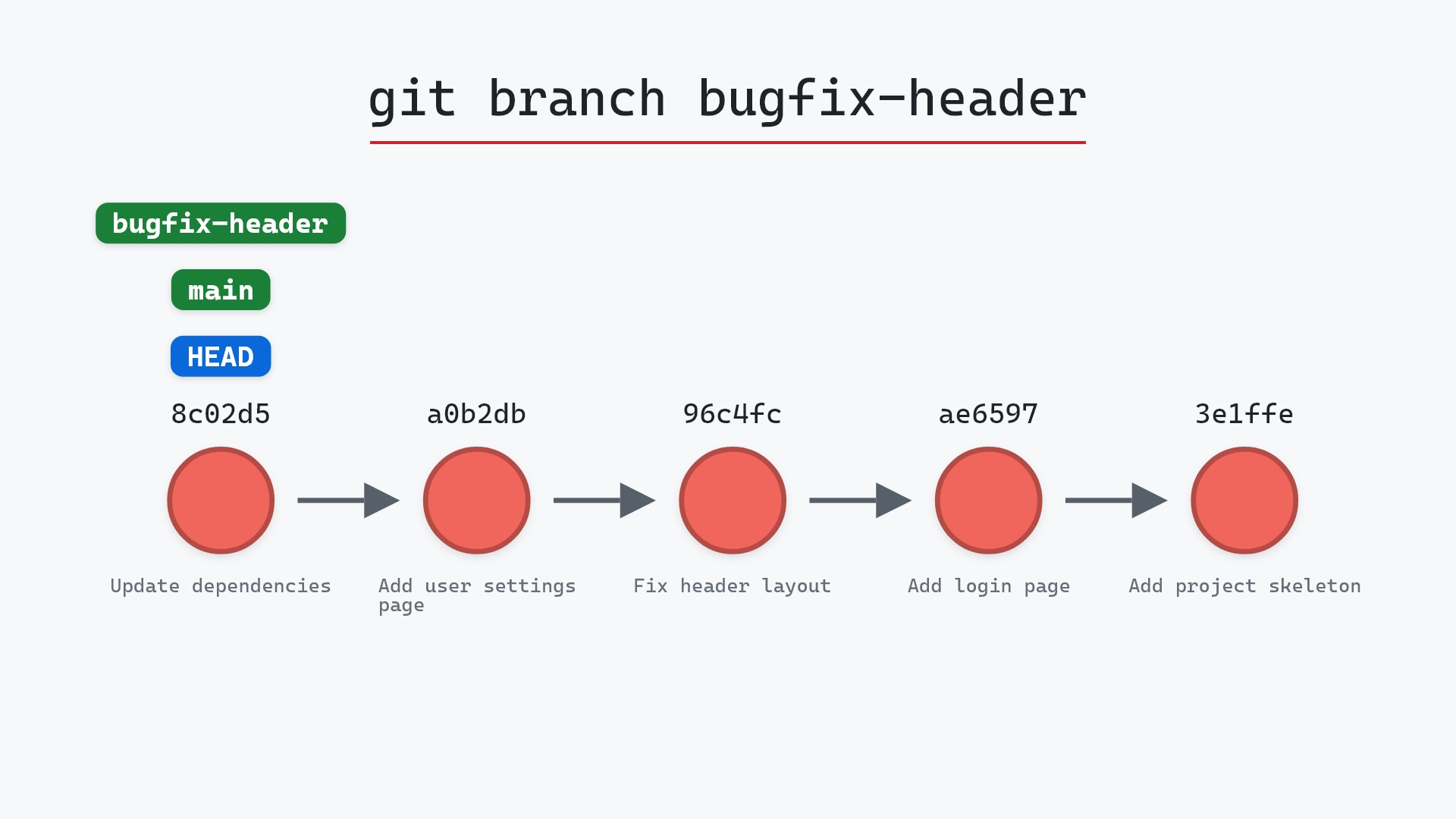
Our sample repo has main checked out. Here's git branch bugfix-header:
- Before:
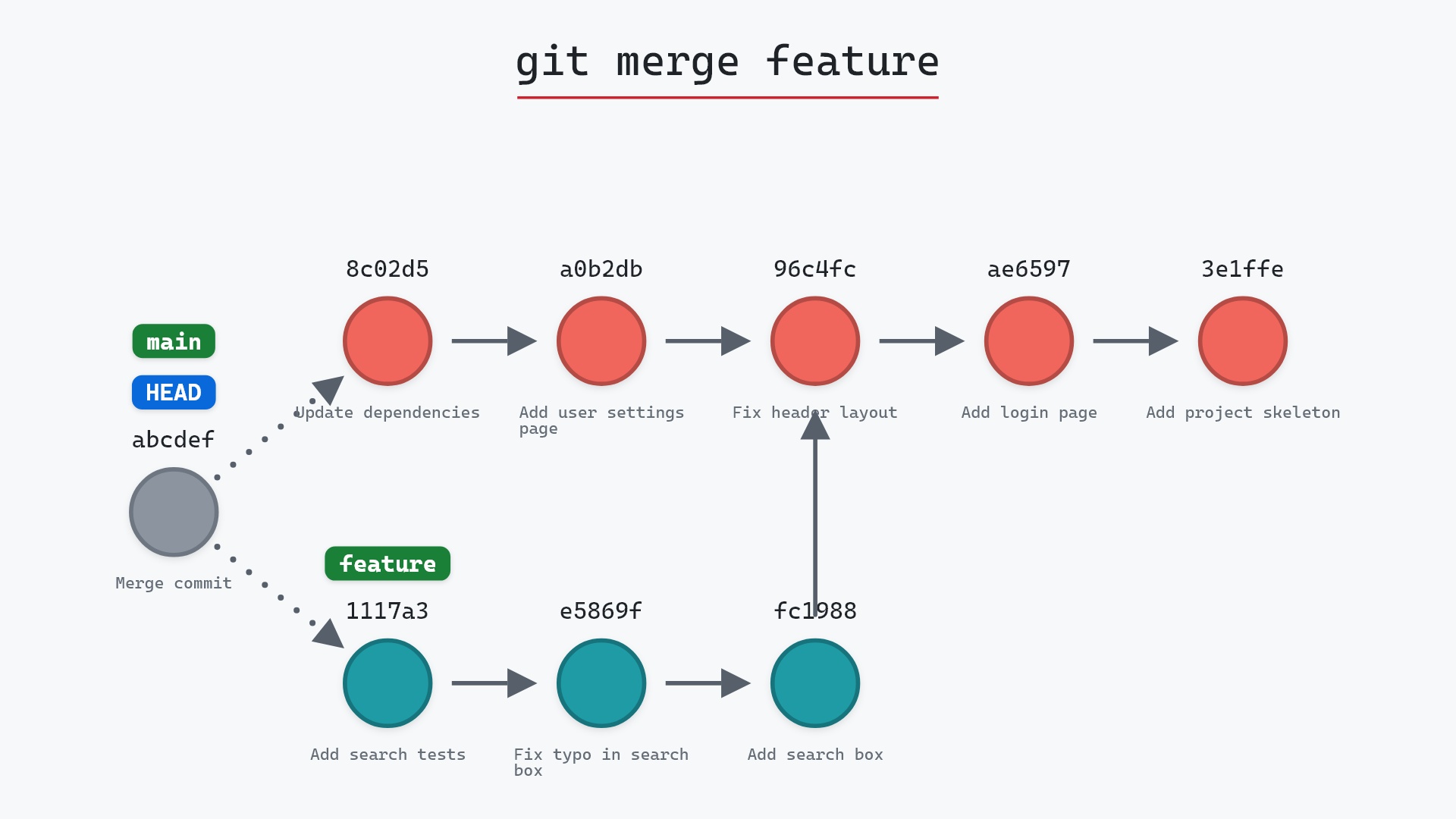
HEADis attached tomainat8c02d5b, andfeaturepoints at the tip of its own three commits. - Git creates the branch
bugfix-headerpointing at8c02d5b, the same commit asmain. HEADstays attached tomain, and no commits are created or changed. The repository has one more ref and nothing else.
Before and after
The only difference between the two graphs is the extra label. On disk, the only difference is one new file:
cat .git/refs/heads/bugfix-header
8c02d5b44a0... (the full 40-character hash)
The raw git output, if you want to read along in text
git log --oneline --graph --all
before
* 1117a34 (feature) Add search tests
* e5869f0 Fix typo in search box
* fc19889 Add search box
| * 8c02d5b (HEAD -> main) Update dependencies
| * a0b2db3 Add user settings page
|/
* 96c4fc2 Fix header layout
* ae65976 Add login page
* 3e1ffe4 Add project skeleton
* 4114b2c Initial commit
after
* 1117a34 (feature) Add search tests
* e5869f0 Fix typo in search box
* fc19889 Add search box
| * 8c02d5b (HEAD -> main, bugfix-header) Update dependencies
| * a0b2db3 Add user settings page
|/
* 96c4fc2 Fix header layout
* ae65976 Add login page
* 3e1ffe4 Add project skeleton
* 4114b2c Initial commit
Why branches are cheap
Because a branch is one small file, creating one takes no time and no space, and Git users make them for everything: a branch per feature, per bug, per experiment. Compare that with older systems where a branch meant copying a directory tree, and the difference in how people work follows directly.
It also means a branch on its own doesn't protect any commits. If you delete a branch, the file goes, and any commits only that branch pointed at become unreachable (though they stay in the reflog for a while). The commits were never "in" the branch. The branch just pointed at one of them.
.git/HEAD and .git/refs/heads/main in a text editor. One says ref: refs/heads/main, the other holds a hash. Two tiny text files, and between them they define "the branch you're on". I still recommend that as the first thing to do when Git feels like magic.
Is it safe?
Safe git-sim pre-flight
Lists or creates branches; nothing at risk.
Creating or listing branches changes nothing about your commits or files. Deleting is a different story, covered on its own page.
Useful forms
git branchlists local branches, with*on the current one.git branch -alists remote-tracking branches too.git branch -m old newrenames a branch.git branch -d namedeletes a merged branch, and-Dforces it.git branch name <commit>creates the branch at a specific commit instead ofHEAD.git branch -vvshows which remote branch each local branch tracks. Sorting and filtering (--sort,--contains,--merged) are in the git branch documentation.
How to undo it
Delete the branch you just made:
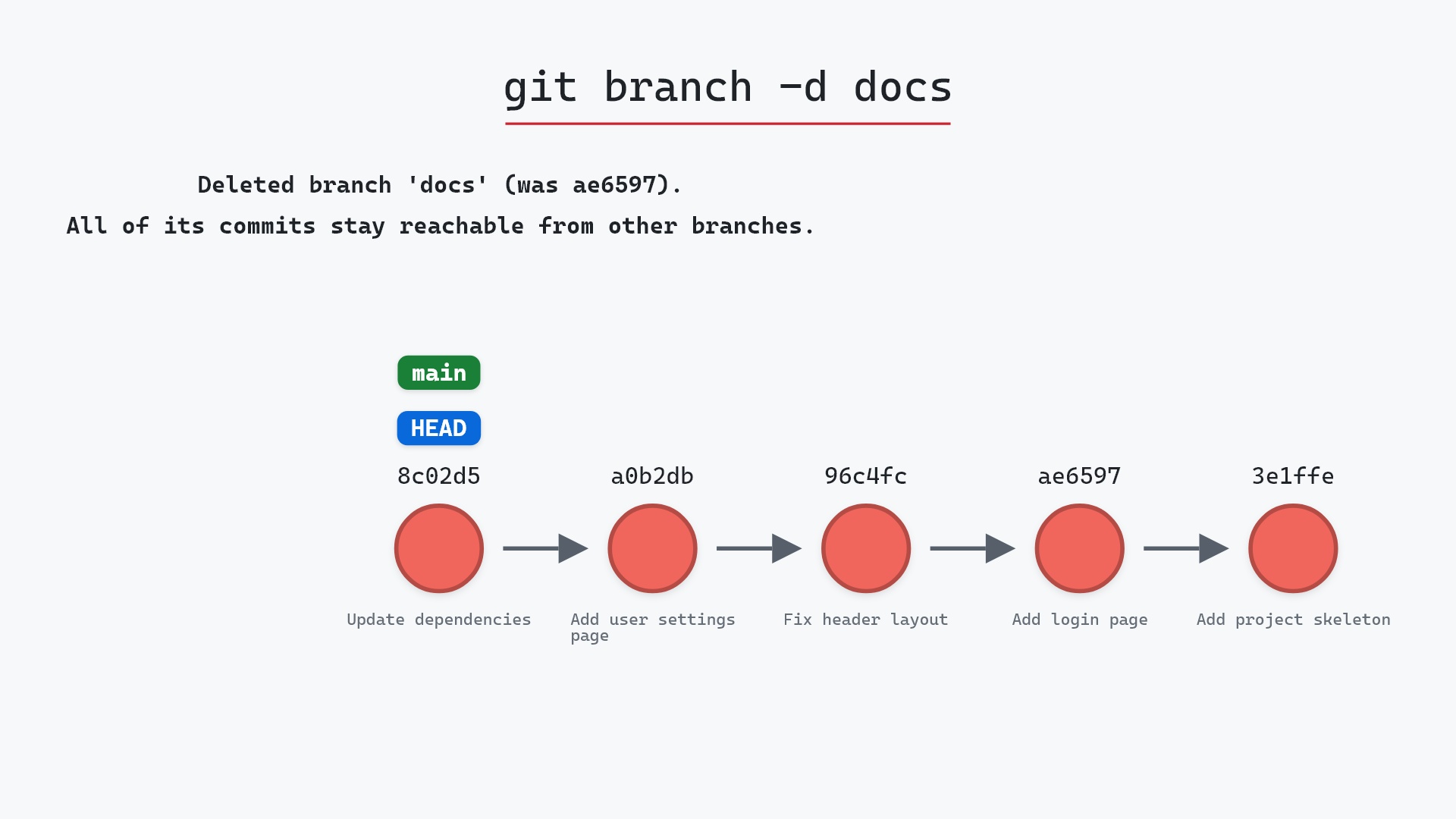
git branch -d bugfix-header
Since it points at the same commit as main, Git considers it merged and deletes it without complaint.
Try it on your repository
pip install git-sim
git-sim branch bugfix-header
git-sim shows where the new label would sit on your own graph, which is a quick way to confirm you're branching from the commit you meant to.
Common questions
What is a branch in Git?
A file under .git/refs/heads/ containing the hash of one commit. Committing on the branch updates the file, and the "history of the branch" is that commit and its ancestors.
Does git branch switch to the new branch?
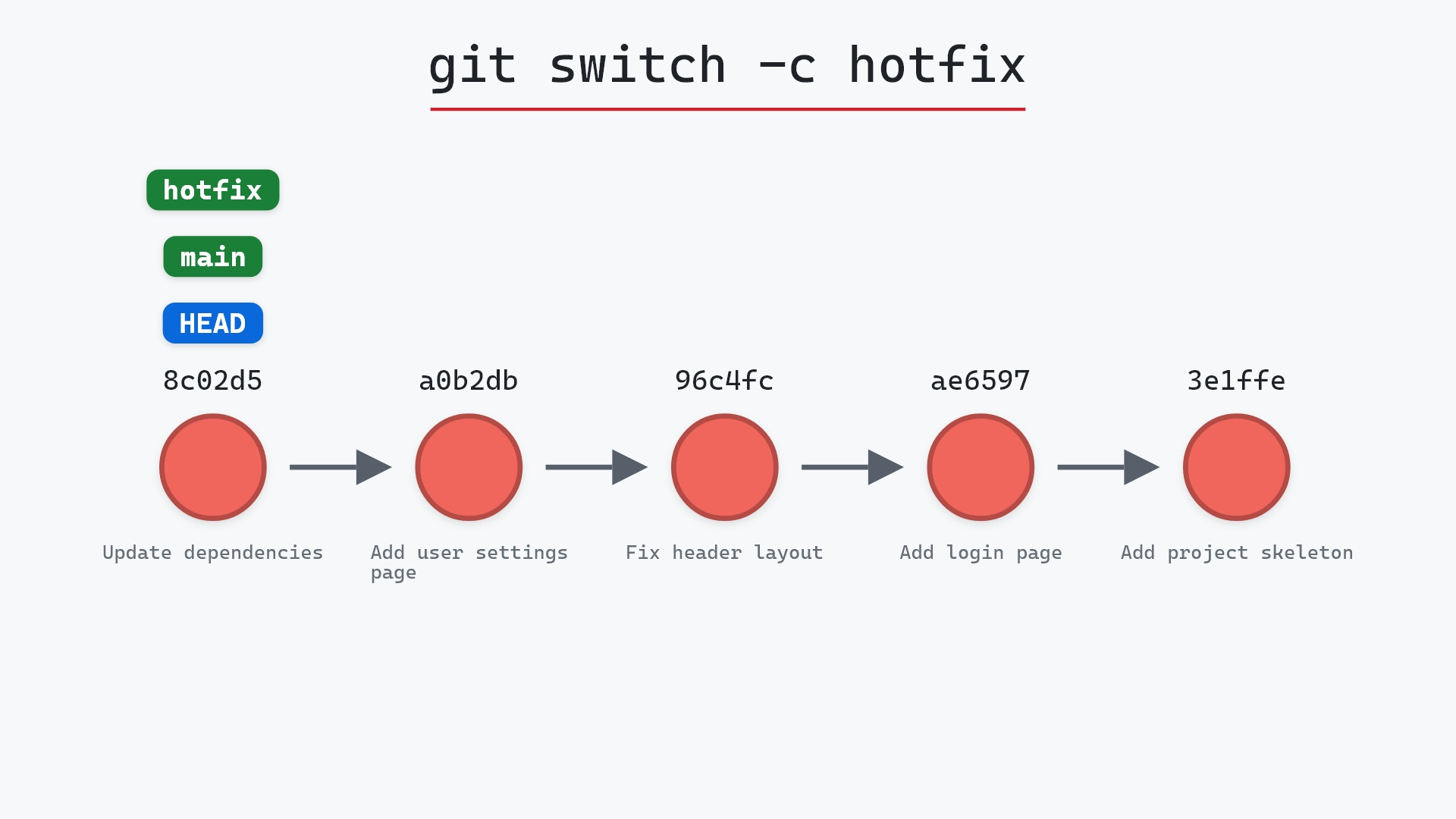
No. It only creates it. git switch <name> or git checkout <name> moves you onto it, and git switch -c <name> does both at once.
How do I create a branch from an older commit?
git branch <name> <commit>, for example git branch hotfix 96c4fc2.
Why is creating a branch in Git so fast?
Because it writes one 41-byte file and nothing else. No files are copied.
Summary
In this article, we watched git branch create a new label on the current commit, looked at the one file it wrote, and saw why that makes branches cheap and also why deleting one can leave commits unreachable.
Next steps
git switch -c creates a branch and moves onto it in one step, which is what you usually want. git branch -d covers cleaning up afterwards.
Related commands
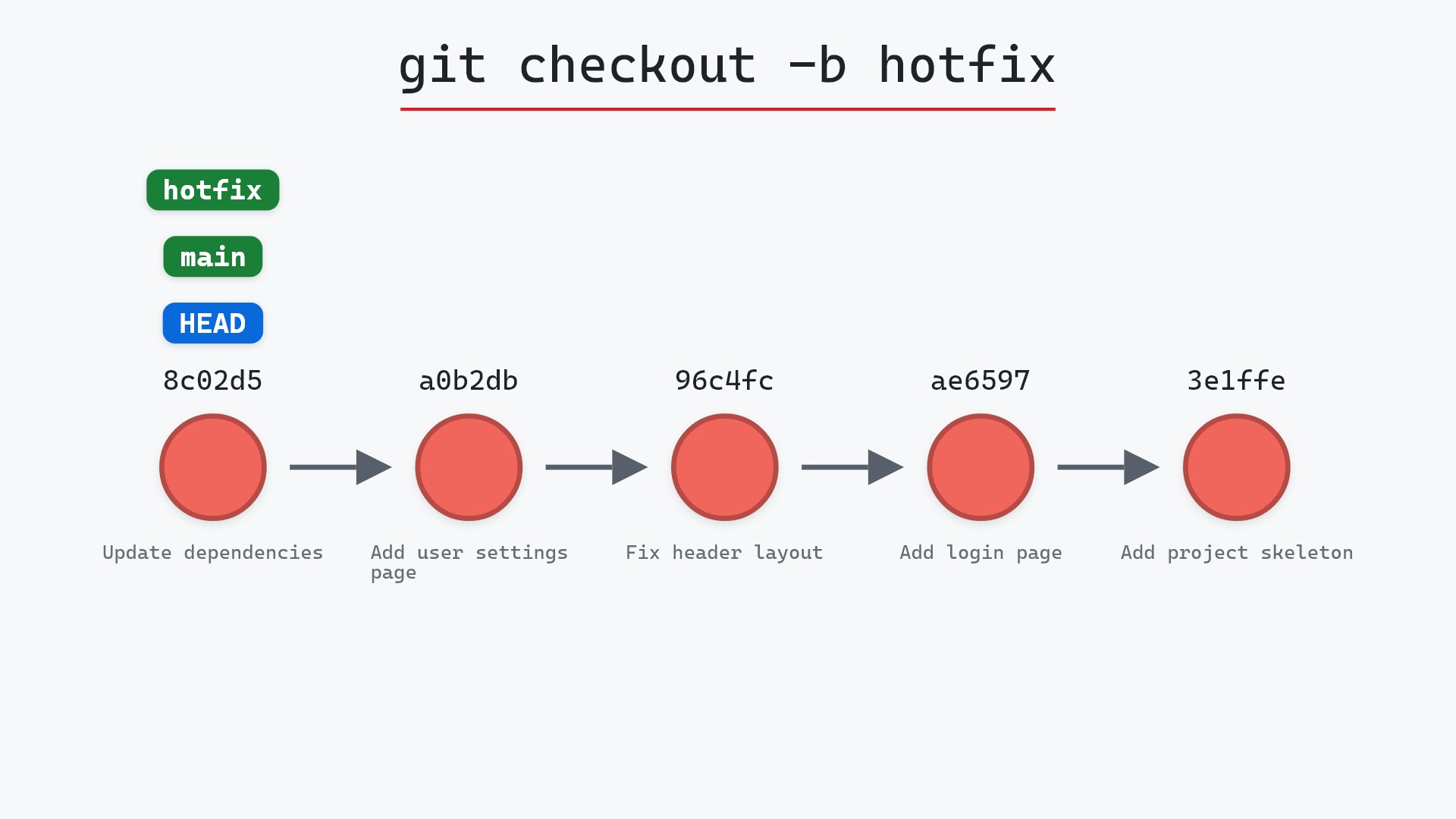
- git checkout -b, create and switch in one command
- git switch -c, the modern spelling of the same
- git branch -d, to delete a branch
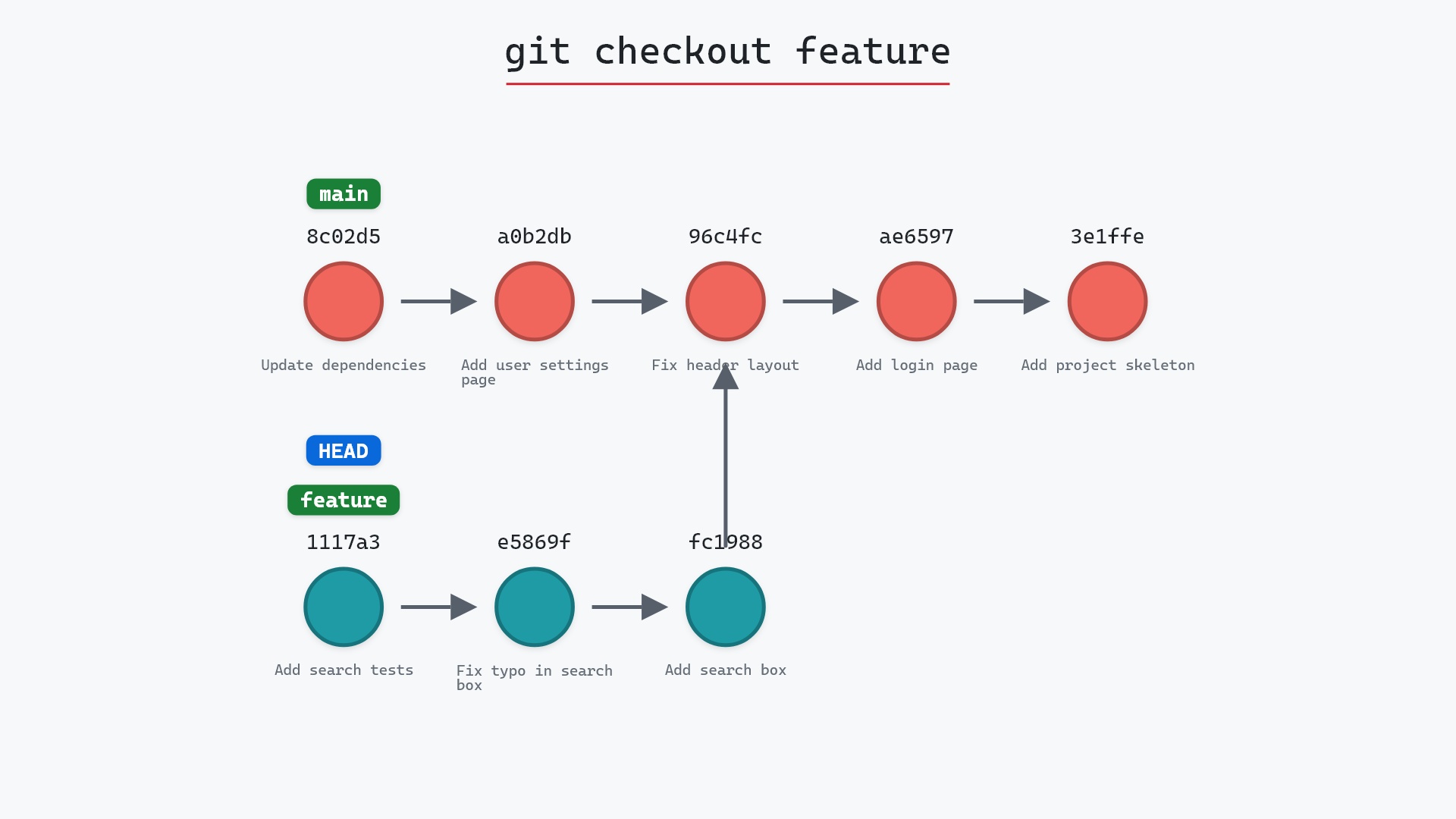
- git checkout, to move onto a branch
- git merge, to bring a branch's work back
- git log, to see which commits a branch reaches