Git commands
When git branch -d says no, and why that is a favor
git branch -d: Git checks before it deletes
How to use this page
- slider / ▶Drag the slider, or press play, to watch the command happen. Before and After jump to either end.
- ← → · spaceStep through a multi-step command; space toggles Before / After.
- APlay or pause the loop (the page opens playing). Any manual input takes over.
- hoverA commit shows its message, author, date and parents, with its history highlighted.
- clickCopies the commit sha.
- ctrl + wheelZoom around the cursor (pinch on a trackpad). Double-click resets the view.
- EscStop playback, reset the view, close this menu.
- shareThe Share button copies a link to this graph, copies it as an image, downloads PNG/SVG/page, or posts it. #before, #after or #step=N in the link pins the state.
git-sim visually simulates any Git command in your own repos - from your terminal, IDE, or AI.
Table of Contents
- Introduction
- What is git branch -d?
- Watch it happen
- Before and after
- When it says no
- Is it safe?
- How to undo it
- Try it on your repository
- Common questions
- Summary
- Next steps
- Related commands
Introduction
Once a branch is merged, its name is clutter, and git branch -d is how you clean it up. The lowercase -d comes with a check: Git will only delete the branch if every commit on it is reachable from somewhere else. When it refuses, it's telling you something you'd want to know.
In this article, we'll:
- Watch
git branch -dremove a merged branch on a small repository - Confirm that the commits it pointed at are still there
- Look at what the refusal message means and how to respond to it
What is git branch -d?
git branch -d <name> deletes the ref file .git/refs/heads/<name>, if the commit it points at is an ancestor of your current branch (or of its upstream, as the git branch documentation spells out). The commits themselves are not touched. Only the name goes. If the check fails, Git prints "The branch is not fully merged" and does nothing, pointing you at -D if you really mean it.
Watch it happen
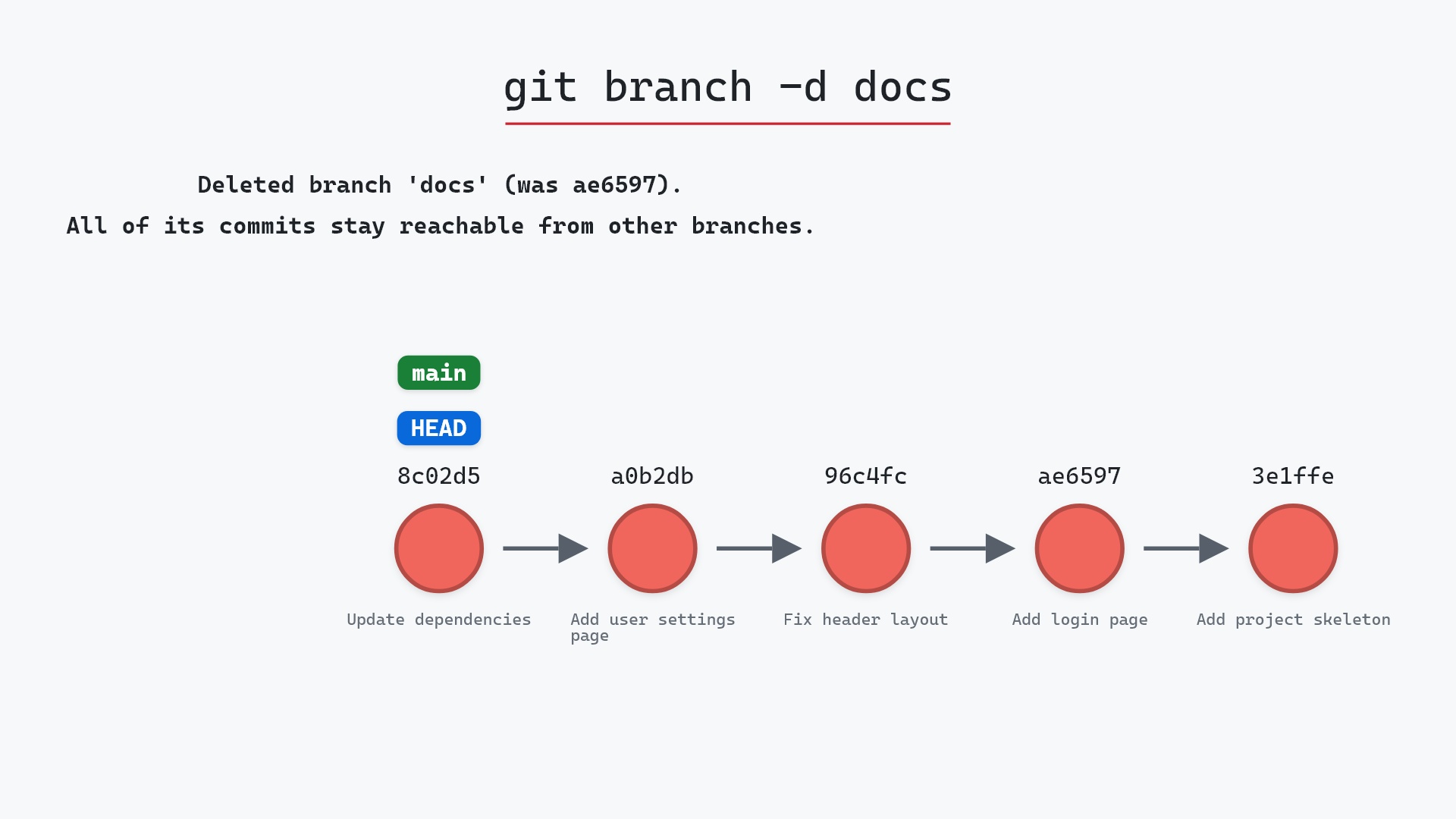
Our sample repo has a docs branch whose commits are all on main already: docs points at ae65976, "Add login page", which main passed long ago. Here's git branch -d docs:
- Before:
docspoints atae65976, "Add login page", which is also an ancestor ofmain. - Git deletes the
docsref.-dallows it because the branch is fully merged. ae65976is unchanged.mainstill reaches it, so it was never at risk.
Before and after
The commits are identical before and after. The only difference is that one name is gone. Git's output confirms the commit it was pointing at:
The raw git output, if you want to read along in text
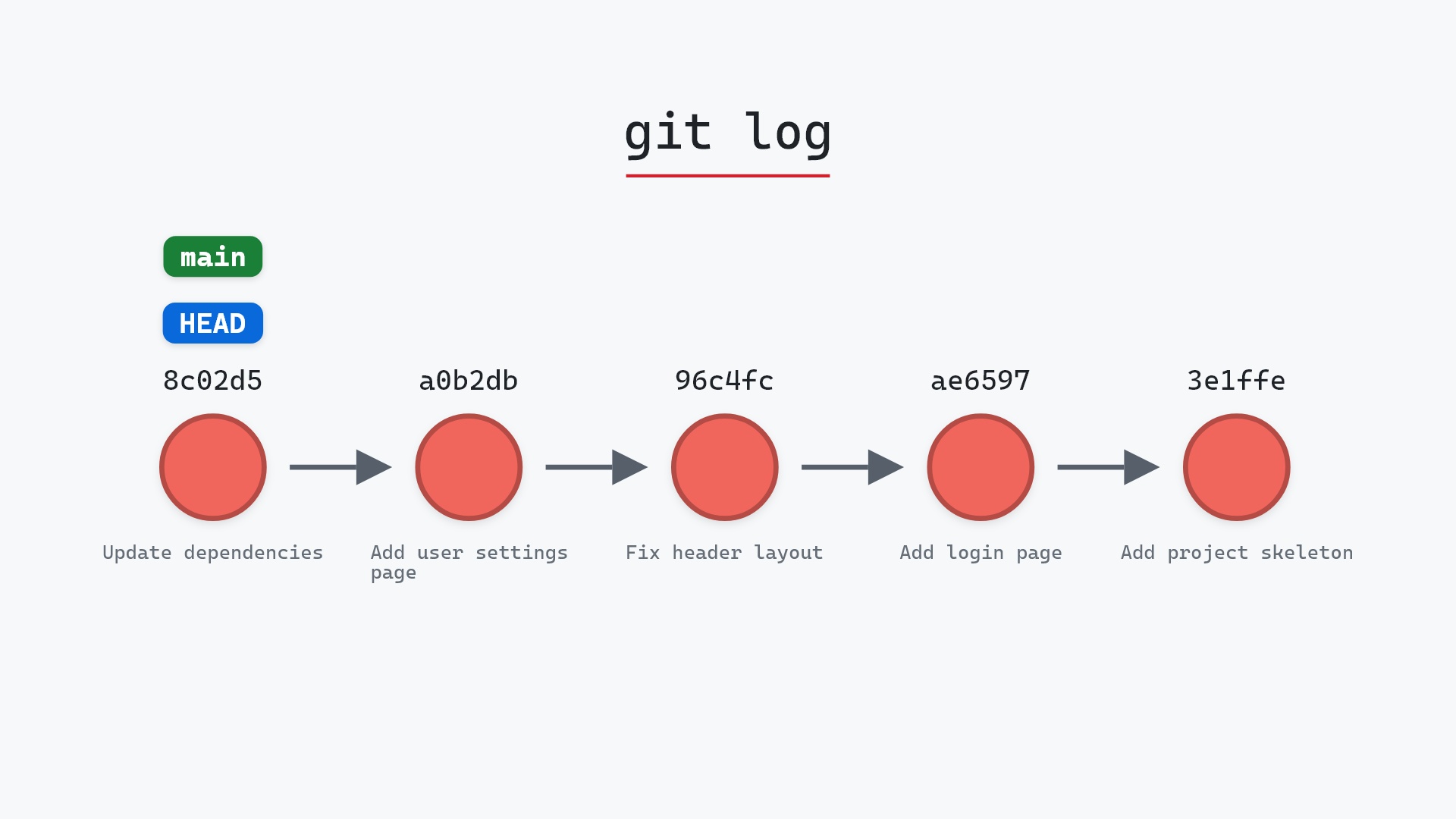
git log --oneline --graph --all
before
* 1117a34 (feature) Add search tests
* e5869f0 Fix typo in search box
* fc19889 Add search box
| * 8c02d5b (HEAD -> main) Update dependencies
| * a0b2db3 Add user settings page
|/
* 96c4fc2 Fix header layout
* ae65976 (docs) Add login page
* 3e1ffe4 Add project skeleton
* 4114b2c Initial commit
after
* 1117a34 (feature) Add search tests
* e5869f0 Fix typo in search box
* fc19889 Add search box
| * 8c02d5b (HEAD -> main) Update dependencies
| * a0b2db3 Add user settings page
|/
* 96c4fc2 Fix header layout
* ae65976 Add login page
* 3e1ffe4 Add project skeleton
* 4114b2c Initial commit
what git printed
Deleted branch docs (was ae65976).That "(was ae65976)" is Git handing you the undo: git branch docs ae65976 recreates the branch exactly.
When it says no
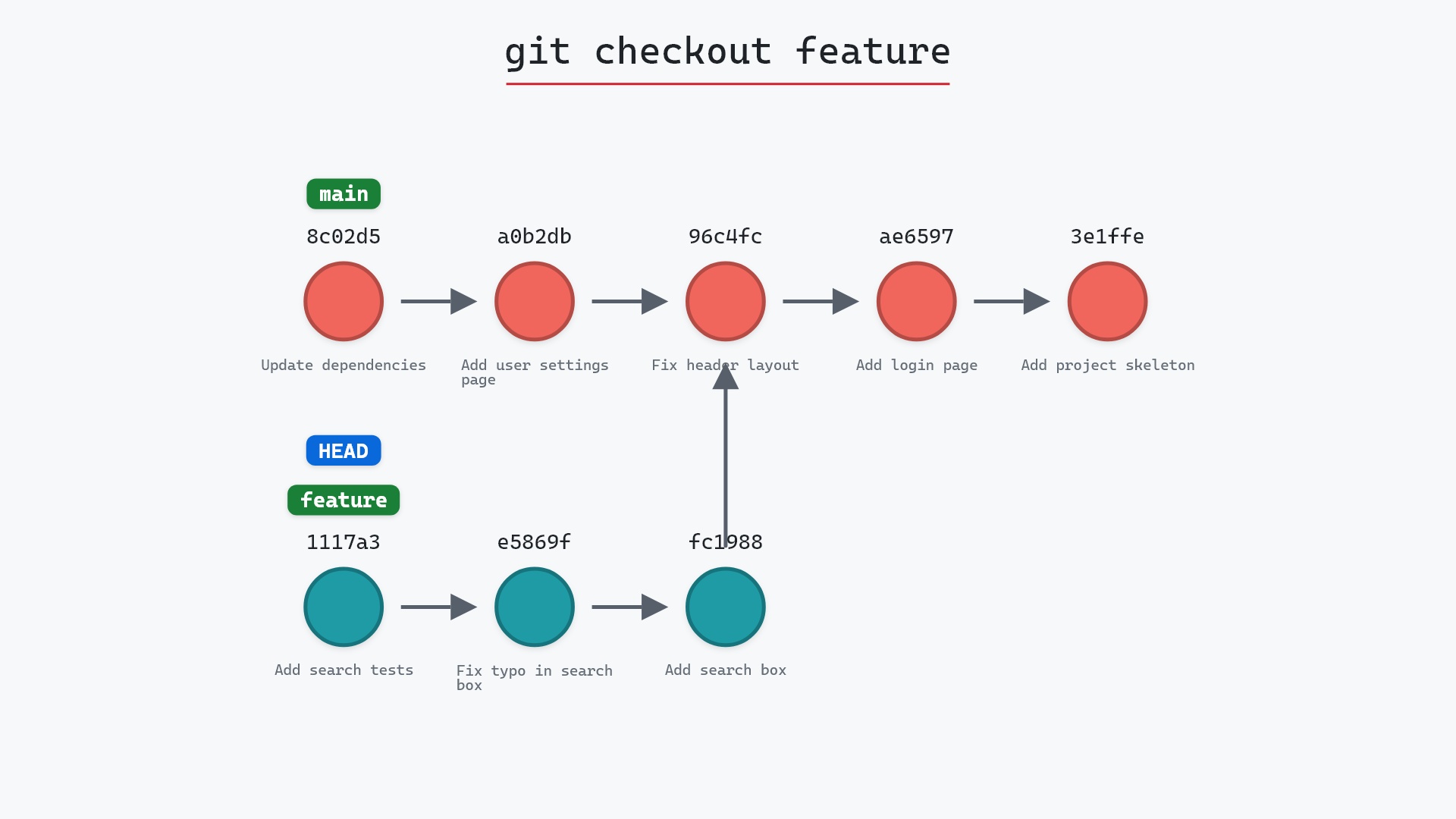
Try git branch -d feature on this repository and you get:
error: The branch 'feature' is not fully merged.
If you are sure you want to delete it, run 'git branch -D feature'.
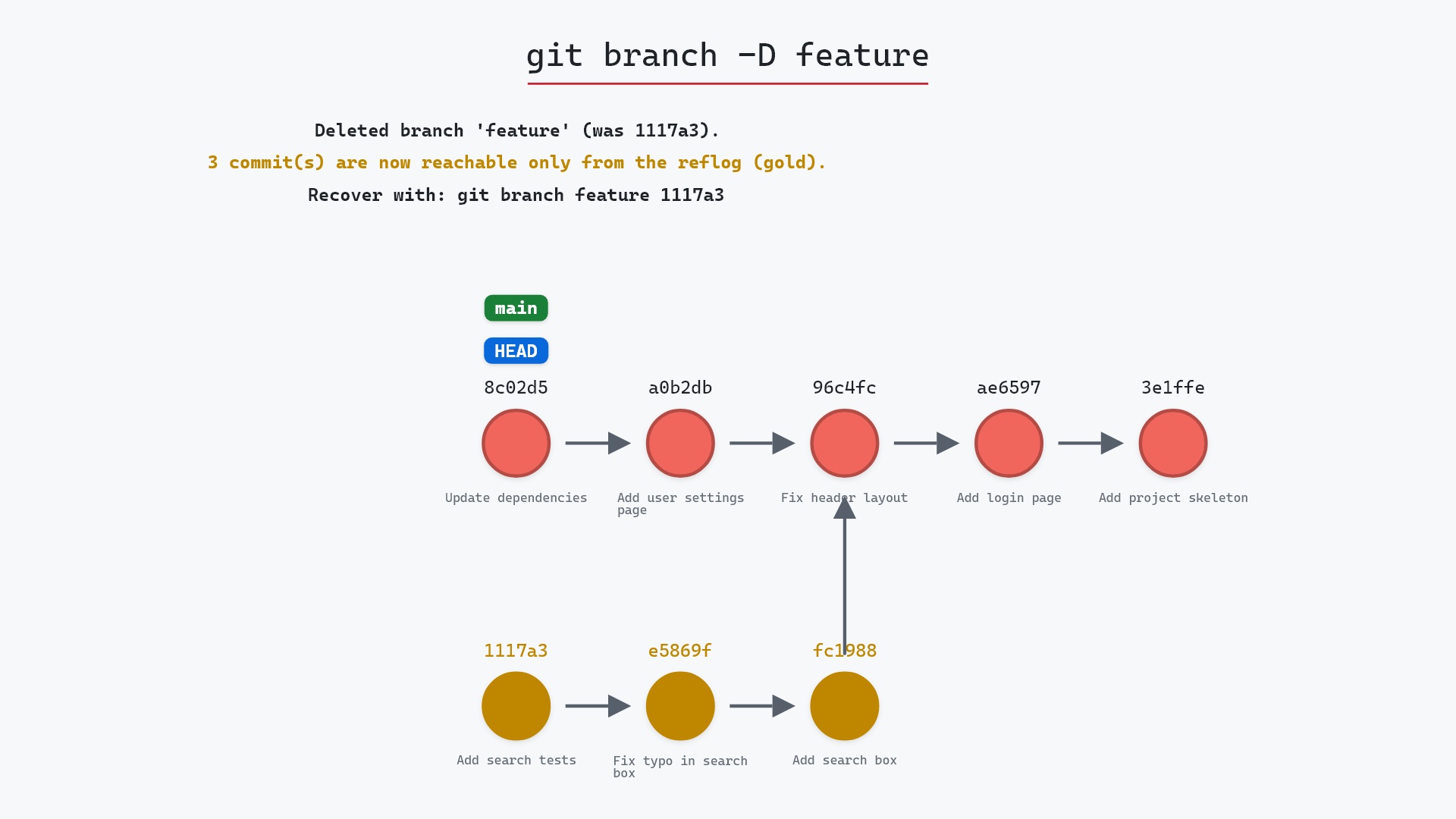
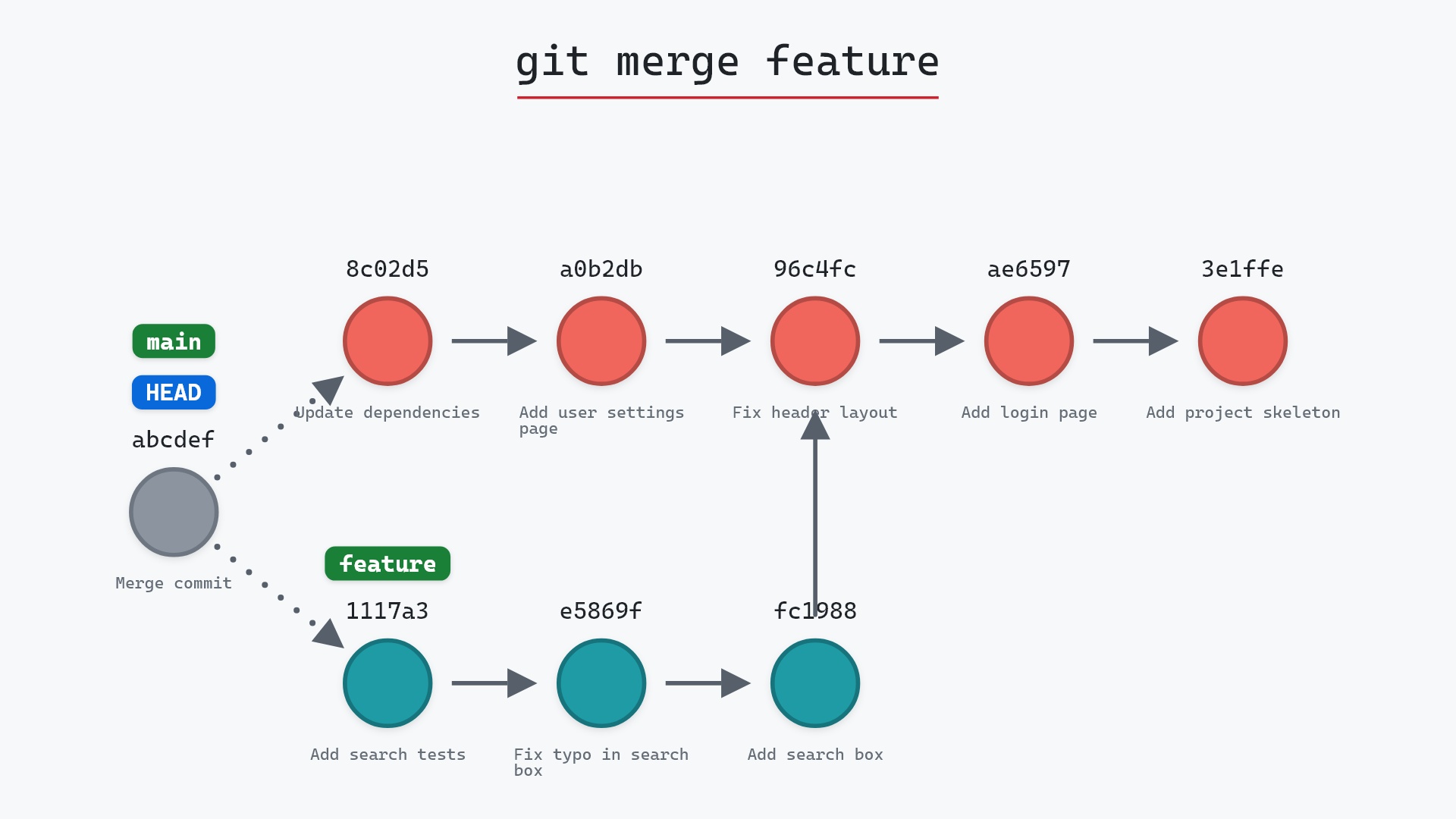
feature has three commits main doesn't. Deleting the name would leave those commits with nothing pointing at them. The right response is usually to merge the branch first, or to ask yourself whether that work was meant to be thrown away. -D skips the check and is its own page.
git branch --merged | grep -v main | xargs git branch -d every few weeks. It only ever deletes names that -d considers safe, which is why I'm comfortable running it without reading the list first.
Is it safe?
Safe git-sim pre-flight
Deletes branch 'docs' (fully merged into HEAD — no commits lost).
By construction, -d only deletes a branch whose commits remain reachable through another branch. You lose a name, never a commit.
How to undo it
git branch docs ae65976
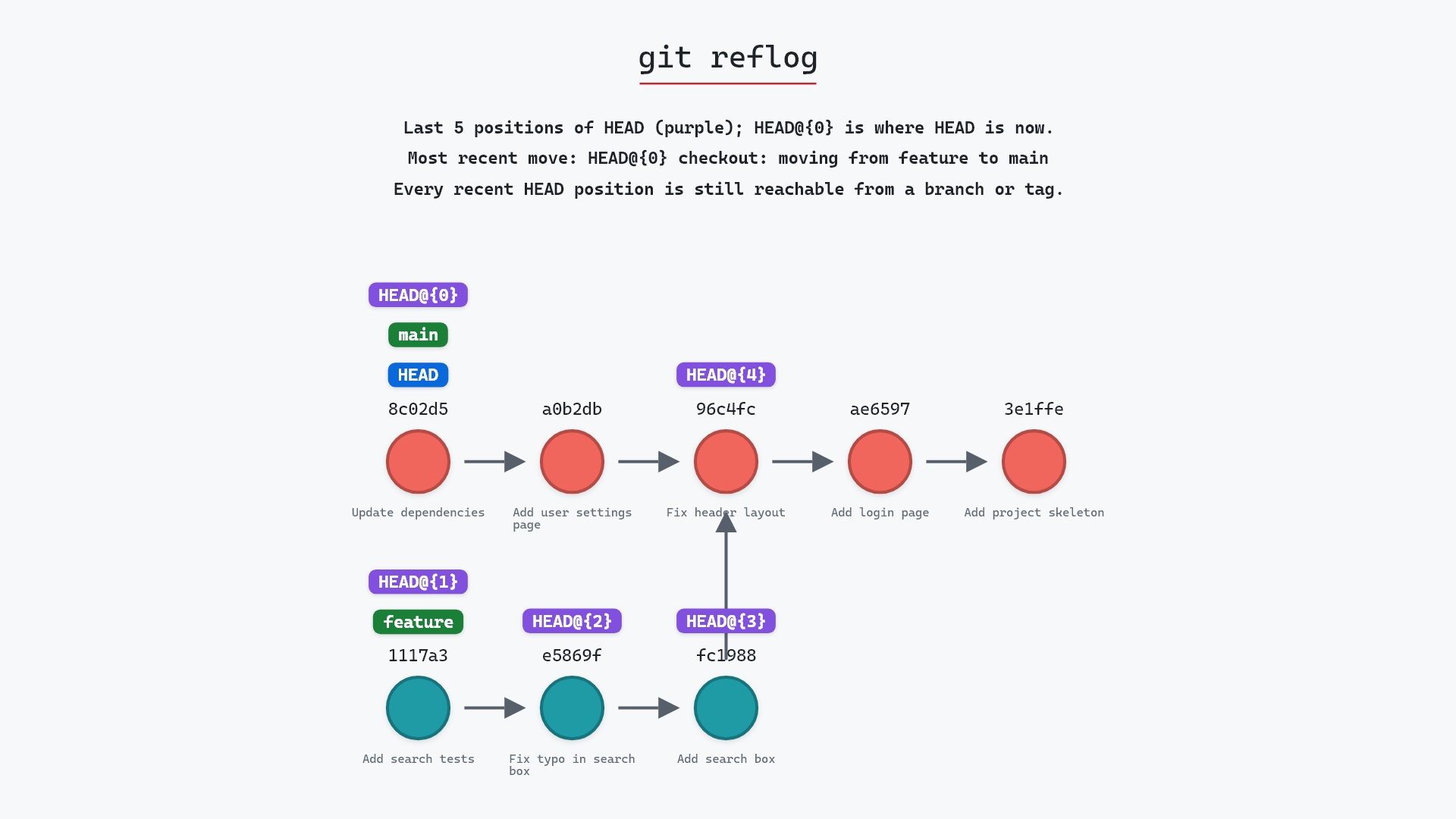
The hash is in the output of the delete. If you've lost it, git reflog shows it too.
Try it on your repository
pip install git-sim
git-sim branch -d docs
git-sim shows whether the branch is merged and, if it isn't, lists the commits that only it reaches, which is the information behind Git's refusal.
Common questions
What is the difference between git branch -d and -D?
-d refuses to delete a branch whose commits aren't reachable from elsewhere. -D deletes regardless. Both remove only the branch name, never the commits.
Does deleting a branch delete its commits?
No. It deletes the name. Commits that are still reachable from another branch are unaffected. Commits that were only reachable from the deleted branch become unreachable and are eventually garbage-collected, but stay in the reflog for around 30 to 90 days.
How do I recover a deleted branch?
git branch <name> <sha>, using the hash printed when it was deleted, or found in git reflog.
Why does git say the branch is not fully merged?
Because at least one commit on it isn't an ancestor of your current branch. Merge it first, or use -D if the work is meant to be discarded.
Summary
In this article, we watched git branch -d remove a merged branch's name while leaving its commit in place, and looked at what the "not fully merged" refusal means and how to respond.
Next steps
git branch -D covers the forced version and what it puts at risk. git merge is what makes a branch deletable in the first place.
Related commands
- git branch -D, the forced delete
- git branch, what a branch is
- git merge, to make a branch safe to delete
- git reflog, to find a deleted branch's commit
- git checkout, you can't delete the branch you're on
- git log, to see which commits a branch reaches