Git commands
How git log walks your commits, one parent at a time
git log: reading history backwards
How to use this page
- slider / ▶Drag the slider, or press play, to watch the command happen. Before and After jump to either end.
- ← → · spaceStep through a multi-step command; space toggles Before / After.
- APlay or pause the loop (the page opens playing). Any manual input takes over.
- hoverA commit shows its message, author, date and parents, with its history highlighted.
- clickCopies the commit sha.
- ctrl + wheelZoom around the cursor (pinch on a trackpad). Double-click resets the view.
- EscStop playback, reset the view, close this menu.
- shareThe Share button copies a link to this graph, copies it as an image, downloads PNG/SVG/page, or posts it. #before, #after or #step=N in the link pins the state.
git-sim visually simulates any Git command in your own repos - from your terminal, IDE, or AI.
Table of Contents
- Introduction
- What is git log?
- Watch it happen
- The whole repository, for comparison
- Is it safe?
- The flags I actually use
- Try it on your repository
- Common questions
- Summary
- Next steps
- Related commands
Introduction
git log is how you read a repository's story, and by default it tells that story in reverse, newest first, following one path back through time. That last part surprises people: a plain git log on main never mentions the feature branch, even though it's right there in the repo.
In this article, we'll:
- Watch git-sim draw the walk that
git logperforms - Compare the default output to the full graph of the repository
- Go over the few flags that turn
loginto something you'd actually want to read
What is git log?
git log starts at a commit (by default the one HEAD points at) and prints it, then its parent, then that commit's parent, and so on back to the root. Each commit stores the hash of its parent, so this walk needs nothing but the commits themselves. A merge commit has two parents and log follows both.
Commits that aren't reachable by following parent links from the starting point don't appear. That is what "history of this branch" means.
Watch it happen
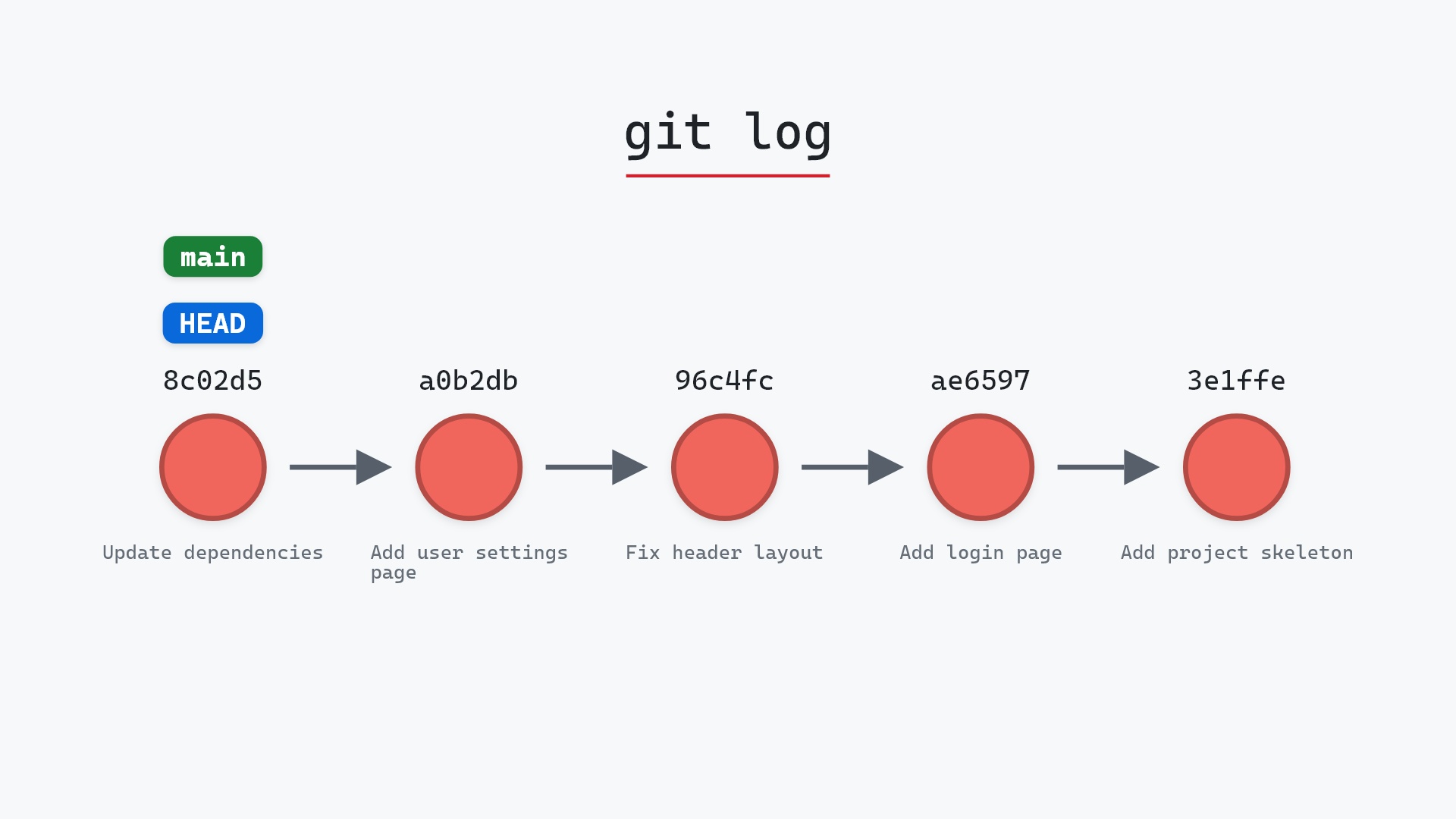
Our sample repo has six commits on main and a feature branch of three. The graph at the top of the page is git log with main checked out:
- The walk starts at
8c02d5b, wheremainandHEADpoint. - It follows parent links back through "Add user settings page", "Fix header layout", and on to the initial commit.
- The three
featurecommits are never visited. Nothing onmain's parent chain points to them.
The whole repository, for comparison
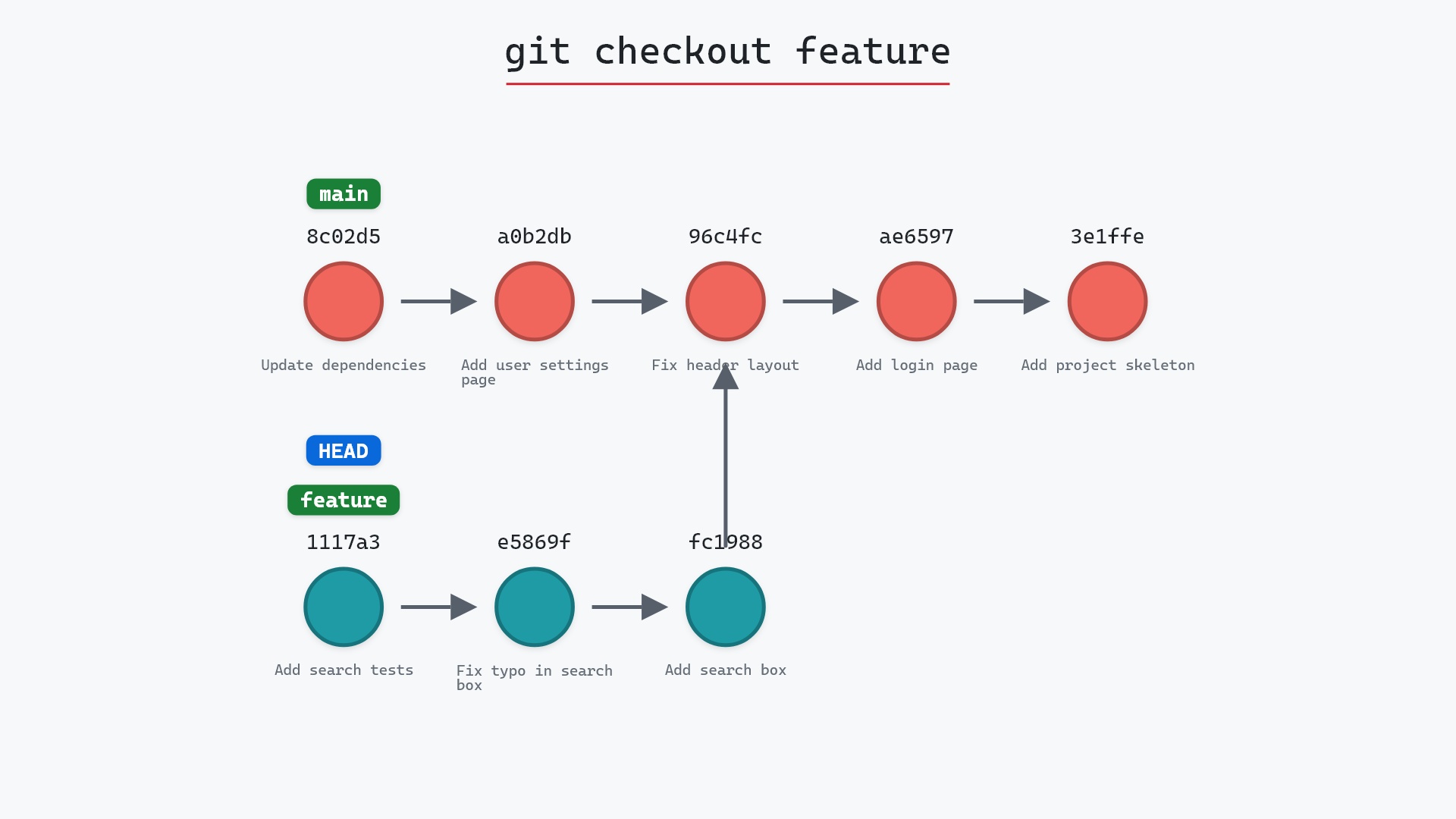
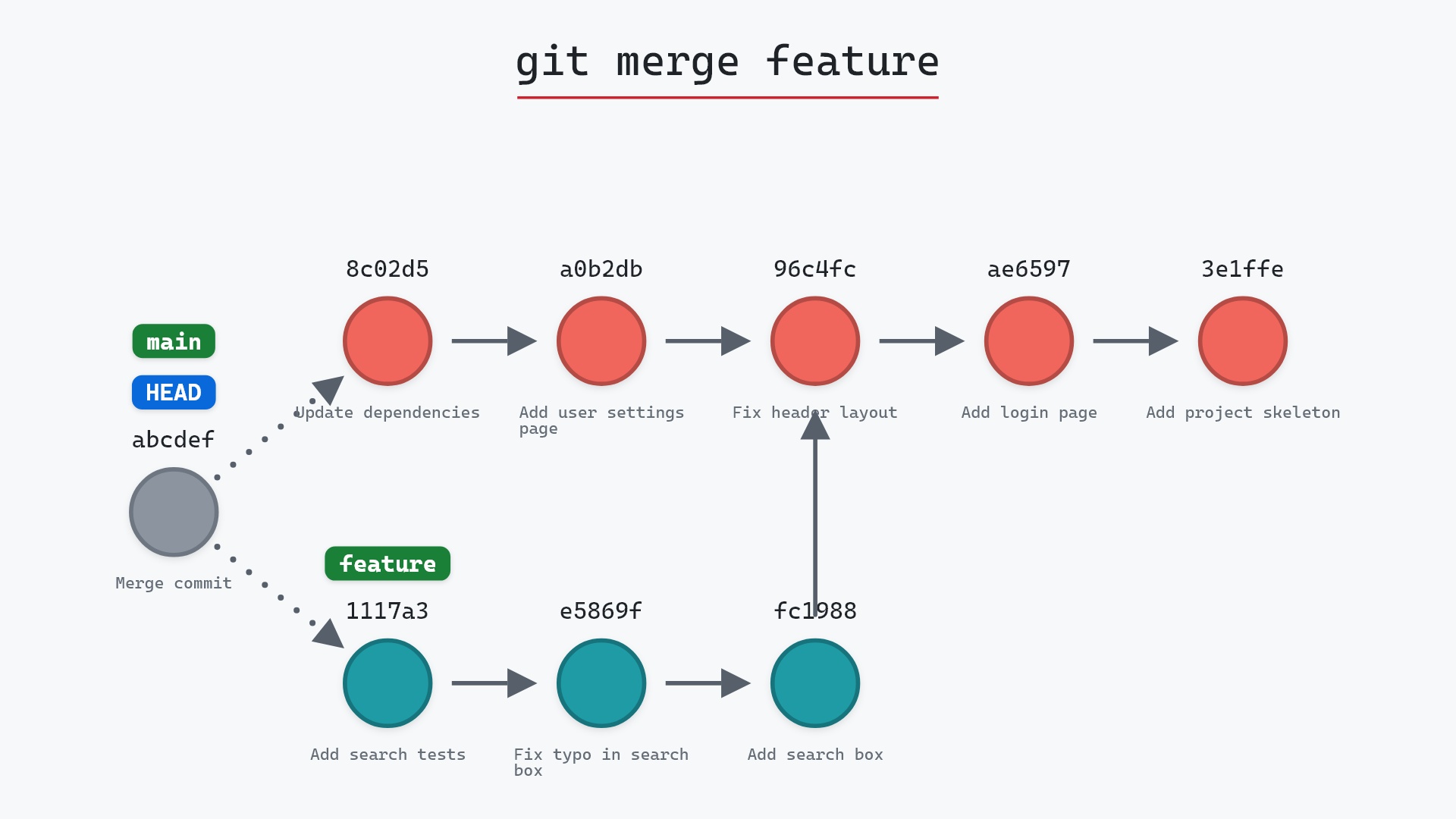
Here is every branch, which is what git log --all --graph shows:
The left graph is the same repository as the right one, a directed acyclic graph of commits. Only the starting points differ. git log on its own starts from HEAD, and --all starts from every ref.
Here's git log --all on the sample repository. It starts from feature as well as main, so the walk also reaches 1117a34, e5869f0 and fc19889, and it lists all nine commits:
The raw git output, if you want to read along in text
git log --oneline --graph --all
before
* 1117a34 (feature) Add search tests
* e5869f0 Fix typo in search box
* fc19889 Add search box
| * 8c02d5b (HEAD -> main) Update dependencies
| * a0b2db3 Add user settings page
|/
* 96c4fc2 Fix header layout
* ae65976 Add login page
* 3e1ffe4 Add project skeleton
* 4114b2c Initial commit
after
* 1117a34 (feature) Add search tests
* e5869f0 Fix typo in search box
* fc19889 Add search box
| * 8c02d5b (HEAD -> main) Update dependencies
| * a0b2db3 Add user settings page
|/
* 96c4fc2 Fix header layout
* ae65976 Add login page
* 3e1ffe4 Add project skeleton
* 4114b2c Initial commit
what git printed
8c02d5b Update dependencies
a0b2db3 Add user settings page
96c4fc2 Fix header layout
ae65976 Add login page
3e1ffe4 Add project skeleton
4114b2c Initial commit
Is it safe?
Safe git-sim pre-flight
'log' only reads; nothing in the repository changes.
log reads commit objects and prints them. It cannot change anything, so it's a good command to lean on whenever you're unsure what state a repository is in.
The flags I actually use
Plain git log prints a full paragraph per commit, and the git log documentation lists dozens of flags. These make it a graph you can scan:
git log --oneline --graph --all --decorate
--onelinegives one line per commit, hash and subject.--graphdraws the branch structure with ASCII lines.--allstarts from every branch and tag, not justHEAD.--decorateshows which refs point at each commit (on by default in recent Git).
Other forms worth knowing: git log -5 for the last five commits, git log -p to include each commit's diff, git log -- path/to/file for the history of one file, and git log main..feature for the commits on feature that main doesn't have.
--oneline --graph --all form is the one I've had aliased to git lg for years. It's also, more or less, the picture git-sim draws. When I started the project, my starting point was wanting that ASCII graph as a real diagram that I could show to someone who hadn't learned to read the ASCII yet.
Try it on your repository
pip install git-sim
git-sim log
git-sim draws your recent history as a graph with branch labels, and git-sim log --all includes every branch, which is the fastest way to see how a repository fits together.
Common questions
Why doesn't git log show all my branches?
By default it starts at HEAD and follows parent links, so it only shows commits reachable from the current branch. Add --all to start from every ref.
How do I see git log as a graph?
git log --oneline --graph --all. The --graph flag draws branch and merge lines, and --all includes every branch.
How do I see the history of one file?
git log -- path/to/file. Add --follow to keep tracing it across renames.
What is the difference between git log and git reflog?
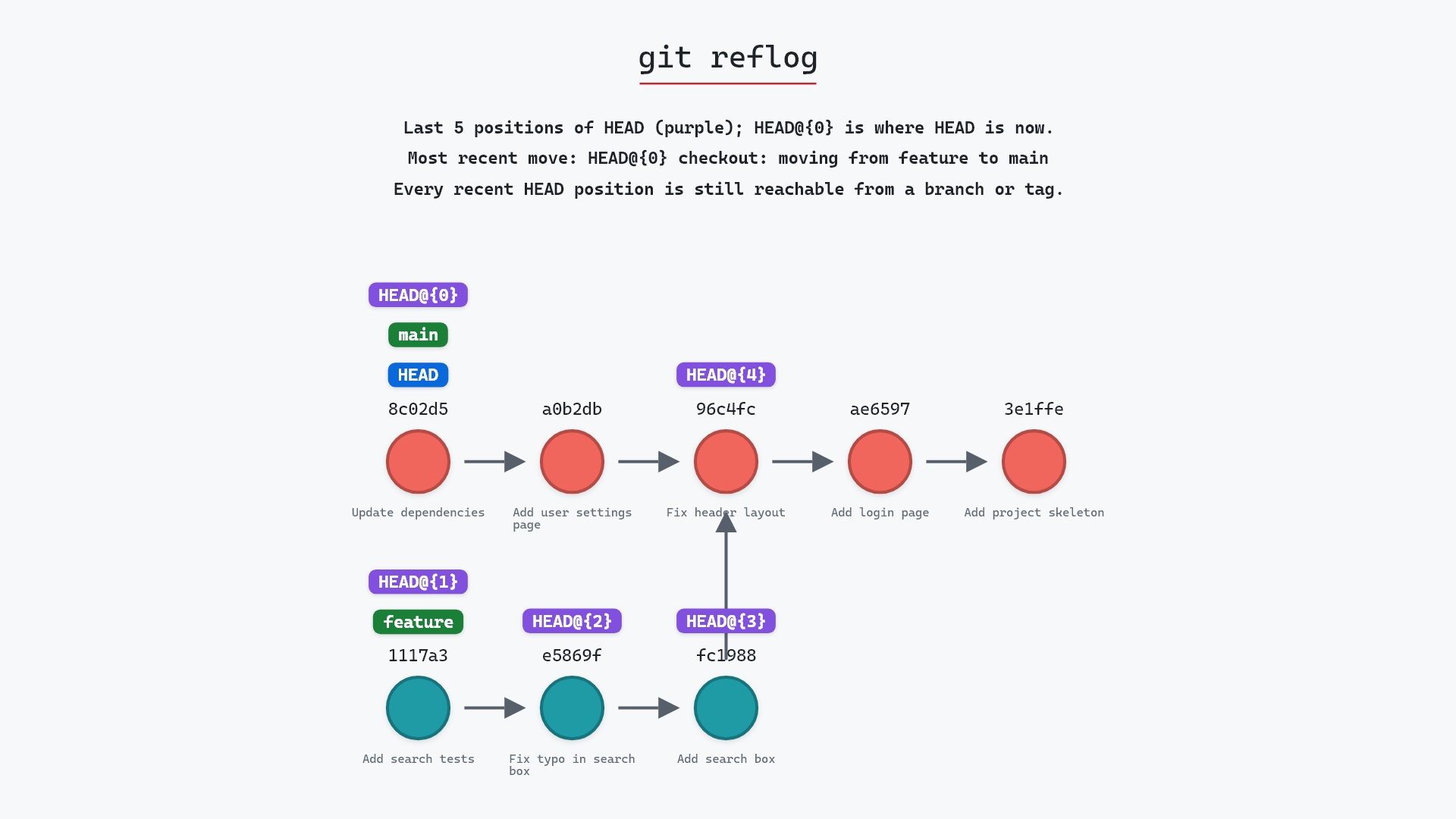
log walks commit parent links: the project's history. reflog lists where HEAD and your branches have pointed over time on this machine: your own history of moving around, including commits that no branch points at anymore.
Summary
In this article, we watched git log walk from HEAD back through parent links, saw why the feature branch doesn't appear without --all, and went over the flags that make the output readable.
Next steps
git reflog is the other history Git keeps, and the one you need when a commit has fallen off every branch. git branch explains what those labels in the log output actually are.
Related commands
- git reflog, the history of where HEAD has been
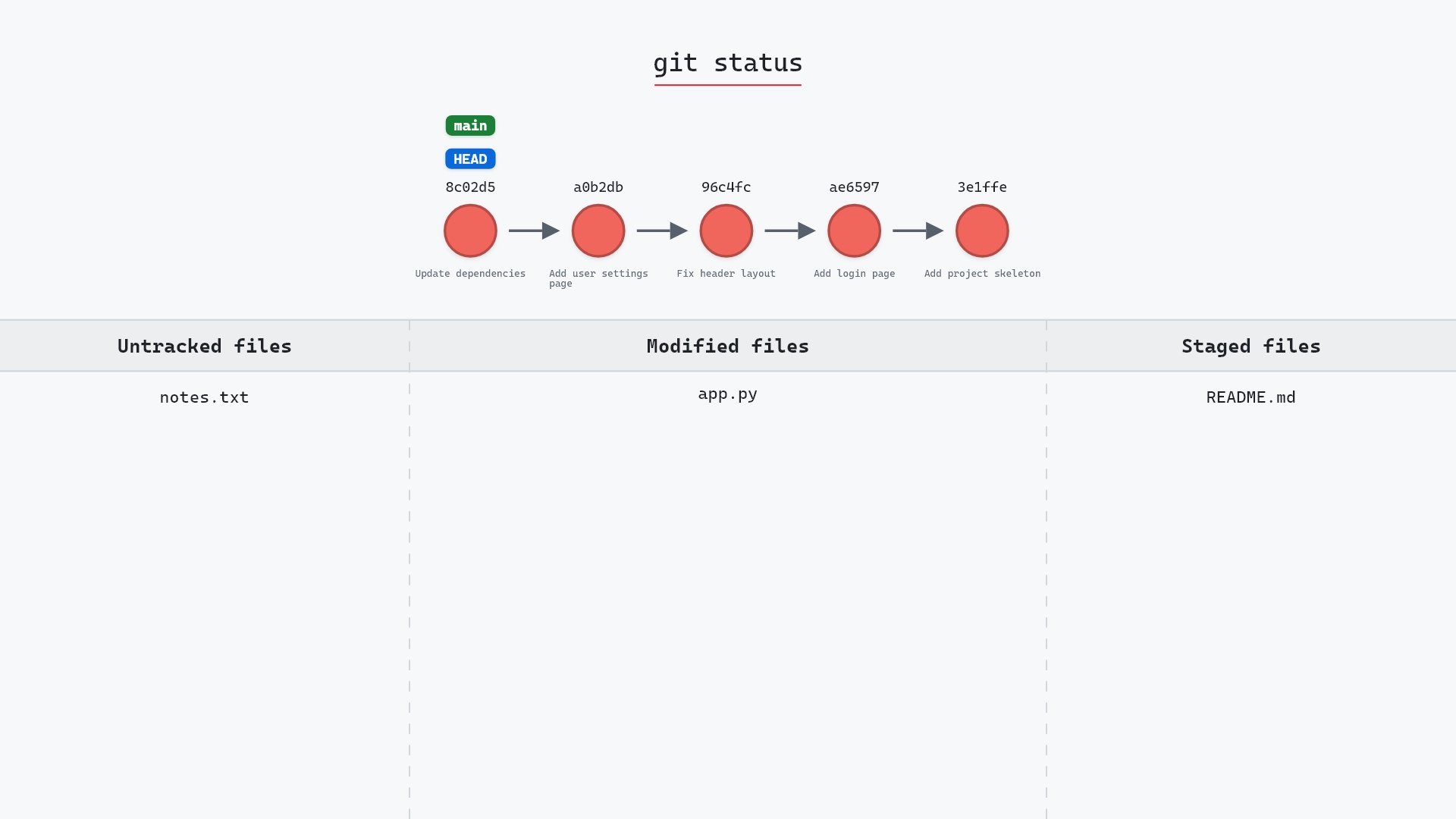
- git status, what's changed since the last commit
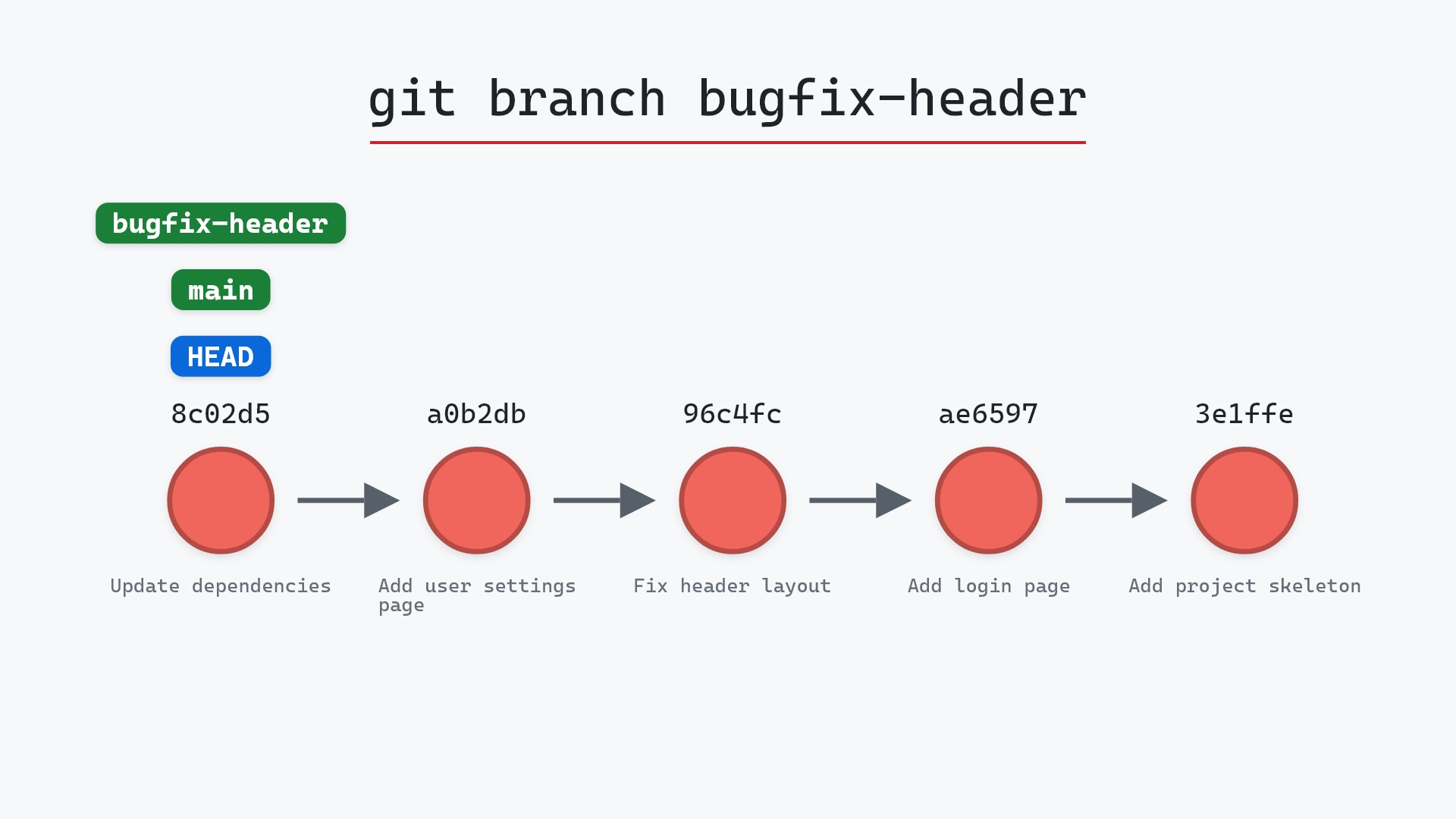
- git branch, the labels the log decorates commits with
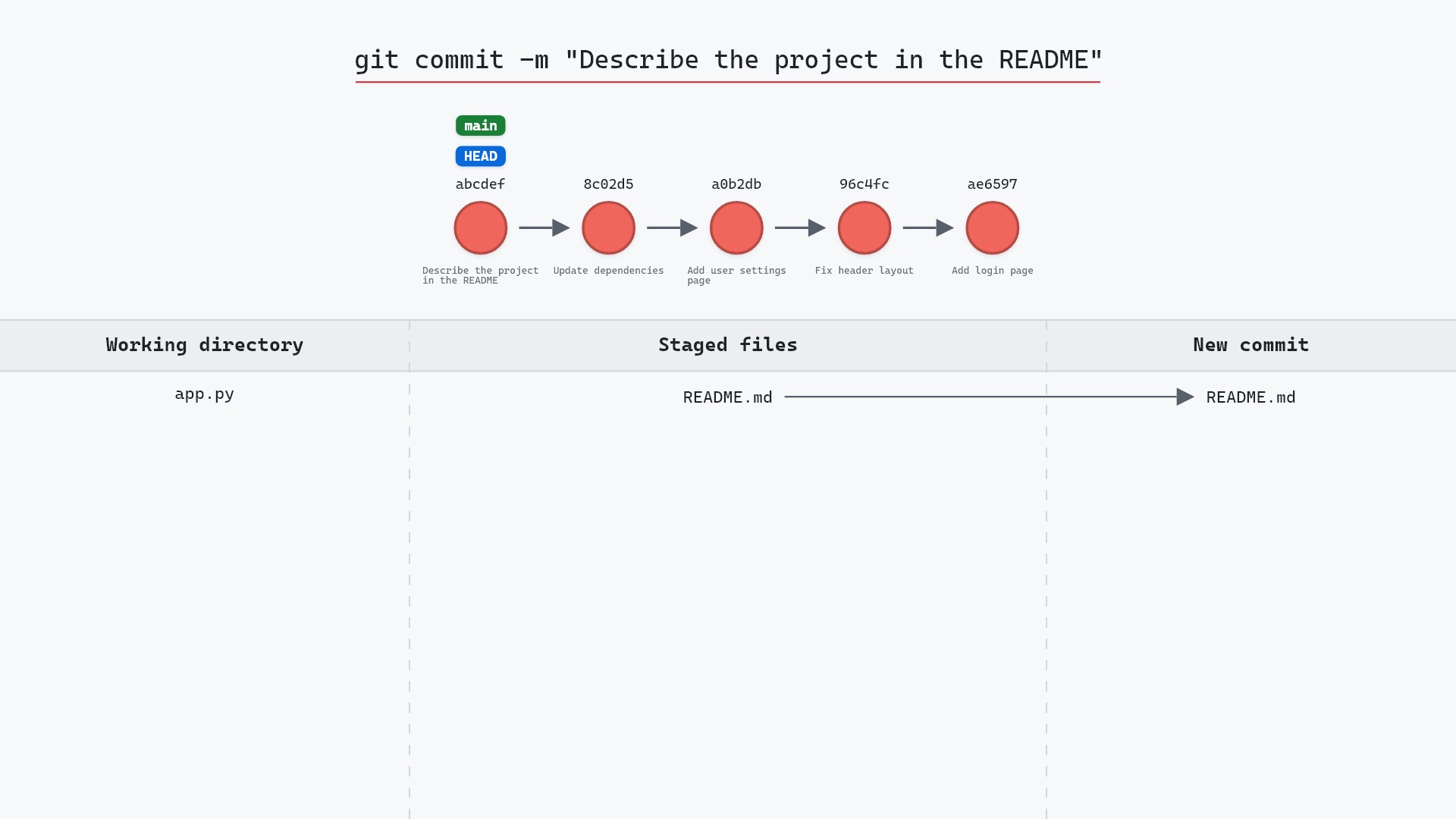
- git commit, how each entry in the log gets made
- git checkout, to move HEAD to a commit you found
- git merge, how two histories become one