Git commands
Why git switch makes you say --detach before it leaves your branch
git switch --detach: detached HEAD, on purpose
How to use this page
- slider / ▶Drag the slider, or press play, to watch the command happen. Before and After jump to either end.
- ← → · spaceStep through a multi-step command; space toggles Before / After.
- APlay or pause the loop (the page opens playing). Any manual input takes over.
- hoverA commit shows its message, author, date and parents, with its history highlighted.
- clickCopies the commit sha.
- ctrl + wheelZoom around the cursor (pinch on a trackpad). Double-click resets the view.
- EscStop playback, reset the view, close this menu.
- shareThe Share button copies a link to this graph, copies it as an image, downloads PNG/SVG/page, or posts it. #before, #after or #step=N in the link pins the state.
git-sim visually simulates any Git command in your own repos - from your terminal, IDE, or AI.
Table of Contents
- Introduction
- What is git switch --detach?
- Why switch asks for --detach
- Watch it happen
- Before and after
- When to detach on purpose
- Keeping what you commit
- Is it safe?
- How to undo it
- Try it on your repository
- Common questions
- Summary
- Next steps
- Related commands
Introduction
If you've moved from git checkout to git switch, you may have tried git switch 96c4fc2 to look at an old commit and gotten an error instead. That's deliberate. switch will happily take you to a commit, but only if you add --detach, so you always know when you're leaving your branches behind.
In this article, we'll:
- See the error
switchgives without the flag, and why - Watch
git switch --detach 96c4fc2moveHEADonto an older commit - Cover the situations where detaching on purpose is the right tool, and how to get back
What is git switch --detach?
git switch --detach <commit> (or -d for short) points HEAD directly at a commit instead of at a branch, and updates your files to match. That's detached HEAD: HEAD holds a hash instead of a branch name, so no branch moves if you commit. The commit can be a hash, a tag, a remote-tracking branch like origin/main, or anything else that names a commit. With no commit given, it detaches right where you are.
Why switch asks for --detach
Try it without the flag:
$ git switch 96c4fc2
fatal: a branch is expected, got commit '96c4fc2'
hint: If you want to detach HEAD at the commit, try again with the --detach option.
switch was added in Git 2.23 as the branch-only half of checkout. The old command detaches silently whenever you hand it something that isn't a local branch name, which is how plenty of people end up committing on a detached HEAD without noticing. switch treats a commit where a branch was expected as a probable mistake and makes you confirm. The same goes for tags (got tag 'v1.0') and remote-tracking branches.
Watch it happen
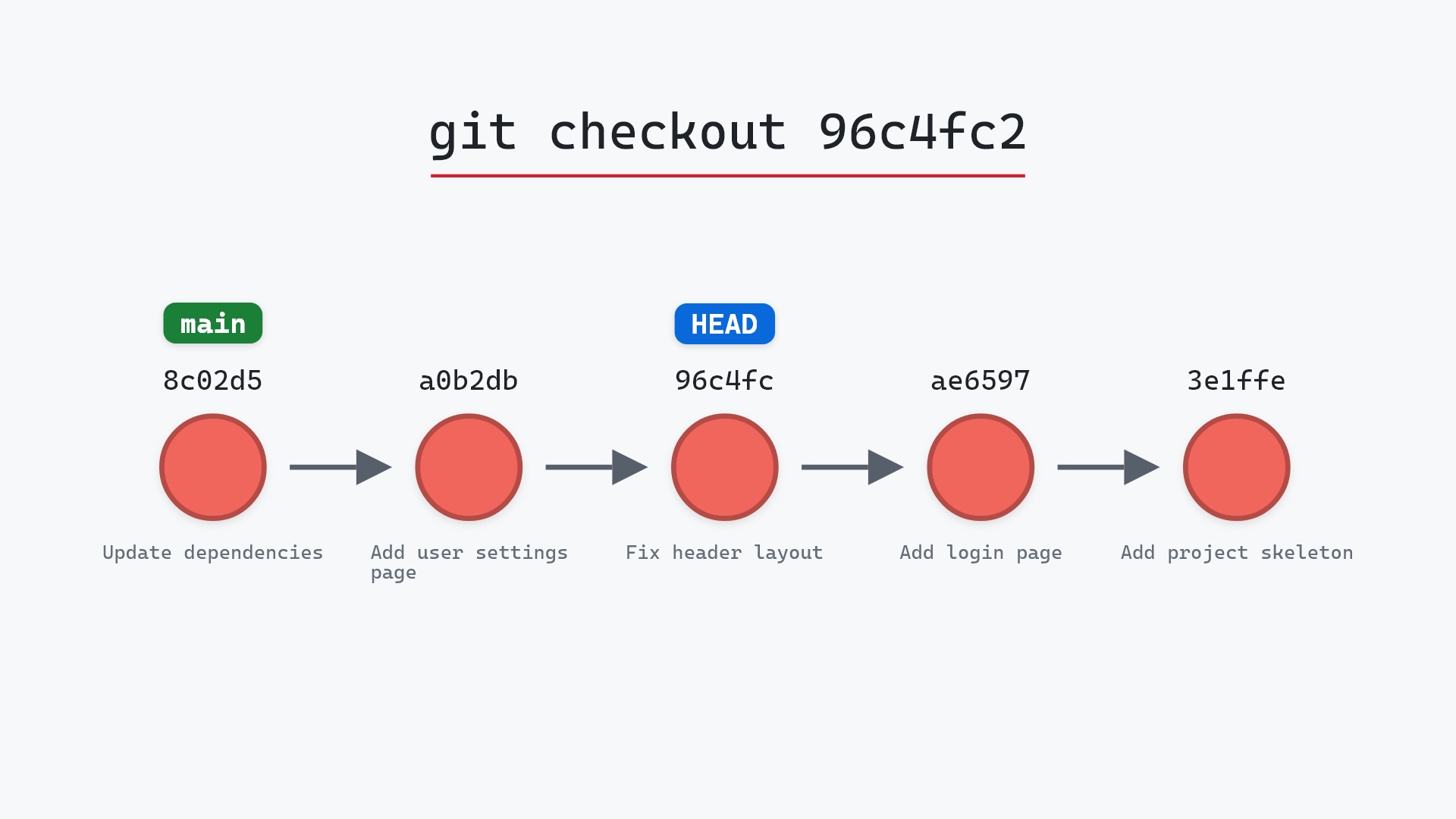
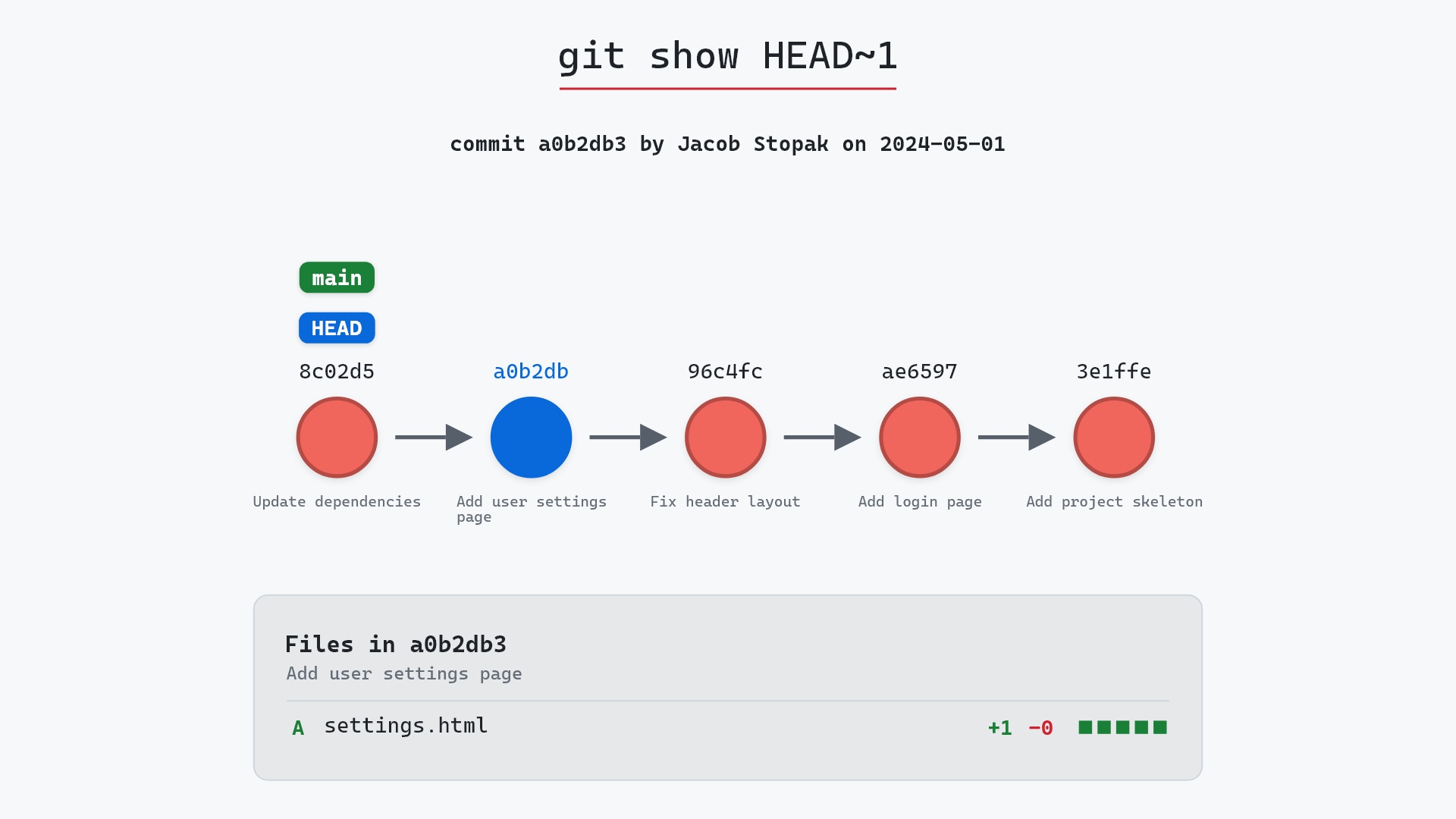
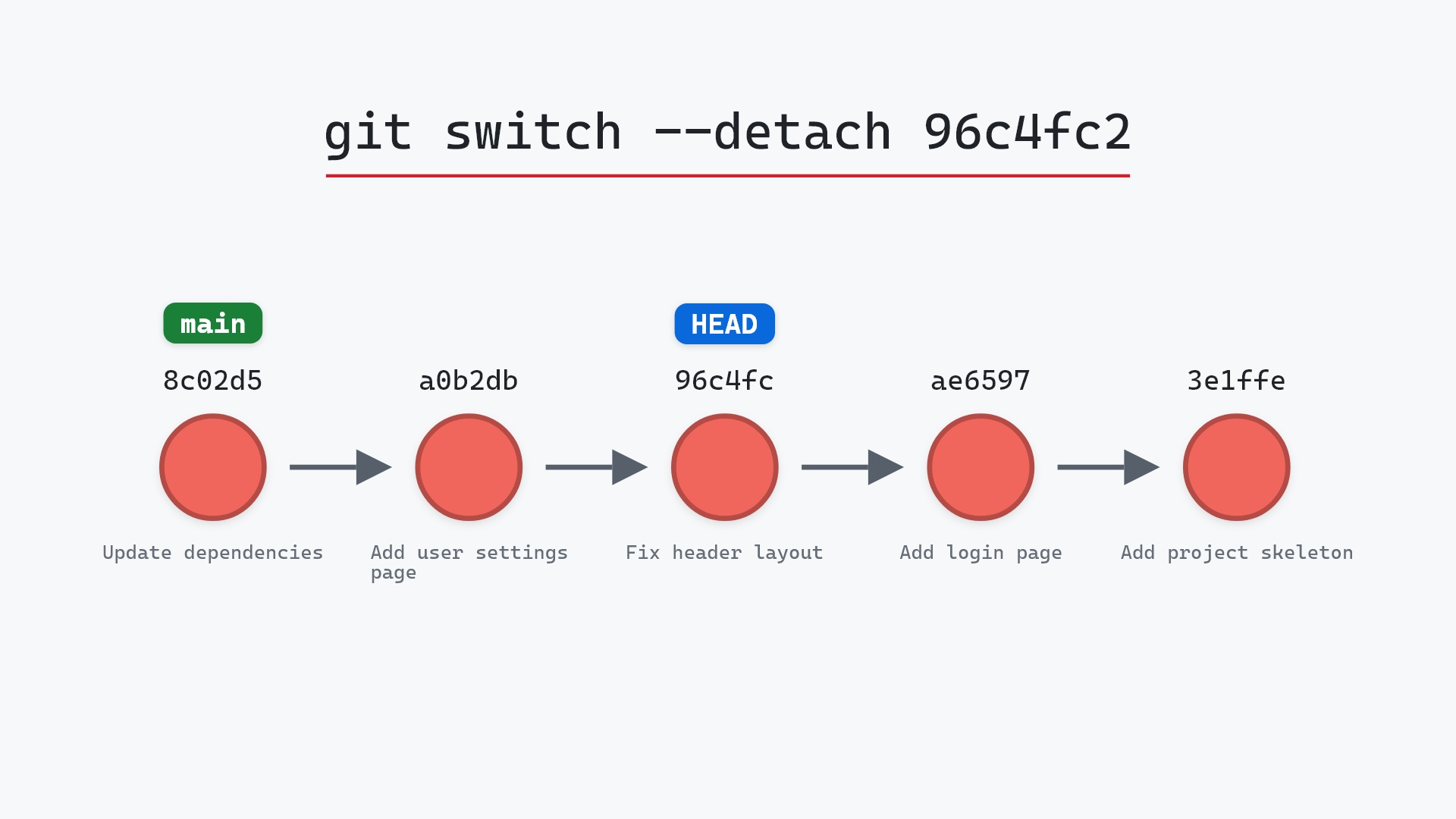
Our sample repo has main checked out; an older commit to inspect. HEAD is on main at 8c02d5b, "Update dependencies", and the commit we want is 96c4fc2, "Fix header layout". Here's git switch --detach 96c4fc2:
- Before:
HEADis attached tomainat8c02d5b. HEADis detached and points directly at96c4fc2, two commits back.mainstill points at8c02d5b, anda0b2db3, "Add user settings page", is still the commit between the two.
Before and after
The graphs differ only in where HEAD is. git status now shows HEAD (no branch), and the files on disk are the ones from "Fix header layout". Compare what Git printed with what git checkout 96c4fc2 prints for the same move:
The raw git output, if you want to read along in text
git log --oneline --graph --all
before
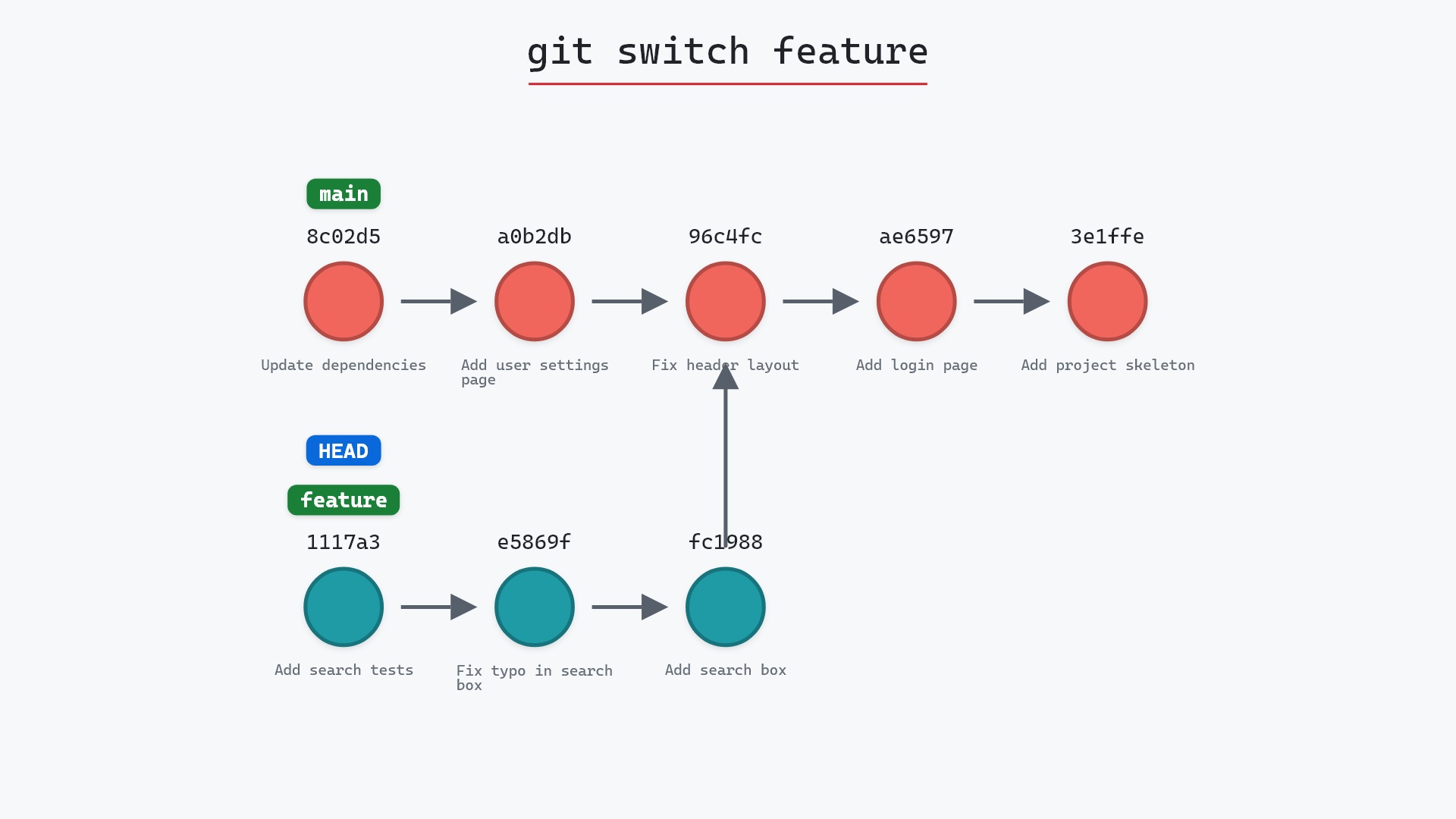
* 1117a34 (feature) Add search tests
* e5869f0 Fix typo in search box
* fc19889 Add search box
| * 8c02d5b (HEAD -> main) Update dependencies
| * a0b2db3 Add user settings page
|/
* 96c4fc2 Fix header layout
* ae65976 Add login page
* 3e1ffe4 Add project skeleton
* 4114b2c Initial commit
after
* 1117a34 (feature) Add search tests
* e5869f0 Fix typo in search box
* fc19889 Add search box
| * 8c02d5b (main) Update dependencies
| * a0b2db3 Add user settings page
|/
* 96c4fc2 (HEAD) Fix header layout
* ae65976 Add login page
* 3e1ffe4 Add project skeleton
* 4114b2c Initial commit
what git printed
HEAD is now at 96c4fc2 Fix header layoutOne line: "HEAD is now at 96c4fc2 Fix header layout". The checkout version prints a paragraph of advice about detached HEAD first. Git skips that advice when you ask for --detach explicitly, on the reasonable assumption that you already know. (git checkout --detach 96c4fc2 gets the same short treatment.)
When to detach on purpose
- Looking at or building an old version:
git switch --detach v1.0to run a tagged release exactly as it shipped. - Trying what's on the remote without making a local branch:
git fetchthengit switch --detach origin/main. - Running a quick experiment you expect to throw away. Commits made while detached leave no branch behind to clean up.
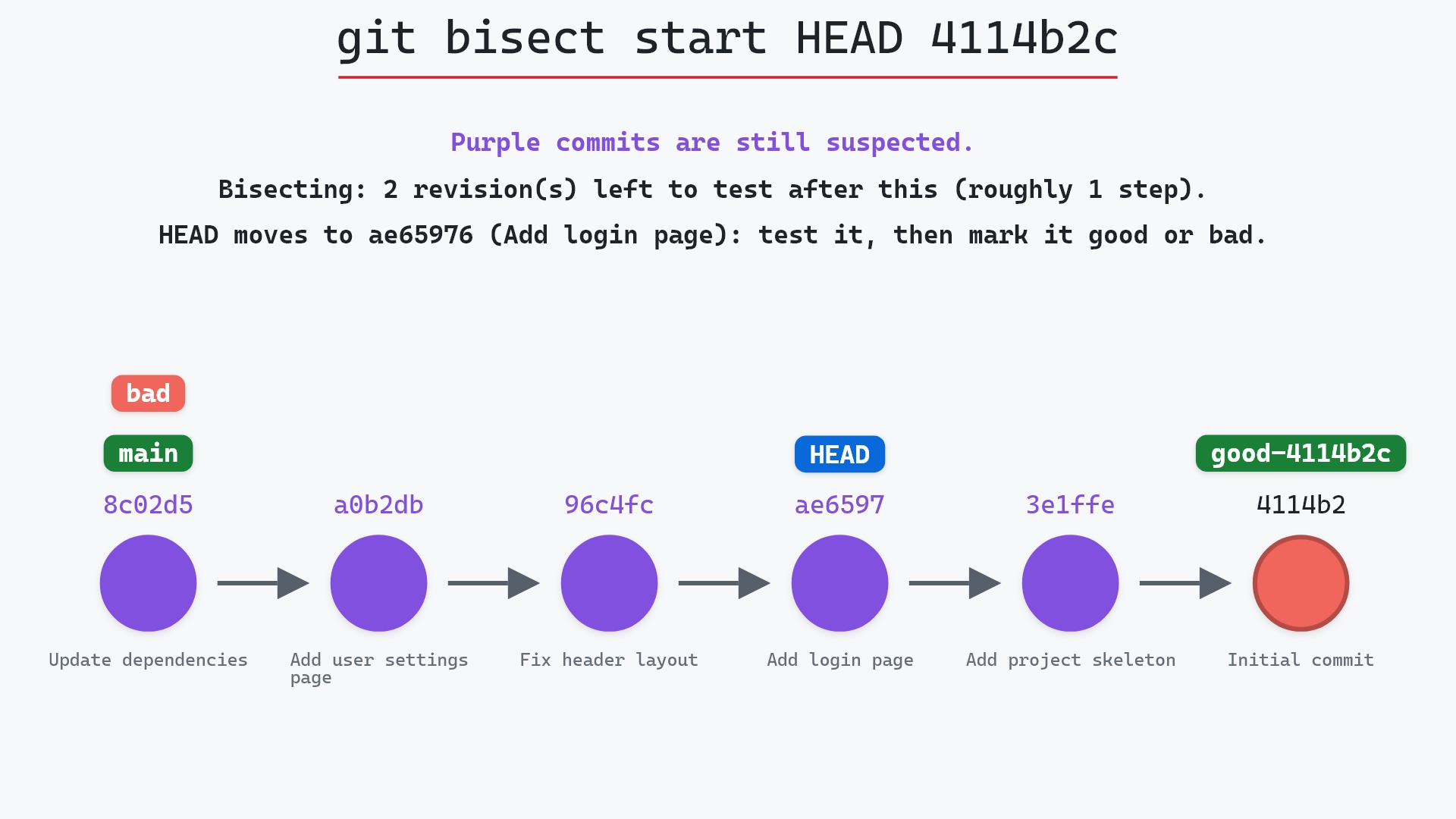
git bisectdoes this for you at every step, which is why it leaves you detached until you rungit bisect reset.
git switch --detach origin/main fairly often to try out what's landed on the remote before I merge it into my own branch. It saves me from creating a local branch just to look at something, and then forgetting to delete it.
Keeping what you commit
If an experiment turns into something worth keeping, create a branch while you're still on it:
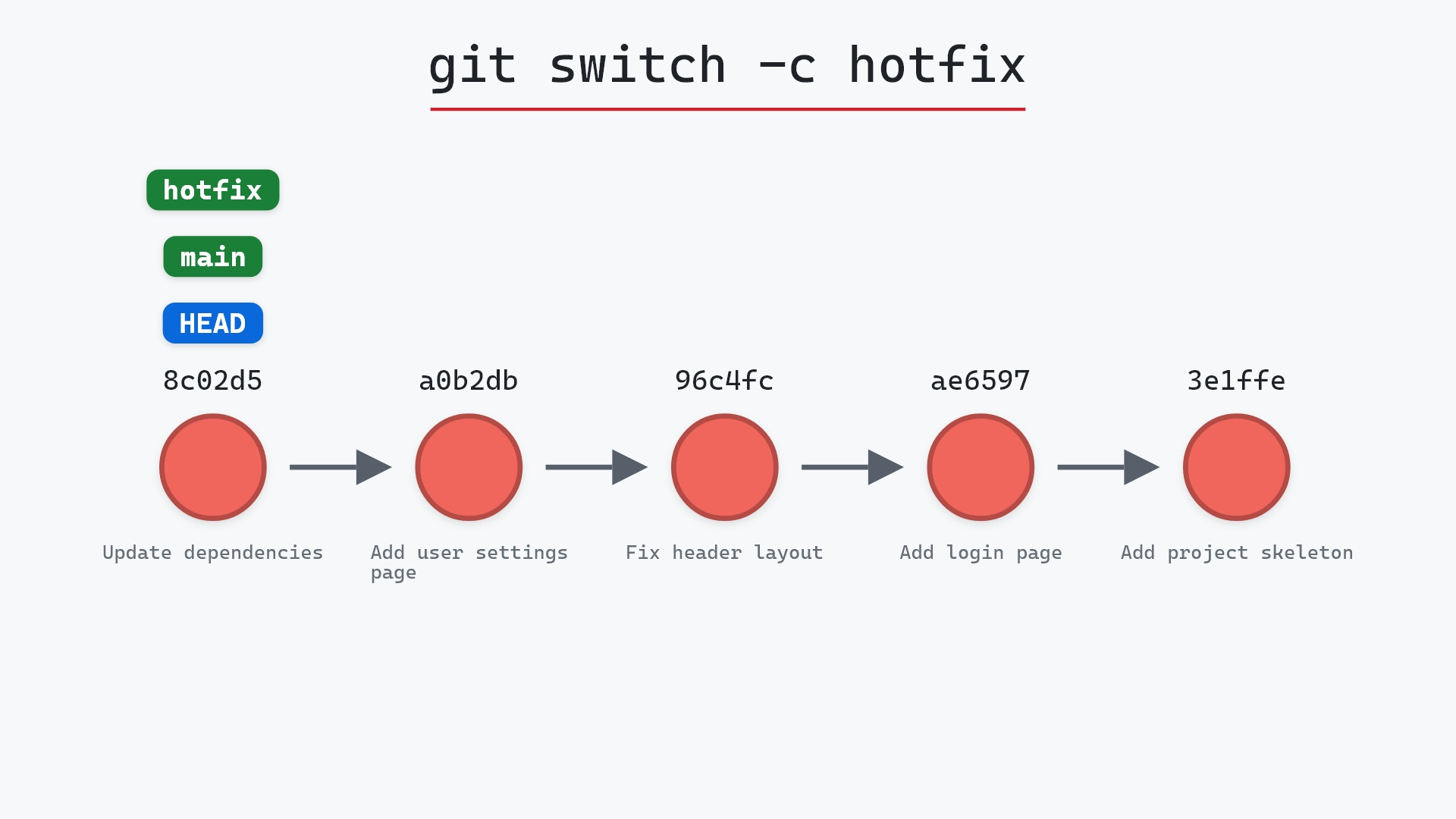
git switch -c header-fix
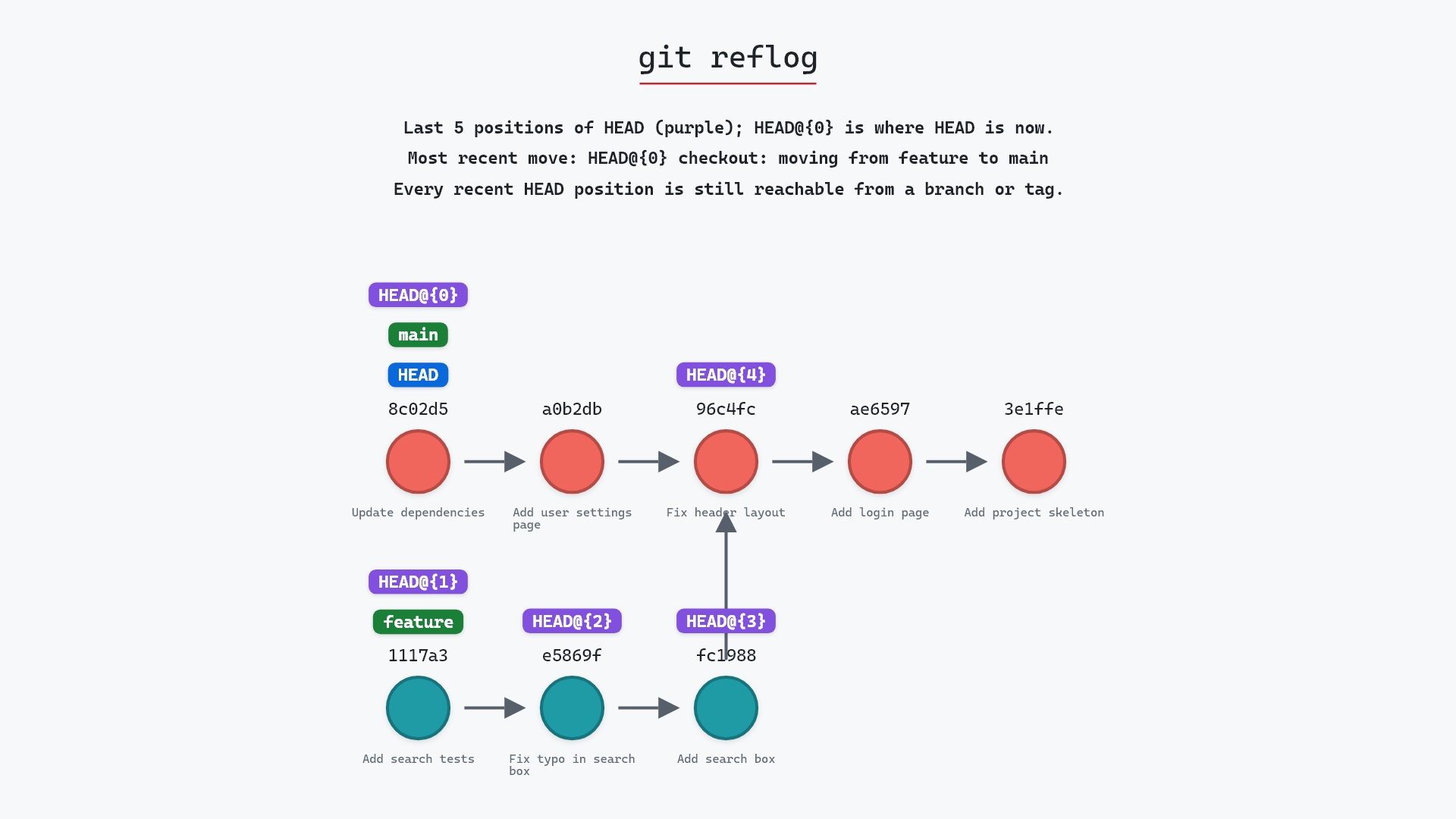
If you've already switched away, Git will have warned you that you were leaving commits behind and printed a hash. Use it, or find it in git reflog, and run git branch header-fix <sha>.
Is it safe?
Safe git-sim pre-flight
Switches to '96c4fc2'.
Detaching moves only HEAD. It refuses if uncommitted changes would be overwritten, same as switching branches. Commits made while detached are the only thing at risk, and only if you leave them without a branch.
How to undo it
git switch -
goes back to the branch you were on, or name it: git switch main.
Try it on your repository
pip install git-sim
git-sim switch --detach 96c4fc2
git-sim shows HEAD leaving your branch and landing on the commit you named, without changing your repository.
Common questions
Why does git switch say "a branch is expected, got commit"?
Because switch only moves between branches unless you tell it otherwise. Add --detach (or -d) to go to a commit, or use git switch -c <name> <commit> to create a branch there instead.
What is the difference between git switch --detach and git checkout with a commit hash?
The result is the same detached HEAD. checkout detaches whenever you give it something that isn't a local branch and prints a warning. switch detaches only when you pass --detach, and skips the warning because you asked.
How do I leave detached HEAD with git switch?
git switch - returns to your previous branch, and git switch <branch> goes to any branch. Run git switch -c <name> first if you want to keep commits you made while detached.
Can I switch to a tag?
Yes, with git switch --detach <tag>. Tags never move, so there's no branch to be on, and HEAD points at the tagged commit.
Summary
In this article, we saw why git switch refuses a bare commit, watched git switch --detach 96c4fc2 move HEAD off main onto "Fix header layout", and covered when detaching on purpose is handy and how to keep anything you commit there.
Next steps
git checkout on a commit covers the older way into detached HEAD and the warning that comes with it. git switch -c turns wherever you are into a branch.
Related commands
- git checkout on a commit, the same move with the older command
- git switch, changing branches
- git switch -c, to keep commits made while detached
- git reflog, to find commits you left behind
- git tag, a common thing to detach onto
- git fetch, to update
origin/mainbefore you visit it