Git commands
What a Git tag points at, and why it stays put
git tag: a name that never moves
How to use this page
- slider / ▶Drag the slider, or press play, to watch the command happen. Before and After jump to either end.
- ← → · spaceStep through a multi-step command; space toggles Before / After.
- APlay or pause the loop (the page opens playing). Any manual input takes over.
- hoverA commit shows its message, author, date and parents, with its history highlighted.
- clickCopies the commit sha.
- ctrl + wheelZoom around the cursor (pinch on a trackpad). Double-click resets the view.
- EscStop playback, reset the view, close this menu.
- shareThe Share button copies a link to this graph, copies it as an image, downloads PNG/SVG/page, or posts it. #before, #after or #step=N in the link pins the state.
git-sim visually simulates any Git command in your own repos - from your terminal, IDE, or AI.
Table of Contents
- Introduction
- What is git tag?
- Watch it happen
- Before and after
- Tags don't push by default
- Is it safe?
- Useful forms
- How to undo it
- Try it on your repository
- Common questions
- Summary
- Next steps
- Related commands
Introduction
Branches and tags are both names for commits, and both live as small files under .git/refs/. The difference is what happens when you commit: a branch follows you, a tag stays where you put it. That's why releases get tags (on GitHub, every release is built on one). A year later, v1.0 still points at exactly the commit you shipped.
In this article, we'll:
- Watch
git tag v1.0label the current commit - Compare a tag with a branch on the same graph
- Cover annotated tags, tagging older commits, and pushing tags
What is git tag?
git tag <name> writes a file .git/refs/tags/<name> containing the hash of the current commit. That's a lightweight tag. git tag -a <name> -m "message" creates an annotated tag, which is a full object in the database with a tagger, date, message and optional signature, and the ref file points at that object instead. Releases should be annotated. Lightweight tags are fine for private bookmarks.
Watch it happen
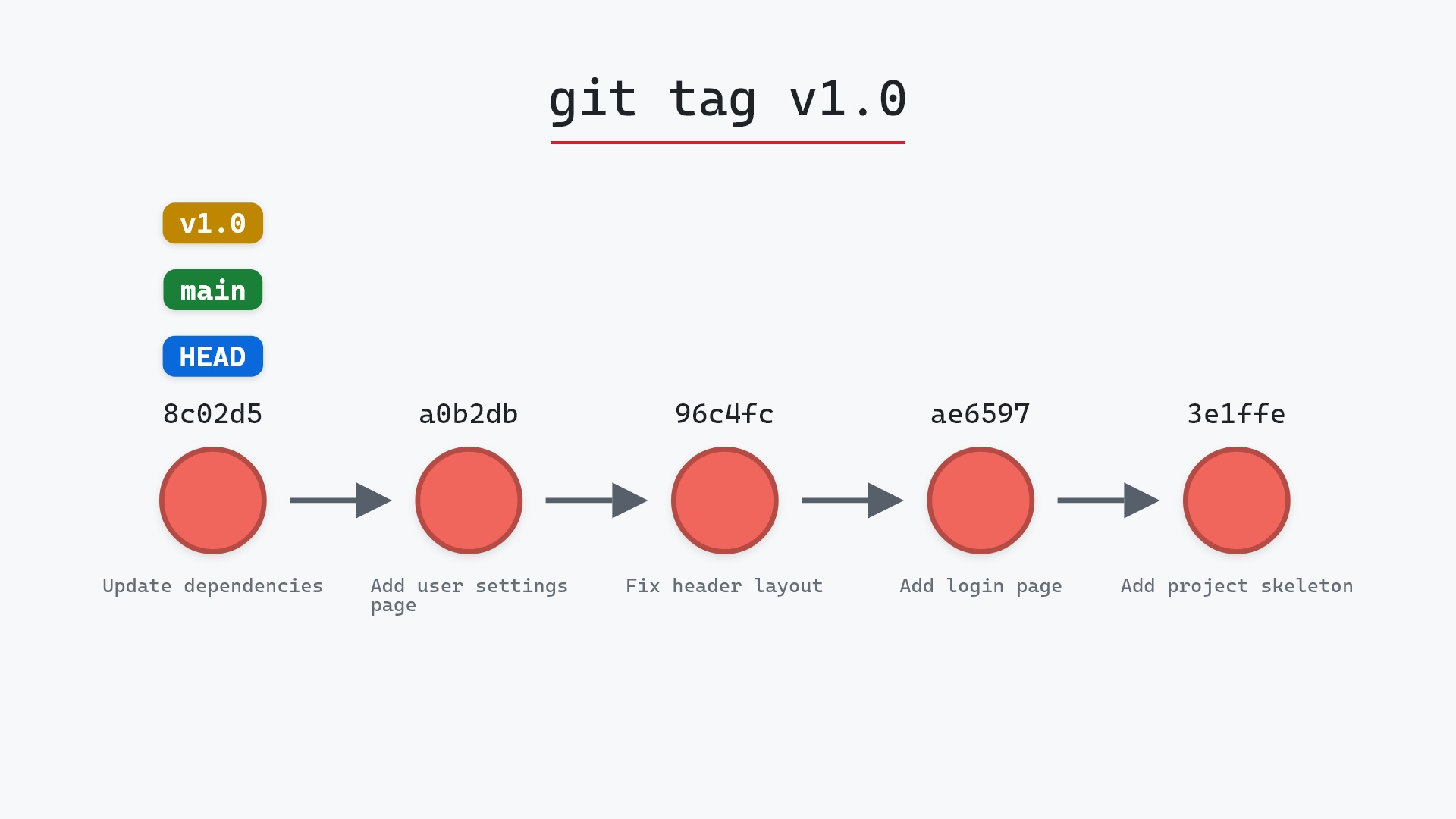
Our sample repo has the current commit on main. Here's git tag v1.0:
- Before:
HEADis attached tomainat8c02d5b. The repository has no tags. - Git creates the tag
v1.0, a ref pointing at8c02d5b. mainandHEADdon't move, and no commits are created.
Before and after
The graph gained one label. Make another commit now and main would move forward while v1.0 stayed on 8c02d5b. That's the entire difference between the two kinds of ref, and it's why a tag is the right way to mark a release.
The raw git output, if you want to read along in text
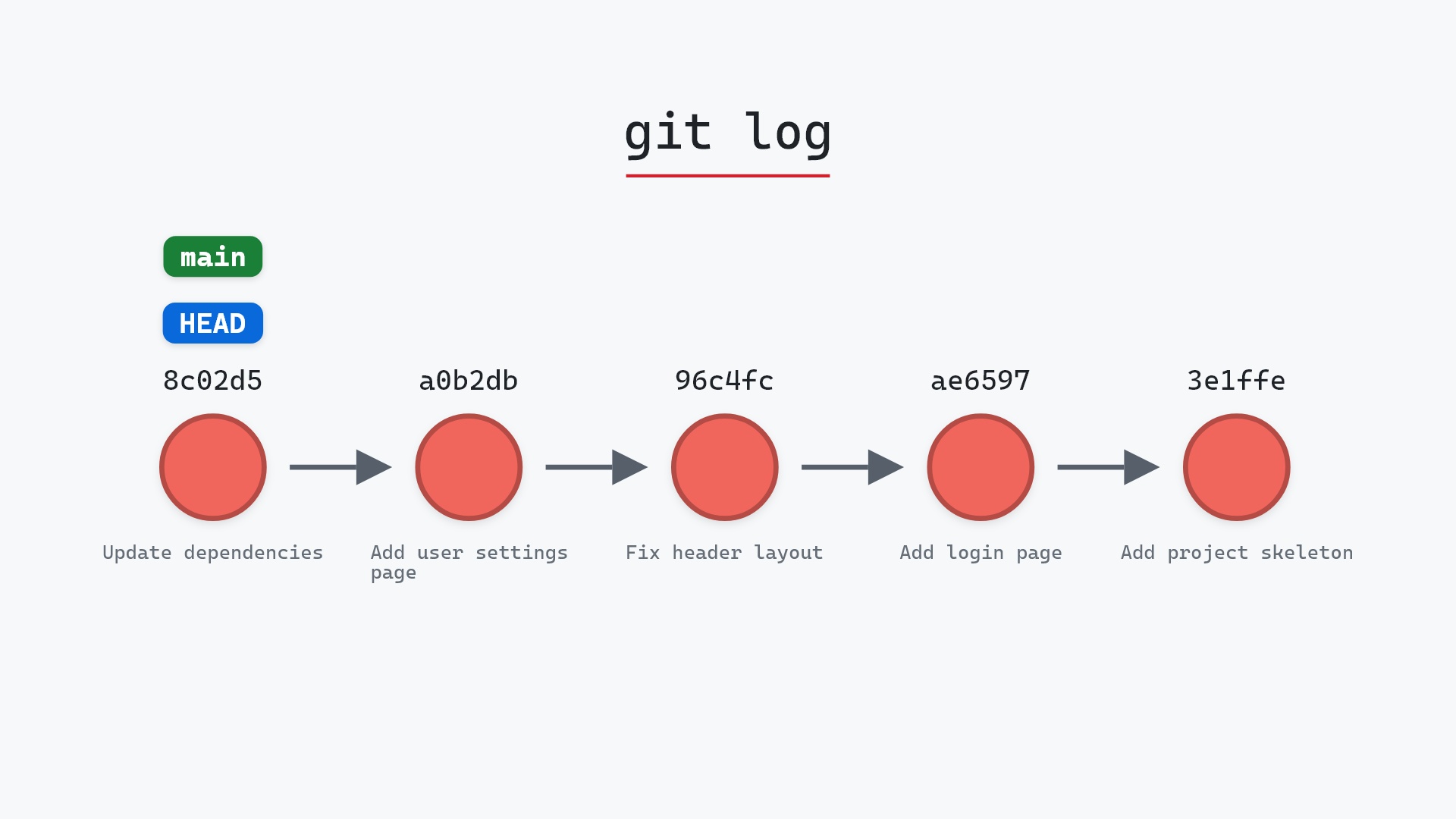
git log --oneline --graph --all
before
* 1117a34 (feature) Add search tests
* e5869f0 Fix typo in search box
* fc19889 Add search box
| * 8c02d5b (HEAD -> main) Update dependencies
| * a0b2db3 Add user settings page
|/
* 96c4fc2 Fix header layout
* ae65976 Add login page
* 3e1ffe4 Add project skeleton
* 4114b2c Initial commit
after
* 1117a34 (feature) Add search tests
* e5869f0 Fix typo in search box
* fc19889 Add search box
| * 8c02d5b (HEAD -> main, tag: v1.0) Update dependencies
| * a0b2db3 Add user settings page
|/
* 96c4fc2 Fix header layout
* ae65976 Add login page
* 3e1ffe4 Add project skeleton
* 4114b2c Initial commit
Tags don't push by default
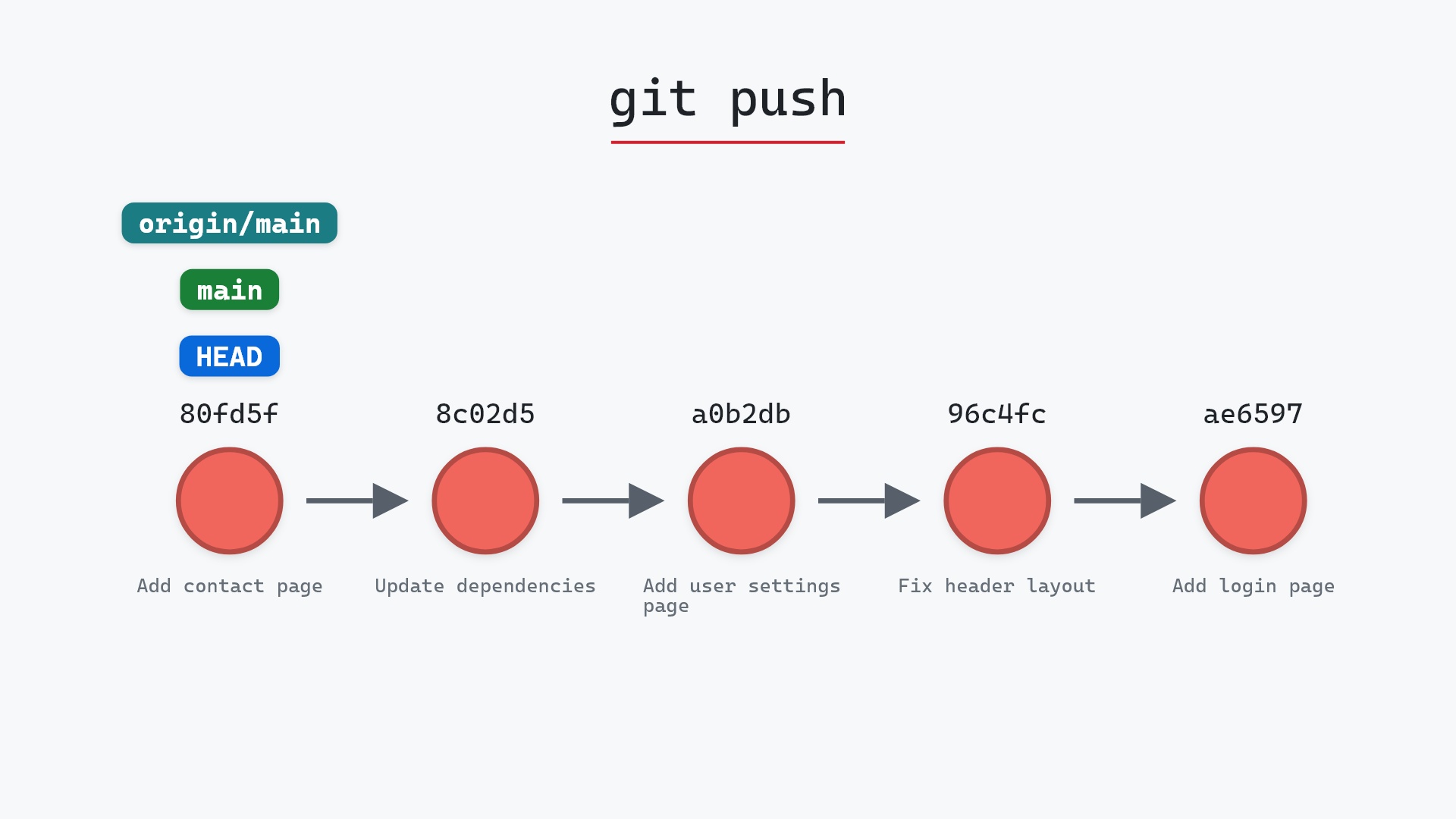
git push sends branches, not tags. To publish a tag:
git push origin v1.0
or git push --tags for all of them. Forgetting this is the usual reason a tag exists on your machine and nowhere else.
Is it safe?
Safe git-sim pre-flight
creates tag 'v1.0' pointing at HEAD; nothing is discarded.
Creating a tag adds one ref. Nothing existing changes. Deleting one is git tag -d <name>, and moving one (git tag -f) is worth avoiding once a tag has been pushed, for the same reason as any other history rewrite.
Useful forms
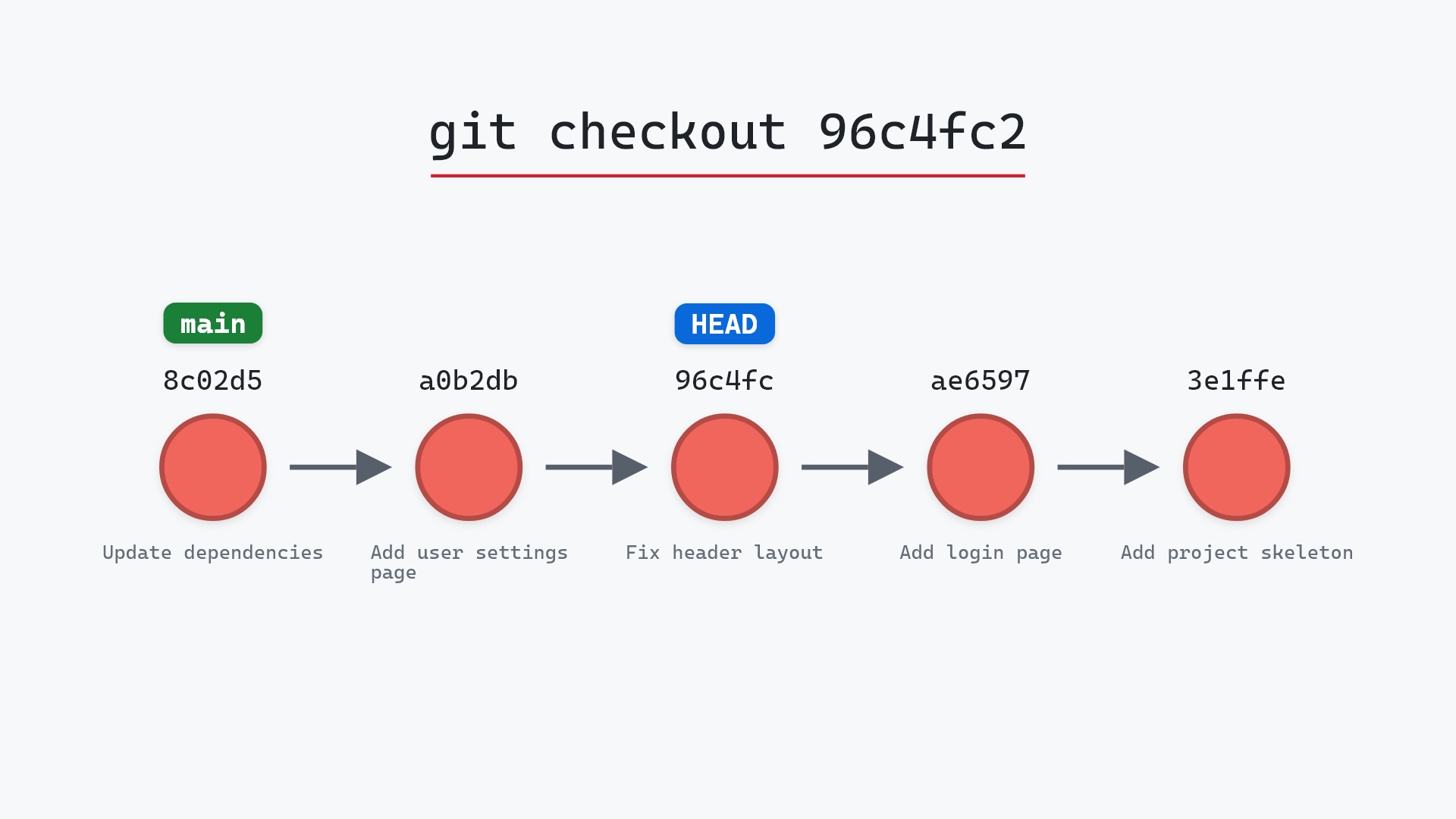
git taglists tags.git tag -a v1.0 -m "First release"creates an annotated tag.git tag v0.9 96c4fc2tags an older commit.git show v1.0shows the tag and the commit it points at.git checkout v1.0visits the tagged commit, with HEAD detached.
How to undo it
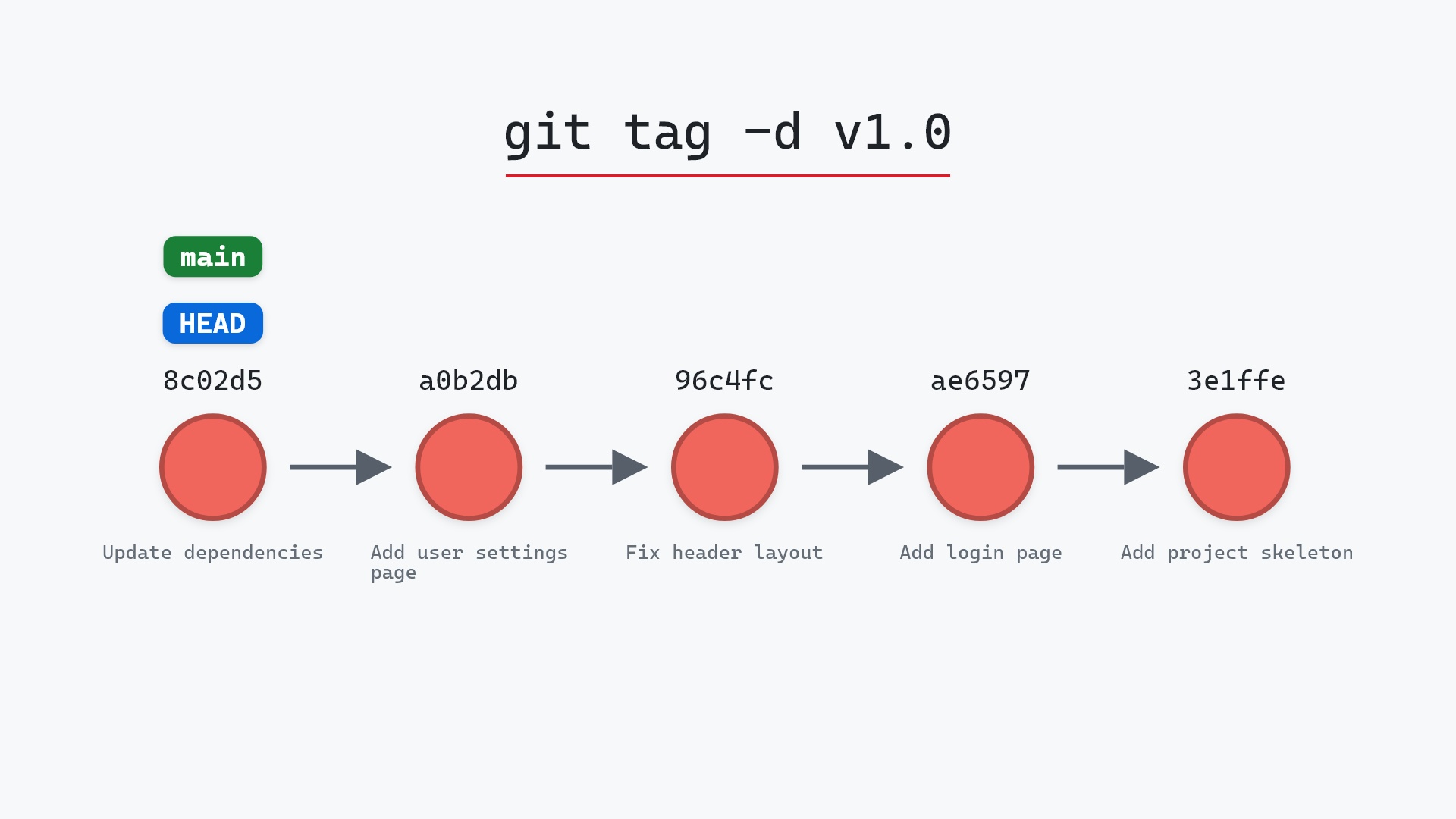
git tag -d v1.0
Try it on your repository
pip install git-sim
git-sim tag v1.0
git-sim shows where the tag would land on your own graph.
Common questions
What is the difference between a tag and a branch?
Both name a commit. A branch moves to each new commit you make on it, while a tag stays on the commit it was created at.
What is the difference between lightweight and annotated tags?
A lightweight tag is just a ref pointing at a commit. An annotated tag is an object with a tagger, date and message, which the ref points at. Use annotated tags for releases.
Why isn't my tag on the remote?
git push doesn't send tags. Run git push origin <tag> or git push --tags.
How do I tag an older commit?
git tag <name> <sha>, for example git tag v0.9 96c4fc2.
Summary
In this article, we watched git tag put a fixed label on the current commit, compared it with a branch, and covered annotated tags and why tags need to be pushed separately.
Next steps
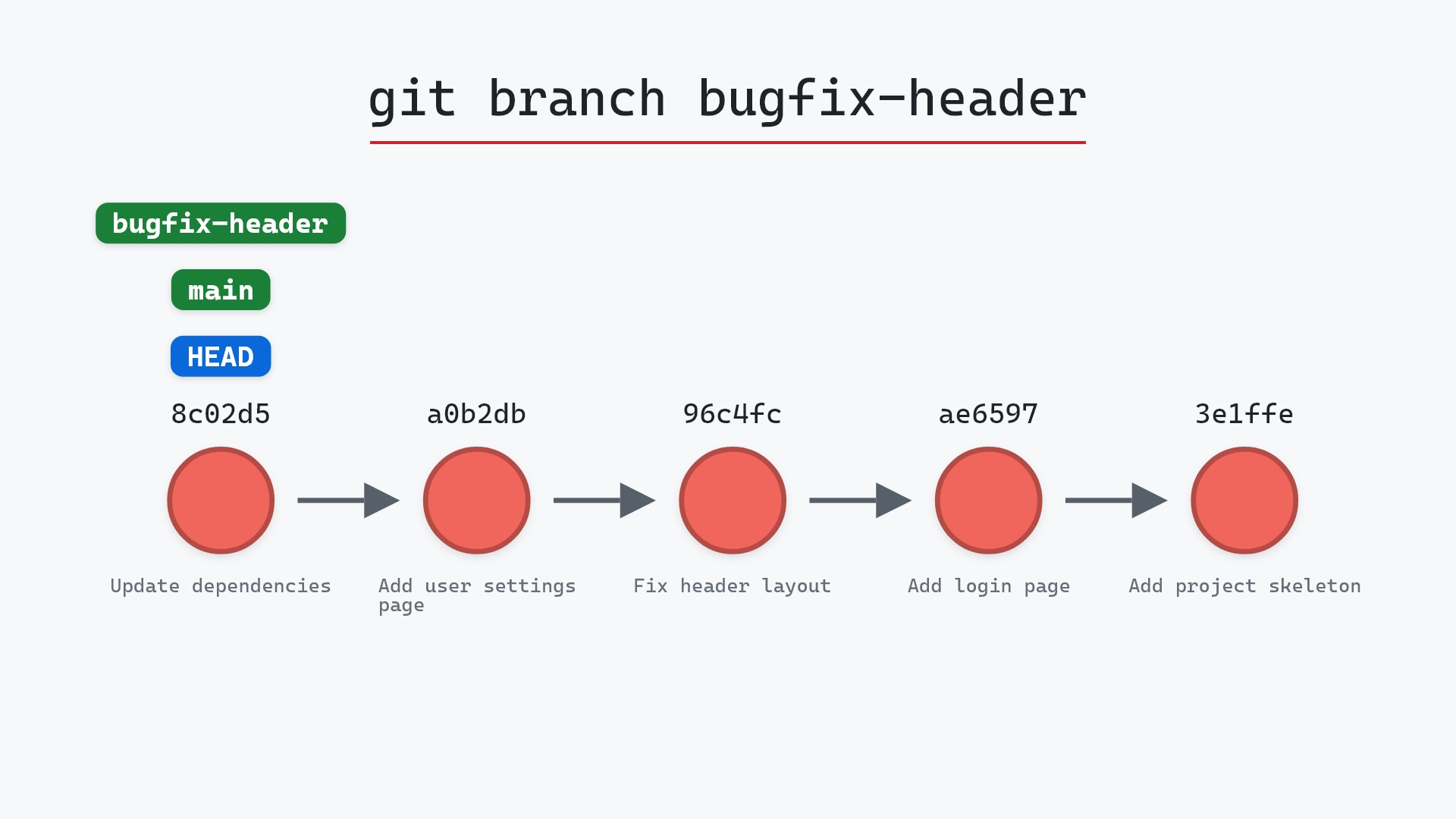
git tag -d <name> removes a tag locally, and git push origin --delete <name> removes it from the remote. git branch is the moving kind of ref.
Related commands
- git checkout -b, to start a branch from a tag
- git branch, the ref that moves
- git log, tags appear in its decorations
- git push, which needs telling about tags
- git checkout, to visit a tagged commit
- git commit, what a tag points at
- git push --tags, to publish your tags to the remote