Git commands
Why git commit --amend gives you a brand new commit
git commit --amend: fixing the last commit in place
How to use this page
- slider / ▶Drag the slider, or press play, to watch the command happen. Before and After jump to either end.
- ← → · spaceStep through a multi-step command; space toggles Before / After.
- APlay or pause the loop (the page opens playing). Any manual input takes over.
- hoverA commit shows its message, author, date and parents, with its history highlighted.
- clickCopies the commit sha.
- ctrl + wheelZoom around the cursor (pinch on a trackpad). Double-click resets the view.
- EscStop playback, reset the view, close this menu.
- shareThe Share button copies a link to this graph, copies it as an image, downloads PNG/SVG/page, or posts it. #before, #after or #step=N in the link pins the state.
git-sim visually simulates any Git command in your own repos - from your terminal, IDE, or AI.
Table of Contents
- Introduction
- What is git commit --amend?
- Watch it happen
- Before and after
- Is it safe?
- How to undo it
- Useful forms
- Try it on your repository
- Common questions
- Summary
- Next steps
- Related commands
Introduction
Everyone has committed and then immediately noticed a typo in the message, or a file they forgot to stage. git commit --amend is the fix, and it's one of the first history-rewriting commands most of us learn. The word "amend" makes it sound like an edit. It's a replacement, and that difference matters as soon as a remote is involved.
In this article, we'll:
- Watch
--amendfold a staged change into the previous commit - See the old commit disappear from the branch and a new one take its place
- Cover when amending is fine and when it will cause trouble
What is git commit --amend?
git commit --amend creates a new commit whose tree is the previous commit's tree plus whatever is staged now, with the message you supply (or the old one, if you don't), and with the same parent as the previous commit. Then it moves the branch to the new commit. The old commit is no longer on the branch.
Because the tree or the message changed, the hash is different. There's no such thing as editing a commit in Git, only making another one. Pro Git's Rewriting History chapter starts from this same command.
Watch it happen
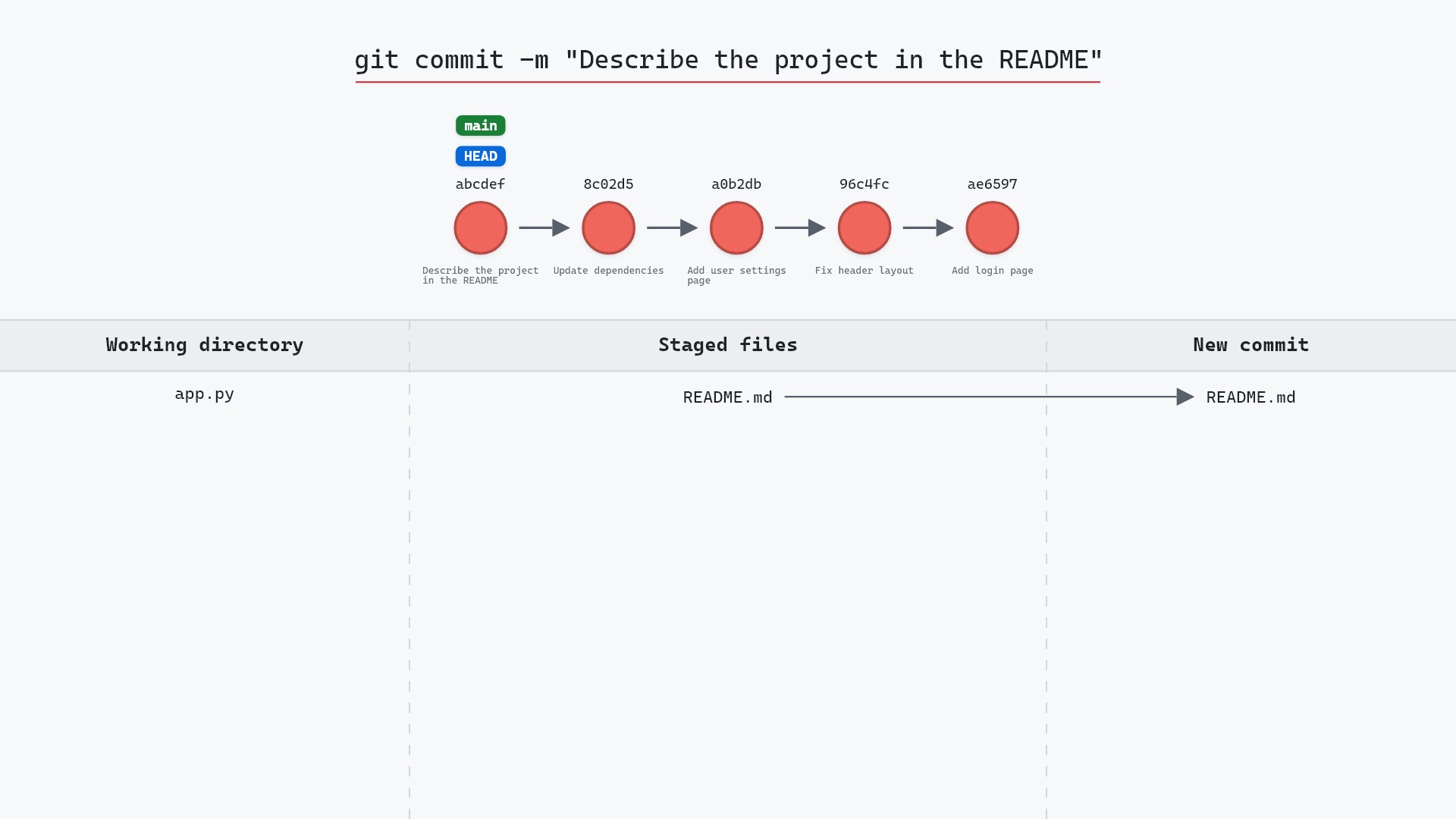
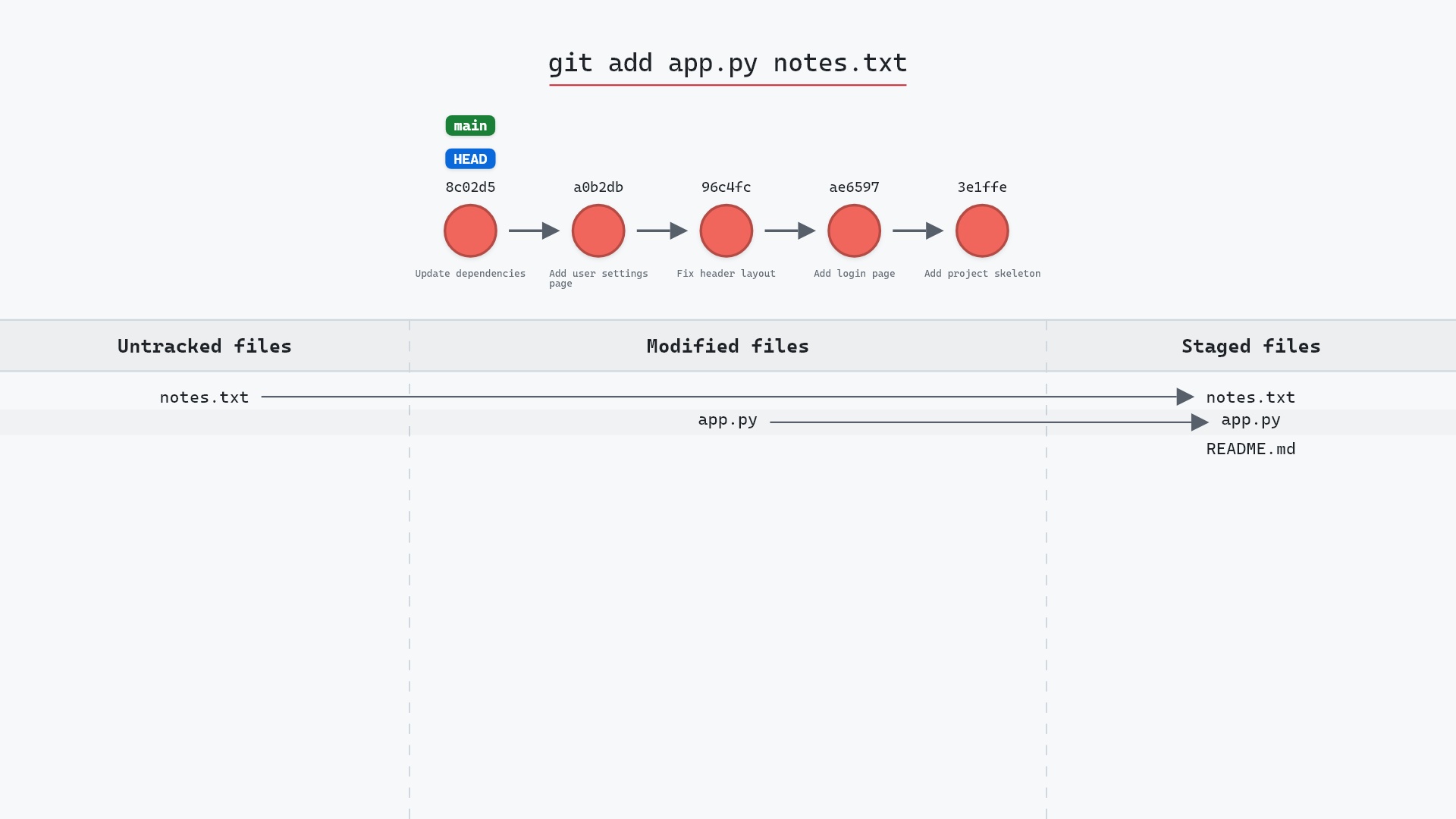
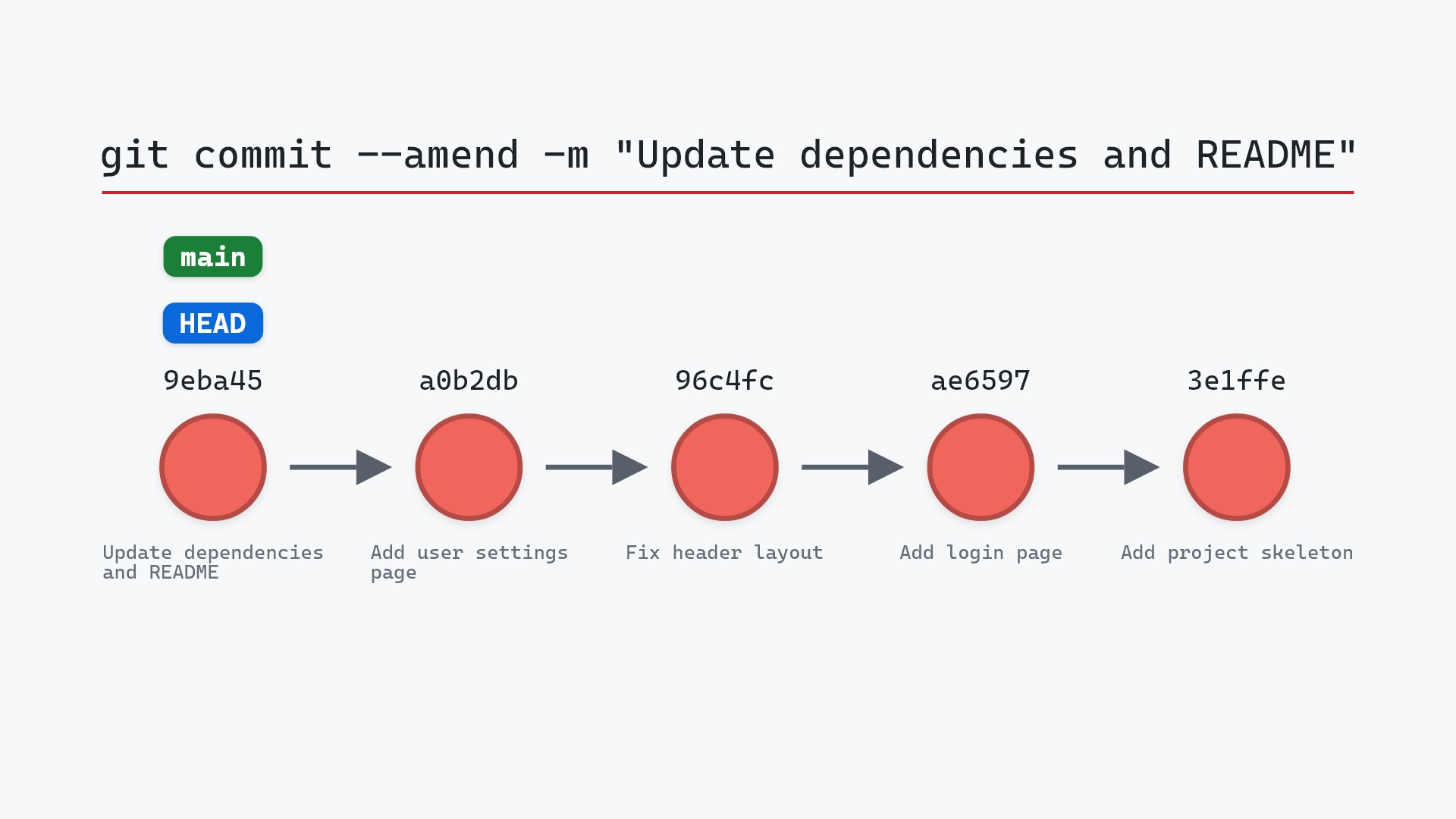
Our sample repo has a staged change to fold into the previous commit: an edit to README.md that should have been part of "Update dependencies". Here's git commit --amend -m "Update dependencies and README":
- Before:
mainandHEADat8c02d5b, "Update dependencies". A change toREADME.mdis staged, ready to be folded in. - Git creates a new commit that replaces
8c02d5b: same parent, new message, new id, and both changes inside it. mainnow points at the new commit, andHEADwith it.8c02d5bis no longer on any branch and is reachable only from the reflog.
Before and after
main still has the same number of commits, but the tip is 13069bd instead of 8c02d5b, and its message reads "Update dependencies and README". git status is clean afterwards, since the staged README.md change went into the amended commit.
The raw git output, if you want to read along in text
git log --oneline --graph --all
before
* 1117a34 (feature) Add search tests
* e5869f0 Fix typo in search box
* fc19889 Add search box
| * 8c02d5b (HEAD -> main) Update dependencies
| * a0b2db3 Add user settings page
|/
* 96c4fc2 Fix header layout
* ae65976 Add login page
* 3e1ffe4 Add project skeleton
* 4114b2c Initial commit
after
* 7ef2987 (HEAD -> main) Update dependencies and README
* a0b2db3 Add user settings page
| * 1117a34 (feature) Add search tests
| * e5869f0 Fix typo in search box
| * fc19889 Add search box
|/
* 96c4fc2 Fix header layout
* ae65976 Add login page
* 3e1ffe4 Add project skeleton
* 4114b2c Initial commit
what git printed
[main 7ef2987] Update dependencies and README
 Date: Wed May 1 14:00:00 2024 +0000
 2 files changed, 2 insertions(+), 1 deletion(-)
 create mode 100644 requirements.txt
Is it safe?
Caution git-sim pre-flight
Replaces HEAD commit 8c02d5b with a new commit (new hash).
The way back
Old commit stays in reflog: git reset --soft 8c02d5b
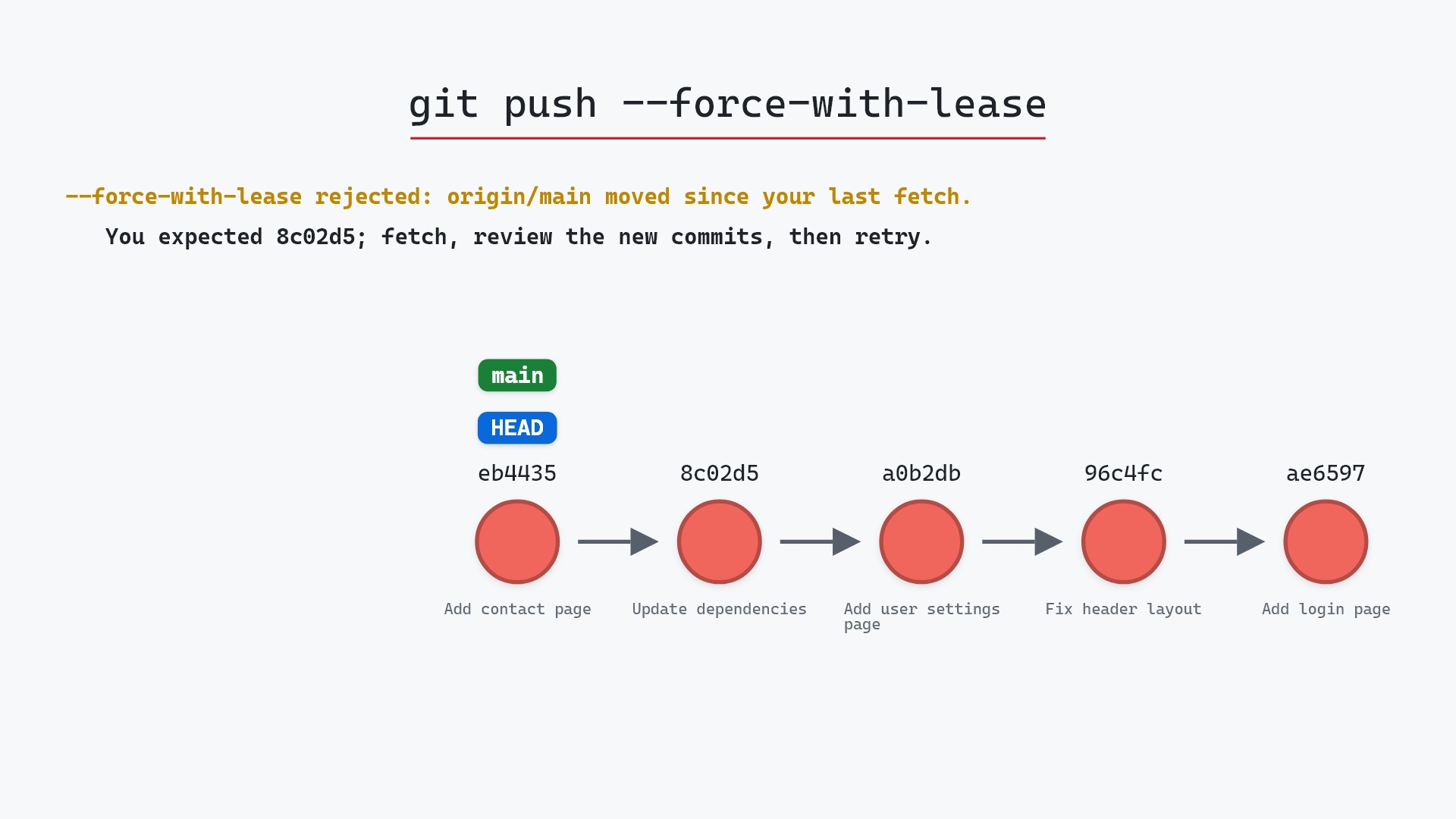
Locally, amending is low risk. The old commit stays in the reflog and you can get back to it. The trouble starts if 8c02d5b had already been pushed. The remote still has it, your branch now has 13069bd instead, and Git will refuse a normal push because the histories have diverged. The way out is git push --force-with-lease, which is fine on a branch only you work on and a bad idea on a shared one.
How to undo it
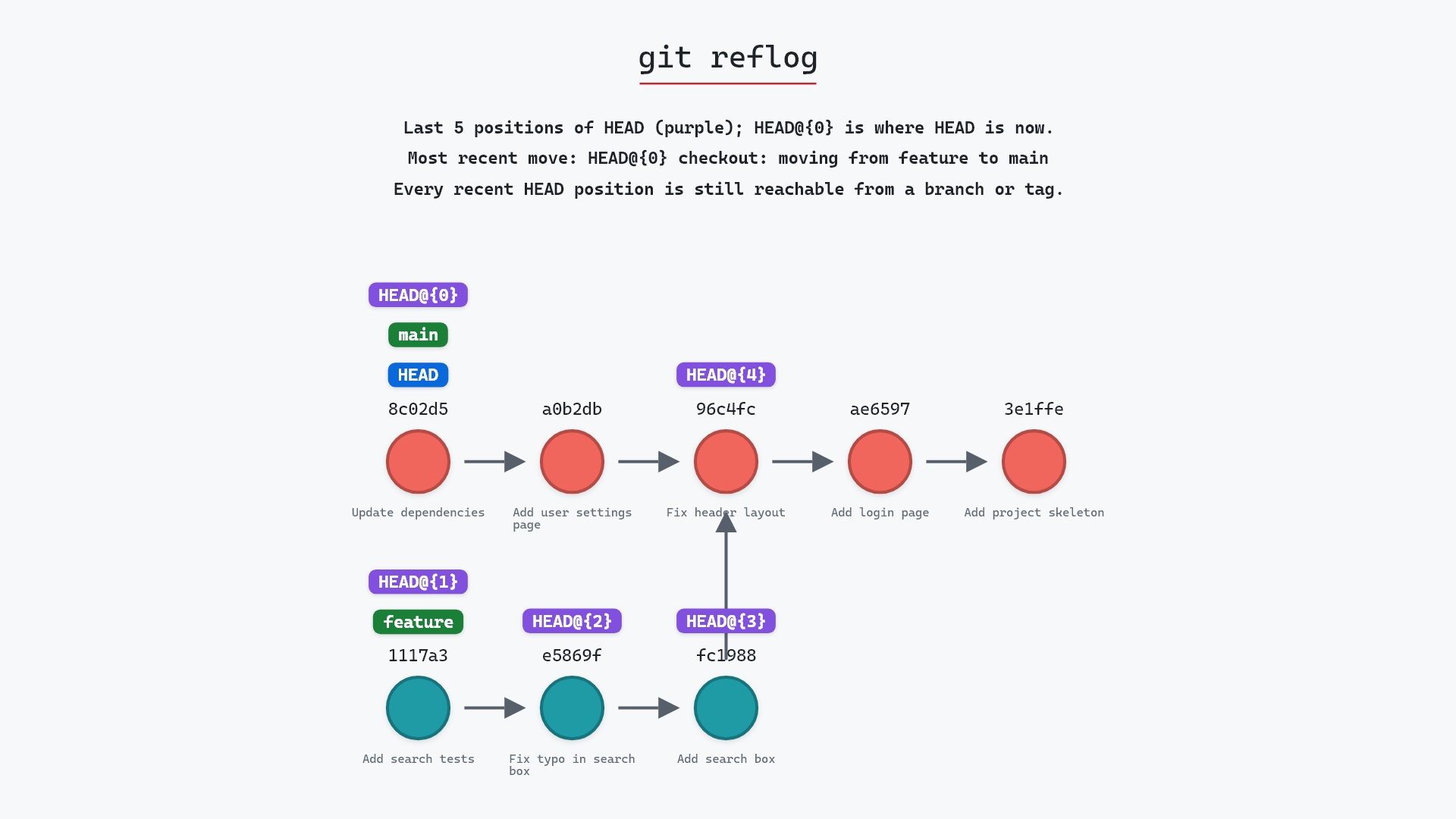
The reflog still has the original commit:
git reflog
13069bd HEAD@{0}: commit (amend): Update dependencies and README
8c02d5b HEAD@{1}: commit: Update dependencies
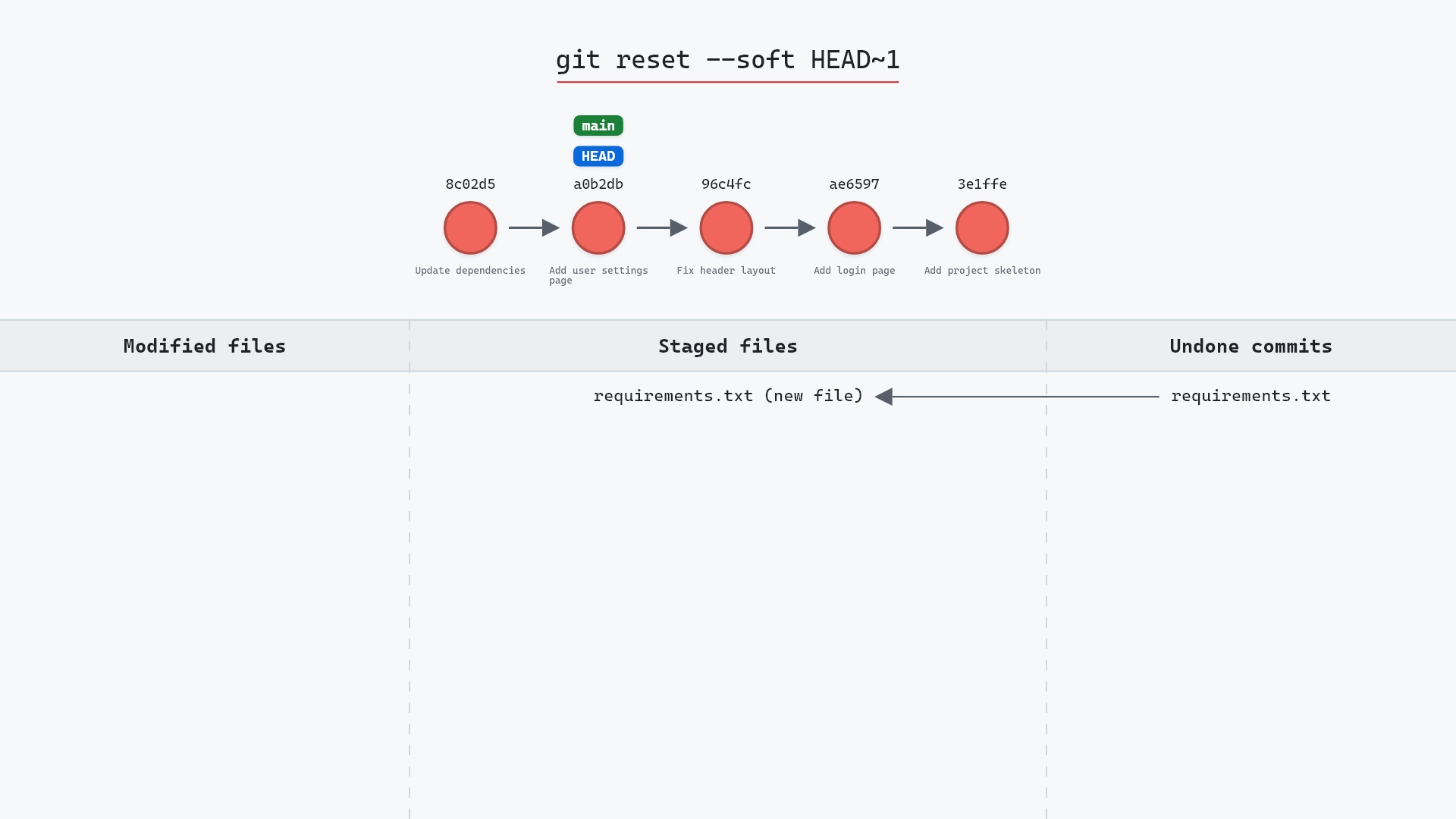
To go back to it, keeping the amended changes staged:
git reset --soft 8c02d5b
Useful forms
git commit --amend --no-editkeeps the old message and only adds the staged changes.git commit --amend -m "new message"changes the message inline.git commit --amend --author="Name <email>"fixes the author.git commit --amend --date=nowrefreshes the author date. The git commit documentation covers the rest, such as--reset-author.
Try it on your repository
pip install git-sim
git-sim commit --amend -m "Update dependencies and README"
git-sim shows the replacement commit, the one it replaces, and warns you when the commit being amended has already been pushed.
Common questions
Does git commit --amend change the commit hash?
Yes, always. A commit's hash covers its tree, parent, author, committer and message. Amending changes at least one of those, so the result is a new object with a new hash.
Can I amend a commit that has been pushed?
You can, but the push will be rejected until you force it, and anyone who already pulled the old commit will have diverged history. Amend before you push, or use git revert afterwards.
How do I amend without changing the message?
git commit --amend --no-edit.
How do I undo an amend?
git reflog lists the original commit one entry below the amend. git reset --soft <original-sha> moves the branch back and leaves the amended changes staged.
Summary
In this article, we watched git commit --amend replace the last commit with a new one containing an extra change and a new message, saw the old commit drop off the branch, and covered why amending pushed commits causes trouble.
Next steps
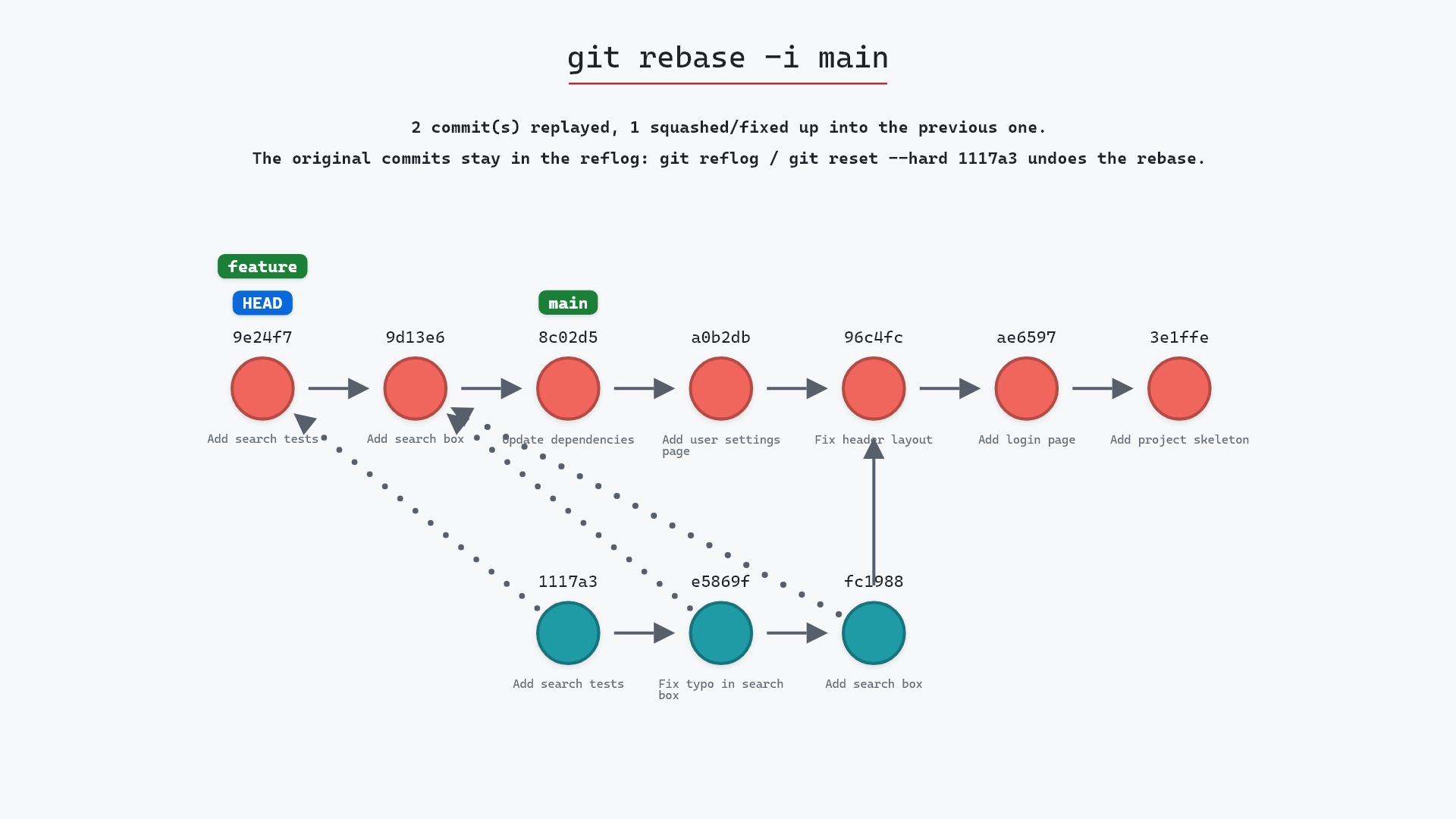
git rebase -i is amend's bigger sibling, for fixing commits further back than the last one. git reflog is how you recover if either goes wrong.
Related commands
- git commit, the command being amended
- git reset --soft, the other way to redo a commit
- git rebase -i, to edit older commits
- git reflog, to find the original again
- git push --force-with-lease, if you must push an amended commit
- git add, to stage what the amend should include