Git commands
What git pull does to your branch when the remote has moved
git pull: fetch, then merge, in one command
How to use this page
- slider / ▶Drag the slider, or press play, to watch the command happen. Before and After jump to either end.
- ← → · spaceStep through a multi-step command; space toggles Before / After.
- APlay or pause the loop (the page opens playing). Any manual input takes over.
- hoverA commit shows its message, author, date and parents, with its history highlighted.
- clickCopies the commit sha.
- ctrl + wheelZoom around the cursor (pinch on a trackpad). Double-click resets the view.
- EscStop playback, reset the view, close this menu.
- shareThe Share button copies a link to this graph, copies it as an image, downloads PNG/SVG/page, or posts it. #before, #after or #step=N in the link pins the state.
git-sim visually simulates any Git command in your own repos - from your terminal, IDE, or AI.
Table of Contents
- Introduction
- What is git pull?
- Watch it happen
- Before and after
- Changing the second half
- Is it safe?
- How to undo it
- Try it on your repository
- Common questions
- Summary
- Next steps
- Related commands
Introduction
git pull is the command most people run to "get the latest", and most of the time it does exactly that. The times it surprises you, with a merge commit you didn't ask for or a conflict out of nowhere, are all explained by one fact: pull is two commands, and the second one is a merge.
In this article, we'll:
- Watch
git pullfetch two commits and then merge them, on a repository where you also have a commit of your own - See where the merge commit comes from
- Cover
--rebaseand--ff-only, and how to undo a pull
What is git pull?
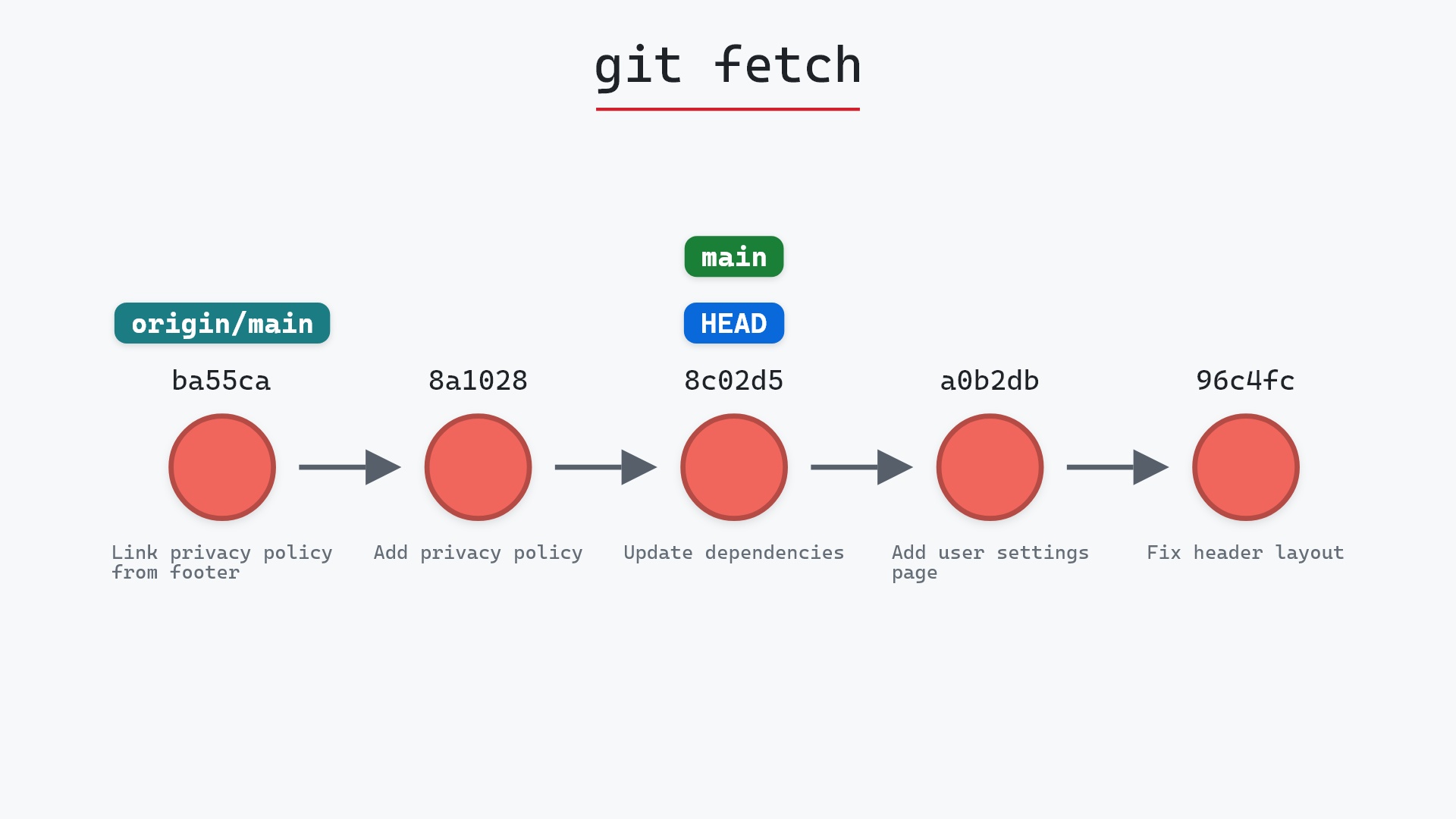
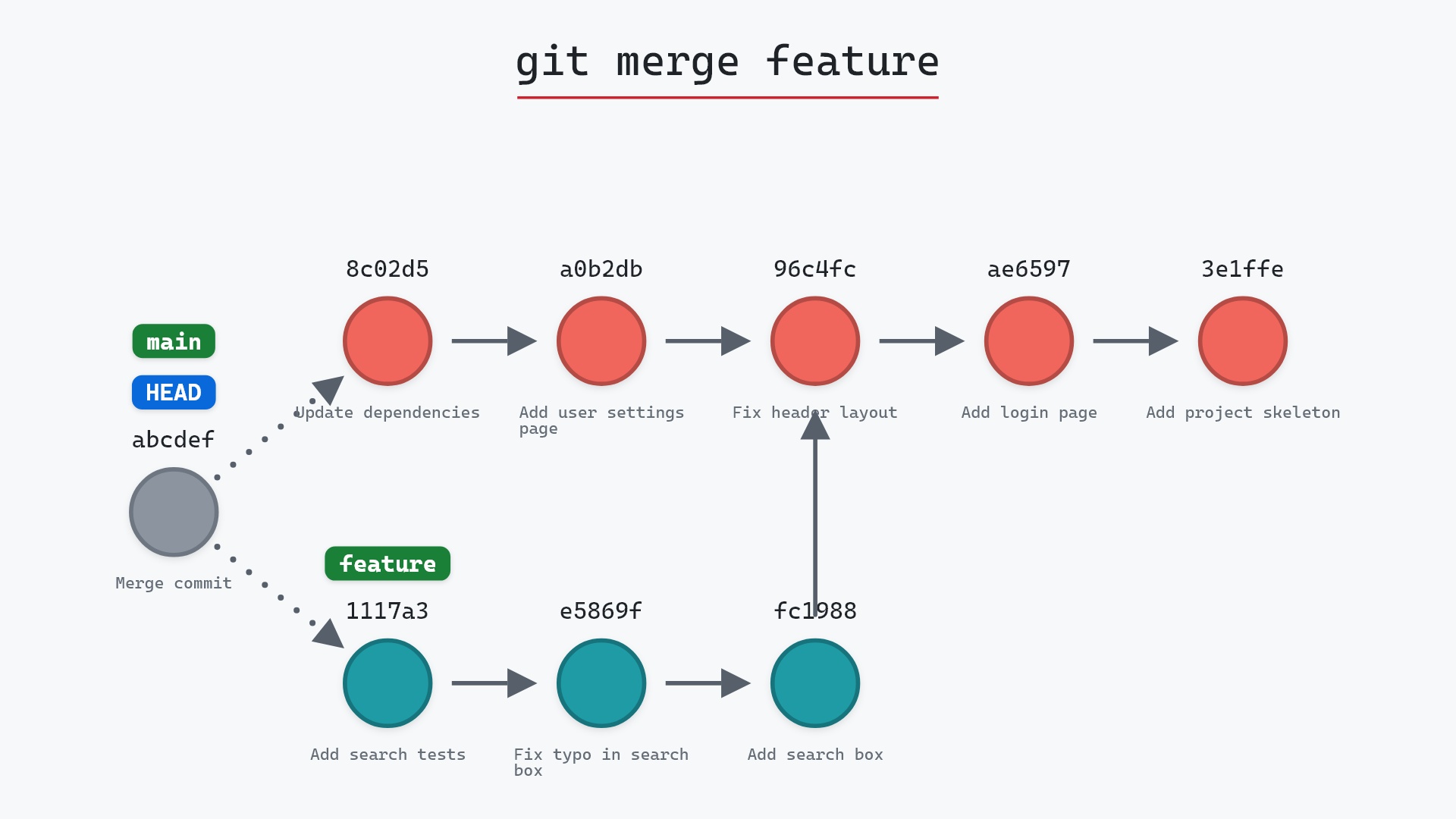
git pull runs git fetch, which downloads the remote's new commits and moves origin/main, and then git merge origin/main, which brings those commits into your branch. If you have no commits of your own, the merge is a fast-forward and your branch simply moves up. If you do, Git creates a merge commit joining your work and theirs.
Watch it happen
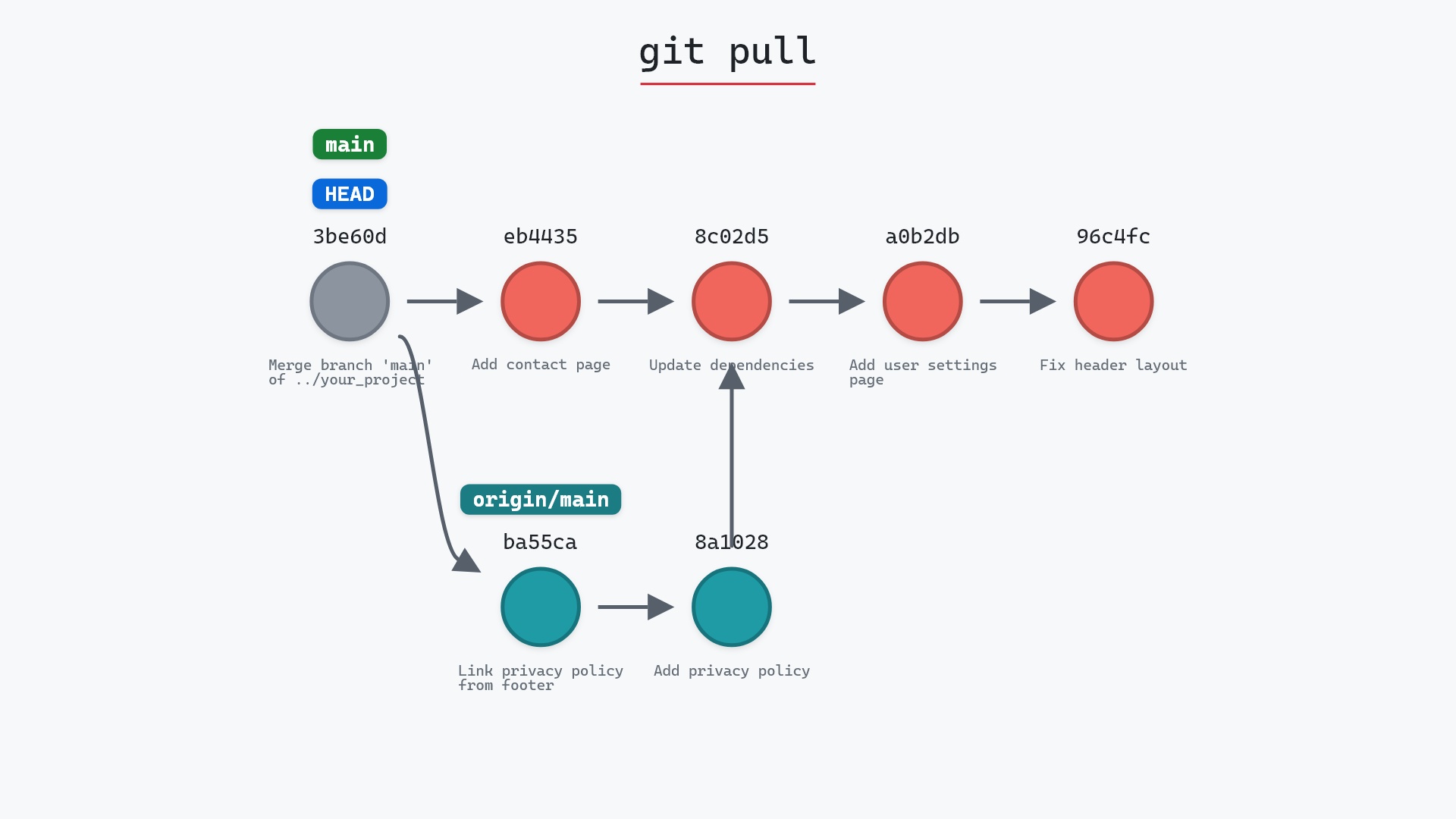
Our sample repo has two new commits from a teammate on origin and one local commit of its own. Here's git pull, which is a fetch followed by a merge:
- Before:
mainandHEADoneb4435d, a local commit one ahead oforigin/mainat8c02d5b. The remote has two new commits. - Git fetches the two remote commits and creates a merge commit that joins them with
eb4435d. origin/mainmoves toba55ca2, andmainandHEADmove to the merge commit, whose parents areeb4435dandba55ca2.
Before and after
Before, main is one commit ahead of origin/main. After, origin/main has moved two commits forward and main has a merge commit on top of everything. git status reports main as ahead by 2: your original commit plus the merge. Git prints both halves:
The raw git output, if you want to read along in text
git log --oneline --graph --all
before
* eb4435d (HEAD -> main) Add contact page
* 8c02d5b (origin/main, origin/HEAD) Update dependencies
* a0b2db3 Add user settings page
| * 1117a34 (origin/feature, feature) Add search tests
| * e5869f0 Fix typo in search box
| * fc19889 Add search box
|/
* 96c4fc2 Fix header layout
* ae65976 Add login page
* 3e1ffe4 Add project skeleton
* 4114b2c Initial commit
after
*   b9eaceb (HEAD -> main) Merge branch 'main' of ../your_project
|\
| * ba55ca2 (origin/main, origin/HEAD) Link privacy policy from footer
| * 8a10283 Add privacy policy
* | eb4435d Add contact page
|/
* 8c02d5b Update dependencies
* a0b2db3 Add user settings page
| * 1117a34 (origin/feature, feature) Add search tests
| * e5869f0 Fix typo in search box
| * fc19889 Add search box
|/
* 96c4fc2 Fix header layout
* ae65976 Add login page
* 3e1ffe4 Add project skeleton
* 4114b2c Initial commit
what git printed
Merge made by the 'ort' strategy.
 footer.html  | 1 +
 privacy.html | 1 +
 2 files changed, 2 insertions(+)
 create mode 100644 footer.html
 create mode 100644 privacy.html
From ../your_project
   8c02d5b..ba55ca2  main       -> origin/main
Changing the second half
The merge is configurable, and the git pull documentation lists every option. The two you'll use most:
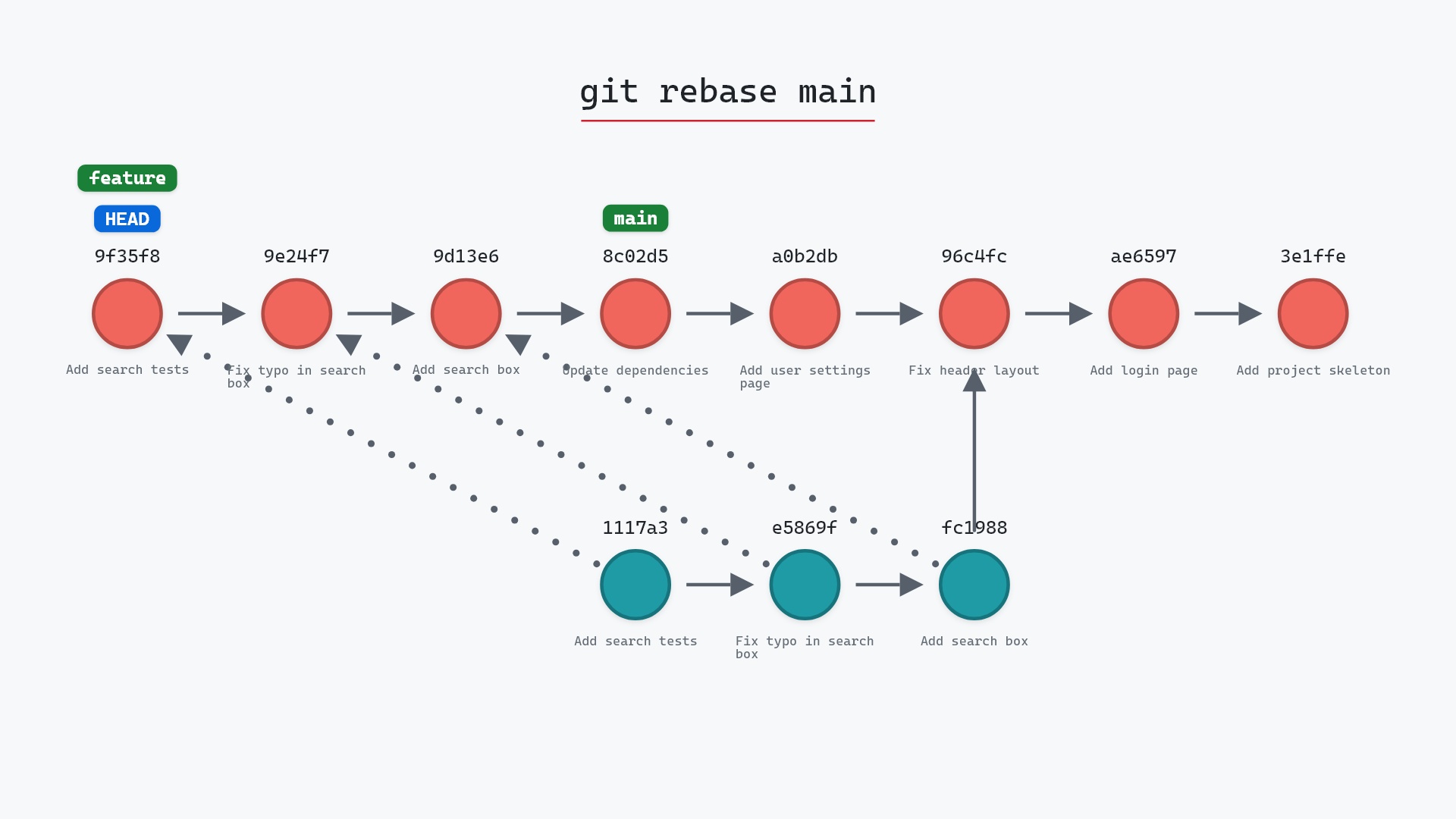
git pull --rebasereplays your local commits on top of the fetched ones instead of merging, for a straight-line history.git config pull.rebase truemakes it the default.git pull --ff-onlyrefuses to pull if a merge commit would be needed, so you're never surprised.git config pull.ff onlymakes that the default, and recent Git versions ask you to pick one of these when your branches have diverged.
pull.ff = only everywhere. When a pull is refused it tells me the remote and I have diverged, and I decide then whether to rebase or merge, with the graph in front of me. The surprise merge commits I used to get from a default pull were never the end of the world, but I like knowing when history is about to fork.
Is it safe?
Safe git-sim pre-flight
Fetches, then merges what was fetched into your branch; local commits stay where they are.
Nothing is lost by a pull: your commits stay reachable whether they're merged or rebased. What can happen is a conflict, which stops the merge for you to resolve, or a merge commit you didn't want.
How to undo it
Right after a pull that merged:
git reset --hard ORIG_HEAD
puts main back where it was before the pull. The fetched commits stay in origin/main, so nothing is lost.
Try it on your repository
pip install git-sim
git-sim pull
git-sim runs the fetch in a temporary clone and shows you both halves: what would arrive and whether the merge would fast-forward, create a merge commit, or conflict.
Common questions
What is the difference between git pull and git fetch?
fetch downloads commits and moves origin/main, leaving your branch alone. pull does that and then merges (or rebases) the result into your branch.
Why did git pull create a merge commit?
Because both you and the remote had new commits. Git combined them with a merge commit. git pull --rebase avoids that by replaying your commits on top instead.
What does "need to specify how to reconcile divergent branches" mean?
Your branch and the remote both have new commits and you haven't told Git whether to merge or rebase by default. Set pull.rebase to true or false, or pull.ff to only.
How do I undo a git pull?
git reset --hard ORIG_HEAD immediately after, or find the pre-pull commit in the reflog with git reflog.
Summary
In this article, we watched git pull fetch two commits and then merge them with a local commit, saw where the merge commit comes from, and covered the settings that replace the merge with a rebase or refuse it.
Next steps
git fetch is the half that can't hurt you, and git merge explains the half that can surprise you.
Related commands
- git fetch, the first half
- git merge, the second half
- git rebase, the alternative second half
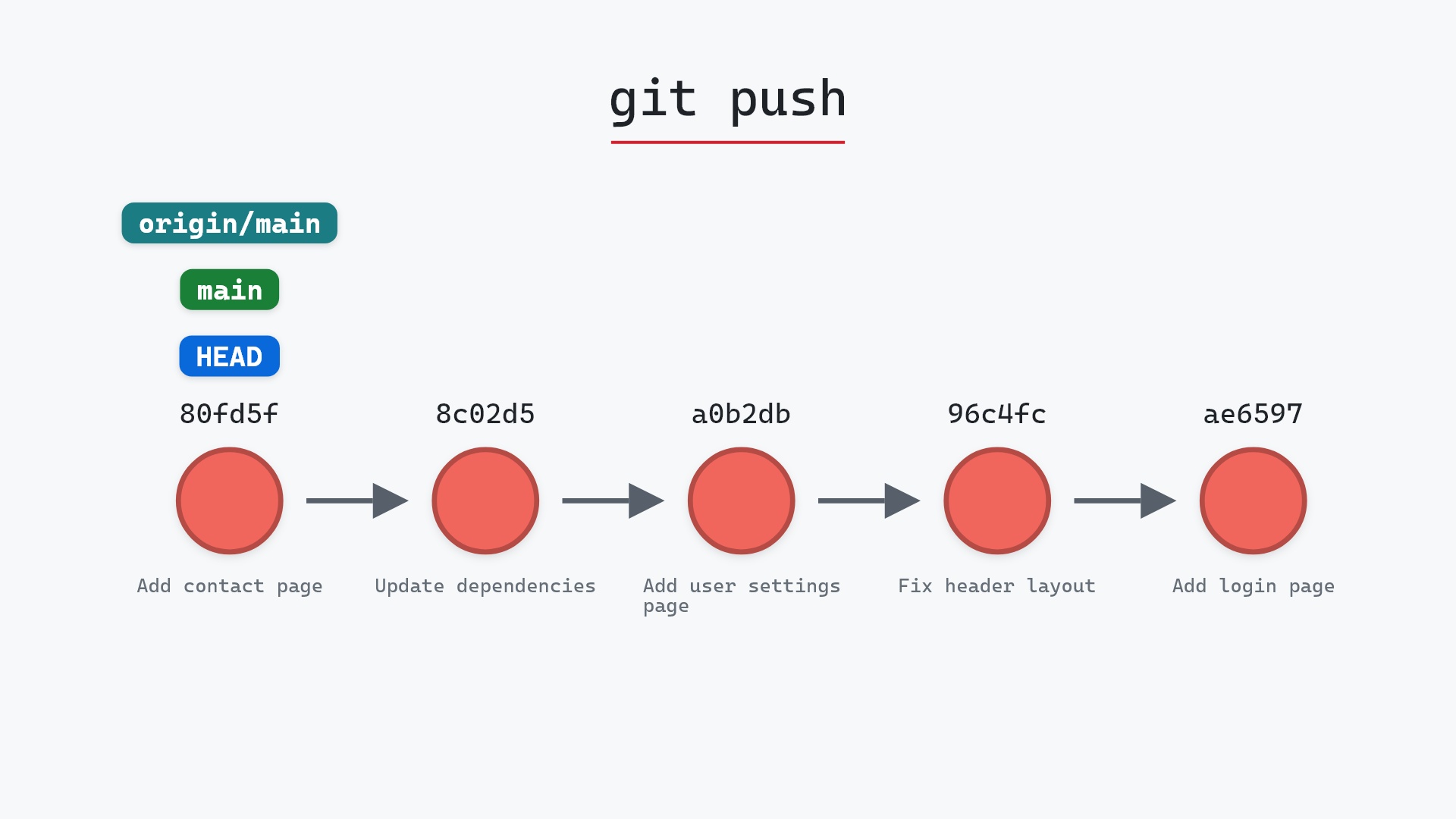
- git push, the other direction
- git log, to see what arrived
- git reset --hard, to undo a pull
- git pull --rebase, to replay your commits on top instead of merging