Git commands
What git stash drop deletes, and how to get a dropped stash back
git stash drop: throwing one stash away
How to use this page
- slider / ▶Drag the slider, or press play, to watch the command happen. Before and After jump to either end.
- ← → · spaceStep through a multi-step command; space toggles Before / After.
- APlay or pause the loop (the page opens playing). Any manual input takes over.
- hoverA commit shows its message, author, date and parents, with its history highlighted.
- clickCopies the commit sha.
- ctrl + wheelZoom around the cursor (pinch on a trackpad). Double-click resets the view.
- EscStop playback, reset the view, close this menu.
- shareThe Share button copies a link to this graph, copies it as an image, downloads PNG/SVG/page, or posts it. #before, #after or #step=N in the link pins the state.
git-sim visually simulates any Git command in your own repos - from your terminal, IDE, or AI.
Table of Contents
- Introduction
- What is git stash drop?
- Watch it happen
- Before and after
- Is it safe?
- How to undo it
- Useful forms
- Try it on your repository
- Common questions
- Summary
- Next steps
- Related commands
Introduction
Stashes pile up. If you're like me, git stash list eventually shows a dozen entries named "WIP on main" and you can't remember what half of them were. git stash drop is how you clear them out one at a time. It deletes an entry from the list without applying it, and it doesn't ask first.
In this article, we'll:
- Watch
git stash dropremove the newest of three stash entries, and the others move up a number - Look at the line Git prints, and why the hash in it matters
- Cover how to get a dropped stash back
What is git stash drop?
git stash drop removes a single entry from the stash list. With no argument it removes stash@{0}, the most recent one. With an argument, like git stash drop stash@{2}, it removes that one, and every older entry moves up a number to fill the gap.
It doesn't touch your working directory, your staging area or any branch. It only deletes the reference to the stash commit.
Watch it happen
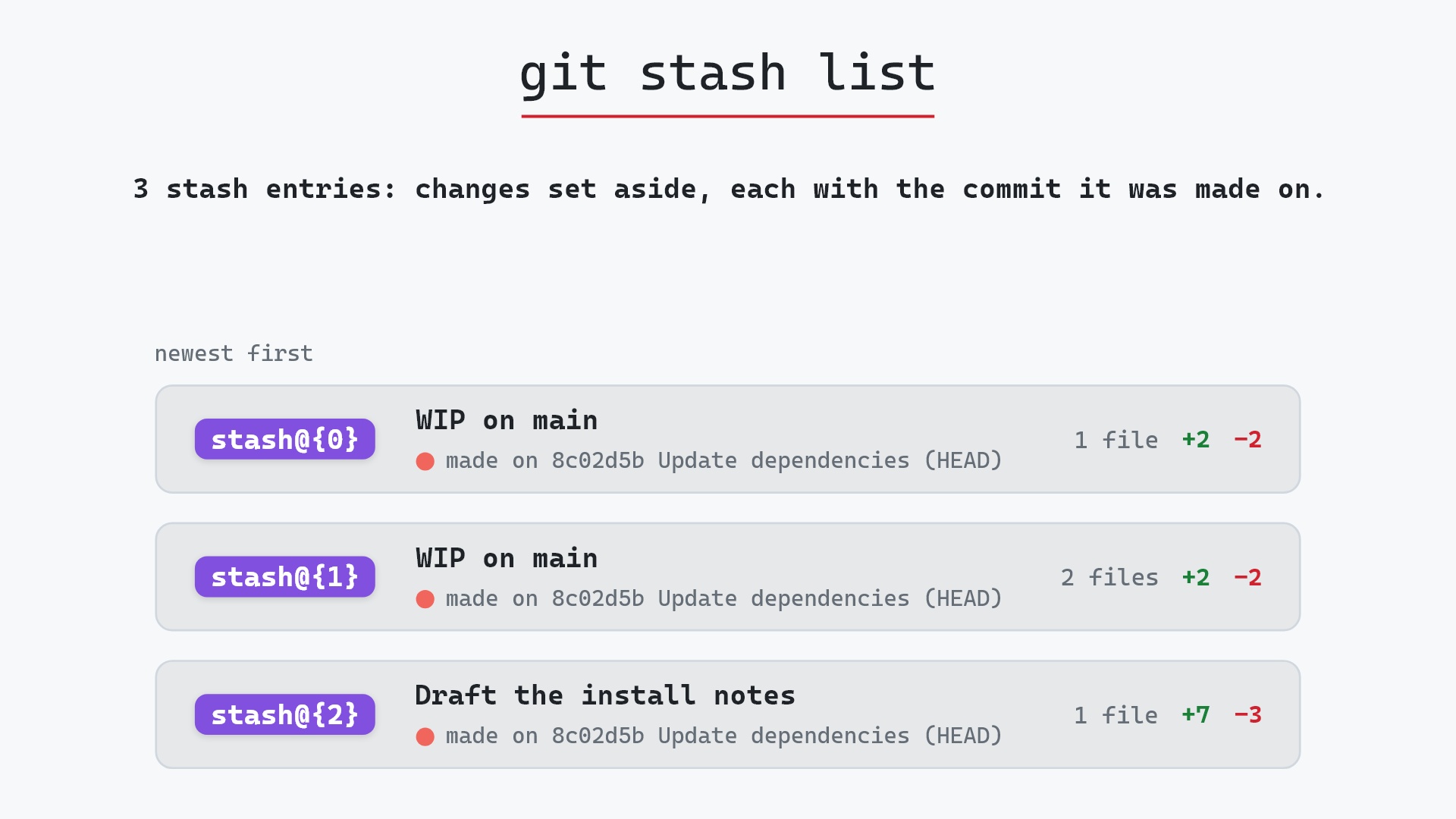
Our sample repo has three entries in the stash, all made on main at 8c02d5b "Update dependencies". The newest, stash@{0}, holds a change to app.py. Here's git stash drop, which drops that one:
- Before: the stash has three entries, all made on
8c02d5b, newest first.stash@{0}is theapp.pychange,stash@{1}a two-file "WIP on main", andstash@{2}the one saved as "Draft the install notes". - Git deletes
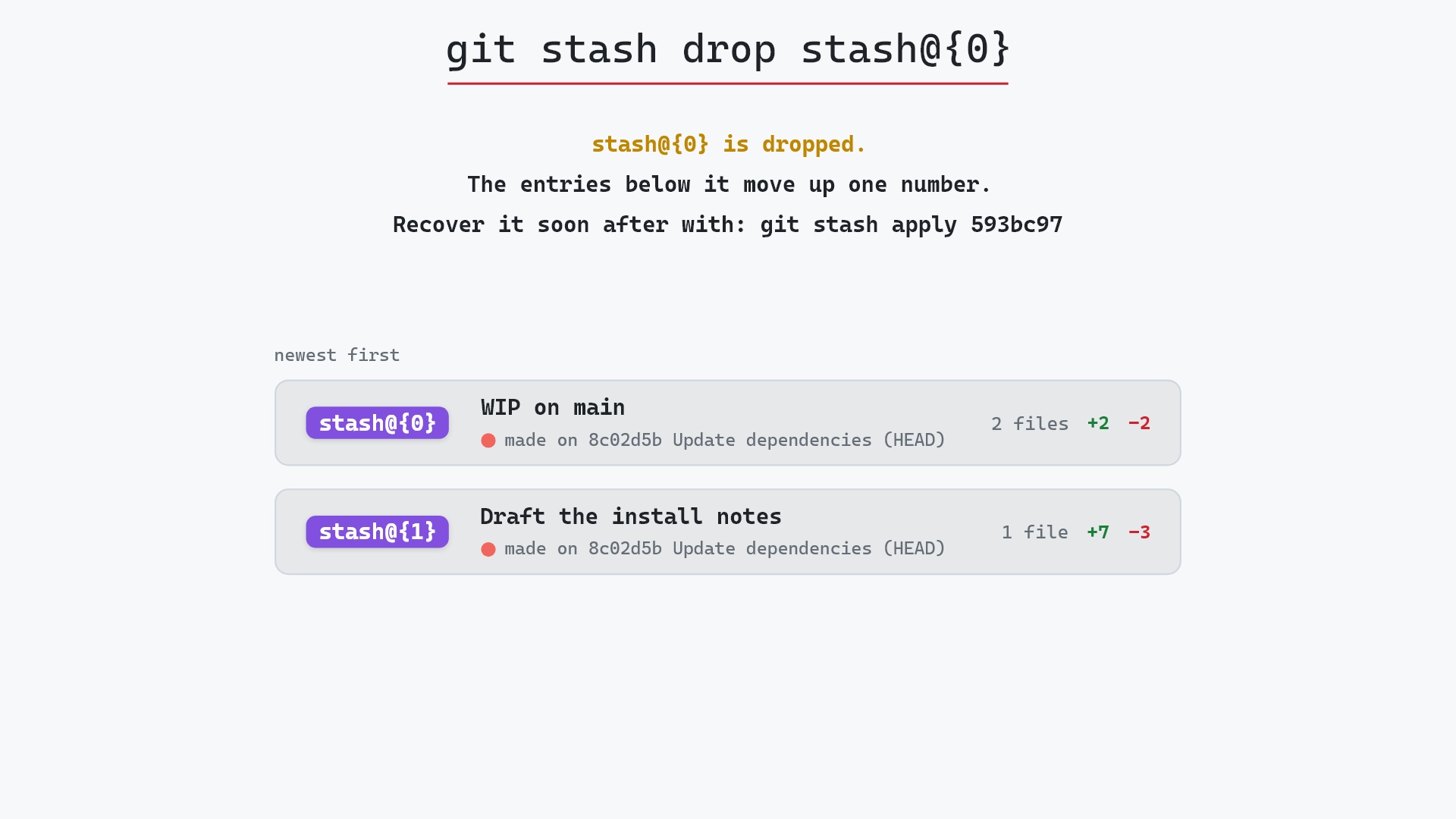
stash@{0}. Nothing refers to its commit anymore, and you can bring it back by the id Git prints while that commit still exists. - The remaining entries are renumbered: the two-file entry becomes
stash@{0}, and "Draft the install notes" becomesstash@{1}. - Your branches,
HEADand the working directory aren't touched. Only the stash changes.
Before and after
git stash list before:
stash@{0}: WIP on main: 8c02d5b Update dependencies
stash@{1}: WIP on main: 8c02d5b Update dependencies
stash@{2}: On main: Draft the install notes
and after, two entries, renumbered:
stash@{0}: WIP on main: 8c02d5b Update dependencies
stash@{1}: On main: Draft the install notes
The drop itself prints one line:
The raw git output, if you want to read along in text
git log --oneline --graph --all
before
*   593bc97 (refs/stash) WIP on main: 8c02d5b Update dependencies
|\
| * 3267e96 index on main: 8c02d5b Update dependencies
|/
* 8c02d5b (HEAD -> main) Update dependencies
* a0b2db3 Add user settings page
| * 1117a34 (feature) Add search tests
| * e5869f0 Fix typo in search box
| * fc19889 Add search box
|/
* 96c4fc2 Fix header layout
* ae65976 Add login page
* 3e1ffe4 Add project skeleton
* 4114b2c Initial commit
after
*   36f114c (refs/stash) WIP on main: 8c02d5b Update dependencies
|\
| * 6943ccc index on main: 8c02d5b Update dependencies
|/
* 8c02d5b (HEAD -> main) Update dependencies
* a0b2db3 Add user settings page
| * 1117a34 (feature) Add search tests
| * e5869f0 Fix typo in search box
| * fc19889 Add search box
|/
* 96c4fc2 Fix header layout
* ae65976 Add login page
* 3e1ffe4 Add project skeleton
* 4114b2c Initial commit
what git printed
Dropped refs/stash@{0} (593bc9778368866a853f585db4eb62e404621424)Compare the two logs. --all shows only the newest entry, because refs/stash points at just that one. The older entries live in its reflog. Before, that's the stash commit 593bc97 and its "index on main" parent 3267e96, hanging off 8c02d5b. After, refs/stash points at the entry that moved up, 36f114c with its parent 6943ccc, and the dropped pair is gone from the log. Those commits are still in the object database, for now.
Is it safe?
Caution git-sim pre-flight
Drops stash@{0}.
What you would lose
- stash@{0}: WIP on main: 8c02d5b Update dependencies
Dropping is the one stash command that can actually lose work, since the change to app.py existed only in that stash. But it isn't lost right away. Nothing points at the stash commit anymore, so it becomes unreachable, and Git only deletes unreachable objects when garbage collection prunes them, which by default is some time after they're two weeks old.
That's why the line Git prints is worth copying if you have any doubt:
Dropped refs/stash@{0} (593bc9778368866a853f585db4eb62e404621424)
That long hash is the stash commit.
git stash list with git stash show -p every so often, keeping whatever still matters as a commit on a branch. Once I've done that, I'm comfortable dropping the rest.
How to undo it
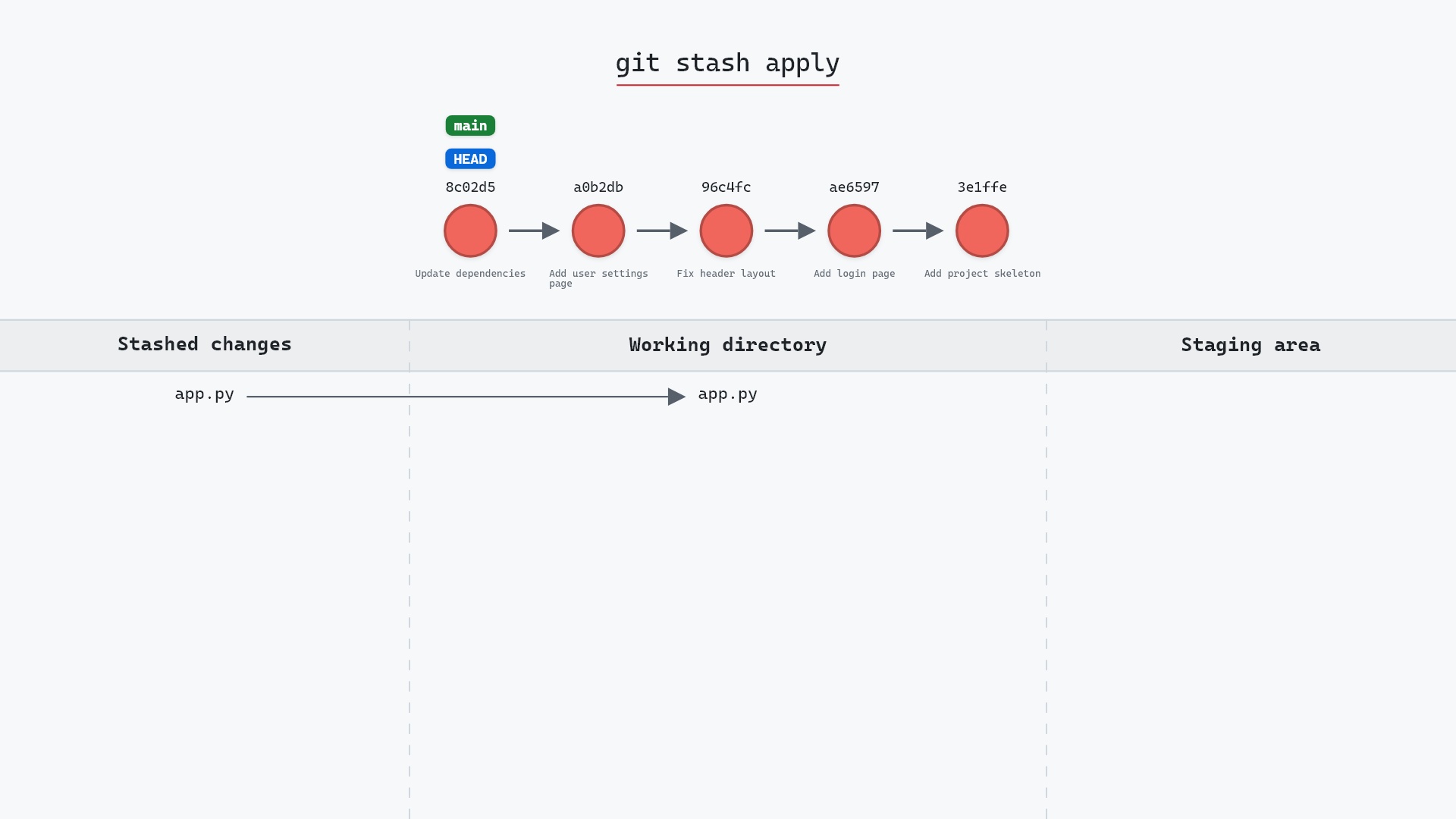
If the hash is still on your screen, apply it straight back:
git stash apply 593bc97
or put it back on the stash list, under a message of your choosing:
git stash store -m "WIP on main: 8c02d5b Update dependencies" 593bc97
If the hash has scrolled away, git fsck can find unreachable commits for you. The git stash documentation suggests this line, which lists stash-shaped commits (merges whose message contains "WIP"):
git fsck --unreachable | grep commit | cut -d' ' -f3 | xargs git log --merges --no-walk --grep=WIP
Pick the one you want from that output and git stash apply its hash. A stash made with -m has a message starting with "On main:" instead of "WIP on main:", so drop the --grep if you named yours.
Here's the apply itself, putting the stashed file back in the working directory:
Useful forms
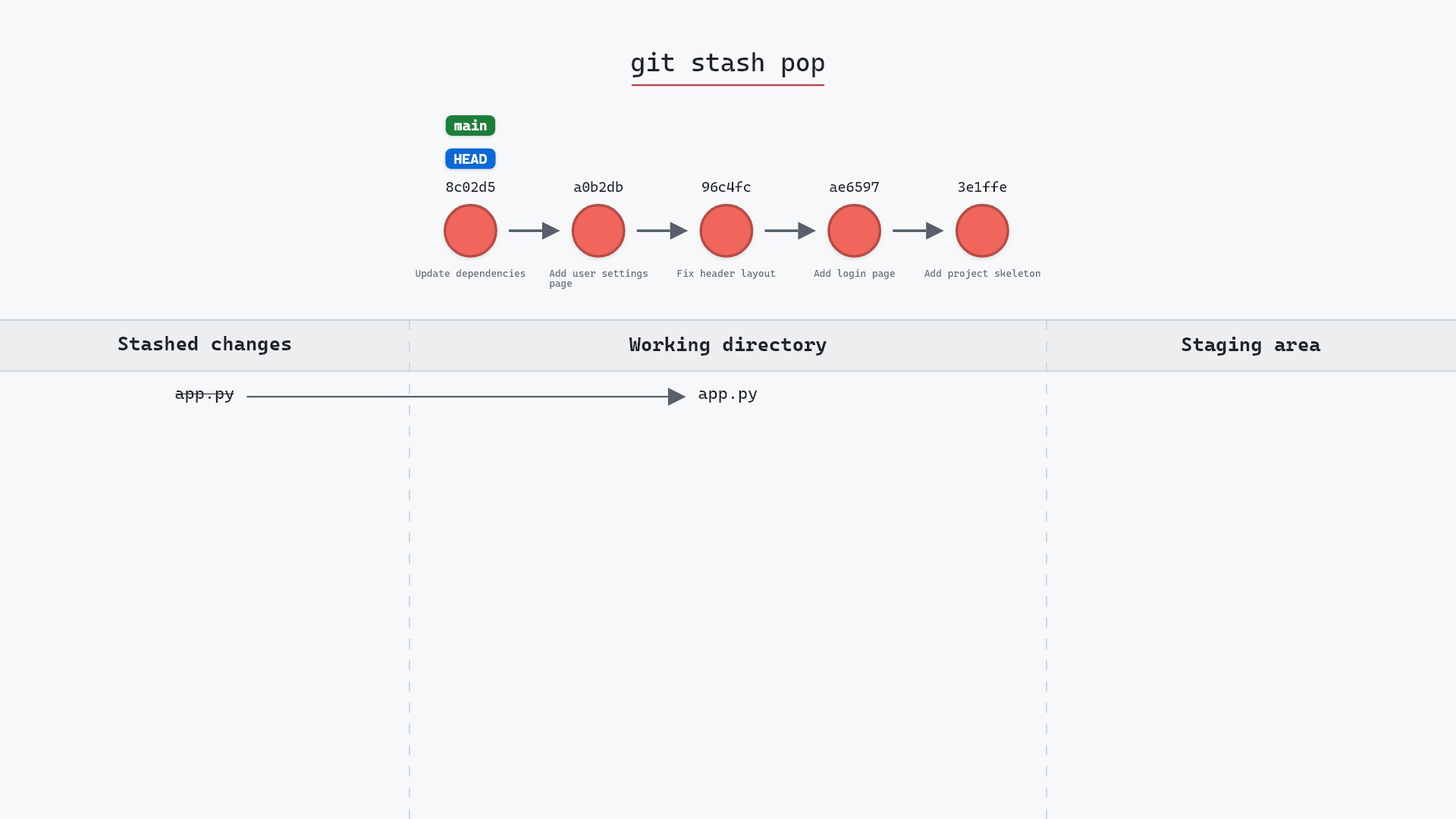
git stash drop stash@{3}drops a specific entry. Check the number with git stash list first, since numbers shift after every drop.git stash popapplies an entry and then drops it, and skips the drop if the apply conflicts.git stash cleardrops every entry at once. The samegit fscktrick recovers those too.
Try it on your repository
pip install git-sim
git-sim stash drop
git-sim shows which entry would be dropped and which files it holds, so you can check it's the stash you think it is.
Common questions
What does git stash drop do?
It deletes one entry from the stash list, stash@{0} by default. Your working directory and branches are not touched.
Can I recover a dropped stash?
Usually, yes. Use the hash Git printed on the "Dropped" line with git stash apply <hash>, or find it with git fsck --unreachable if you don't have it anymore. That works until garbage collection prunes the object.
What is the difference between git stash drop and git stash clear?
drop removes one entry. clear removes all of them.
Do stash numbers change after a drop?
Yes. Dropping stash@{1} makes the old stash@{2} the new stash@{1}, and so on down the list. Entries newer than the dropped one keep their numbers.
Summary
In this article, we watched git stash drop remove the newest of three stash entries while the others moved up a number, saw its stash commits disappear from git log --all, and covered how to bring a dropped stash back from its hash or with git fsck.
Next steps
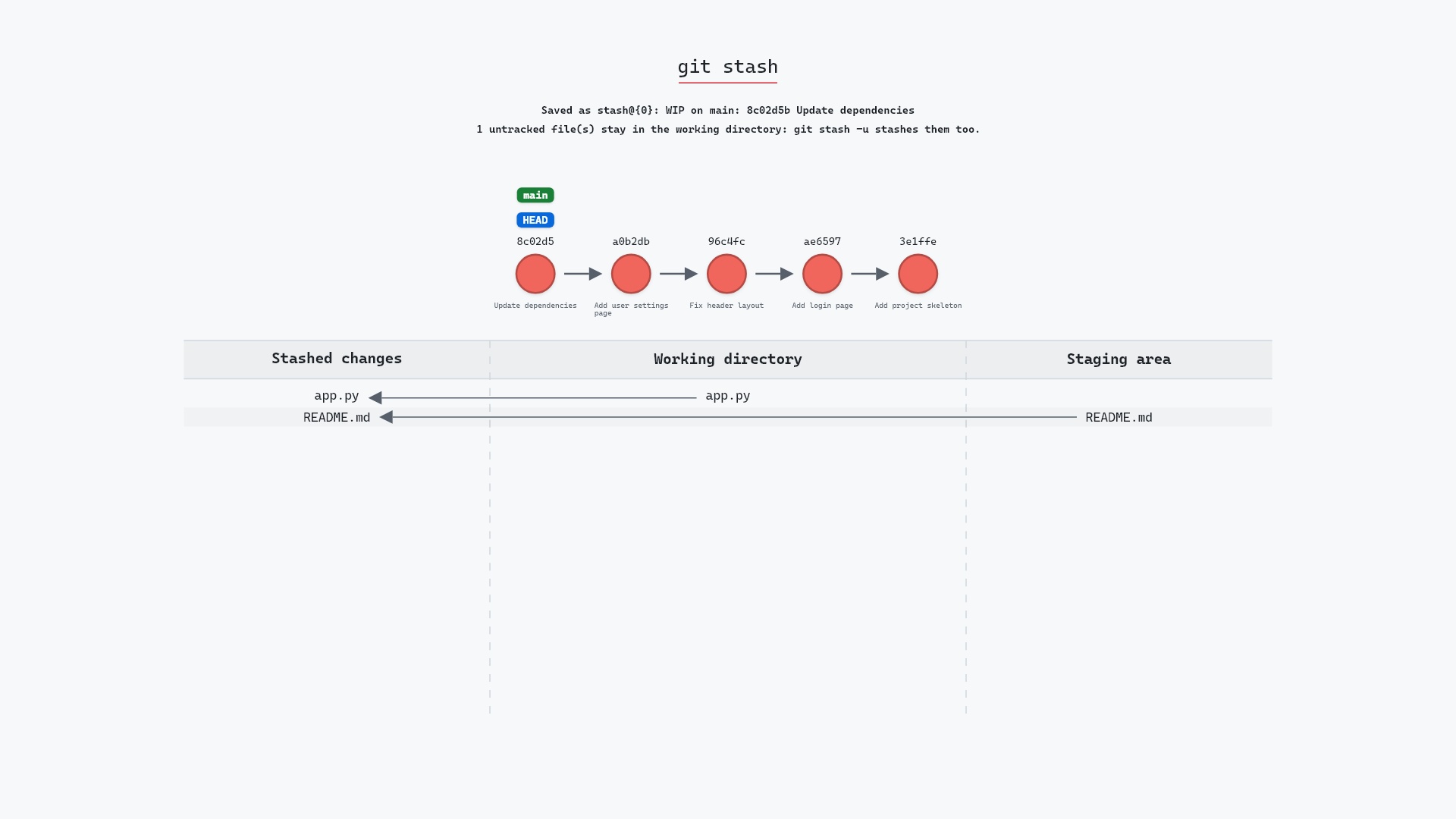
git stash list is the place to check before you drop anything. git stash apply restores a stash while keeping the entry.
Related commands
- git stash list, to see what you're about to drop
- git stash apply, to use a stash without dropping it
- git stash pop, apply and drop together
- git stash, to make a stash
- git reflog, the log that
stash@{n}names come from - git clean -n, another command worth previewing before it deletes