Git commands
What git stash pop restores, and what happens when it conflicts
git stash pop: getting the drawer back out
How to use this page
- slider / ▶Drag the slider, or press play, to watch the command happen. Before and After jump to either end.
- ← → · spaceStep through a multi-step command; space toggles Before / After.
- APlay or pause the loop (the page opens playing). Any manual input takes over.
- hoverA commit shows its message, author, date and parents, with its history highlighted.
- clickCopies the commit sha.
- ctrl + wheelZoom around the cursor (pinch on a trackpad). Double-click resets the view.
- EscStop playback, reset the view, close this menu.
- shareThe Share button copies a link to this graph, copies it as an image, downloads PNG/SVG/page, or posts it. #before, #after or #step=N in the link pins the state.
git-sim visually simulates any Git command in your own repos - from your terminal, IDE, or AI.
Table of Contents
- Introduction
- What is git stash pop?
- Watch it happen
- Before and after
- When it conflicts
- Is it safe?
- How to undo it
- Try it on your repository
- Common questions
- Summary
- Next steps
- Related commands
Introduction
git stash pop is the other half of git stash: it takes the most recent entry, applies its changes to your working directory, and, if that succeeds, deletes the entry. Most of the time it's uneventful. The two things worth knowing are what happens to changes that were staged, and what happens when the stash conflicts with work you've done since.
In this article, we'll:
- Watch
git stash poprestore a stashed change - See what the stash list looks like afterwards
- Cover the
--indexflag and the conflict case
What is git stash pop?
git stash pop applies stash@{0} to your working directory as a merge with your current state, and if there are no conflicts, drops the entry. By default the changes come back as unstaged edits, even if they were staged when stashed, and --index restores the staging state too. git stash apply is the same without the drop.
Watch it happen
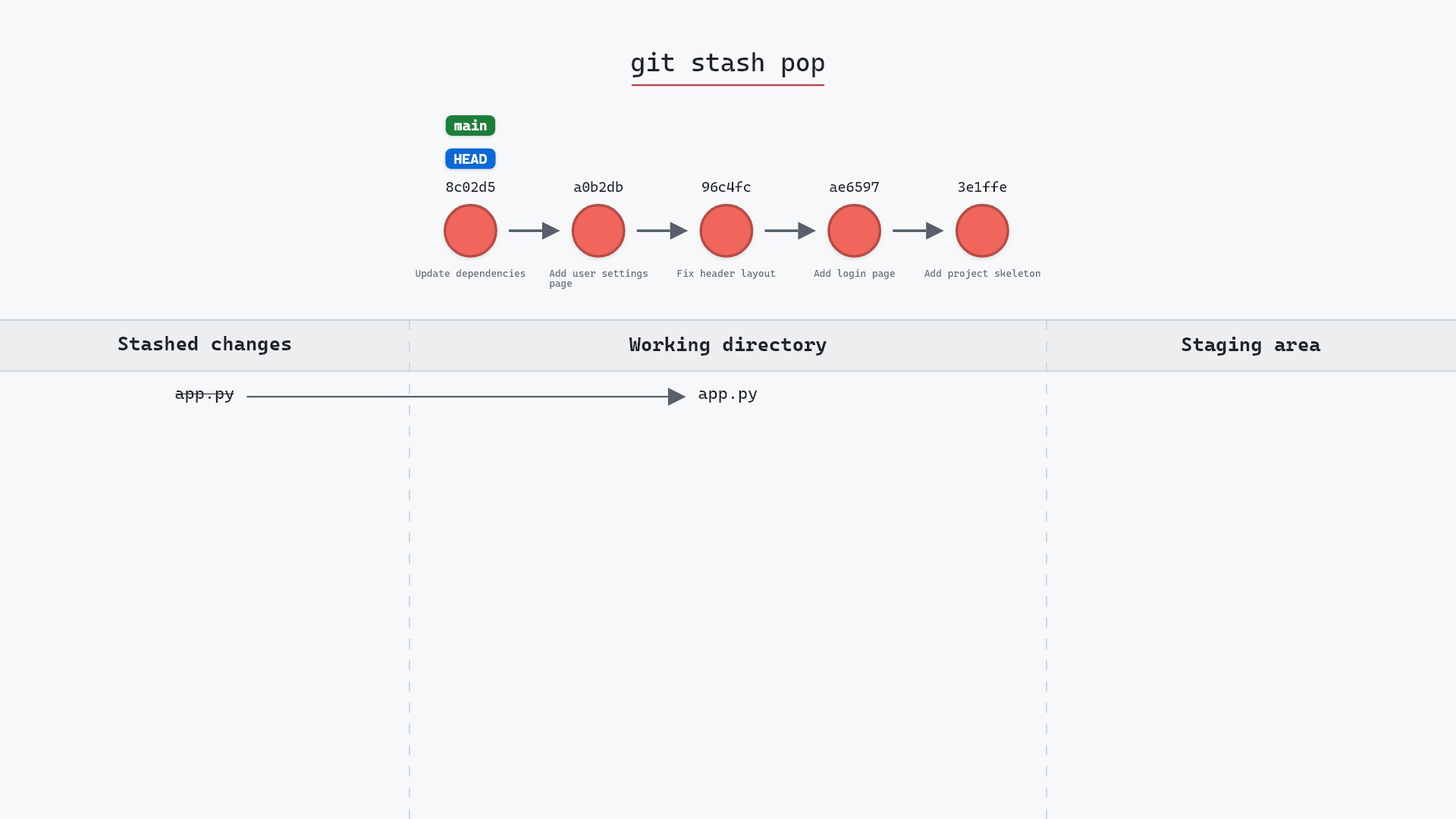
Our sample repo has one entry in the stash. Here's git stash pop:
- Before: the working directory and staging area are clean, and the stash holds a change to
app.py. - Git applies the stashed change, so
app.pyis modified in the working directory, and dropsstash@{0}from the stash. mainandHEADdon't move. Popping a stash never moves a branch.
Before and after
Before, the working directory is clean and git stash list shows one entry. After, app.py is modified and the list is empty. Git prints a status report and then confirms the drop:
The raw git output, if you want to read along in text
git log --oneline --graph --all
before
*   258f6e3 (refs/stash) WIP on main: 8c02d5b Update dependencies
|\
| * 09e56b2 index on main: 8c02d5b Update dependencies
|/
* 8c02d5b (HEAD -> main) Update dependencies
* a0b2db3 Add user settings page
| * 1117a34 (feature) Add search tests
| * e5869f0 Fix typo in search box
| * fc19889 Add search box
|/
* 96c4fc2 Fix header layout
* ae65976 Add login page
* 3e1ffe4 Add project skeleton
* 4114b2c Initial commit
after
* 1117a34 (feature) Add search tests
* e5869f0 Fix typo in search box
* fc19889 Add search box
| * 8c02d5b (HEAD -> main) Update dependencies
| * a0b2db3 Add user settings page
|/
* 96c4fc2 Fix header layout
* ae65976 Add login page
* 3e1ffe4 Add project skeleton
* 4114b2c Initial commit
what git printed
On branch main
Changes not staged for commit:
  (use "git add <file>..." to update what will be committed)
  (use "git restore <file>..." to discard changes in working directory)
	modified:   app.py
no changes added to commit (use "git add" and/or "git commit -a")
Dropped refs/stash@{0} (258f6e3d98d4d9a3a0d854e05815da5ec299aeb1)
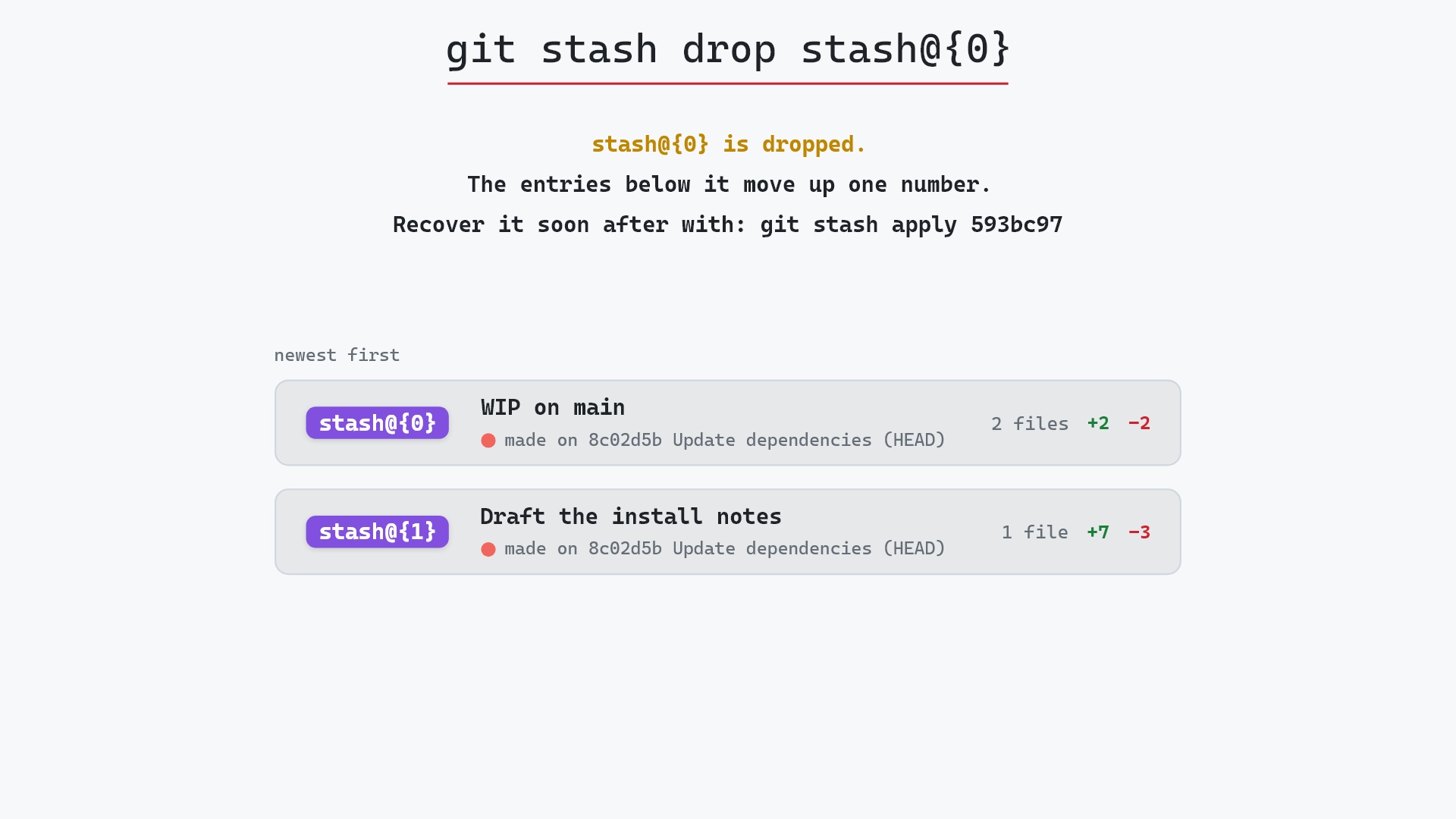
That last line, "Dropped refs/stash@{0} (258f6e3d...)", is worth noticing. The hash is the stash commit, and it's still in the object database. If you pop by mistake, git stash apply 258f6e3d brings it back until garbage collection runs.
When it conflicts
If you've changed the same lines since stashing, pop stops with a conflict, leaves the conflict markers in the file, and does not drop the stash. Resolve the file, git add it, and then git stash drop yourself once you're happy. Keeping the entry until you say so is the safe behavior, and it's why pop and apply behave the same in the conflict case.
apply more than pop. Applying leaves the entry in place, and I drop it by hand once I've confirmed everything came back the way I expected. The extra command has saved me a couple of times when what I popped wasn't the stash I thought it was.
Is it safe?
Safe git-sim pre-flight
Applies and removes the top stash; kept if conflicts occur.
The stash commit is dropped only after a clean apply, and even then the object survives until gc. Restoring changes can't lose the stash's contents, and a conflict keeps the entry.
How to undo it
git stash
stashes the restored changes again. Or, to get back the exact dropped entry, use the hash Git printed:
git stash apply 258f6e3d
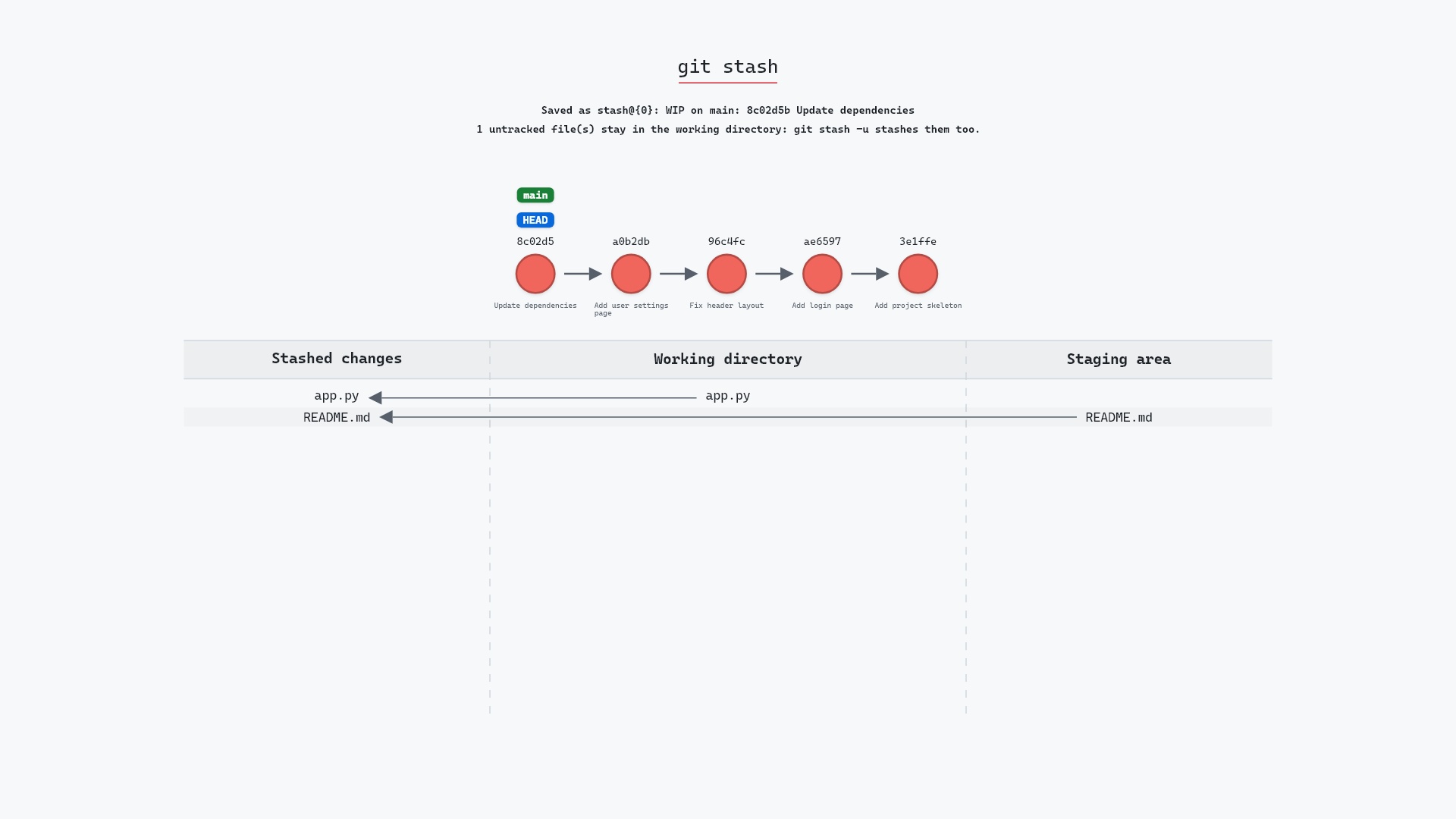
And here is the stash being made in the first place, which is the state pop takes you back from:
Try it on your repository
pip install git-sim
git-sim stash pop
git-sim shows which files the top stash would restore and whether they'd conflict with your current changes.
Common questions
What is the difference between git stash pop and git stash apply?
Both restore the top stash. pop also deletes the entry on success, while apply keeps it.
Why did my staged changes come back unstaged?
pop restores file contents but not the staging state by default. Use git stash pop --index to restore both. The git stash documentation explains --index and when it can't restore the staged state.
What happens if git stash pop conflicts?
The conflicting file gets conflict markers, and the stash entry is kept. Resolve, git add, and drop the entry yourself.
Can I recover a stash after popping it?
Yes, using the hash Git printed with "Dropped refs/stash@{0} (...)": git stash apply <hash>, until garbage collection removes the object.
Summary
In this article, we watched git stash pop restore a change and remove the entry, saw the hash Git prints for recovery, and covered the --index flag and what happens on a conflict.
Next steps
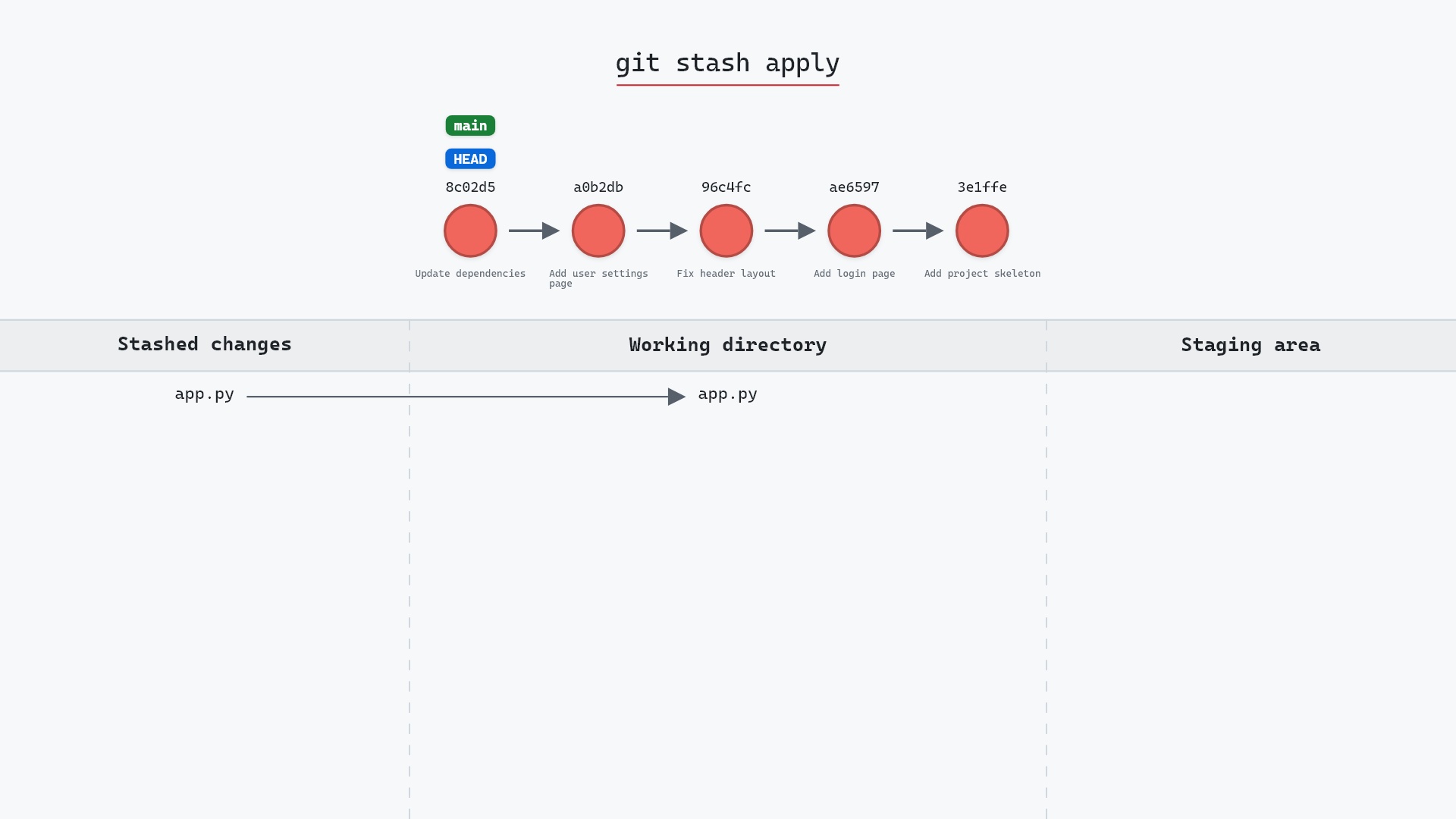
git stash covers the other direction. git stash apply is the same restore without the drop.
Related commands
- git stash, to put changes away
- git checkout, the switch that usually came between stash and pop
- git commit, to record the restored work
- git reflog, the stash keeps one too
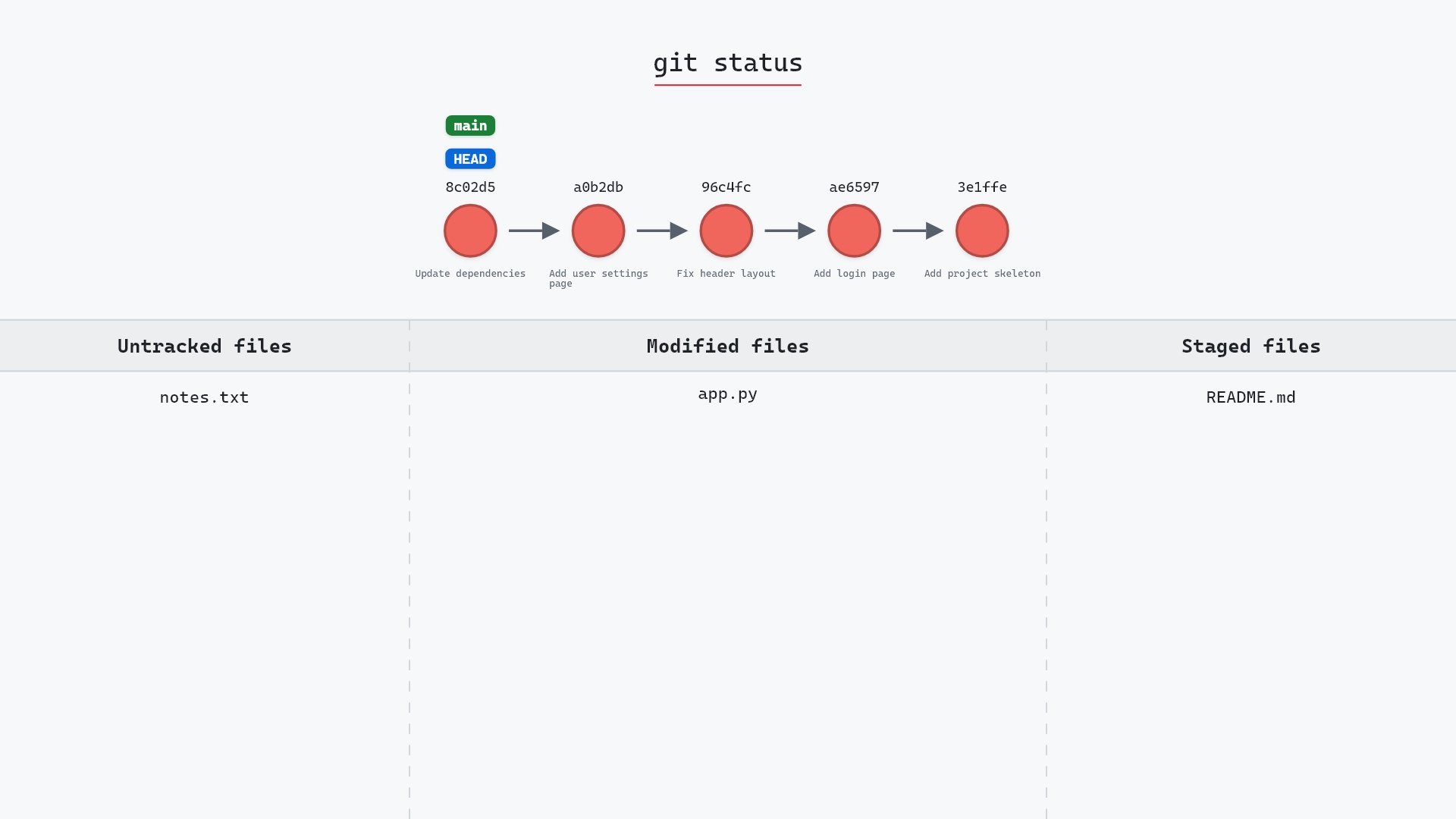
- git status, to see what came back
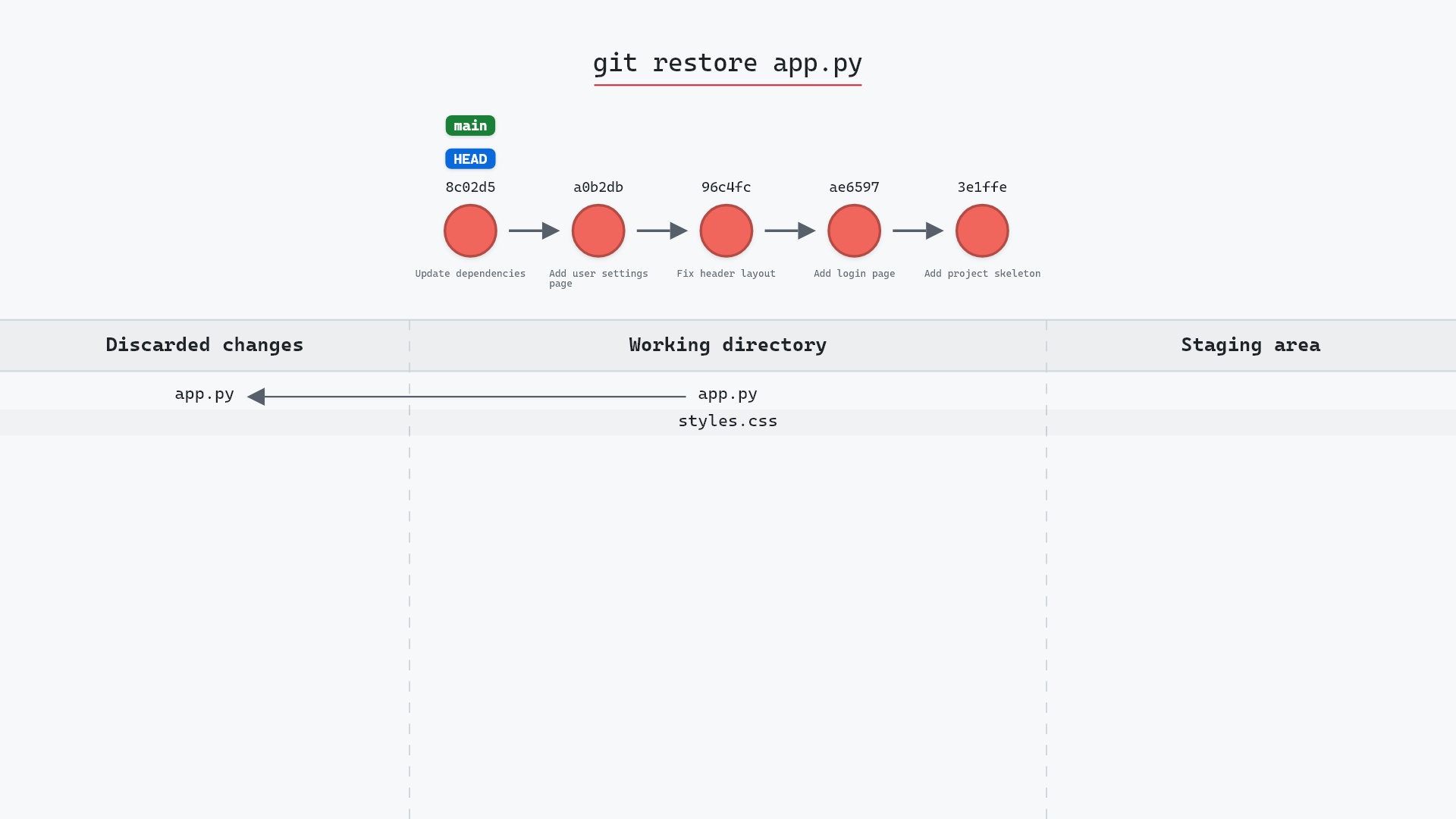
- git restore, if you decide you didn't want it after all