Git commands
What git blame really tells you about a line of code
git blame: which commit last touched this line
How to use this page
- slider / ▶Drag the slider, or press play, to watch the command happen. Before and After jump to either end.
- ← → · spaceStep through a multi-step command; space toggles Before / After.
- APlay or pause the loop (the page opens playing). Any manual input takes over.
- hoverA commit shows its message, author, date and parents, with its history highlighted.
- clickCopies the commit sha.
- ctrl + wheelZoom around the cursor (pinch on a trackpad). Double-click resets the view.
- EscStop playback, reset the view, close this menu.
- shareThe Share button copies a link to this graph, copies it as an image, downloads PNG/SVG/page, or posts it. #before, #after or #step=N in the link pins the state.
git-sim visually simulates any Git command in your own repos - from your terminal, IDE, or AI.
Table of Contents
- Introduction
- What is git blame?
- Watch it happen
- Reading the output
- The last change, not the original author
- Looking past reformatting commits
- Narrowing it down
- Whitespace, moved and copied code
- Output for scripts
- git blame or git log?
- Is it safe?
- Common questions
- Summary
- Next steps
- Related commands
Introduction
If you've stared at a line of code and wondered "why is it like this?", git blame is where the answer starts. It prints a file with every line labeled by the commit that last changed it, who made that commit and when. From there, the commit message and the rest of that commit's diff usually explain the line.
The name makes it sound like a tool for finding someone to point at. In practice it's much more useful for finding context: the commit, the pull request it came from, and the person who knows most about that code.
In this article, we'll:
- Read
git blameoutput column by column - See why the name on a line is the last person to change it, not the one who wrote it
- Narrow blame to a range or a function, and look past whitespace, moved code and reformatting commits
- Get machine-readable output for scripts
What is git blame?
git blame <file> walks back through the history of a file and, for each line in its current version, finds the most recent commit that changed that line. It then prints the file with that commit's short hash, author and date in front of each line.
The key word is last. If Luis wrote a line and Dana later changed one character in it, the line belongs to Dana's commit. Blame answers "which commit gave this line its current form?", and it shows nothing about lines that have since been deleted.
Watch it happen
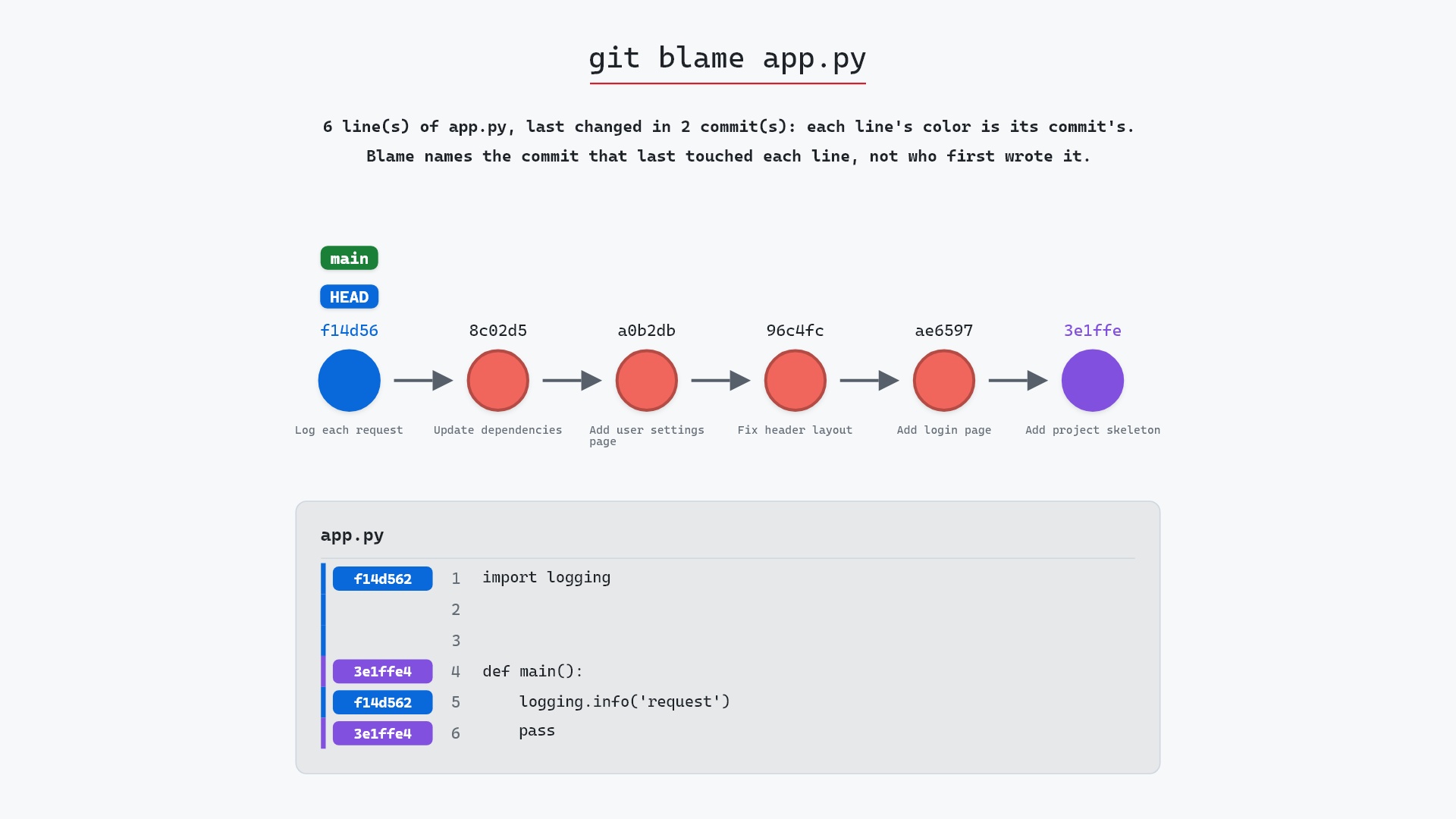
Here's git blame app.py on a small sample repository, where app.py was written in one commit and extended in a later one:
- Before:
HEADis attached tomainatf14d562"Log each request", andapp.pyin that commit has six lines. - Git walks back through
app.py's history and names the commit that last changed each line. Lines 1 to 3 (theimport loggingand the blank lines after it) and line 5 (thelogging.infocall) come fromf14d562"Log each request", which added the logging. Line 4,def main():, and line 6,pass, still date from3e1ffe4"Add project skeleton", which created the file, because nothing has changed them since.
The four commits between those two never touched app.py, so blame doesn't name them at all.
The raw git output, if you want to read along in text
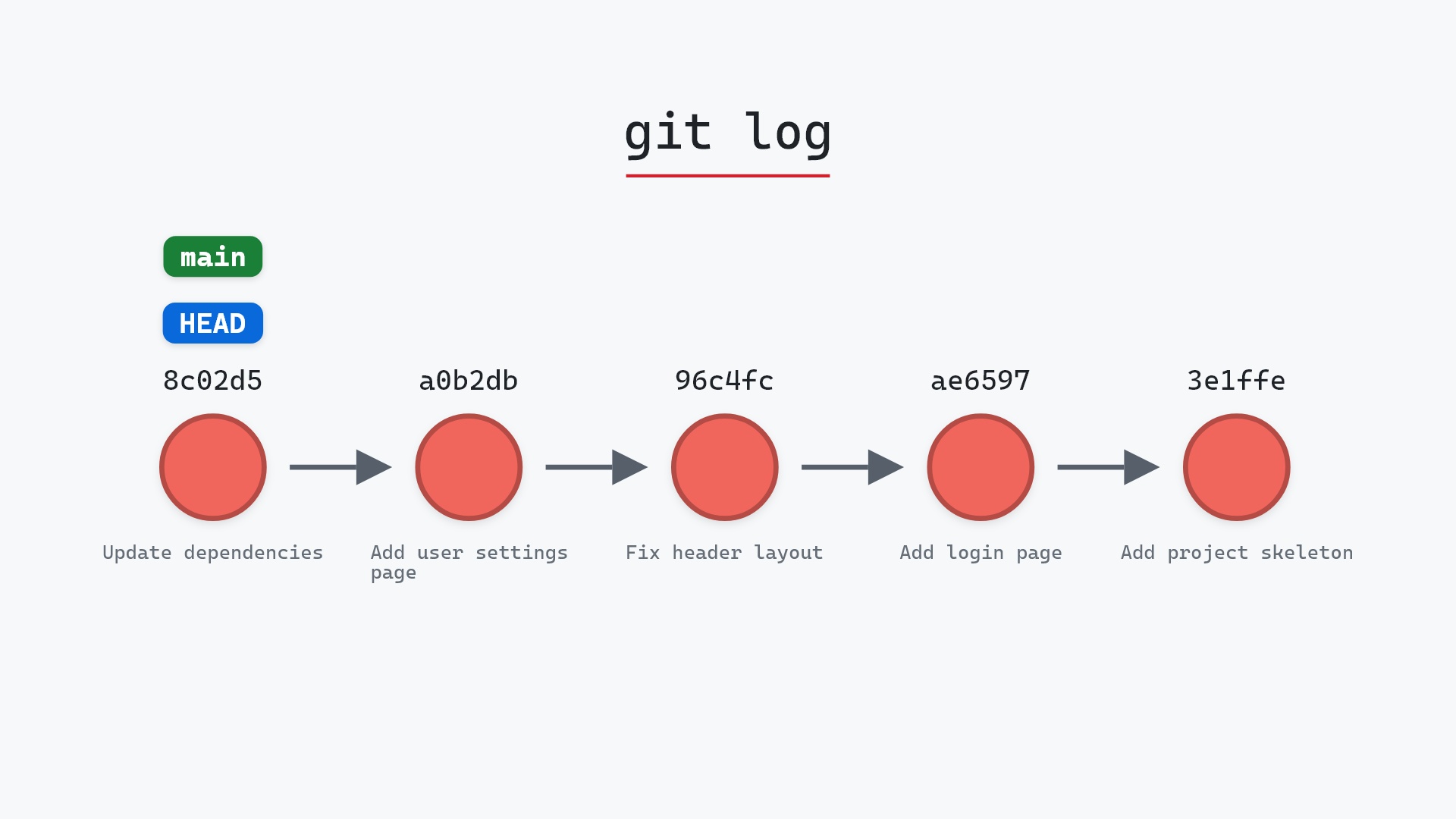
git log --oneline --graph --all
before
* f14d562 (HEAD -> main) Log each request
* 8c02d5b Update dependencies
* a0b2db3 Add user settings page
| * 1117a34 (feature) Add search tests
| * e5869f0 Fix typo in search box
| * fc19889 Add search box
|/
* 96c4fc2 Fix header layout
* ae65976 Add login page
* 3e1ffe4 Add project skeleton
* 4114b2c Initial commit
after
* f14d562 (HEAD -> main) Log each request
* 8c02d5b Update dependencies
* a0b2db3 Add user settings page
| * 1117a34 (feature) Add search tests
| * e5869f0 Fix typo in search box
| * fc19889 Add search box
|/
* 96c4fc2 Fix header layout
* ae65976 Add login page
* 3e1ffe4 Add project skeleton
* 4114b2c Initial commit
what git printed
f14d5628 (Jacob Stopak 2024-05-01 21:00:00 +0000 1) import logging
f14d5628 (Jacob Stopak 2024-05-01 21:00:00 +0000 2)
f14d5628 (Jacob Stopak 2024-05-01 21:00:00 +0000 3)
3e1ffe4c (Jacob Stopak 2024-05-01 10:00:00 +0000 4) def main():
f14d5628 (Jacob Stopak 2024-05-01 21:00:00 +0000 5)     logging.info('request')
3e1ffe4c (Jacob Stopak 2024-05-01 10:00:00 +0000 6)     pass
Reading the output
Our example is a billing module with a small discount function:
$ git blame billing/discounts.py
^1f3c5a9 (Dana Okafor 2023-09-04 10:02:13 -0400 1) from decimal import Decimal
^1f3c5a9 (Dana Okafor 2023-09-04 10:02:13 -0400 2)
^1f3c5a9 (Dana Okafor 2023-09-04 10:02:13 -0400 3)
7c2e9d41 (Luis Romero 2024-01-17 16:03:41 -0500 4) def apply_discount(total, percent):
d0b64a2f (Sam Lee     2024-05-06 08:30:12 -0400 5)     """Return total reduced by percent, never below zero."""
a58f0b3e (Dana Okafor 2024-03-22 11:47:08 -0400 6)     rate = Decimal(percent) / 100
7c2e9d41 (Luis Romero 2024-01-17 16:03:41 -0500 7)     discounted = total - total * rate
d0b64a2f (Sam Lee     2024-05-06 08:30:12 -0400 8)     return max(discounted, Decimal("0"))
Each line has:
- the abbreviated hash of the commit that last changed it
- the author of that commit, and the author date with its time zone
- the line number in the current file
- the line itself
The ^ in front of ^1f3c5a9 marks a boundary commit. Here it's the repository's first commit, so blame can't go any further back. You'll also see it when you limit how far back blame looks.
Notice that lines 5 and 8 belong to Sam Lee. That's a little surprising, since Luis wrote the function. We'll come back to why.
The last change, not the original author
Line 6 is a good example of reading blame carefully. It says Dana, in a58f0b3e. To see what that commit did to the line, show it:
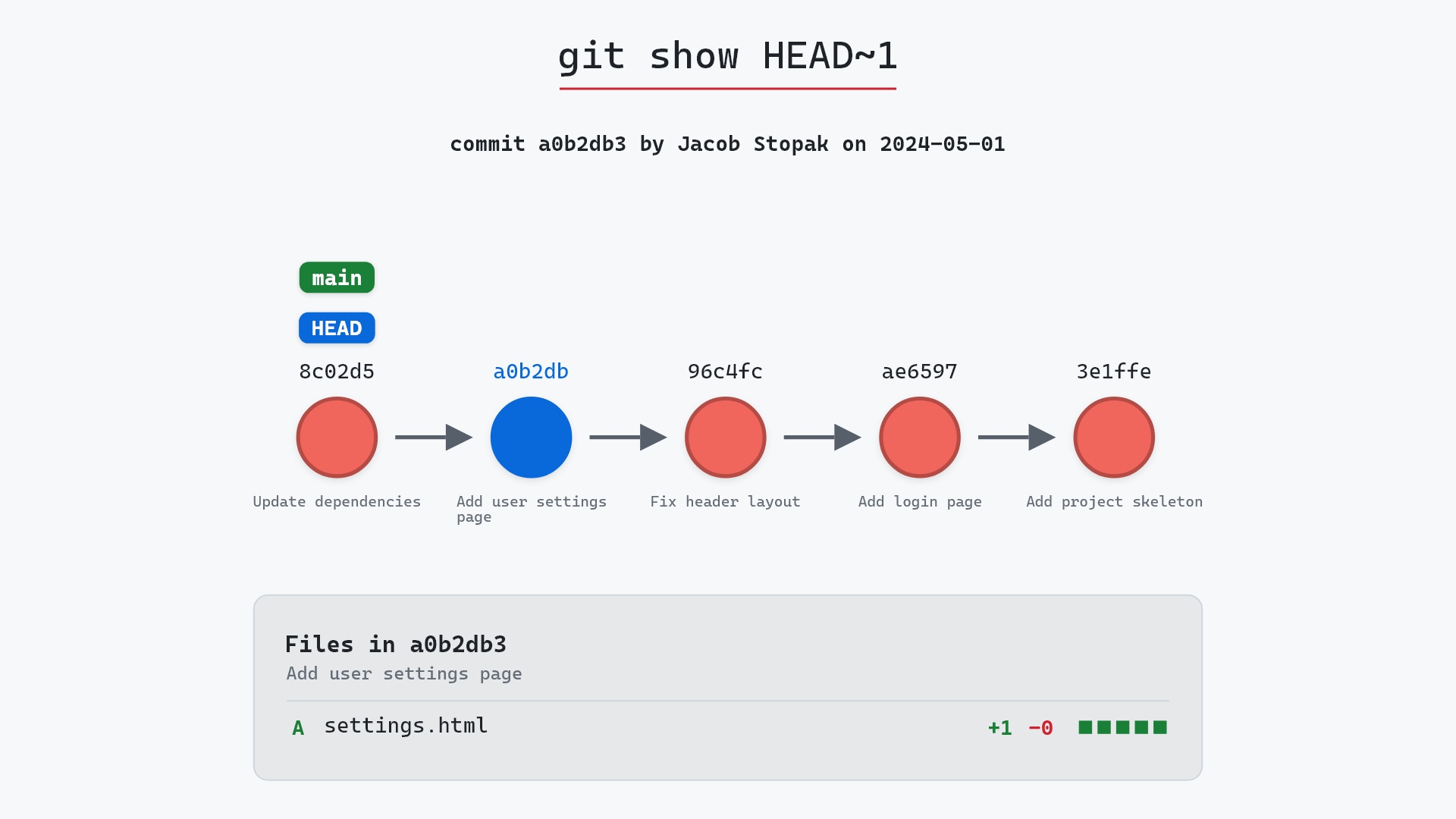
$ git show a58f0b3e -- billing/discounts.py
commit a58f0b3e9d1c47f2b6e08a5c3d7f914e2b0c6d85
Author: Dana Okafor <dana@example.com>
Date:   Fri Mar 22 11:47:08 2024 -0400

    Accept discount percent as a whole number

diff --git a/billing/discounts.py b/billing/discounts.py
index 0e7b3c2..6f19a4d 100644
--- a/billing/discounts.py
+++ b/billing/discounts.py
@@ -3,6 +3,6 @@ from decimal import Decimal

 def apply_discount(total, percent):
     '''Return total reduced by percent, never below zero.'''
-    rate = percent
+    rate = Decimal(percent) / 100
     discounted = total - total * rate
     return max(discounted, Decimal('0'))
So Luis wrote the line, and Dana changed what it does. To keep digging past a change, blame the file as it was in that commit's parent:
$ git blame -L 6,6 a58f0b3e^ -- billing/discounts.py
7c2e9d41 (Luis Romero 2024-01-17 16:03:41 -0500 6)     rate = percent
The ^ after the hash means "the parent of". Repeating this step walks a line back through its history one change at a time. Most editors and code hosts have a button for it, and git log -L 6,6:billing/discounts.py prints every commit that touched those lines, with diffs, in one go.
Looking past reformatting commits
Back to lines 5 and 8. Sam's commit d0b64a2f is "Reformat with black", which switched single quotes to double quotes across the project. It changed nothing about how the code behaves, but it now sits in front of every line it touched. After a big reformat, blame on a whole codebase can end up pointing at one formatting commit.
--ignore-rev tells blame to skip a commit and attribute its lines to whatever came before:
$ git blame --ignore-rev d0b64a2f billing/discounts.py
^1f3c5a9 (Dana Okafor 2023-09-04 10:02:13 -0400 1) from decimal import Decimal
^1f3c5a9 (Dana Okafor 2023-09-04 10:02:13 -0400 2)
^1f3c5a9 (Dana Okafor 2023-09-04 10:02:13 -0400 3)
7c2e9d41 (Luis Romero 2024-01-17 16:03:41 -0500 4) def apply_discount(total, percent):
7c2e9d41 (Luis Romero 2024-01-17 16:03:41 -0500 5)     """Return total reduced by percent, never below zero."""
a58f0b3e (Dana Okafor 2024-03-22 11:47:08 -0400 6)     rate = Decimal(percent) / 100
7c2e9d41 (Luis Romero 2024-01-17 16:03:41 -0500 7)     discounted = total - total * rate
7c2e9d41 (Luis Romero 2024-01-17 16:03:41 -0500 8)     return max(discounted, Decimal("0"))
To make that permanent for the whole team, list such commits in a file at the top of the repository, conventionally named .git-blame-ignore-revs, one full hash per line:
# Reformat with black
d0b64a2f7e3c91b5a08d6f24c1e9b37a5d82f0c6
Commit that file, and have each clone point blame at it:
git config blame.ignoreRevsFile .git-blame-ignore-revs
GitHub and GitLab read a file with that name automatically in their blame views. (See git config if you want the setting in your global config instead.)
Narrowing it down
Large files make for long blame output. -L limits it to a range of lines:
$ git blame -L 4,6 billing/discounts.py
7c2e9d41 (Luis Romero 2024-01-17 16:03:41 -0500 4) def apply_discount(total, percent):
d0b64a2f (Sam Lee     2024-05-06 08:30:12 -0400 5)     """Return total reduced by percent, never below zero."""
a58f0b3e (Dana Okafor 2024-03-22 11:47:08 -0400 6)     rate = Decimal(percent) / 100
-L also takes a function name after a colon, which saves you from counting lines:
git blame -L :apply_discount billing/discounts.py
and -L 40,+10 means ten lines starting at line 40. You can repeat -L to get several ranges at once.
To blame an older version of the file instead of the current one, put a revision before the path, as we did with a58f0b3e^ above: git blame v2.0 -- billing/discounts.py.
Whitespace, moved and copied code
A few more options change which commit gets credit for a line:
-wignores whitespace changes. A commit that only reindented a line won't claim it.-Mnotices lines moved or copied within the same file and credits the commit that originally wrote them, rather than the one that moved them.-Cdoes the same for lines that came from other files changed in the same commit.-C -Calso looks at files from the commit that created the file, and-C -C -Cat every commit, which is slower but catches code copied from anywhere.
After a refactor that split one big file into several, git blame -w -C -C is usually the difference between seeing the refactor on every line and seeing the history you were after.
Some display options (the git blame documentation has the rest):
-eshows the author's email instead of the name.-lshows full 40-character hashes.-shides the author and date, leaving hash, line number and code.--date=shortshortens the date to2024-01-17.
Output for scripts
The default output is meant for people. For scripts, --porcelain gives a stable format that lists each commit's details once, the first time it appears:
$ git blame --porcelain -L 6,6 billing/discounts.py
a58f0b3e9d1c47f2b6e08a5c3d7f914e2b0c6d85 6 6 1
author Dana Okafor
author-mail <dana@example.com>
author-time 1711122428
author-tz -0400
committer Dana Okafor
committer-mail <dana@example.com>
committer-time 1711122428
committer-tz -0400
summary Accept discount percent as a whole number
previous 7c2e9d41f6a83b0c5d29e7a14b8c3f60d9e2a517 billing/discounts.py
filename billing/discounts.py
	    rate = Decimal(percent) / 100
The first line is the full hash, the line number in the original file, the line number in the final file, and how many lines in a row belong to this commit. The previous line names the commit and path to blame next if you want to keep walking back. The source line itself follows a tab. --line-porcelain repeats the full commit details for every line, which makes the output easier to parse one line at a time.
git blame or git log?
Use git blame when your question starts from a line: "why is this here?" Use git log when it starts from the history: "what happened to this file last month?" git log -- billing/discounts.py lists every commit that touched the file, and git log -L sits in between, following one range of lines through all of its changes.
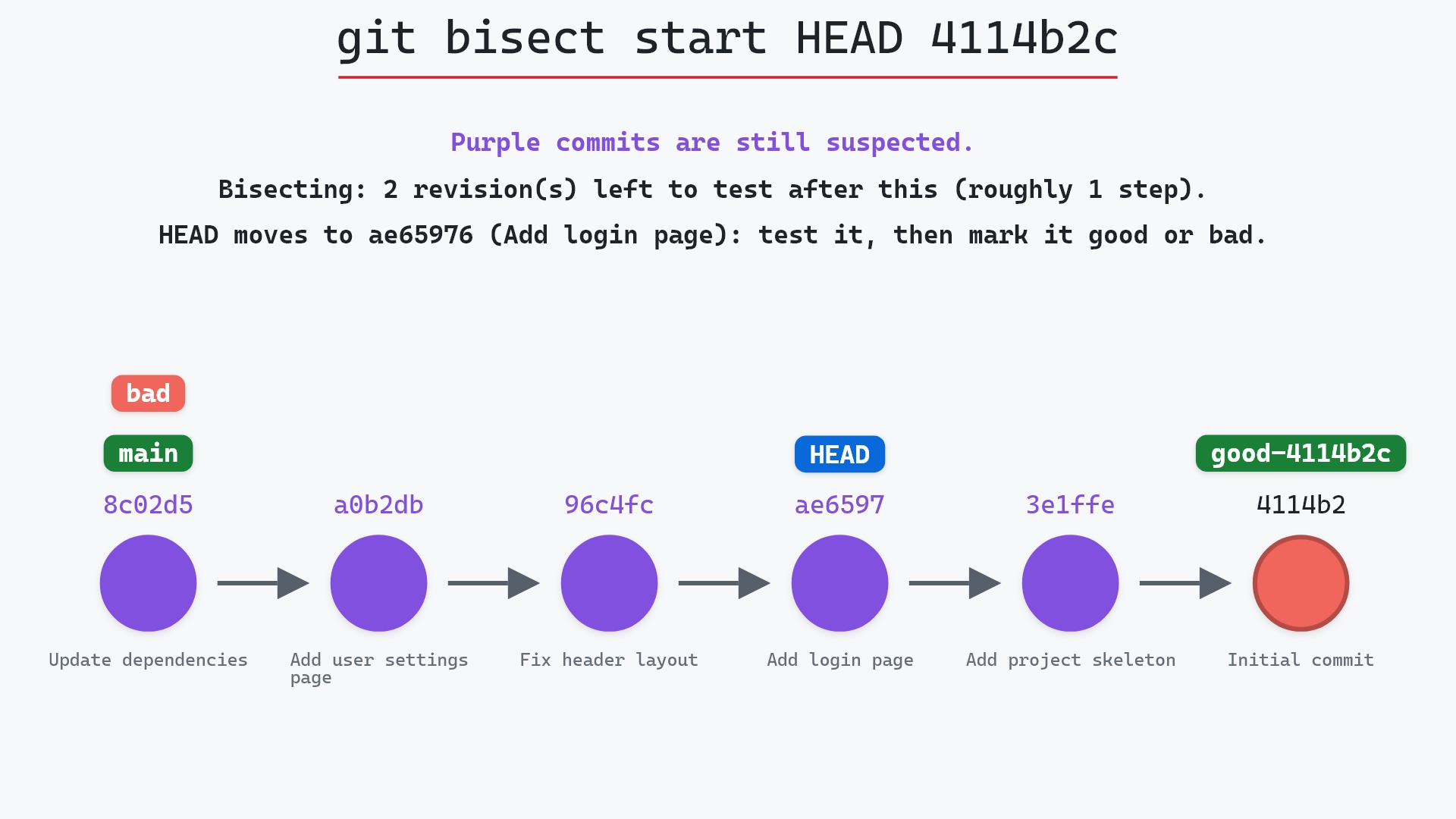
When the question is "when did this behavior break?", neither is the best starting point. git bisect finds the commit by testing, which works even when you don't know which line is at fault.
Is it safe?
Yes. git blame only reads history and prints it. It doesn't change your files or any branch.
Safe git-sim pre-flight
'blame' only reads; nothing in the repository changes.
Common questions
Does git blame show who wrote a line?
It shows who last changed it. If the line was edited after it was written, even just reformatted, the later commit gets the credit. To go further back, run blame on the parent of that commit (git blame <commit>^ -- <file>) or use git log -L to see every change to the line.
How do I ignore formatting commits in git blame?
List their full hashes in a .git-blame-ignore-revs file and run git config blame.ignoreRevsFile .git-blame-ignore-revs. For a one-off, pass --ignore-rev <commit>. GitHub and GitLab honor the file automatically.
How do I blame only part of a file?
Use -L: git blame -L 40,60 <file> for lines 40 to 60, or git blame -L :function_name <file> for one function.
Can git blame show deleted lines?
No. It only annotates the lines in the version of the file you ask about. To find when a line was removed, search the history with git log -S 'the text' -- <file>, which lists the commits that added or removed that text.
Summary
In this article, we read git blame output, saw that each line is labeled with its most recent change rather than its original author, and used -L, -w, -M, -C and --ignore-rev to get closer to the history behind a line.
Next steps
Once blame gives you a hash, git show prints the whole commit, and git log puts it in context. If you're hunting a bug rather than reading code, start with git bisect and come back to blame once you know which commit to look at.
Related commands
- git log, to put a commit in context
- git show, to read the commit blame points at
- git bisect, when you know the behavior but not the line
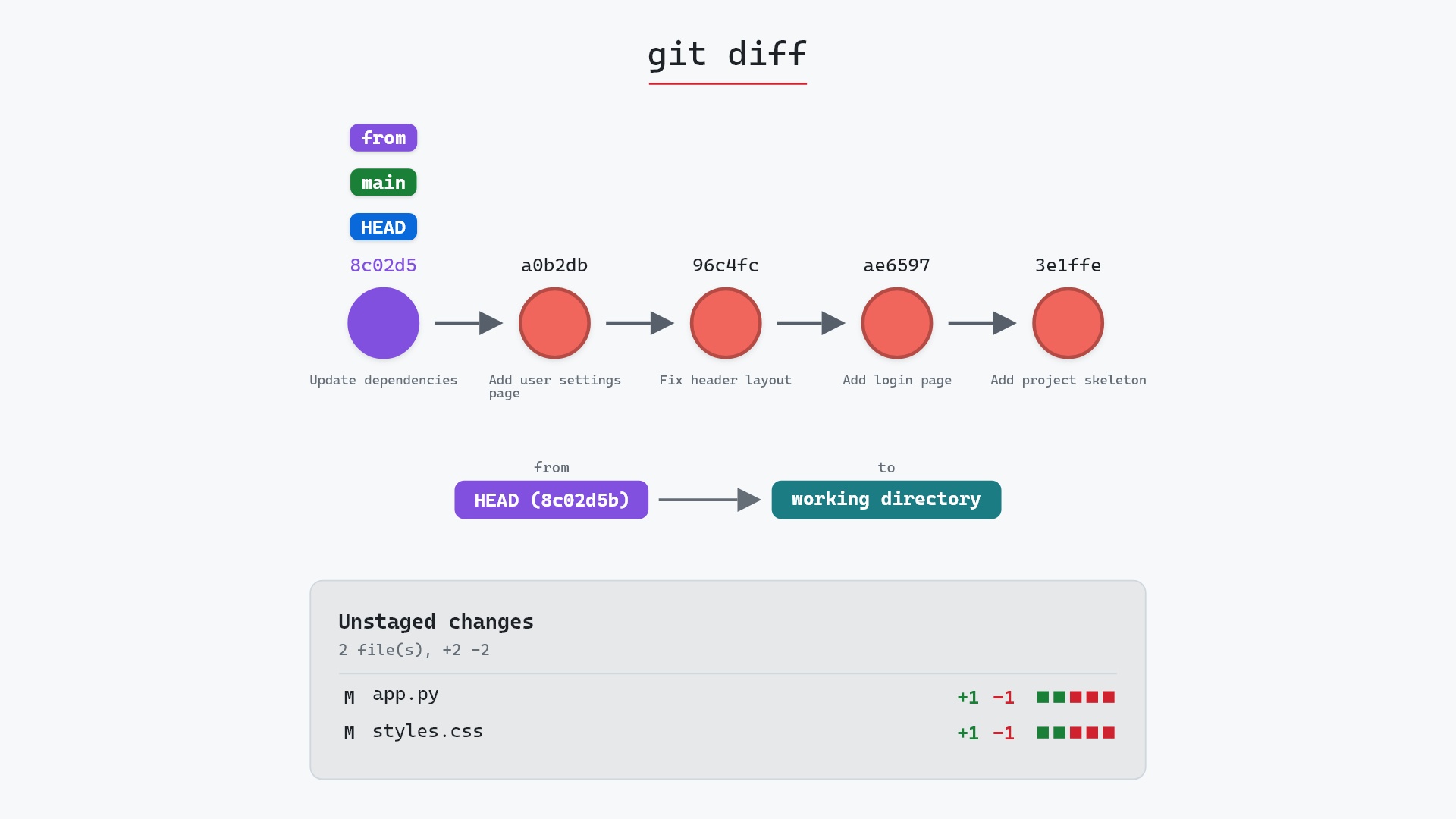
- git diff, to see exactly what a commit changed
- git config, to set blame.ignoreRevsFile for your repository
- git reflog, to find commits no branch points at