Git commands
What a revert commit contains, and why history keeps the original
git revert: undo by adding, not deleting
How to use this page
- slider / ▶Drag the slider, or press play, to watch the command happen. Before and After jump to either end.
- ← → · spaceStep through a multi-step command; space toggles Before / After.
- APlay or pause the loop (the page opens playing). Any manual input takes over.
- hoverA commit shows its message, author, date and parents, with its history highlighted.
- clickCopies the commit sha.
- ctrl + wheelZoom around the cursor (pinch on a trackpad). Double-click resets the view.
- EscStop playback, reset the view, close this menu.
- shareThe Share button copies a link to this graph, copies it as an image, downloads PNG/SVG/page, or posts it. #before, #after or #step=N in the link pins the state.
git-sim visually simulates any Git command in your own repos - from your terminal, IDE, or AI.
Table of Contents
- Introduction
- What is git revert?
- Watch it happen
- Before and after
- Why revert is safe to share
- Reverting older commits and merges
- Is it safe?
- How to undo it
- Try it on your repository
- Common questions
- Summary
- Next steps
- Related commands
Introduction
There are two ways to undo a commit in Git. reset moves the branch back so the commit is no longer on it, which rewrites history. revert leaves the commit where it is and adds a new one that undoes its changes, which doesn't. Once a commit has been pushed, revert is the one you want.
In this article, we'll:
- Watch
git revert HEADadd a commit that reverses the last one - See what the new commit contains and confirm the original is still there
- Cover reverting older commits and why revert is safe on shared branches
What is git revert?
git revert <commit> computes the inverse of the change <commit> introduced, applies it to your working directory and staging area, and commits it with a message of the form "Revert "original message"". Your branch moves forward by one. <commit> itself is untouched and remains in the history, so anyone who already has it is unaffected.
Watch it happen
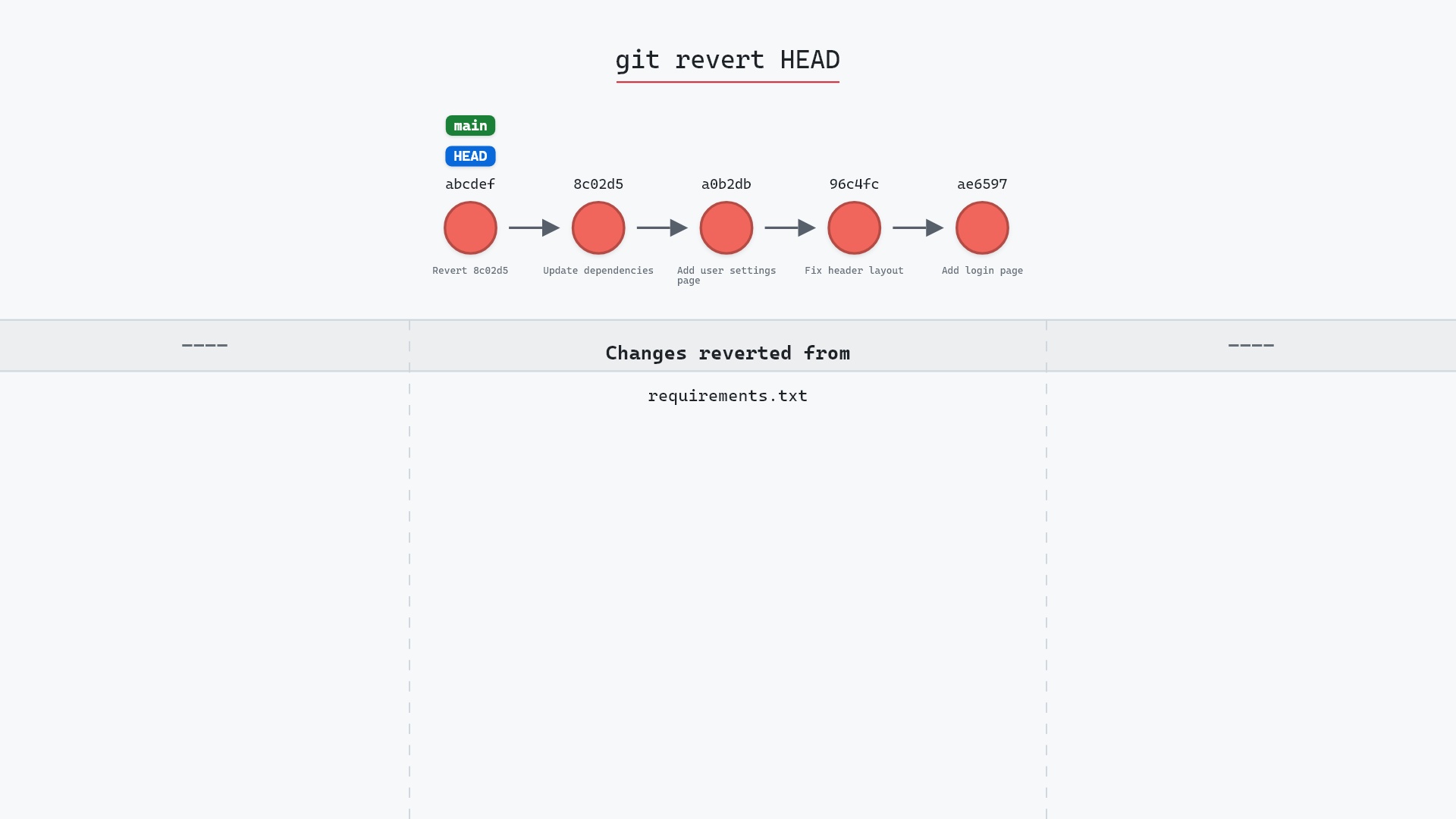
Our sample repo has the most recent commit on main is the one to undo. Here's git revert HEAD:
- Before:
HEADis attached tomain, which points at8c02d5b, "Update dependencies", the commit to undo. - Git creates a new commit on top of
8c02d5bthat undoes its changes. mainmoves to the new commit, andHEADmoves with it.8c02d5b, the reverted commit, stays in the history unchanged.
Before and after
main gained a commit rather than losing one. "Update dependencies" added requirements.txt, so the revert deletes it again, and Git's output says so:
The raw git output, if you want to read along in text
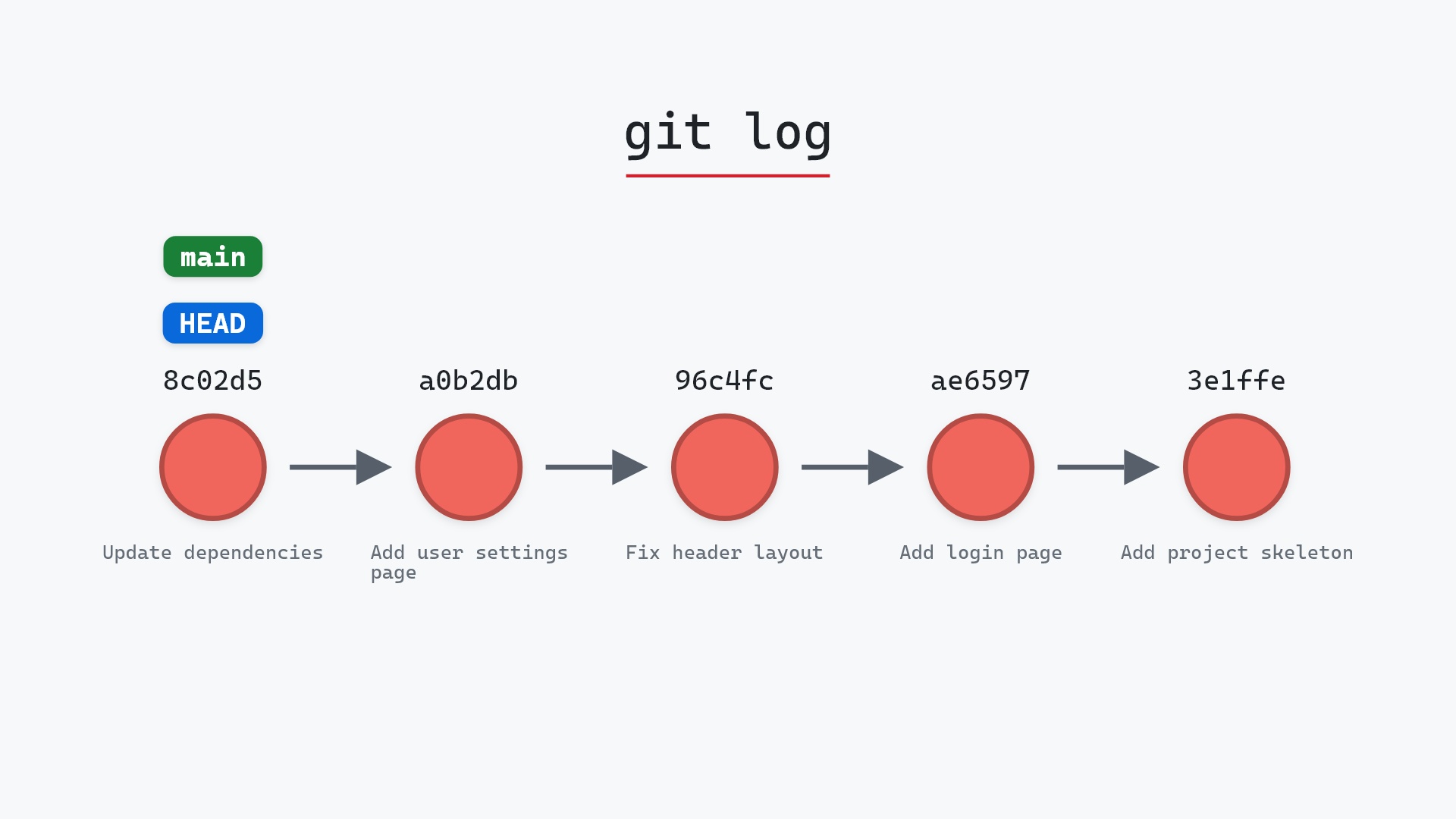
git log --oneline --graph --all
before
* 1117a34 (feature) Add search tests
* e5869f0 Fix typo in search box
* fc19889 Add search box
| * 8c02d5b (HEAD -> main) Update dependencies
| * a0b2db3 Add user settings page
|/
* 96c4fc2 Fix header layout
* ae65976 Add login page
* 3e1ffe4 Add project skeleton
* 4114b2c Initial commit
after
* 36f621c (HEAD -> main) Revert "Update dependencies"
* 8c02d5b Update dependencies
* a0b2db3 Add user settings page
| * 1117a34 (feature) Add search tests
| * e5869f0 Fix typo in search box
| * fc19889 Add search box
|/
* 96c4fc2 Fix header layout
* ae65976 Add login page
* 3e1ffe4 Add project skeleton
* 4114b2c Initial commit
what git printed
[main 36f621c] Revert "Update dependencies"
 Date: Wed May 1 21:00:00 2024 +0000
 1 file changed, 1 deletion(-)
 delete mode 100644 requirements.txt
After the revert, the working directory matches a0b2db3, but the history shows both the change and its reversal.
Why revert is safe to share
Every other developer's clone still has 8c02d5b, and it's still valid. When they pull, they get one more commit on top, like any other day. Compare git reset --hard HEAD~1 followed by a force push, where their clone now holds a commit your branch has lost, and their next push or pull turns into a puzzle.
Reverting older commits and merges
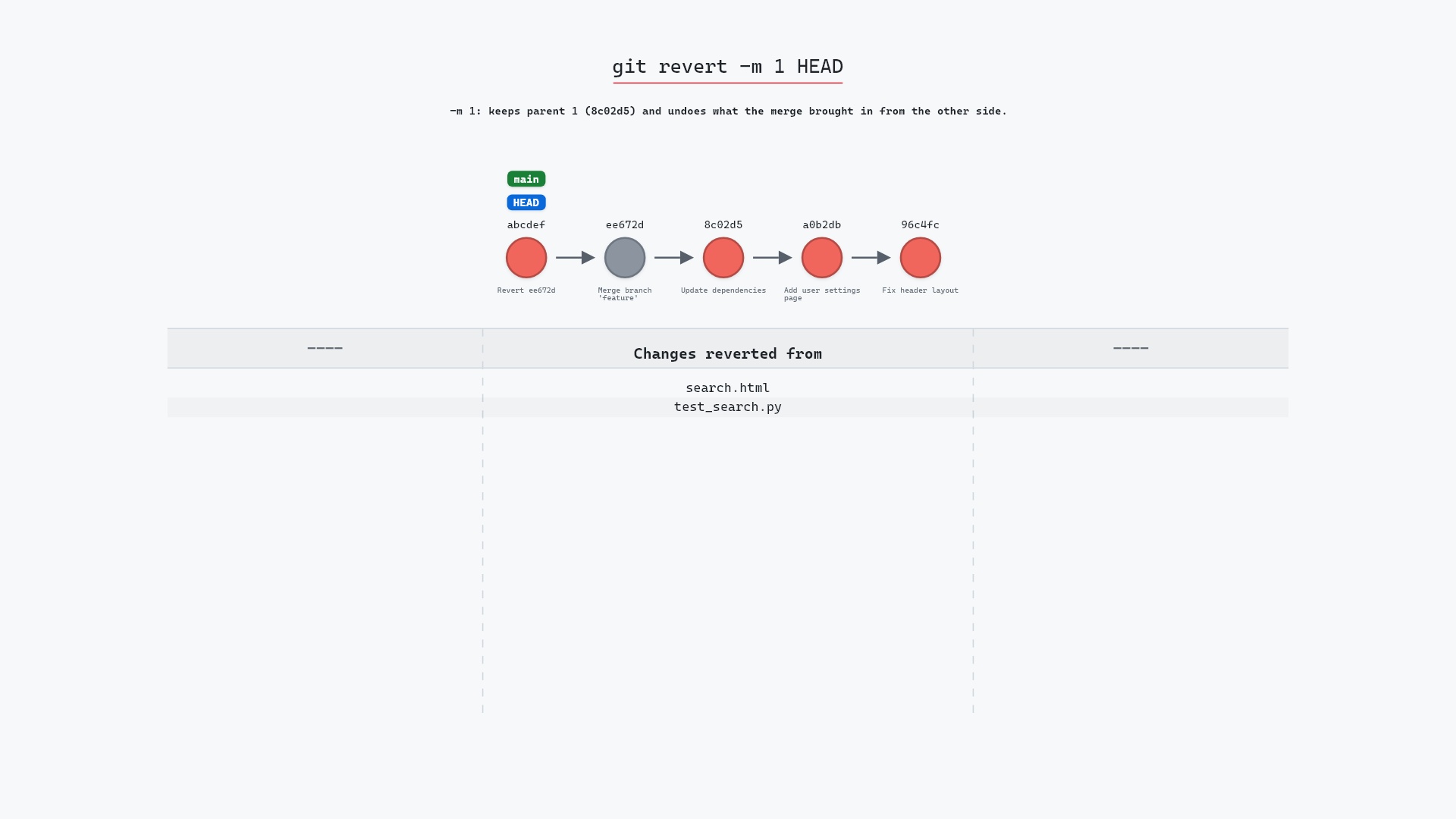
git revert <sha> works on any commit, not just HEAD. If later commits touched the same lines, you'll get a conflict to resolve. Reverting a merge commit needs -m 1 to say which parent counts as the mainline.
Is it safe?
Safe git-sim pre-flight
'revert' creates a new commit undoing another; existing history is untouched.
Revert only adds. The only thing it can do to surprise you is stop with a conflict, and git revert --abort backs out of that.
How to undo it
Revert the revert:
git revert HEAD
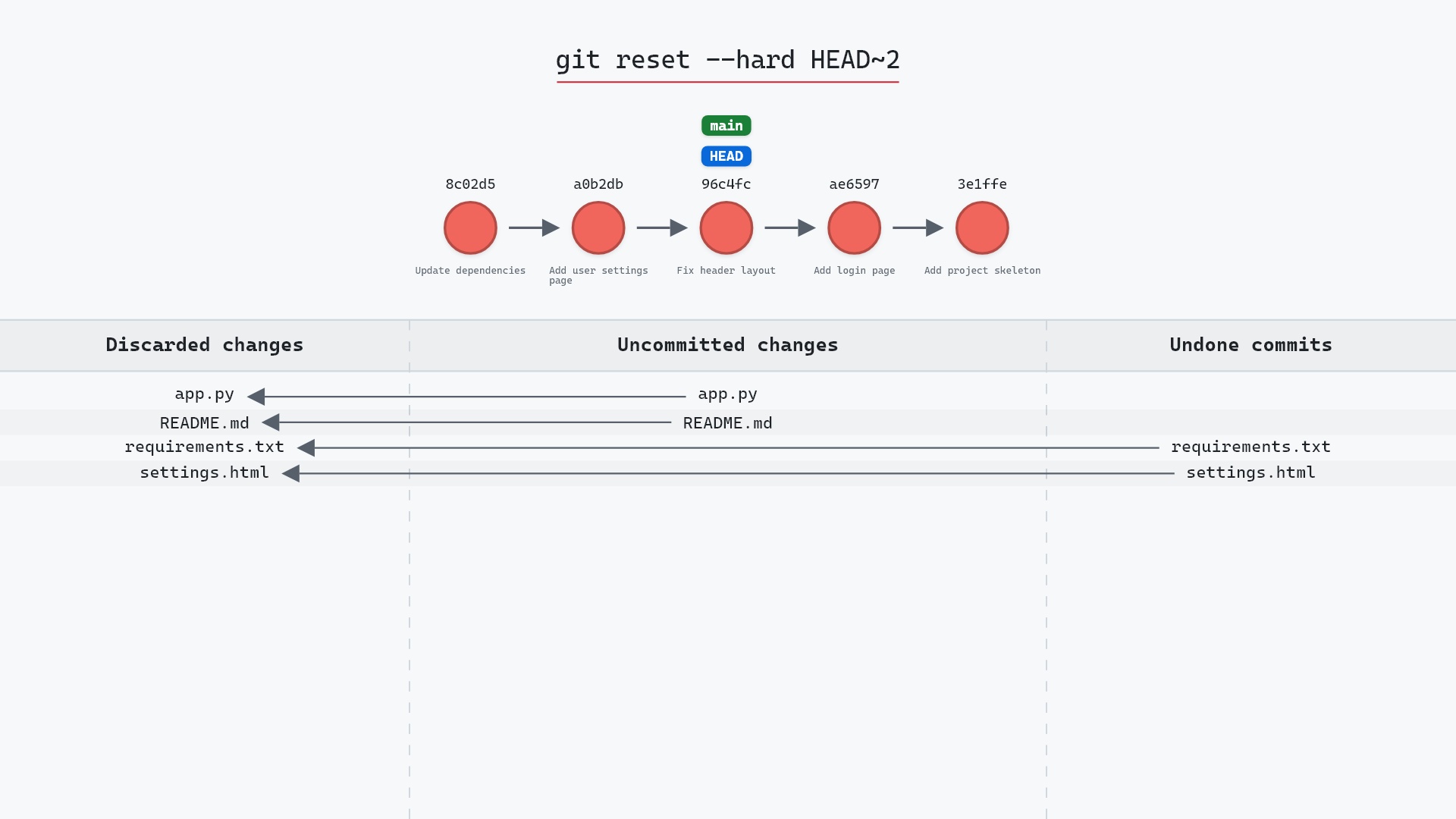
which adds another commit putting the change back. Or, if nothing has been pushed, git reset --hard HEAD~1 removes the revert commit.
Try it on your repository
pip install git-sim
git-sim revert HEAD
git-sim shows the new commit and confirms that the original stays in place, and checks whether the revert would conflict.
Common questions
What does git revert do?
It creates a new commit that undoes the changes of a given commit. The original commit stays in the history.
What is the difference between git revert and git reset?
revert adds a commit and keeps history intact, so it's safe on shared branches. reset moves the branch back, removing commits from it, which rewrites history.
Can I revert multiple commits?
Yes: git revert A B C, or a range with git revert A..B. Each gets its own revert commit unless you add --no-commit and commit once at the end.
How do I revert a merge commit?
git revert -m 1 <merge-sha>. The -m 1 names the first parent as the side to keep.
Summary
In this article, we watched git revert add a commit that reversed the last one while leaving the original in place, and covered why that makes it the right undo for branches other people have.
Next steps
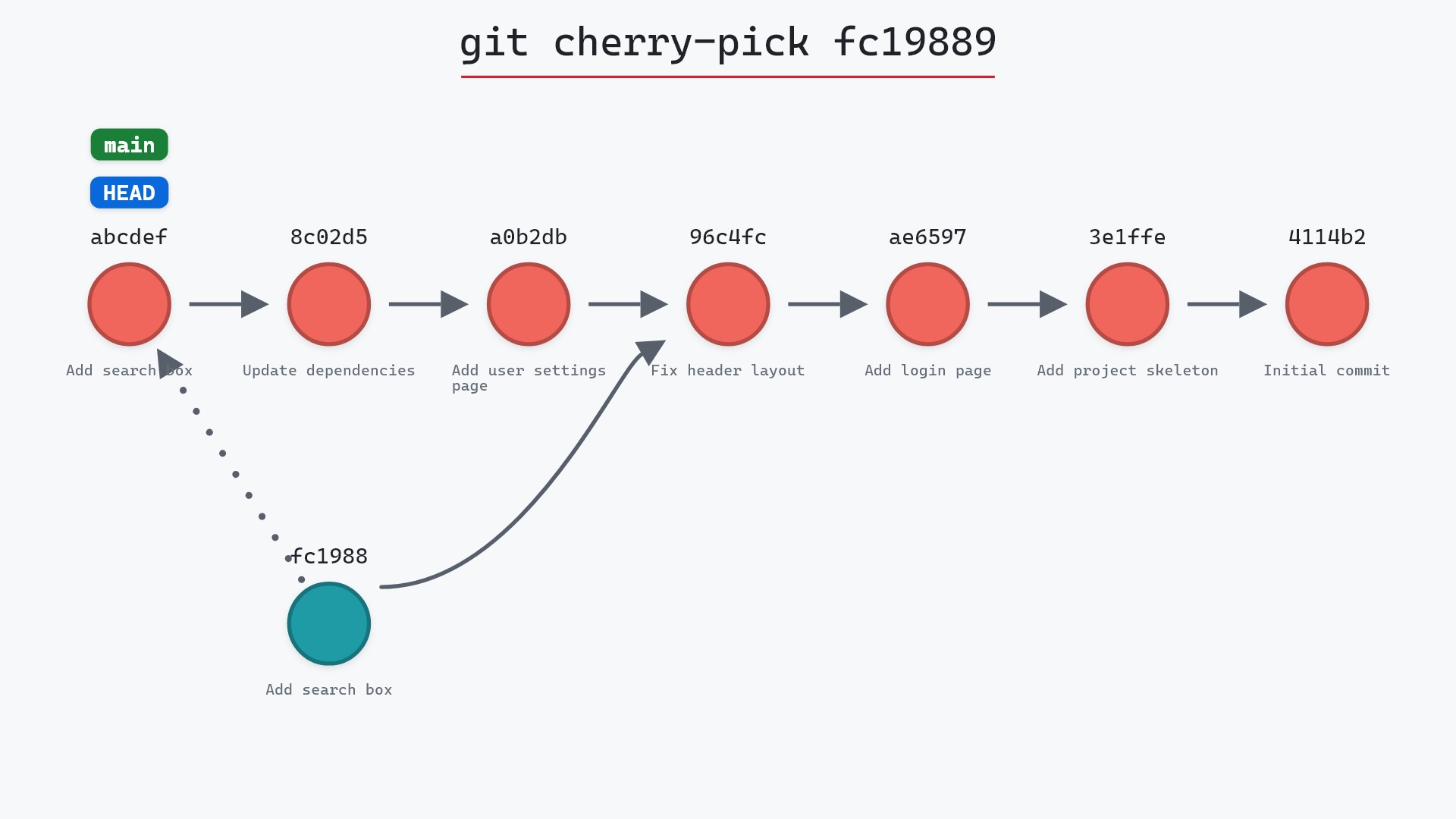
git reset --hard is the local-only alternative. git cherry-pick is the mirror image, applying a commit's change forward instead of undoing one.
Related commands
- git reset --hard, the history-rewriting undo
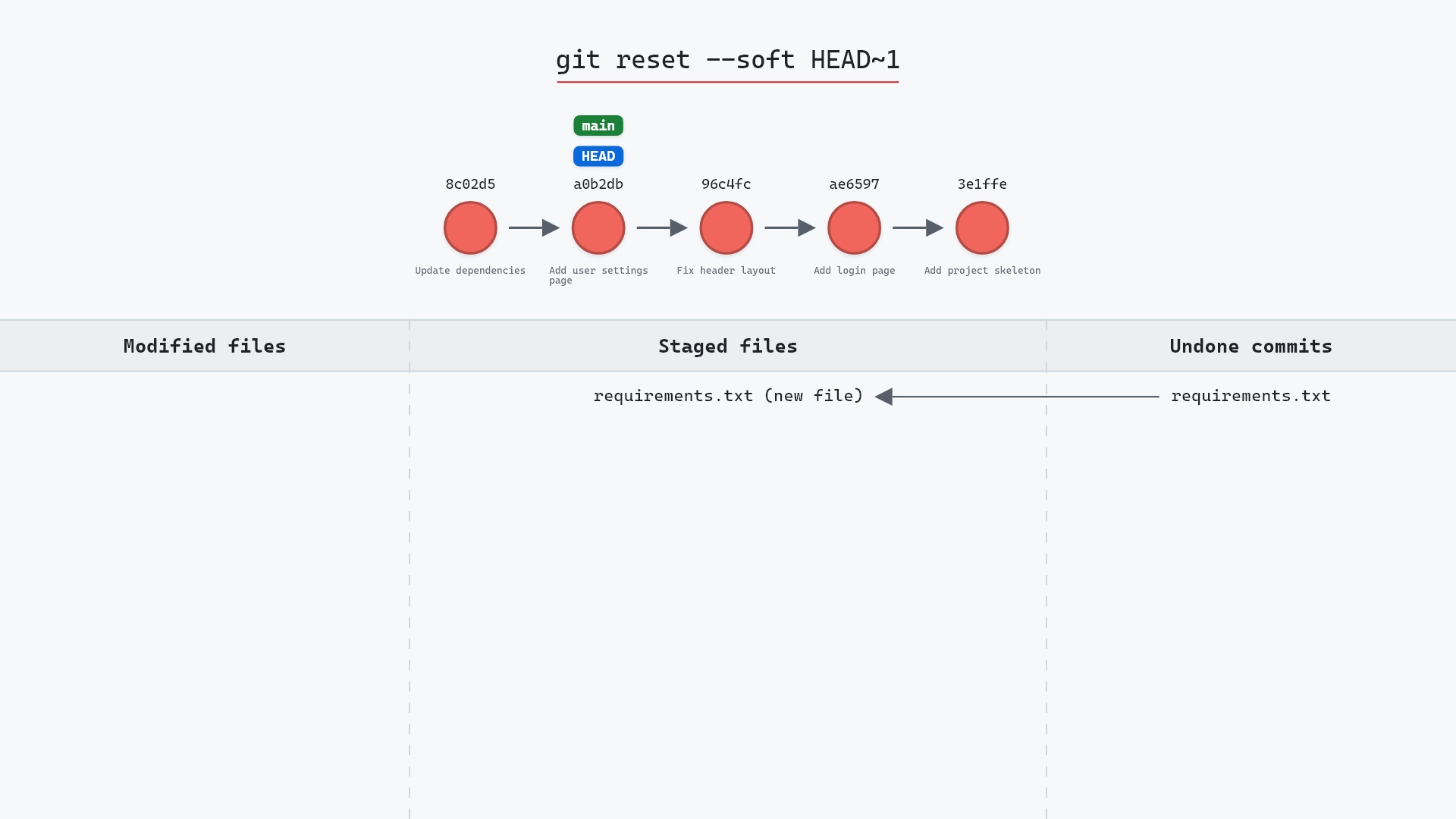
- git reset --soft, to undo a local commit but keep its changes
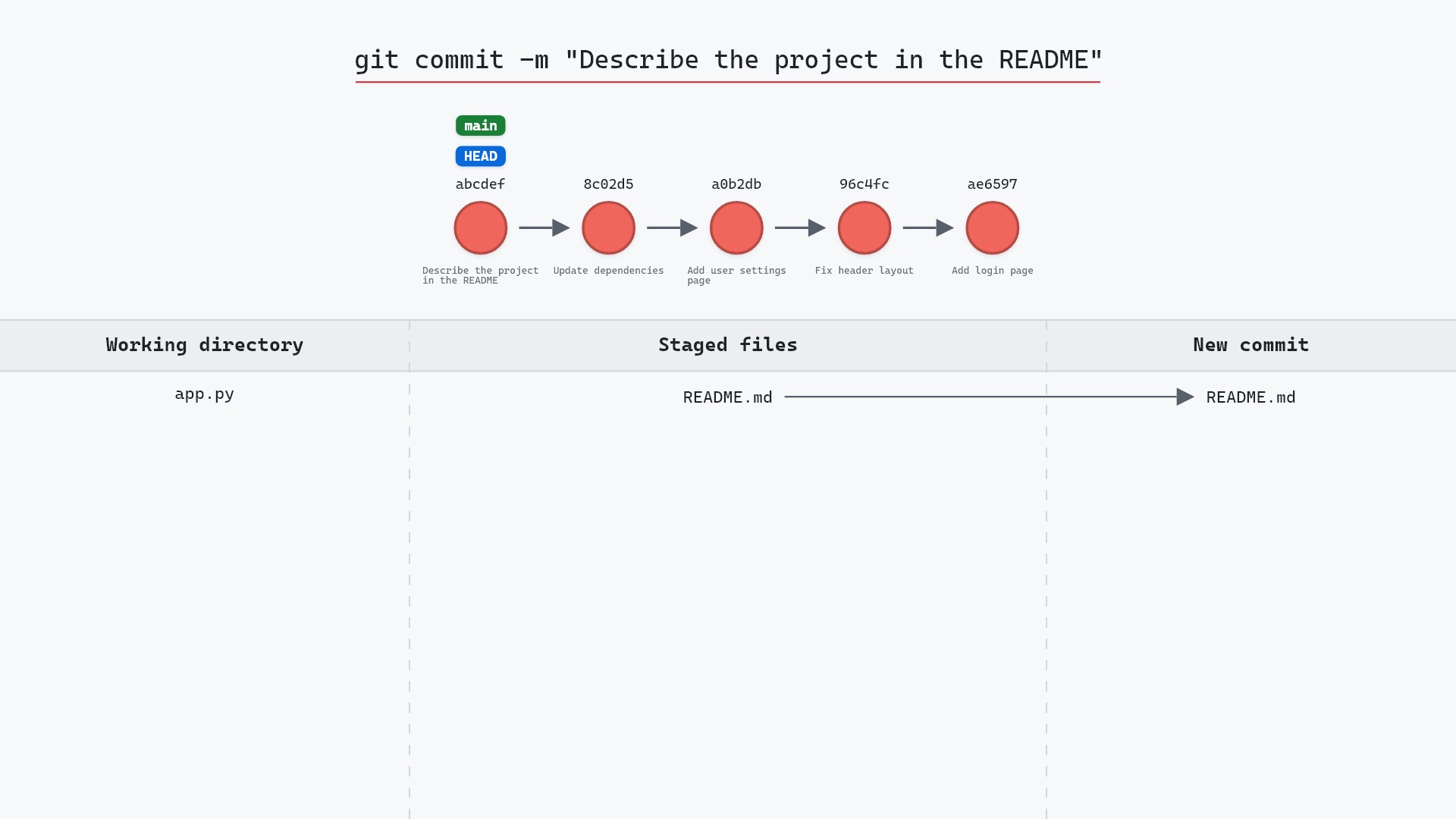
- git commit, what a revert creates
- git cherry-pick, the mirror image
- git merge, whose commits need
-m 1to revert - git log, to find the commit to revert