Git commands
How git cherry-pick replays a single commit (and why it gets a new hash)
git cherry-pick: apply one commit's change to another branch
How to use this page
- slider / ▶Drag the slider, or press play, to watch the command happen. Before and After jump to either end.
- ← → · spaceStep through a multi-step command; space toggles Before / After.
- APlay or pause the loop (the page opens playing). Any manual input takes over.
- hoverA commit shows its message, author, date and parents, with its history highlighted.
- clickCopies the commit sha.
- ctrl + wheelZoom around the cursor (pinch on a trackpad). Double-click resets the view.
- EscStop playback, reset the view, close this menu.
- shareThe Share button copies a link to this graph, copies it as an image, downloads PNG/SVG/page, or posts it. #before, #after or #step=N in the link pins the state.
git-sim visually simulates any Git command in your own repos - from your terminal, IDE, or AI.
Table of Contents
- Introduction
- What is git cherry-pick?
- Watch it happen
- Before and after
- When it doesn't apply cleanly
- Is it safe?
- Useful forms
- How to undo it
- Try it on your repository
- Common questions
- Summary
- Next steps
- Related commands
Introduction
Sometimes you want one commit from a branch and not the rest of it: a bug fix that landed on feature and needs to go on main today, or a change someone made on the wrong branch. git cherry-pick is that operation. Once you've seen rebase replay commits one at a time, cherry-pick is the same move done once, to a commit of your choosing.
In this article, we'll:
- Watch
git cherry-pickapply a commit fromfeaturetomainas a new commit - See that the original is still where it was
- Cover why the new commit has a different hash and what happens when the change doesn't apply cleanly
What is git cherry-pick?
git cherry-pick <commit> works out the change that <commit> introduced (the diff against its parent), applies that change to your working directory and index, and commits the result on your current branch with the original's message and author. The new commit has your current tip as its parent, so it gets a new hash. The original commit isn't touched.
Watch it happen
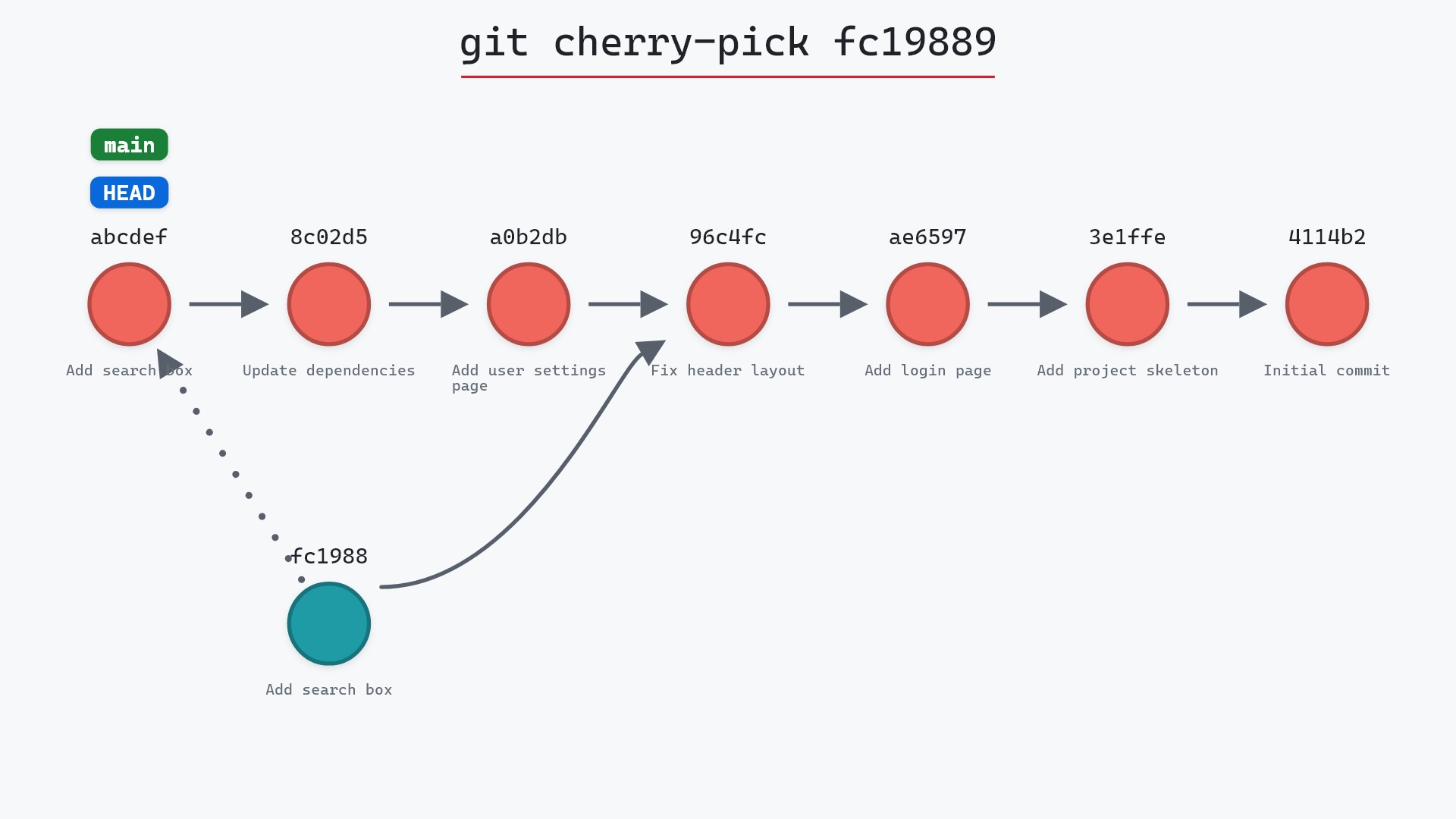
Our sample repo has main checked out; the commit to copy is the first one on feature. Here's git cherry-pick fc19889 with main checked out:
- Before:
HEADis attached tomainat8c02d5b. "Add search box",fc19889, is the first commit onfeature. - Git creates a new commit on
mainwith the same changes and message as "Add search box" (fc19889), with8c02d5bas its parent. mainmoves to the new commit, andHEADmoves with it.featureand its three commits are unchanged. Cherry-pick reads from them and writes nothing to them.
Before and after
main gained one commit whose message and change match fc19889 but whose hash is new. Git's output shows the new hash and what the commit touched:
The raw git output, if you want to read along in text
git log --oneline --graph --all
before
* 1117a34 (feature) Add search tests
* e5869f0 Fix typo in search box
* fc19889 Add search box
| * 8c02d5b (HEAD -> main) Update dependencies
| * a0b2db3 Add user settings page
|/
* 96c4fc2 Fix header layout
* ae65976 Add login page
* 3e1ffe4 Add project skeleton
* 4114b2c Initial commit
after
* 5ae3154 (HEAD -> main) Add search box
* 8c02d5b Update dependencies
* a0b2db3 Add user settings page
| * 1117a34 (feature) Add search tests
| * e5869f0 Fix typo in search box
| * fc19889 Add search box
|/
* 96c4fc2 Fix header layout
* ae65976 Add login page
* 3e1ffe4 Add project skeleton
* 4114b2c Initial commit
what git printed
[main 5ae3154] Add search box
 Date: Wed May 1 15:00:00 2024 +0000
 1 file changed, 1 insertion(+)
 create mode 100644 search.html
Because the same change now exists as two different commits, a later merge of feature into main will notice the duplicate content and usually resolve it silently. Rebasing feature onto main would skip the already-applied commit outright.
When it doesn't apply cleanly
If the lines the commit changed have since changed on your branch too, the pick stops with a conflict. Fix the file, git add it, and git cherry-pick --continue. Or git cherry-pick --abort to back out.
main right now, before the feature is ready. Picking that one commit onto main, shipping it, and carrying on with the branch is a lot simpler than untangling the fix from the feature after the fact.
Is it safe?
Safe git-sim pre-flight
'cherry-pick' creates new commit(s); existing history is untouched.
Cherry-pick adds one commit to your branch and changes nothing else. The only surprise it can produce is a conflict, which it stops for.
Useful forms
git cherry-pick A B Cpicks several commits in order.git cherry-pick A..Bpicks a range, exclusive ofA.git cherry-pick -x <commit>appends "(cherry picked from commit ...)" to the message, so the new commit records its source.git cherry-pick -n <commit>applies the change to the working directory and index without committing.-xadds a "cherry picked from" line to the message, and the git cherry-pick documentation has the other options.
How to undo it
git reset --hard HEAD~1
removes the picked commit from main. The original on feature was never at risk.
Try it on your repository
pip install git-sim
git-sim cherry-pick fc19889
git-sim draws the new commit landing on your branch with a trail to the commit it came from, and tells you whether it will conflict.
Common questions
What does git cherry-pick do?
It applies the change from one existing commit onto your current branch as a new commit, keeping the message and author but with a new parent and hash.
Does git cherry-pick remove the commit from the original branch?
No. It makes a new commit with the same change. The original commit stays where it was.
Why does the cherry-picked commit have a different hash?
Because its parent is different. A commit's hash covers its parent, tree, author, committer with its date, and message, so a new commit on a different parent, made at a later time, can't share the original's hash.
What is the difference between cherry-pick and merge?
Merge brings over every commit the other branch has and records the join with a merge commit. Cherry-pick applies only the commits you name, as ordinary new commits.
Summary
In this article, we watched git cherry-pick apply one commit from feature to main, confirmed the original stayed put, and covered why the new commit has a new hash and how conflicts are handled.
Next steps
git rebase is cherry-pick applied to a whole branch. git revert is its mirror image: a new commit that applies a change backwards.
Related commands
- git rebase, cherry-picking a whole branch
- git merge, to bring over everything instead
- git revert, the opposite operation
- git commit, what the picked commit is
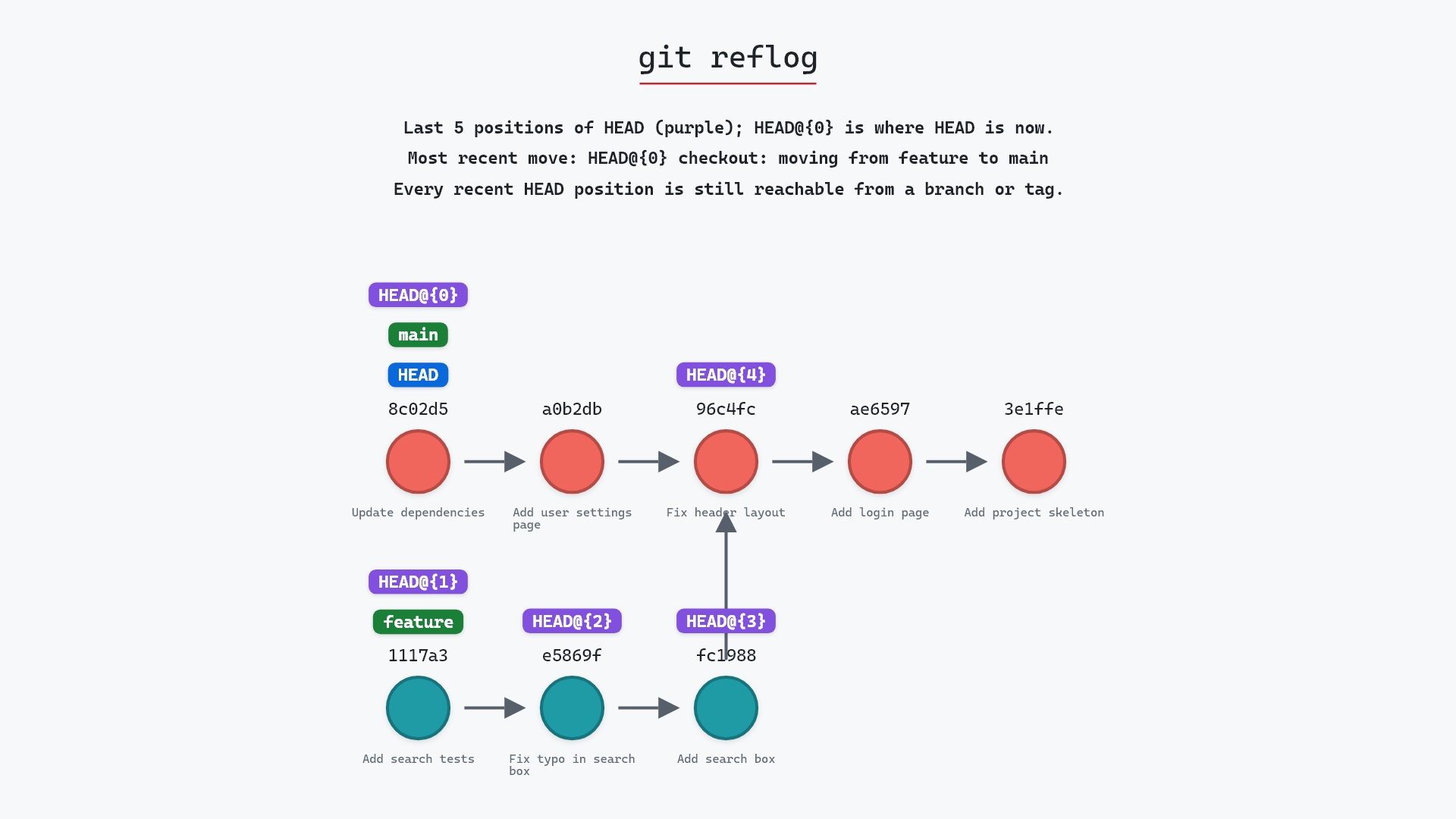
- git reflog, to undo a pick
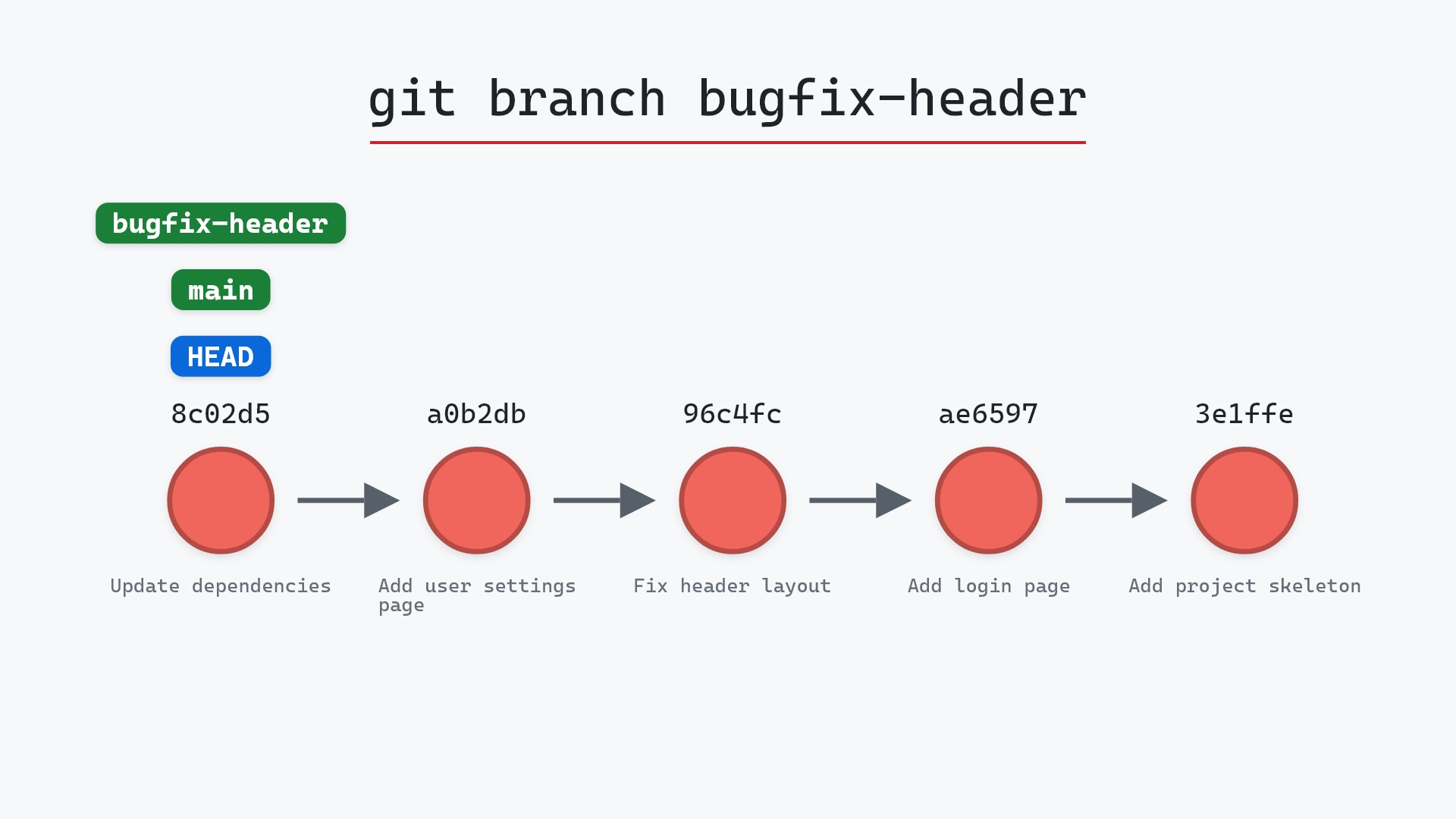
- git branch, to see where the new commit landed
- git cherry-pick --continue, to finish a pick after resolving a conflict
- git cherry-pick --abort, to call off a pick that stopped on a conflict