Git commands
How git rebase --onto picks which commits move and where they land
git rebase --onto: moving only part of a branch
How to use this page
- slider / ▶Drag the slider, or press play, to watch the command happen. Before and After jump to either end.
- ← → · spaceStep through a multi-step command; space toggles Before / After.
- APlay or pause the loop (the page opens playing). Any manual input takes over.
- hoverA commit shows its message, author, date and parents, with its history highlighted.
- clickCopies the commit sha.
- ctrl + wheelZoom around the cursor (pinch on a trackpad). Double-click resets the view.
- EscStop playback, reset the view, close this menu.
- shareThe Share button copies a link to this graph, copies it as an image, downloads PNG/SVG/page, or posts it. #before, #after or #step=N in the link pins the state.
git-sim visually simulates any Git command in your own repos - from your terminal, IDE, or AI.
Table of Contents
- Introduction
- What is git rebase --onto?
- Watch it happen
- What actually happened
- The two forms
- Other things --onto does
- Is it safe?
- How to undo it
- Try it on your repository
- Common questions
- Summary
- Next steps
- Related commands
Introduction
A plain git rebase main moves every commit your branch has that main doesn't. Sometimes that's too many. Maybe your branch started off another feature branch and you only want your own commits on main, or maybe the first few commits on your branch shouldn't come along at all. git rebase --onto lets you say exactly where the slice of commits starts, and exactly where it should land.
In this article, we'll:
- Watch
git rebase --onto main featuremove the two commits ofui-polish, a branch started fromfeature, ontomainwithout bringingfeature's commits along - Look at what Git printed and how the branches ended up
- Cover the two-argument and three-argument forms, and how to undo either
What is git rebase --onto?
The full form, from the git rebase documentation, is:
git rebase --onto <newbase> <upstream> [<branch>]
<branch>is the branch to rebase. If you leave it out, it's the branch you have checked out. If you give it, Git checks it out first.<upstream>marks where the slice starts. The commits that move are the ones on<branch>that aren't reachable from<upstream>, the same setgit log <upstream>..<branch>shows.<upstream>itself does not move.<newbase>is where the slice lands.
A plain git rebase main is the special case where <upstream> and <newbase> are both main. --onto separates the two: one argument to choose the commits, another to choose the destination.
Watch it happen
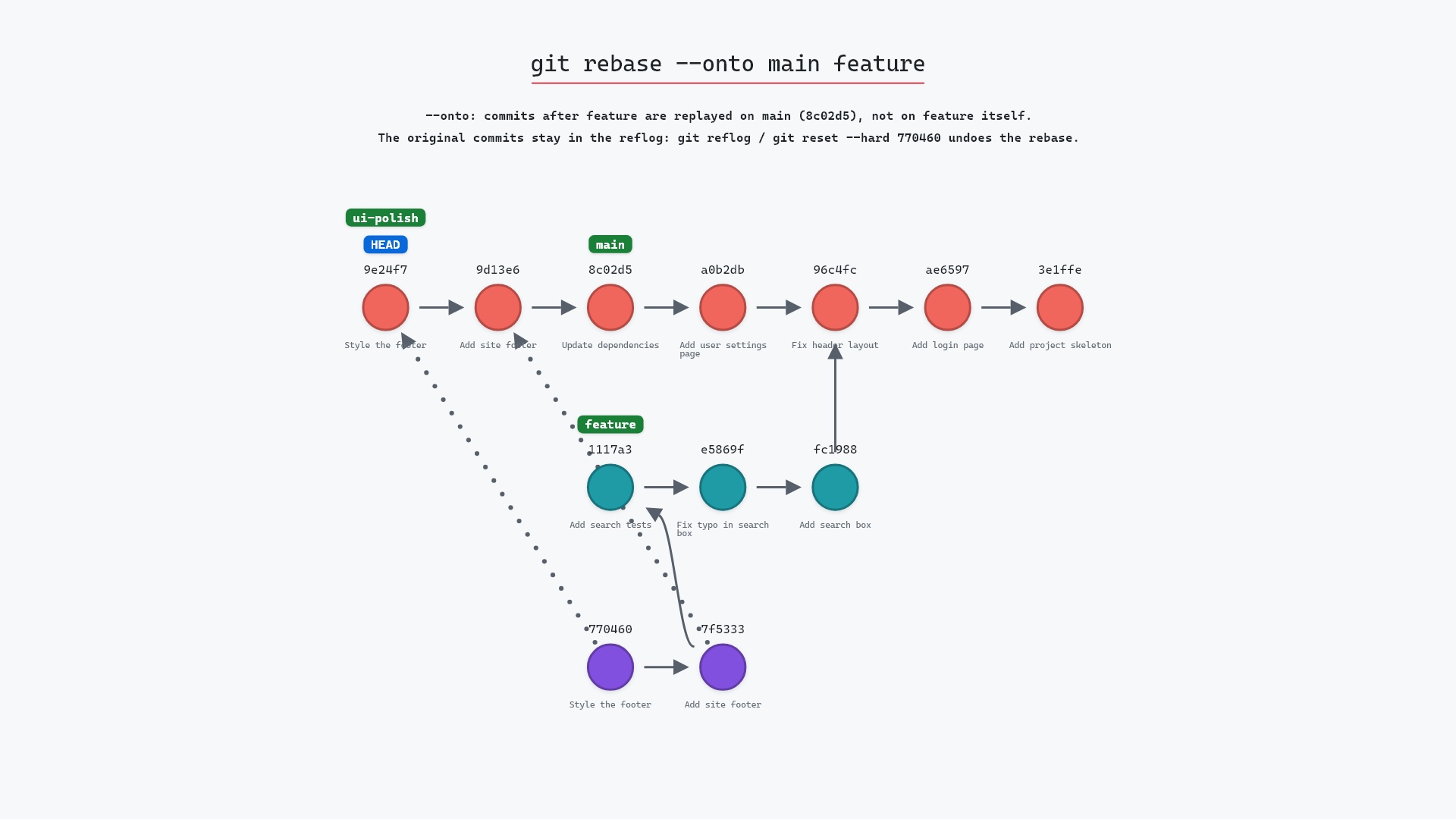
Our sample repo has a feature branch with three commits that branch off 96c4fc2 "Fix header layout": "Add search box" (fc19889), "Fix typo in search box" (e5869f0) and "Add search tests" (1117a34). Someone started a ui-polish branch from the tip of feature and added two commits of their own: "Add site footer" (7f5333f) and "Style the footer" (770460e). ui-polish is checked out. Meanwhile main has moved on to 8c02d5b.
The footer work has nothing to do with search, so we want ui-polish based on main, with only its own two commits. A plain git rebase main would move all five commits, since none of them are on main. So here's git rebase --onto main feature.
The commits to move are feature..ui-polish: "Add site footer" and "Style the footer". feature is the cut point, so its three commits stay where they are.
- Before:
HEADis attached toui-polishat770460e, two commits abovefeatureat1117a34, which is three commits above96c4fc2.mainpoints at8c02d5b. - Git creates a new commit that applies the change from "Add site footer" (
7f5333f) on top of8c02d5b, the tip ofmain. Its parent is different, so it gets a new id. - Git creates another new commit that applies the change from "Style the footer" (
770460e), with the first new commit as its parent. ui-polishmoves to the second new commit, andHEADmoves with it. The threefeaturecommits are not part of the newui-polish.
git-sim draws the new commits with placeholder hashes, since the real ones don't exist until Git creates them.
What actually happened
When we ran the real command on the sample repository, Git replayed both commits without stopping:
The raw git output, if you want to read along in text
git log --oneline --graph --all
before
* 770460e (HEAD -> ui-polish) Style the footer
* 7f5333f Add site footer
* 1117a34 (feature) Add search tests
* e5869f0 Fix typo in search box
* fc19889 Add search box
| * 8c02d5b (main) Update dependencies
| * a0b2db3 Add user settings page
|/
* 96c4fc2 Fix header layout
* ae65976 Add login page
* 3e1ffe4 Add project skeleton
* 4114b2c Initial commit
after
* c1f9cee (HEAD -> ui-polish) Style the footer
* dd9e9cc Add site footer
* 8c02d5b (main) Update dependencies
* a0b2db3 Add user settings page
| * 1117a34 (feature) Add search tests
| * e5869f0 Fix typo in search box
| * fc19889 Add search box
|/
* 96c4fc2 Fix header layout
* ae65976 Add login page
* 3e1ffe4 Add project skeleton
* 4114b2c Initial commit
what git printed
Rebasing (1/2)
Rebasing (2/2)
Successfully rebased and updated refs/heads/ui-polish.
"Rebasing (1/2)" and "Rebasing (2/2)" are the two ui-polish commits, nothing from feature. The new commits are dd9e9cc "Add site footer" and c1f9cee "Style the footer", sitting on top of 8c02d5b. ui-polish and HEAD now point at c1f9cee. feature is still at 1117a34 and main is still at 8c02d5b, since a rebase only moves the branch being rebased.
It went cleanly because the footer commits don't touch anything the search commits created. This is the thing to check before any --onto: that the commits you leave behind don't create something the commits you move depend on. If "Style the footer" had edited search.html, which only exists because of "Add search box", Git would have stopped on a conflict.
--onto most is a branch I started on top of someone else's feature branch, when that branch then gets squash-merged into main. A plain rebase tries to replay their commits too, and conflicts with the squashed version of them. git rebase --onto main their-branch my-branch moves only my commits.
The two forms
With two arguments, as in our example, the branch is whatever you have checked out:
git rebase --onto main feature
With three, you name the branch too, and Git checks it out before starting:
git rebase --onto main feature ui-polish
Those two commands do the same thing in our sample repository. The three-argument form is handy when you're on a different branch, or when you want the command to read on its own later, since it names every piece.
<upstream> doesn't have to be a branch name. A tag, a hash or a relative name like HEAD~2 all work, and it's evaluated once, before the rebase starts.
Other things --onto does
- Moving the last few commits.
git rebase --onto main HEAD~2moves only the last two commits of the current branch ontomain, and leaves the earlier ones behind. Keep in mind that if an earlier commit you leave behind is one a later commit depends on (say it creates a file the later one edits), the rebase stops on a conflict. - Dropping commits from the middle of a branch.
git rebase --onto HEAD~3 HEAD~2replays the top two commits ontoHEAD~3, which leaves outHEAD~2. The same risk applies if a later commit depends on the one you drop. - Rebasing onto an older base.
<newbase>can be any commit, not just a branch tip.
Is it safe?
Like any rebase, --onto rewrites your branch: Git creates a new commit for every one it moves, each with a new hash, and the originals drop off the branch. That's fine for a branch only you have, and a problem for one other people have pulled. git rebase covers that rule in more detail.
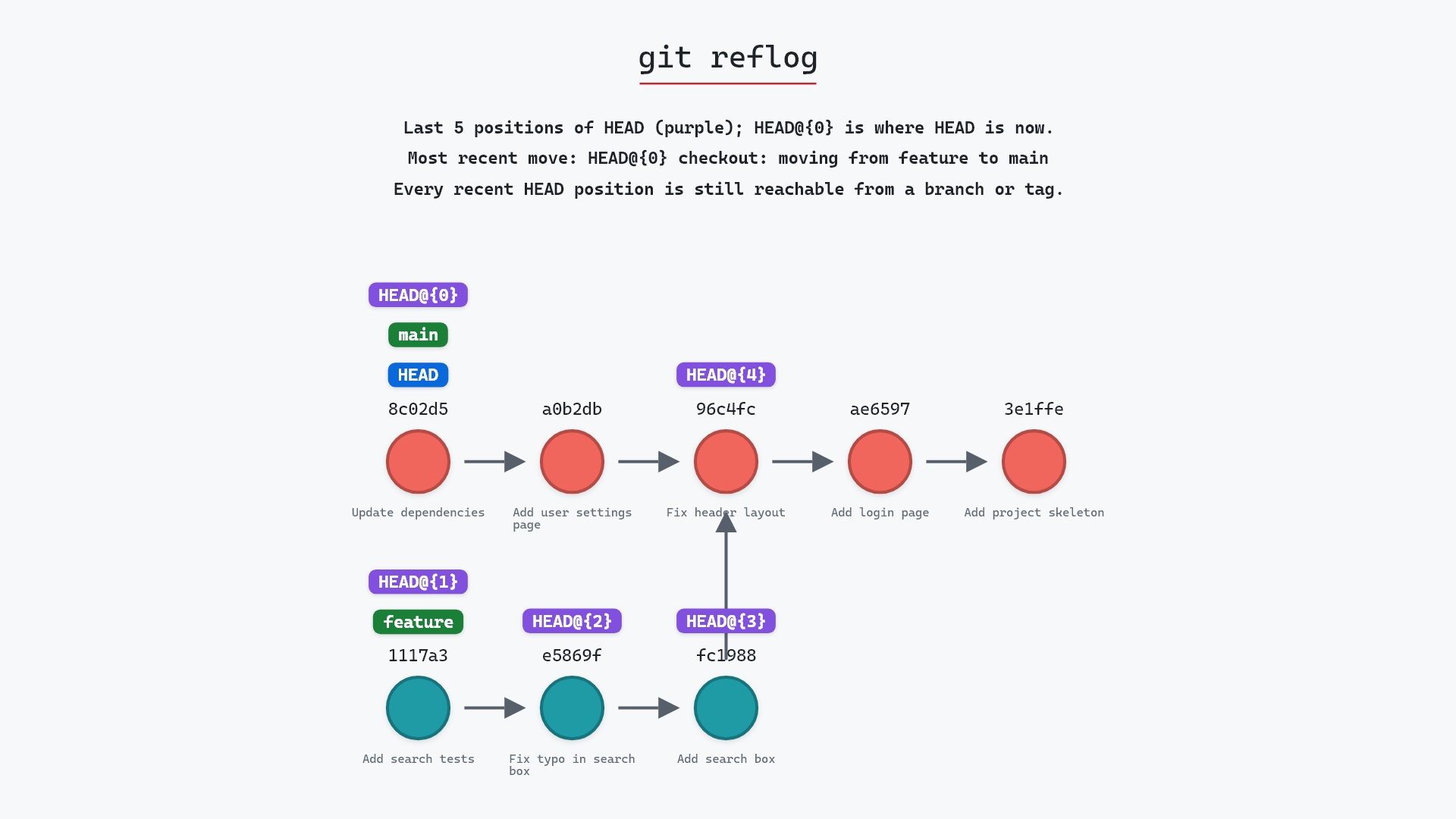
Nothing is deleted, though. While a rebase is paused on a conflict, git rebase --abort gets you out. After it finishes, the originals stay reachable from the reflog. In our example, 7f5333f and 770460e are no longer on any branch, but git reflog still lists them.
Keep in mind that commits you leave out with --onto are gone from the branch afterwards. Here that's what we wanted, and the three search commits are still on feature. If the commits you leave out aren't on any other branch, the reflog is the only place they're left.
How to undo it
During a paused rebase:
git rebase --abort
After a finished one, reset the branch to its old tip, which was 770460e in our example:
git reset --hard 770460e
git reset --hard ui-polish@{1} does the same thing using the branch's own reflog, and git reset --hard ORIG_HEAD works right after the rebase completes.
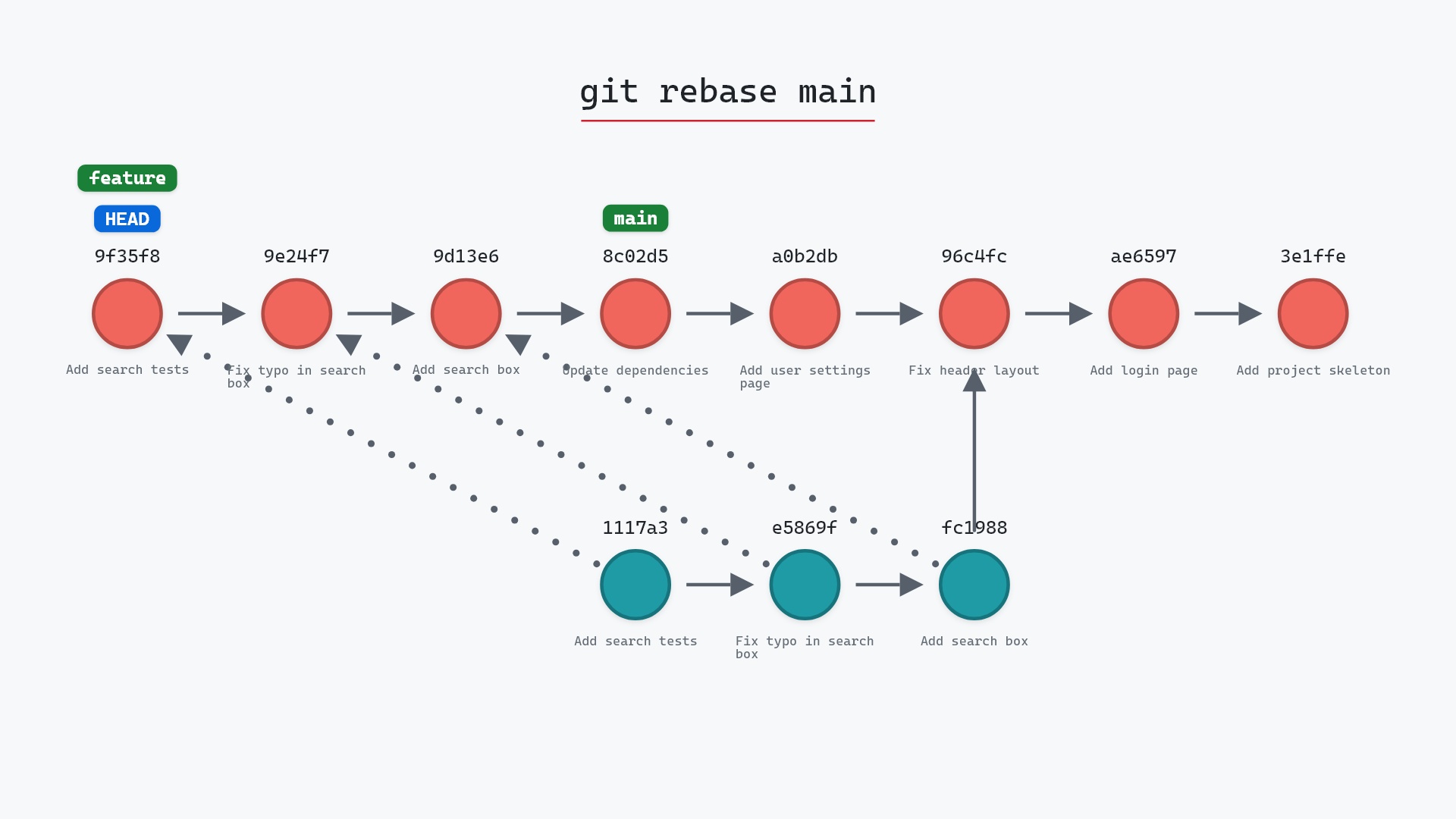
For comparison, here's a plain rebase, which moves every commit the branch has that main doesn't:
Try it on your repository
pip install git-sim
git-sim rebase --onto main feature
git-sim draws which commits the cut point selects and where they'd land, before anything is rewritten. It's worth checking that list of commits against what you expect, since the cut point is the easiest part of --onto to get wrong.
Common questions
What does git rebase --onto do?
It replays the commits between <upstream> and your branch onto <newbase>. With ui-polish checked out, git rebase --onto main feature moves only the commits ui-polish added after feature onto main.
What is the difference between git rebase and git rebase --onto?
Plain git rebase main uses main both to choose the commits and as the destination. --onto lets you choose the commits with one argument and the destination with another.
Is the upstream commit included in git rebase --onto?
No. The commits that move are the ones after <upstream>, the same set git log <upstream>..<branch> lists. <upstream> itself stays behind.
How do I undo git rebase --onto?
git rebase --abort while it's paused. Once it's done, git reset --hard ORIG_HEAD right away, or the old tip from git reflog (ui-polish@{1} right after the rebase).
Summary
In this article, we used git rebase --onto main feature to move the two commits of ui-polish onto main without the three feature commits it was started from, looked at the new commits Git created, and covered both forms of the command and how to undo it.
Next steps
git rebase covers the ordinary form and the rule about shared branches. git cherry-pick A..B applies a slice of commits to your branch without moving the source branch.
Related commands
- git rebase, the ordinary form
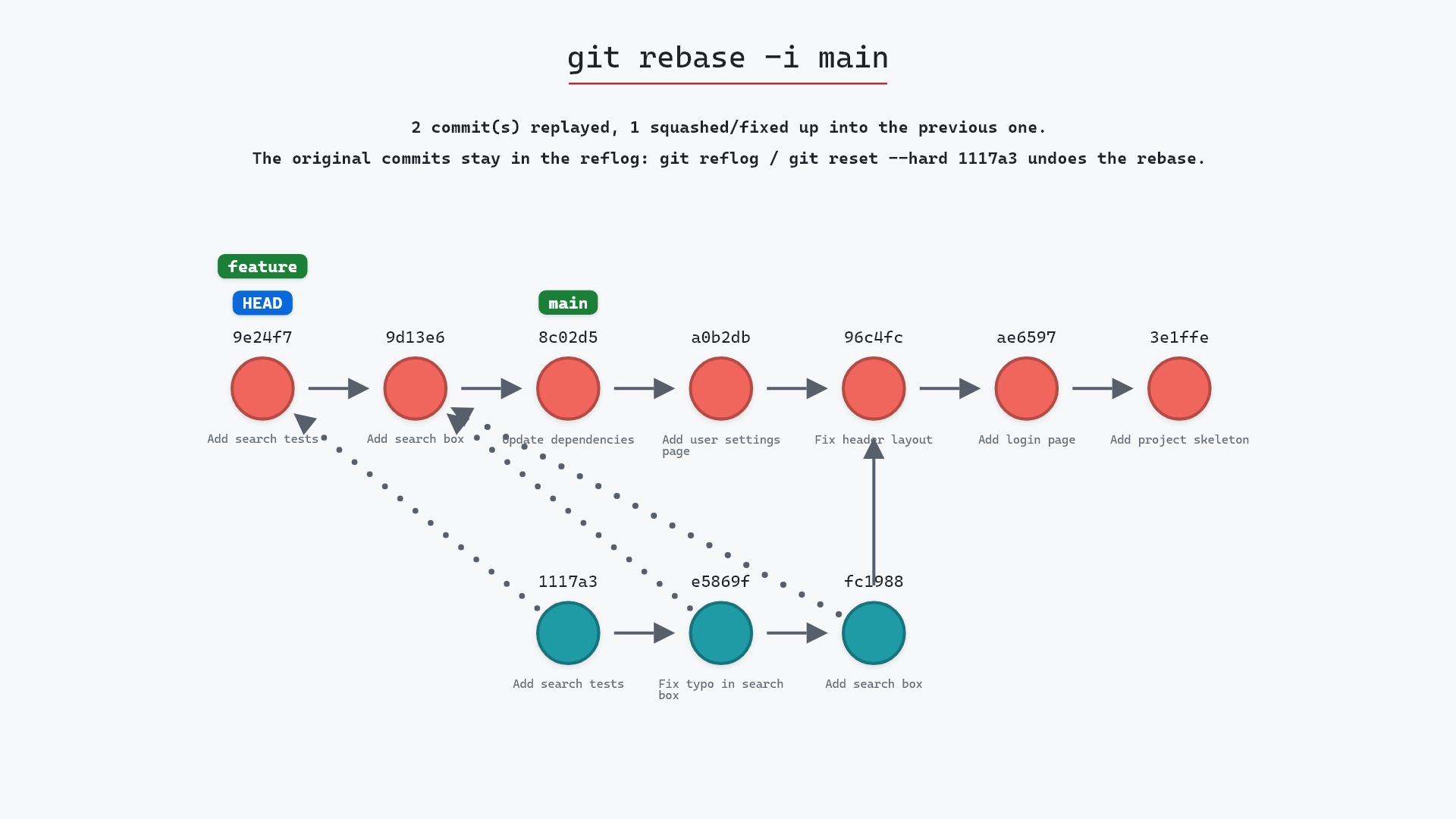
- git rebase -i, to drop or reorder commits one by one
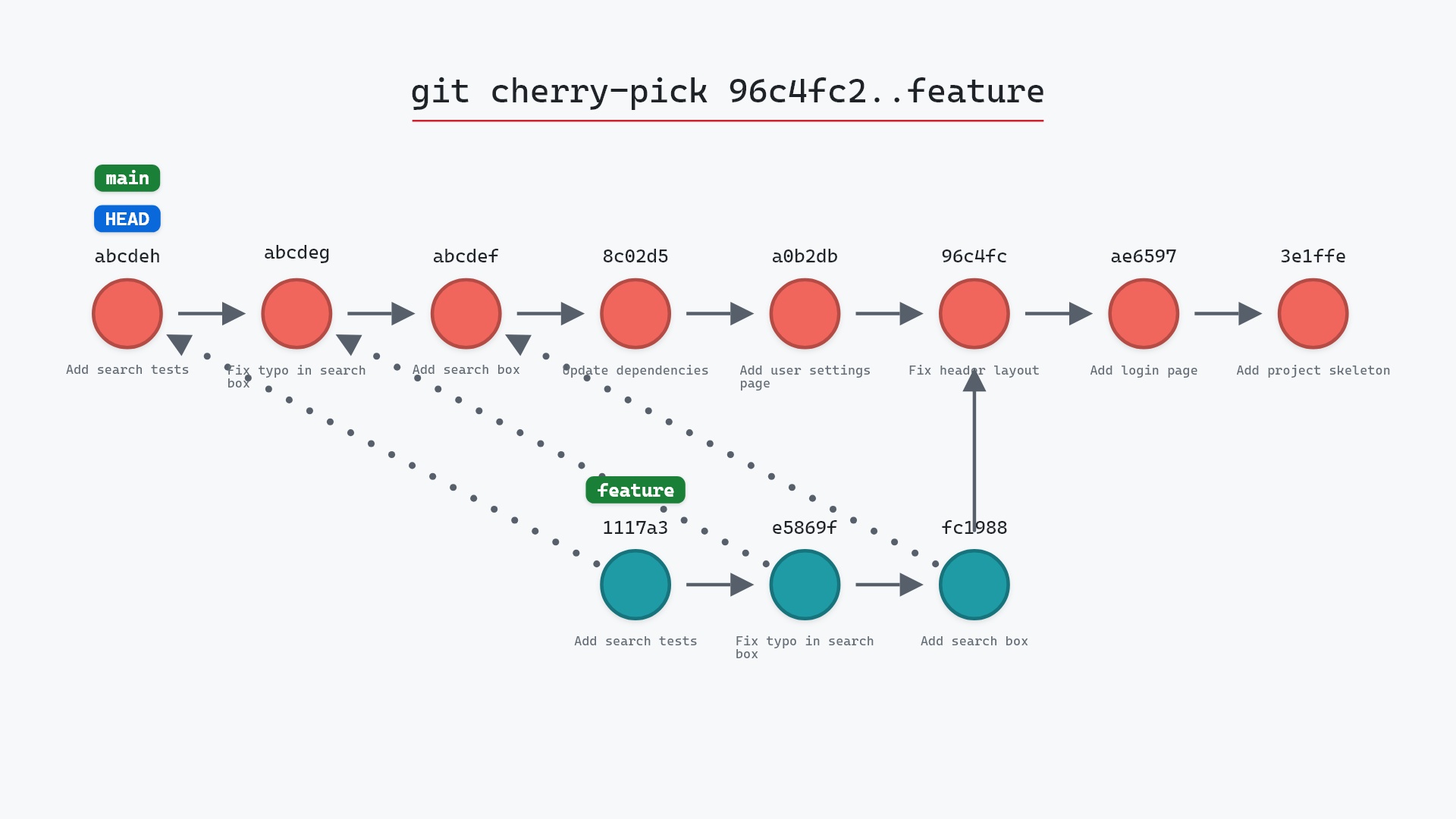
- git cherry-pick A..B, to apply a slice to another branch and leave the source branch where it is
- git reflog, to undo a finished rebase
- git log, to preview the slice with
<upstream>..<branch> - git push --force-with-lease, to push a rebased branch