Git commands
Why git cherry-pick A..B skips A, and when you want A^..B
git cherry-pick A..B: applying a run of commits
How to use this page
- slider / ▶Drag the slider, or press play, to watch the command happen. Before and After jump to either end.
- ← → · spaceStep through a multi-step command; space toggles Before / After.
- APlay or pause the loop (the page opens playing). Any manual input takes over.
- hoverA commit shows its message, author, date and parents, with its history highlighted.
- clickCopies the commit sha.
- ctrl + wheelZoom around the cursor (pinch on a trackpad). Double-click resets the view.
- EscStop playback, reset the view, close this menu.
- shareThe Share button copies a link to this graph, copies it as an image, downloads PNG/SVG/page, or posts it. #before, #after or #step=N in the link pins the state.
git-sim visually simulates any Git command in your own repos - from your terminal, IDE, or AI.
Table of Contents
- Introduction
- What is git cherry-pick A..B?
- Watch it happen
- Before and after
- A..B versus A^..B
- When a pick in the middle conflicts
- Is it safe?
- Useful forms
- How to undo it
- Try it on your repository
- Common questions
- Summary
- Next steps
- Related commands
Introduction
git cherry-pick applies one commit's change. When you need several in a row, say a small feature someone built on the wrong branch, naming each hash gets tedious. Cherry-pick accepts a range instead. The catch is the range syntax itself: A..B does not include A, and forgetting that is the most common way to pick one commit fewer than you meant to.
In this article, we'll:
- Watch
git cherry-pick 96c4fc2..featureapply all threefeaturecommits tomainas new commits - See why the range is written from
96c4fc2, the commit before the first one we want - Cover
A^..B, conflicts partway through a range, and how to undo it
What is git cherry-pick A..B?
git cherry-pick A..B takes every commit that is reachable from B but not from A and applies them one at a time onto your current branch, oldest first. Each one becomes a new commit with the original's message, author and change, and a new hash, since its parent is different.
A..B is the same range git log A..B shows. A itself is excluded, because it's reachable from A. So when A is the commit just before the first one you want, A..B is exactly right, and when A is the first commit you want, you need A^..B, where A^ means "the parent of A".
Watch it happen
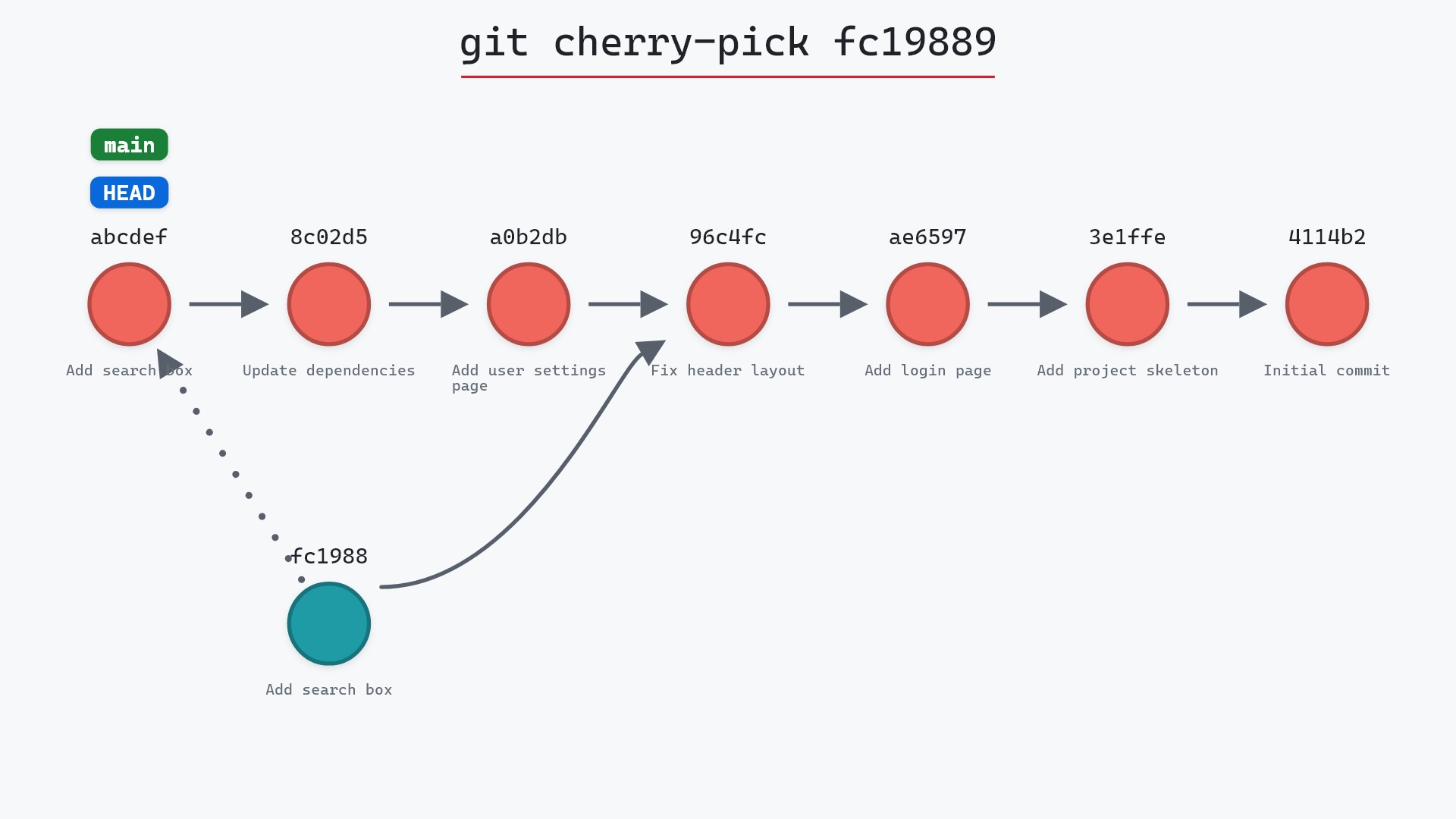
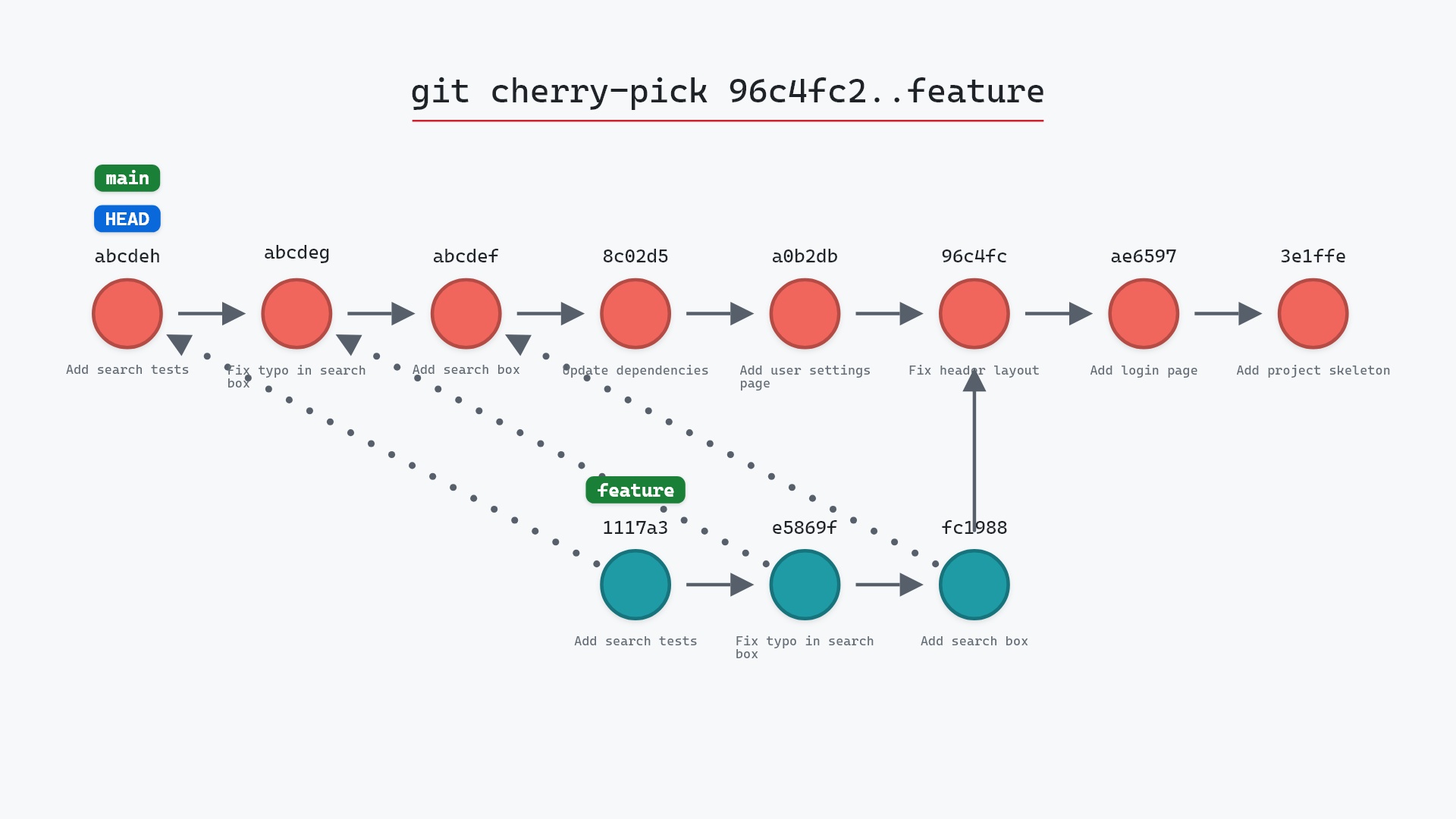
Our sample repo has main checked out at 8c02d5b, "Update dependencies". feature has three commits that branch off 96c4fc2 "Fix header layout": "Add search box" (fc19889), "Fix typo in search box" (e5869f0) and "Add search tests" (1117a34). We want all three on main, in order. Here's git cherry-pick 96c4fc2..feature:
- Before:
HEADis attached tomainat8c02d5b, andfeature's three commits branch off96c4fc2. - Git creates a new commit with the changes and message of "Add search box" (
fc19889). - Its parent is
8c02d5b. - Git creates a new commit with the changes and message of "Fix typo in search box" (
e5869f0). - Its parent is the first new commit.
- Git creates a new commit with the changes and message of "Add search tests" (
1117a34). - Its parent is the second new commit.
mainmoves to the last new commit, andHEADmoves with it.featureand its three commits are unchanged.
The drawing uses placeholder hashes for the new commits, since they don't exist yet when git-sim draws them. The real run gave them 5ae3154, 6c2bb67 and 8e95904.
Before and after
main now has three new commits on top of "Update dependencies", with the same messages as the feature commits and different hashes. Git prints one summary per commit it creates, in the order it applied them:
The raw git output, if you want to read along in text
git log --oneline --graph --all
before
* 1117a34 (feature) Add search tests
* e5869f0 Fix typo in search box
* fc19889 Add search box
| * 8c02d5b (HEAD -> main) Update dependencies
| * a0b2db3 Add user settings page
|/
* 96c4fc2 Fix header layout
* ae65976 Add login page
* 3e1ffe4 Add project skeleton
* 4114b2c Initial commit
after
* 8e95904 (HEAD -> main) Add search tests
* 6c2bb67 Fix typo in search box
* 5ae3154 Add search box
* 8c02d5b Update dependencies
* a0b2db3 Add user settings page
| * 1117a34 (feature) Add search tests
| * e5869f0 Fix typo in search box
| * fc19889 Add search box
|/
* 96c4fc2 Fix header layout
* ae65976 Add login page
* 3e1ffe4 Add project skeleton
* 4114b2c Initial commit
what git printed
[main 5ae3154] Add search box
 Date: Wed May 1 15:00:00 2024 +0000
 1 file changed, 1 insertion(+)
 create mode 100644 search.html
[main 6c2bb67] Fix typo in search box
 Date: Wed May 1 16:00:00 2024 +0000
 1 file changed, 1 insertion(+), 1 deletion(-)
[main 8e95904] Add search tests
 Date: Wed May 1 17:00:00 2024 +0000
 1 file changed, 2 insertions(+)
 create mode 100644 test_search.py
96c4fc2 is the commit where feature branched off, so 96c4fc2..feature is precisely the three feature commits. Nothing from main's own side of the history is included, because everything reachable from 96c4fc2 is excluded, and the range only counts commits reachable from feature.
A..B versus A^..B
Here's the same pick written from the first commit we want:
git cherry-pick fc19889..feature
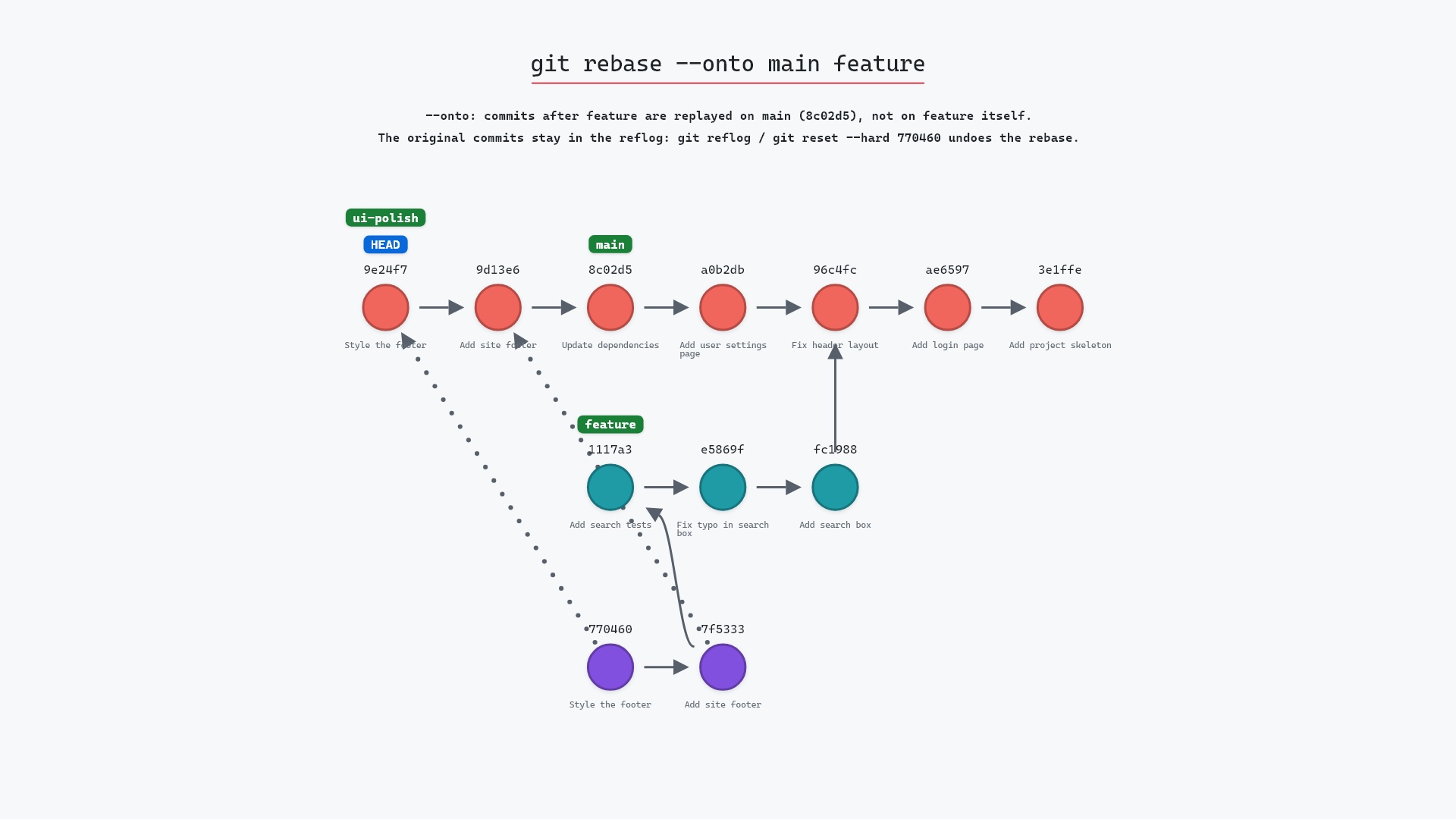
This leaves out "Add search box", because fc19889 is A and A is excluded. You'd get only "Fix typo in search box" and "Add search tests", and in this repository that would also stop with a conflict, since the typo fix edits search.html, a file that only "Add search box" creates. (git rebase --onto runs into exactly that conflict with the same two commits.)
To include the first commit, step back one with ^:
git cherry-pick fc19889^..feature
fc19889^ is 96c4fc2, so this is the command we ran. Use whichever reads better to you: "from the base" (96c4fc2..feature) or "from the first commit I want, inclusive" (fc19889^..feature).
first..last, watched Git pick one commit fewer than I expected, and had to go back for the missing one. Now, before a range pick, I run git log --oneline A..B with the exact same range. If the list it prints is what I want, the pick will apply the same commits.
When a pick in the middle conflicts
Cherry-pick works through the range one commit at a time. If one of them conflicts, it stops there, with the earlier picks already committed. From there:
- fix the files,
git addthem, andgit cherry-pick --continueto carry on with the rest of the range git cherry-pick --skipto leave out the commit that conflicted and go on to the nextgit cherry-pick --abortto cancel the whole sequence and put your branch back where it was before the first pick
Is it safe?
Safe git-sim pre-flight
'cherry-pick' creates new commit(s); existing history is untouched.
Like a single cherry-pick, a range only adds commits to your branch. The source branch isn't touched. The things to watch are picking the wrong set of commits, which git log A..B previews for you, and a conflict partway through, which --abort backs out of.
Useful forms
git cherry-pick -x A..Badds "(cherry picked from commit ...)" to each new commit's message, so every one records where it came from.git cherry-pick -n A..Bapplies all the changes without committing, so you can make one commit out of them.git cherry-pick A B Cnames commits one by one, when they aren't next to each other. The git cherry-pick documentation has every other option.
How to undo it
The three new commits are the top three commits on main, so:
git reset --hard HEAD~3
puts main back on 8c02d5b. Only do that before pushing. Once the new commits are shared, git revert them instead.
For comparison, here's a single-commit cherry-pick:
Try it on your repository
pip install git-sim
git-sim cherry-pick 96c4fc2..feature
git-sim draws every commit the range would apply, in order, with a trail back to each original, so you can see whether you got the ends of the range right.
Common questions
Does git cherry-pick A..B include commit A?
No. A..B means the commits reachable from B that aren't reachable from A, which leaves A out. Use A^..B to include it.
In what order does git cherry-pick apply a range?
Oldest first, so the new commits land in the same order as the originals.
How do I cherry-pick multiple commits that aren't consecutive?
List them: git cherry-pick fc19889 1117a34. They're applied in the order you give them.
What happens if one commit in the range conflicts?
Cherry-pick stops on that commit, keeping the new commits it has already made. Resolve and git cherry-pick --continue, skip it with --skip, or undo the whole run with --abort.
Summary
In this article, we watched git cherry-pick 96c4fc2..feature apply three commits to main in order, saw why the range starts from the commit before the first one we wanted, and covered A^..B, conflicts in the middle of a range, and how to undo it.
Next steps
git cherry-pick covers picking a single commit. git rebase --onto replays a slice of commits and moves the branch along with them.
Related commands
- git cherry-pick, for one commit
- git rebase --onto, to move a branch's slice onto a new base instead
- git log, to preview a range before picking it
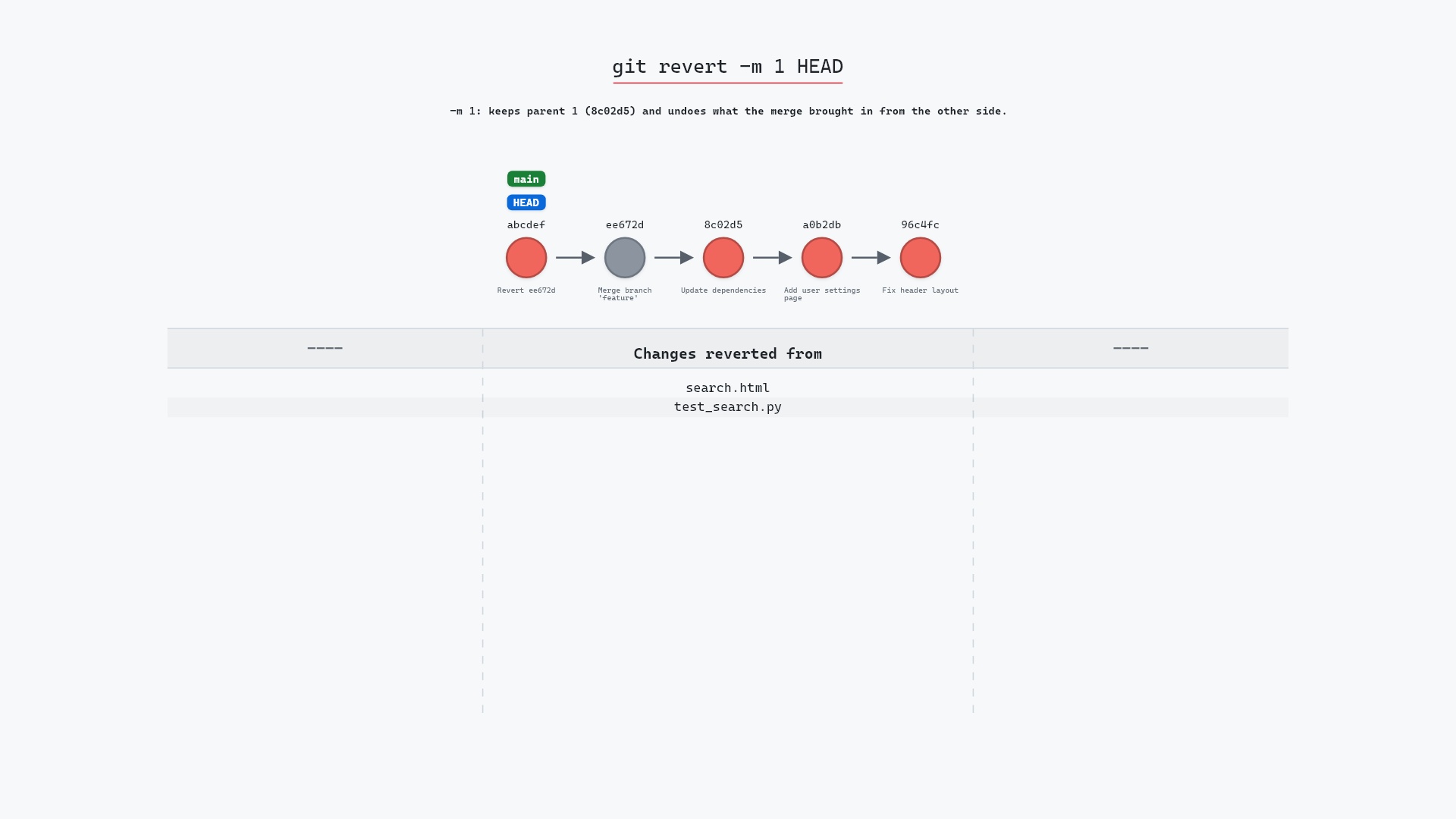
- git revert, to undo picks that are already pushed
- git reset --hard, to undo picks that aren't
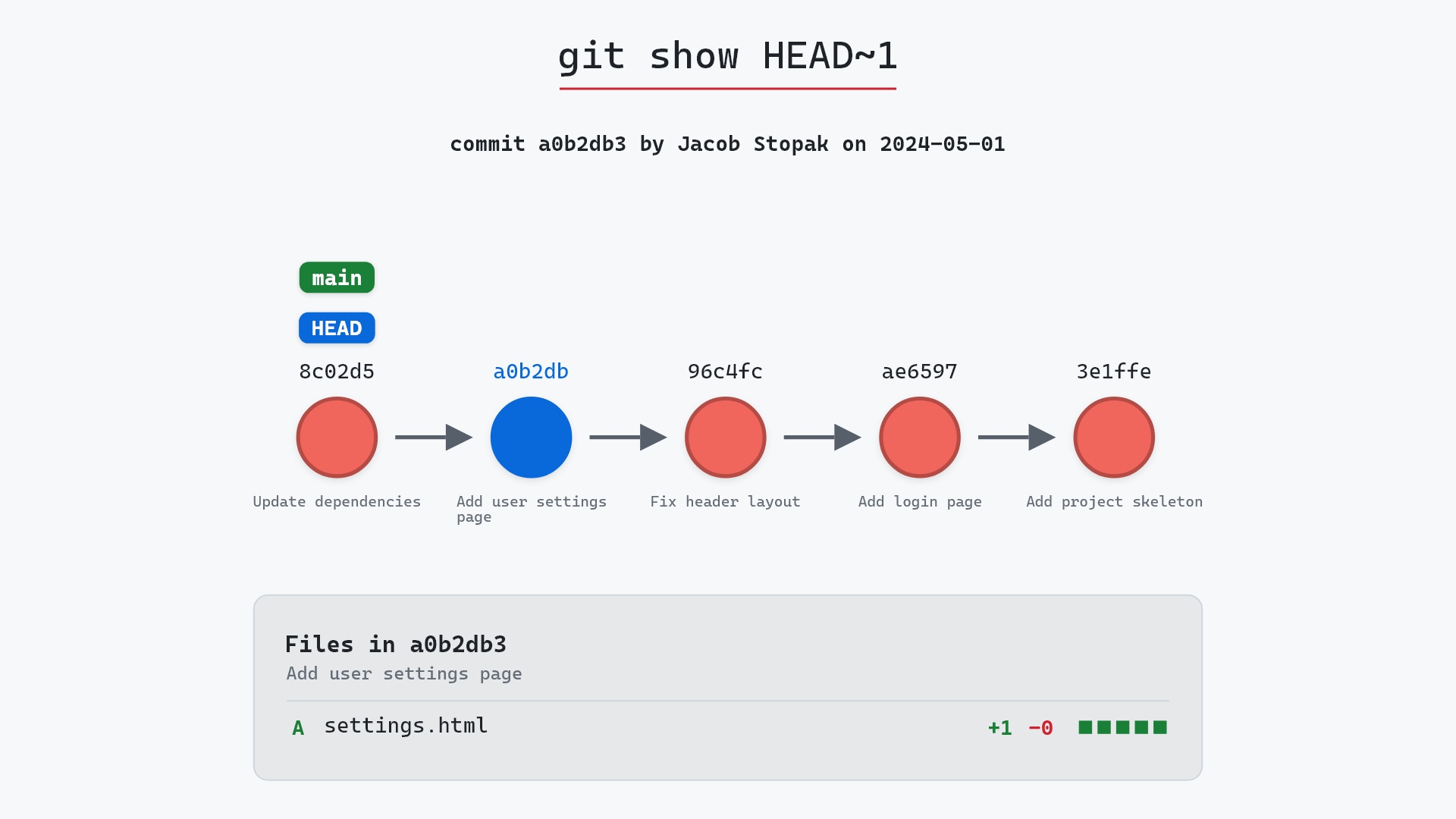
- git show, to check what each commit in the range changes